

Your store can survive an ugly theme. It cannot survive a checkout that times out on Black Friday.
Most ecommerce hosting plans are ordinary shared hosting with an SSL certificate bolted on. That’s fine until traffic spikes, or until your product filters start hammering the database. Below are eight hosts worth your money, what each is genuinely good at, and where each falls down, so you can pick once and stop worrying about it.
The short answer
Want managed cloud without touching a server? Cloudways is the safest pick for a growing WooCommerce or Magento store. Comfortable on the command line? Linode or UpCloud beat almost anything shared. Launching on a tight budget? Hostinger or ChemiCloud get you live cheaply. Everything else here fits a narrower case.
eCommerce hosting compared at a glance
| Host | Type | Best for | Watch out for |
|---|---|---|---|
| Linode | Unmanaged cloud VPS | Developers who want control | You are your own sysadmin |
| ChemiCloud | Shared and cloud VPS | First stores on a budget | Small host, fewer regions |
| Cloudways | Managed cloud | Growing WooCommerce stores | Costs more than raw VPS |
| InterServer | Shared, VPS, dedicated | Predictable long-term pricing | Dated control panel experience |
| Bluehost | Shared and managed WordPress | Beginners wanting one dashboard | Renewal pricing jumps sharply |
| UpCloud | Unmanaged cloud VPS | Fast storage, low latency | No hand-holding at all |
| HostGator | Shared, VPS, dedicated | Simple catalogue sites | Shared plans strain under load |
| Hostinger | Shared, cloud, VPS | Cheapest credible starting point | Entry plans outgrow fast |
What actually matters when you host a store
A blog can cache nearly every page and serve it from memory. A store cannot. Carts, checkout and account pages bypass the cache and hit PHP and the database on every request. That is why hosting decisions that barely matter for a content site become decisive for a shop.
- Uptime you can verify. Everyone advertises 99.9%. What counts is a public status page and a guarantee that actually pays out. Monitor your store yourself rather than trusting the marketing number.
- Time to first byte on uncached pages. Test the cart and checkout, not the homepage. A cached homepage loading in 200ms tells you nothing about a logged-in customer applying a coupon.
- PCI DSS and SSL. With a gateway such as Stripe or PayPal, card data never touches your server and compliance stays light. You still need TLS everywhere and a host that patches PHP promptly.
- Headroom for spikes. An email blast can multiply traffic tenfold in minutes. Ask how fast you can resize. Cloud hosts scale; cheap shared plans throttle.
- Support that understands stores. Test them with a real technical question while you are still inside the refund window.
- A tested restore. Daily backups are table stakes. Being able to restore just the database quickly is what saves your order table.
How we evaluated these hosts
Plain about the limits: this shortlist is based on each provider’s published specifications and documentation. It is not a controlled benchmark, and any number a host publishes about itself is marketing rather than evidence.
Prices and plan limits change often, so confirm on the provider’s own pricing page before you buy.
List of Best Web Hosting Providers for eCommerce Site in 2026
Linode: raw cloud performance for developers
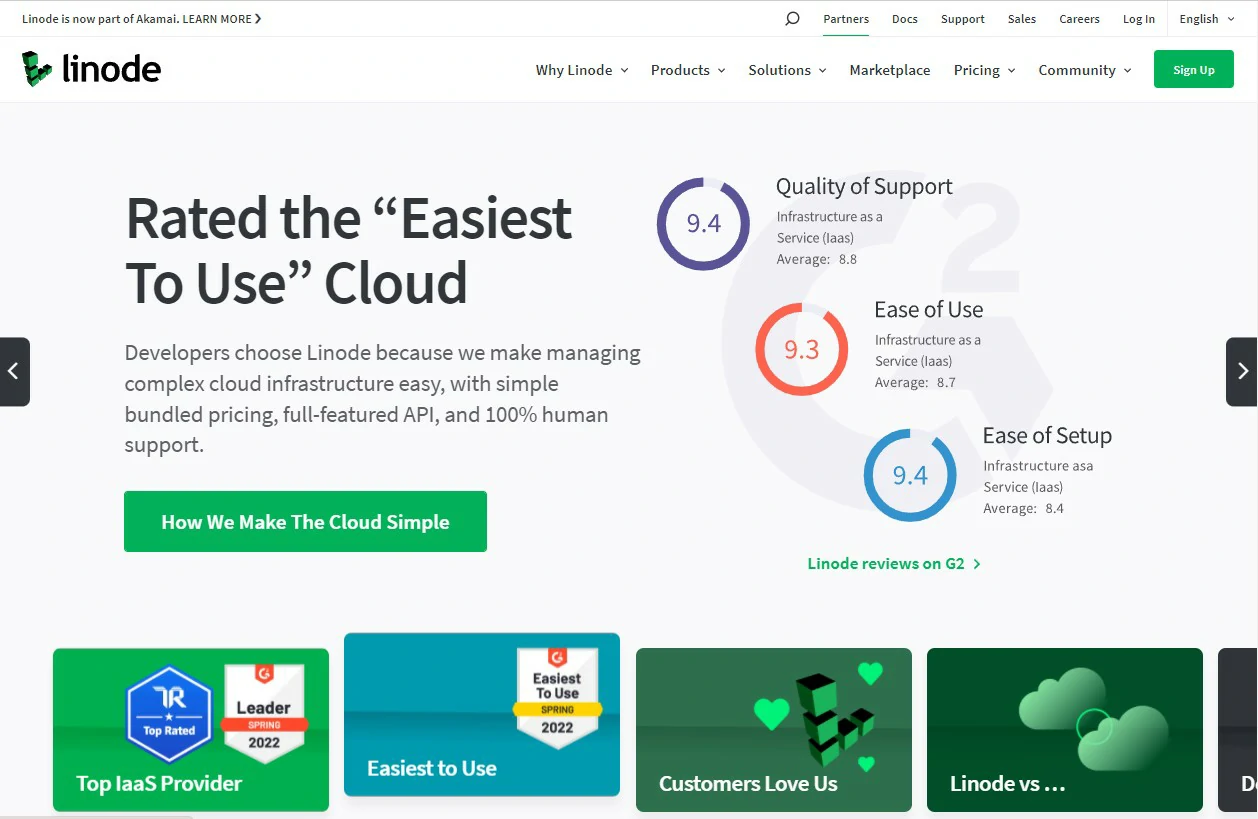
Linode is not an ecommerce platform, and that is the point. It sells you a clean Linux virtual machine with NVMe storage, then gets out of the way. Founded by Christopher Aker in 2003 and acquired by Akamai in 2022, it has one of the longest track records in independent cloud hosting. For a store that means strong performance per dollar, provided you maintain the stack yourself.
- Full root access over your stack, PHP version and caching layer
- NVMe block storage, private networking and a straightforward API for automation
- Data centres across four continents to cut latency for buyers
- Free DDoS protection and a load balancer service you can add when you outgrow one server
- Resize a server vertically in minutes, which is what saves you during a sales spike
Pricing: billed hourly with a monthly cap, starting at the entry shared-CPU tier and scaling to dedicated CPU instances. Check the current Linode pricing page before you budget, as tiers are revised periodically.
Best for: developers or agencies running WooCommerce or Magento who want control and predictable, low per-resource cost.
Not ideal for: a first-time store owner. Nobody patches the server, tunes MySQL or fixes a broken deploy but you.
ChemiCloud: a small host that punches above its size

ChemiCloud, founded in 2016, is the kind of independent host that survives on service rather than advertising budget. Its published refund window runs longer than the shared-hosting norm. For a small store it hits a useful middle ground: cPanel familiarity and free migrations, on quicker hardware than the bargain-basement shared market.
- Free SSL, free domain for the life of the plan and free site migration
- Daily backups retained for weeks, with self-service restore from the control panel
- LiteSpeed servers with built-in caching, which helps a WooCommerce catalogue considerably
- Cloud VPS tiers to move up to when a shared plan stops coping
- An unusually long refund window compared with the industry norm
Pricing: shared plans are cheap on a multi-year first term and renew higher, as is standard across this market. Confirm both the introductory and renewal price before committing.
Best for: a first or second store where budget is tight but you still want a human on support chat.
Not ideal for: high-traffic stores, or buyers who need data centres in many specific regions.
Cloudways: managed cloud without hiring a sysadmin
Cloudways sits on top of DigitalOcean, Linode, AWS and Google Cloud and handles server administration for you. That is the compromise most growing stores want: cloud performance and vertical scaling without owning the patching or firewall rules. You pay a premium over a raw VPS, and for a store with real revenue that is cheaper than an outage. It lets you monitor bandwidth usage and server’s resources, manage security settings, schedule backup time, and more.
- Pre-tuned Varnish and Redis caching, which matters on cart and checkout pages
- One-click staging, so you can test a plugin update before it reaches live customers
- Vertical scaling on demand, useful when you know a sale is coming
- Free SSL, dedicated firewalls and automated backups you can restore per application
- Supports WooCommerce, Magento, PrestaShop and OpenCart out of the box
Pricing: pay-as-you-go, priced by the underlying cloud provider and server size you pick, so the entry point varies a lot. Price your intended server on their calculator rather than assuming the headline figure.
Best for: a WooCommerce or Magento store past its first few thousand dollars of monthly revenue that cannot afford downtime.
Not ideal for: hobby stores, or anyone who wants email hosting bundled in, since that is a separate add-on.
InterServer: the price-lock host

InterServer’s differentiator is boring and valuable: it price-locks your shared hosting rate, so what you sign up at is what you keep paying. In a market built on painful renewals, that is rare. The interface feels dated, but the fundamentals are solid and you can stay month to month.
- Price-lock guarantee on shared plans, with genuine month-to-month billing
- Free SSL on every plan and Cloudflare CDN integration
- In-house malware scanning and cleanup, plus weekly backups
- A clear upgrade path through VPS and dedicated servers when you outgrow shared
Pricing: a single flat shared tier plus per-slice VPS pricing. Check the current rate on their site, but the point is that it should not jump at renewal.
Best for: owners who hate renewal games and want a predictable line in the accounts.
Not ideal for: anyone who values a polished modern dashboard, or stores needing many global data centre options.
Bluehost: the beginner-friendly default

Bluehost is the host most people meet first, largely because WordPress.org has recommended it for years. That familiarity has real value: WooCommerce installs in a few clicks and support is used to beginners. The trade-off runs through this whole industry, and Bluehost plays it hard: the first term is cheap, the renewal is not.
- Guided WooCommerce setup and one-click WordPress install
- Free SSL and a free domain for the first year
- Managed WordPress tiers with staging when you need more than shared
- 24/7 phone and chat support, which many cheaper hosts no longer offer
Pricing: low introductory rates on longer terms, then a significant renewal increase. Look up the renewal price, not the sticker price, before you commit.
Best for: a first WooCommerce store run by someone who does not want to learn hosting.
Not ideal for: heavy catalogues, or owners who will resent the renewal jump in year two.
UpCloud: the fastest storage in the budget cloud tier
UpCloud is a Finnish provider whose reputation rests on its MaxIOPS block storage, which UpCloud markets as faster than standard SSD. For a database-heavy store, disk speed is often the real bottleneck, so that focus matters more than it first sounds. Like Linode, it is unmanaged.
- MaxIOPS storage aimed squarely at database throughput
- Data centres across Europe, North America, Asia and Australia
- Straightforward hourly billing and a full API for automation
- Private networking and floating IPs for multi-server setups
Pricing: hourly with a monthly cap, comparable to other budget clouds. Verify current tiers on their pricing page.
Best for: technical owners whose store is bottlenecked by database queries rather than page weight.
Not ideal for: beginners. There is no managed layer and no hand-holding.
HostGator: simple hosting for a simple catalogue

HostGator is a competent, unremarkable shared host with a long refund window and full cPanel. For a modest product count and steady traffic it is adequate. Push it with a large catalogue or a traffic spike and the limits of shared hosting show quickly.
- Money-back guarantee on shared plans, with length varying by region
- Full cPanel with cron jobs, error logs and file manager
- Free SSL, unmetered bandwidth and a first-year domain
- VPS and dedicated tiers available if you need to move up in-house
Pricing: discounted introductory terms with higher renewals. Check both figures before buying.
Best for: small catalogue stores and side projects that need something dependable and cheap.
Not ideal for: growth-stage stores. Shared resources become the ceiling sooner than you expect.
Hostinger: the cheapest credible way to launch

Hostinger has built its name on being very cheap without being bad, a harder trick than it sounds. Its hPanel is cleaner than cPanel for beginners, it runs LiteSpeed caching, and it has data centres on several continents. We go deeper in our Hostinger review. The catch: entry plans are genuinely entry-level, and a store that sells will outgrow them.
- LiteSpeed servers with object caching, which helps WooCommerce noticeably
- Free SSL, free domain on annual plans and free migration
- hPanel is simpler to navigate than cPanel if you are new to hosting
- Cloud and VPS tiers to upgrade into without changing provider
- 30-day money-back guarantee
Pricing: among the lowest in the market on multi-year terms, with a substantial renewal increase. Price the renewal before you decide.
Best for: launching a first store on the smallest possible budget, with a clear upgrade path later.
Not ideal for: established stores. The entry tiers are not built for sustained checkout load.
Frequently Asked Questions
Is ecommerce hosting actually different from regular web hosting?
Technically it is the same servers. The difference is workload. Stores generate uncached database queries on every cart, checkout and account page, so they need more CPU and faster storage than a blog on the identical plan.
How much should I expect to pay for ecommerce hosting?
Budget shared plans cost a few dollars a month, managed cloud typically runs to a few tens of dollars. Prices move often, so check the provider page. The important number is the renewal rate, not the introductory one.
Is shared hosting good enough for a small online store?
Yes, at the start. A store with a modest catalogue and a few hundred visitors a day runs fine on decent shared hosting. Move to cloud or VPS once checkout slows during busy periods.
Do I need my host to be PCI compliant?
If you use a hosted gateway such as Stripe or PayPal, card details never reach your server and your obligations stay minimal. You only need a fully PCI-compliant hosting environment if you process or store card data yourself.
Cloudways or Linode: which is the better choice?
Linode is cheaper and faster per dollar if you can administer a server. Cloudways runs on top of providers like Linode and handles that work for you. Pick Cloudways unless you genuinely enjoy server maintenance.
Can I move my store to a different host later?
Yes, and most hosts on this list migrate you free. Plan a quiet window, put the store in maintenance mode so no orders are lost mid-transfer, and verify payments work before pointing DNS across.
Which ecommerce hosting is best for a complete beginner?
Hostinger if budget is the priority, Bluehost if you want phone support and a guided WooCommerce setup. Both hold your hand through installation. Just check the renewal price before you commit to either.
Which one should you actually buy?
Launching your first store and counting every dollar: Hostinger or ChemiCloud. Already selling and worried about a checkout falling over: Cloudways. Comfortable in a terminal and chasing performance per dollar: Linode or UpCloud. Want a fixed price you can forget about: InterServer. Want a guided setup with phone support: Bluehost.
One warning worth more than any feature comparison: almost every shared host on this list sells you a cheap multi-year first term and renews at a much higher rate. Work out the renewal cost before you buy, or you will be migrating under pressure in two years’ time for reasons that have nothing to do with performance.
Next step: pick the plan that matches where your store is now, not where you hope it will be. Buy the shortest term that still carries a refund window, then load-test your own checkout in the first fortnight. If it holds, you chose well. If not, you are still inside the guarantee.




