Let’s be honest: picking a WordPress LMS plugin is where most course creators waste their first $200. They grab the tool with the loudest homepage, fight its quirks for a month, then migrate — losing students and sanity. We’ve built and run course sites on these plugins on live projects, so this guide skips the brochure copy and tells you which WordPress LMS plugin actually fits your goal, your skill level, and your budget in 2026.
The short version: there’s no single “best” LMS — only the best one for your kind of course. A solo coach, a university, and a membership-site owner need very different tools. Here’s what actually matters before you spend money.
ℹ️ Transparency & freshness: Some links here are affiliate links — if you buy through them we may earn a commission at no extra cost to you, and it never changes our ranking. Pricing last verified June 2026; LMS vendors change plans and intro discounts often, so confirm the current cost on each official site before buying.

📌 Quick Answer: Our Top Picks
- Best overall: LearnDash — the most polished, proven choice for serious course creators (no free version, though).
- Best free to start: Tutor LMS or LearnPress — fully working free cores you can launch on today.
- Best all-in-one (courses + membership): LifterLMS or MemberPress.
- Best value paid plugin: MasterStudy LMS — a full LMS from $59/year.
Best WordPress LMS Plugins in 2026 — Compared
| Plugin | Best for | Free version? | Starts at (verified June 2026) |
|---|---|---|---|
| LearnDash | Professional & serious course creators | ❌ No | $199/yr self-hosted (Cloud from $29/mo) |
| LifterLMS | All-in-one: courses + membership + coaching | ✅ Free core | Bundles from $149.50/yr |
| Tutor LMS | Feature-rich free LMS + frontend builder | ✅ Free core | Pro from $199/yr |
| LearnPress | Tight budgets / a genuinely free LMS | ✅ Free core | Add-ons & bundles vary |
| Sensei LMS | Simplicity & WooCommerce stores | ✅ Free core | Sensei Pro $149/yr |
| MemberPress | Selling courses inside a membership | ❌ No | $179.50/yr (renews higher) |
| WP Courseware | Instructors & academic/training teams | ❌ No | $159/yr |
| MasterStudy LMS | Budget all-in-one with a course marketplace | ✅ Free core | Pro from $59/yr |
✅ How we evaluated these: we judged each plugin on course-building speed, quiz and certificate tools, payment options, theme compatibility, and price-for-value — favouring plugins we’d actually deploy for a client. We left out hosted platforms (like Ruzuku or Teachable) because this list is specifically WordPress plugins you own and control.
1. LearnDash — Best Overall
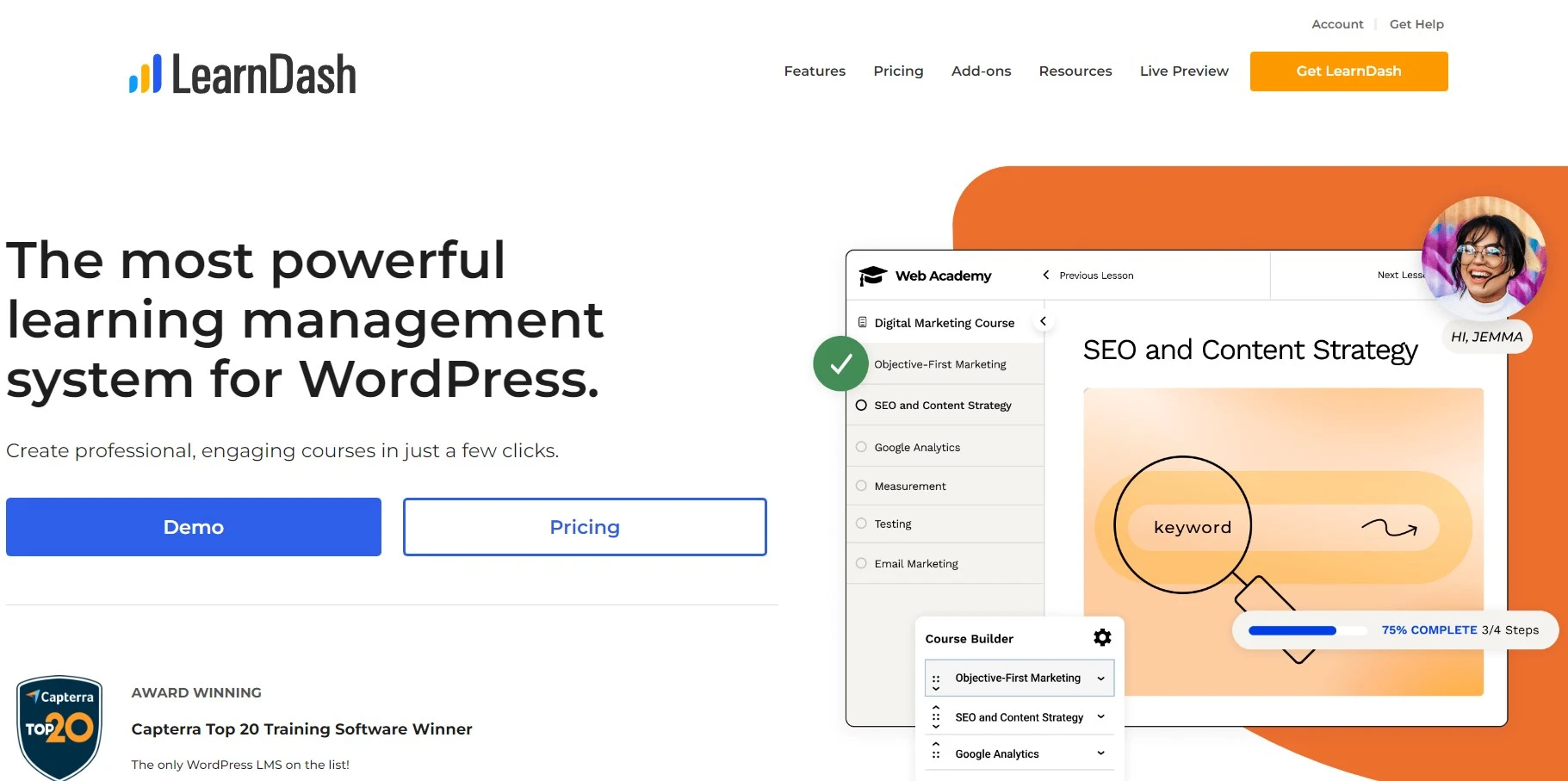
LearnDash is the industry standard — the plugin universities, training companies, and pro creators reach for. Its drag-and-drop builder, focus mode, advanced quizzing, and deep WooCommerce integration make it the most complete option here, and LearnDash Cloud now bundles hosting if you’d rather not self-host.
- Best for: professionals and institutions who want power and proven reliability.
- Our take: brilliant once set up, but there’s no free version and the real cost climbs with add-ons — budget for that. (See our full LearnDash review.)
- Pricing: from $199/yr self-hosted (1 site); LearnDash Cloud from $29/mo. Official pricing.
2. LifterLMS — Best All-in-One
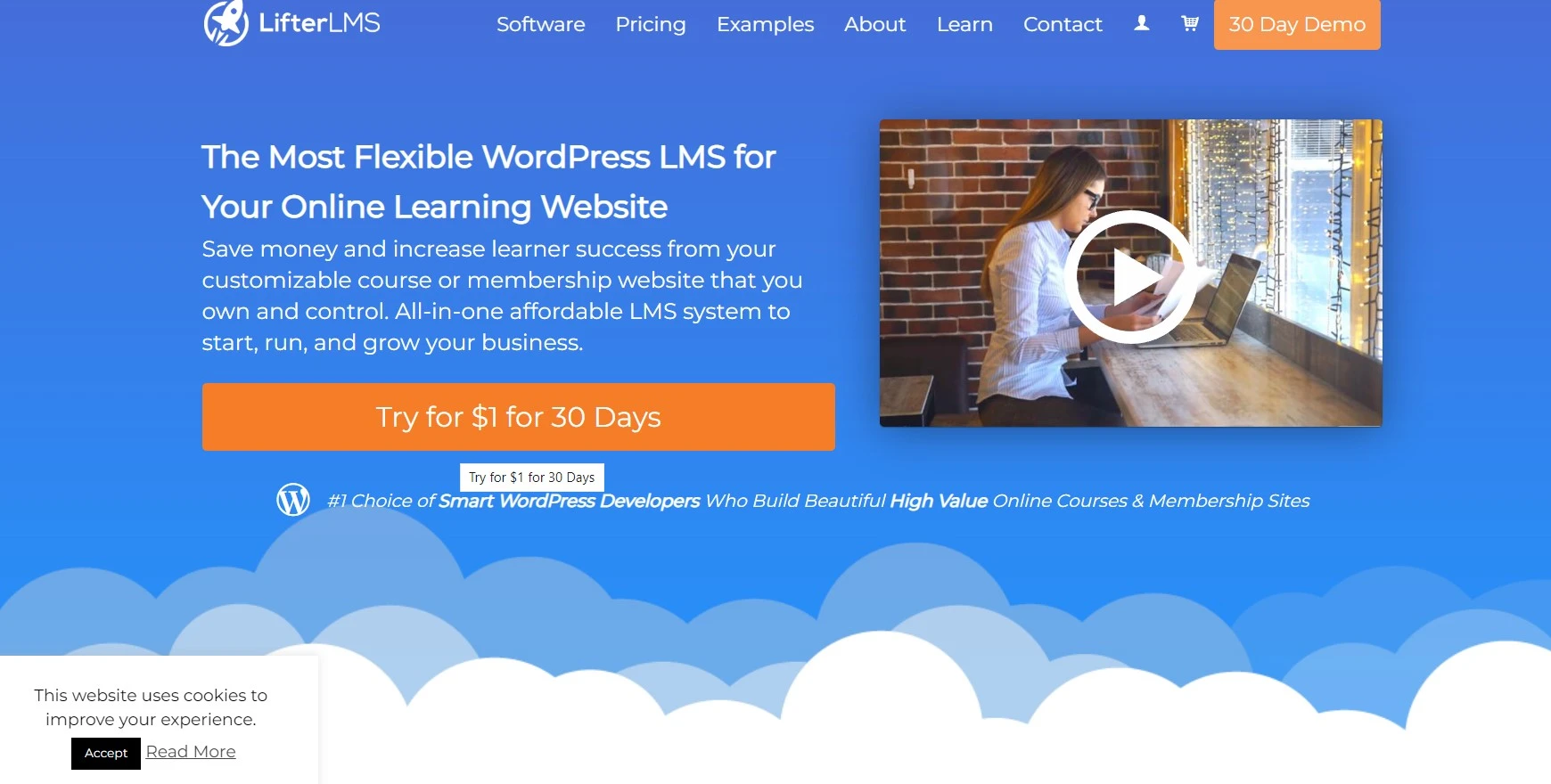
LifterLMS bundles courses, memberships, quizzes, certificates, and private coaching into one plugin, with a genuinely usable free core. If you want to grow a community and sell coaching alongside courses, it’s the most complete all-in-one on this list.
- Best for: creators building a course + membership + coaching business.
- Our take: the free core lets you launch, but you’ll want a bundle for payments and email — factor that in. (Read our LifterLMS review.)
- Pricing: Free core; Earth bundle from $149.50/yr, Universe $249.50/yr.
3. Tutor LMS — Best Free + Frontend Builder
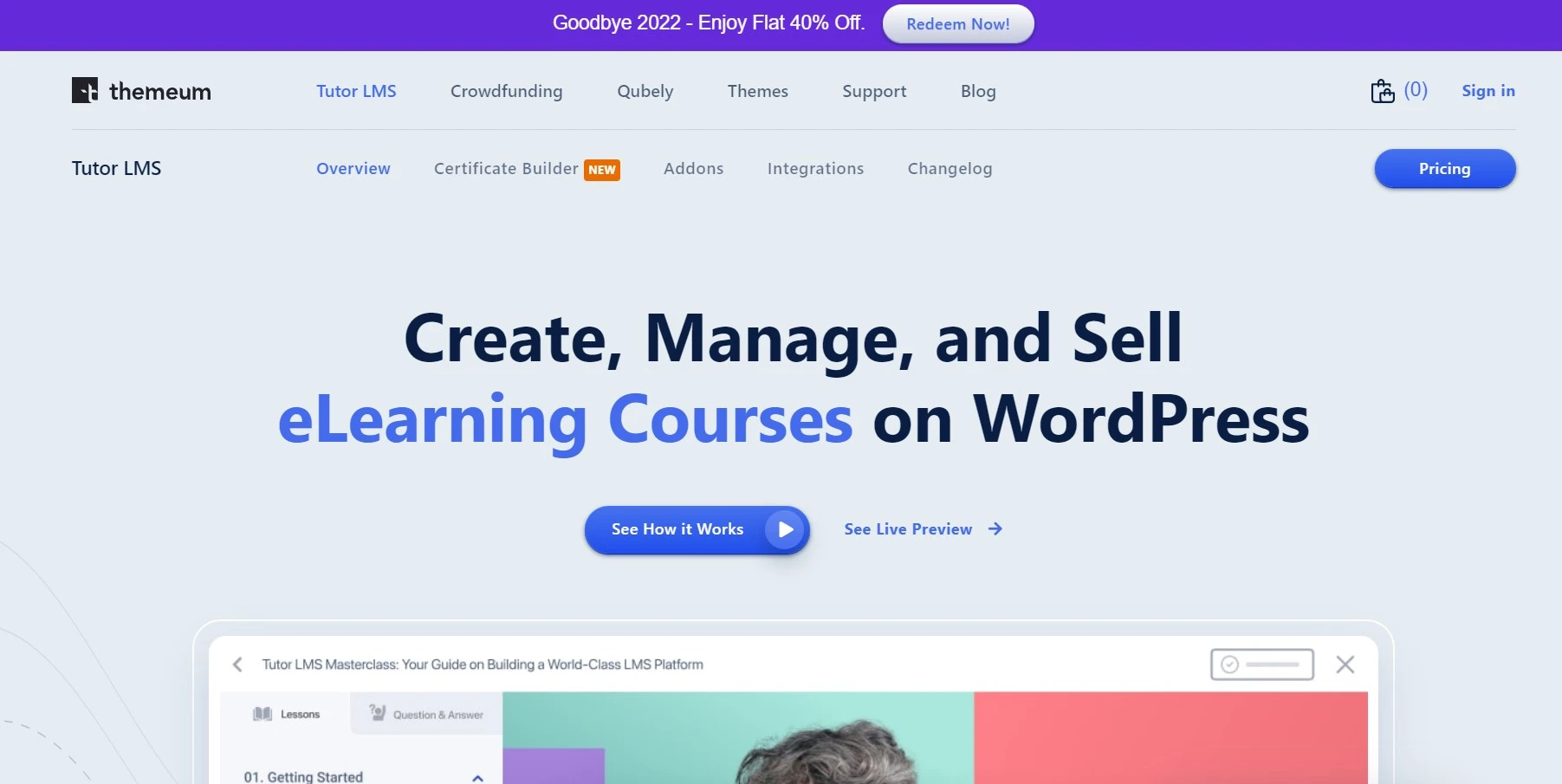
Tutor LMS punches well above its price. Its standout is a true frontend course builder — instructors create courses without touching wp-admin — plus a strong quiz engine and multi-instructor revenue sharing. The free version is one of the most generous here.
- Best for: course marketplaces and sites with multiple instructors.
- Our take: excellent value, though heavy course pages can get sluggish — pair it with good hosting and a lightweight theme.
- Pricing: Free core; Pro from $199/yr (solo).
4. LearnPress — Best on a Tight Budget
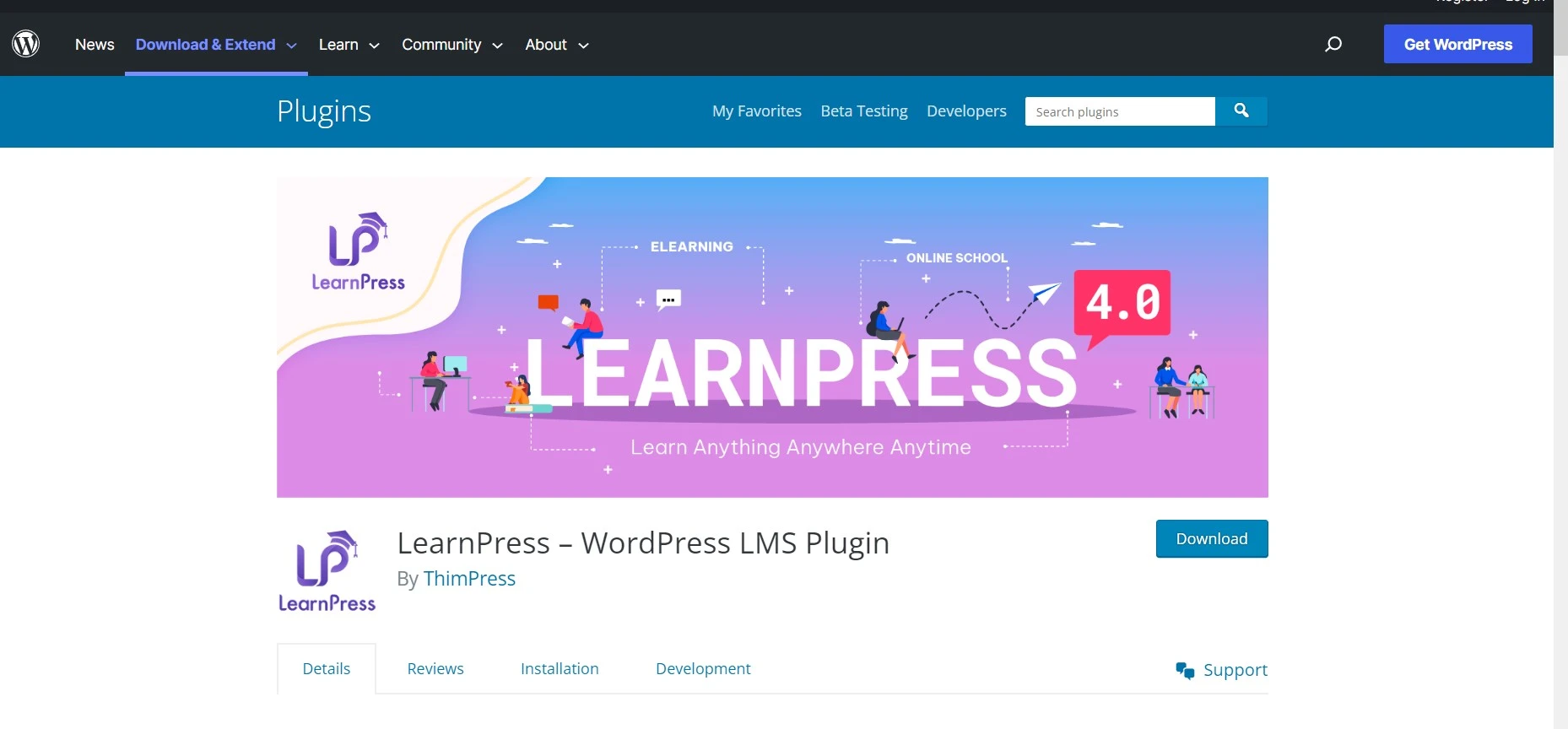
LearnPress is the go-to when budget is the deciding factor. The free core handles courses, quizzes, and payments via PayPal and Stripe, and it integrates with WooCommerce, BuddyPress, and MailChimp. You can run a real course site for $0 and add paid features only when you need them.
- Best for: beginners and bootstrappers who want a free, functional LMS.
- Our take: unbeatable on price, but the interface feels dated and some add-ons are hit-or-miss — test your must-have features first.
- Pricing: Free core; premium add-ons and bundles vary.
5. Sensei LMS — Best for Simplicity & WooCommerce
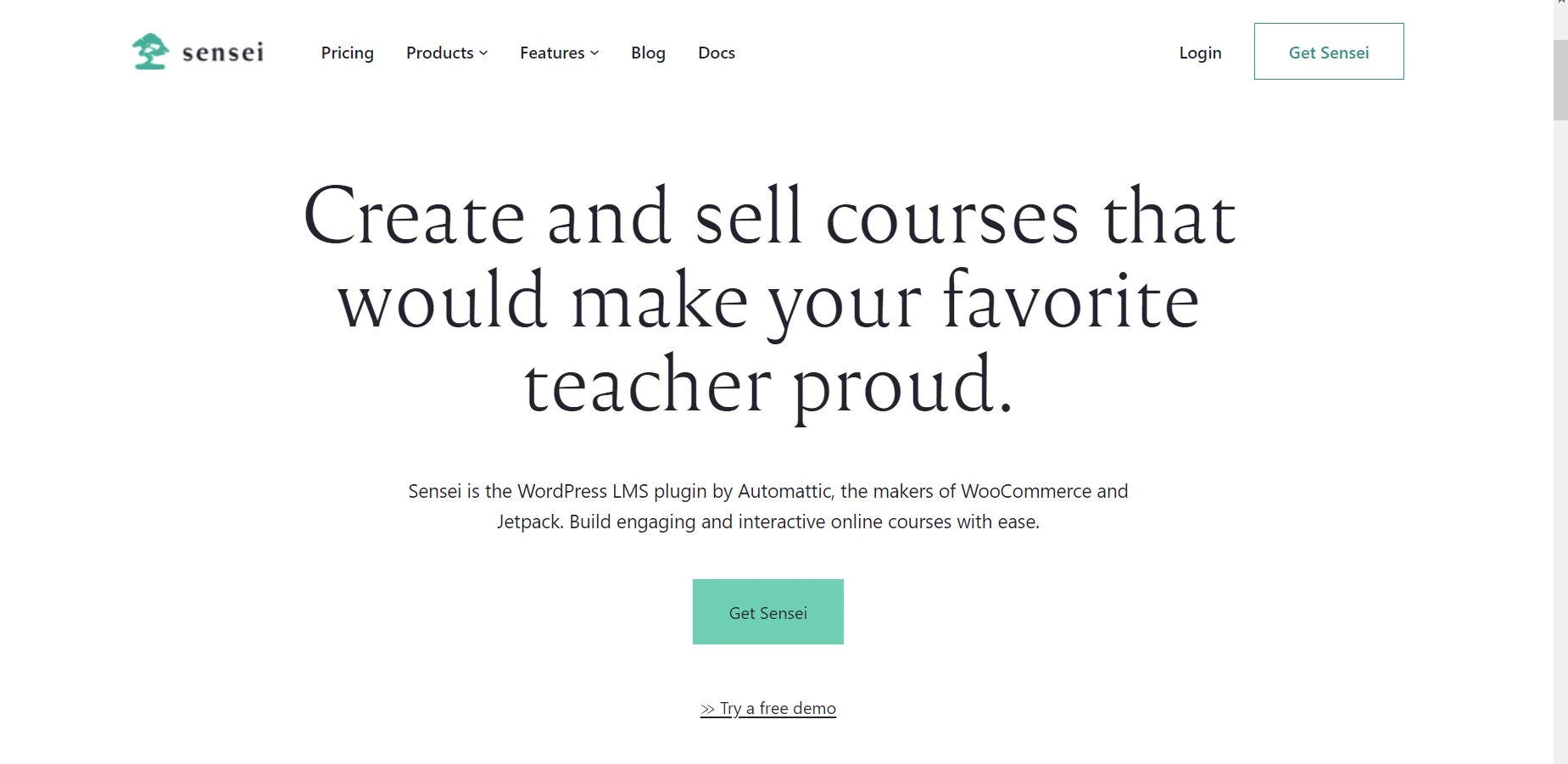
Made by the team behind WooCommerce, Sensei LMS is the cleanest, most beginner-friendly option — and it naturally clicks into WooCommerce for selling courses. If you value a simple, native WordPress feel over endless settings, this is your pick.
- Best for: beginners and existing WooCommerce stores adding courses.
- Our take: easy and tidy, but lighter on advanced features than LearnDash or LifterLMS — great to start, may feel limiting at scale.
- Pricing: Free core; Sensei Pro from $149/yr (1 site).
6. MemberPress — Best for Courses + Membership
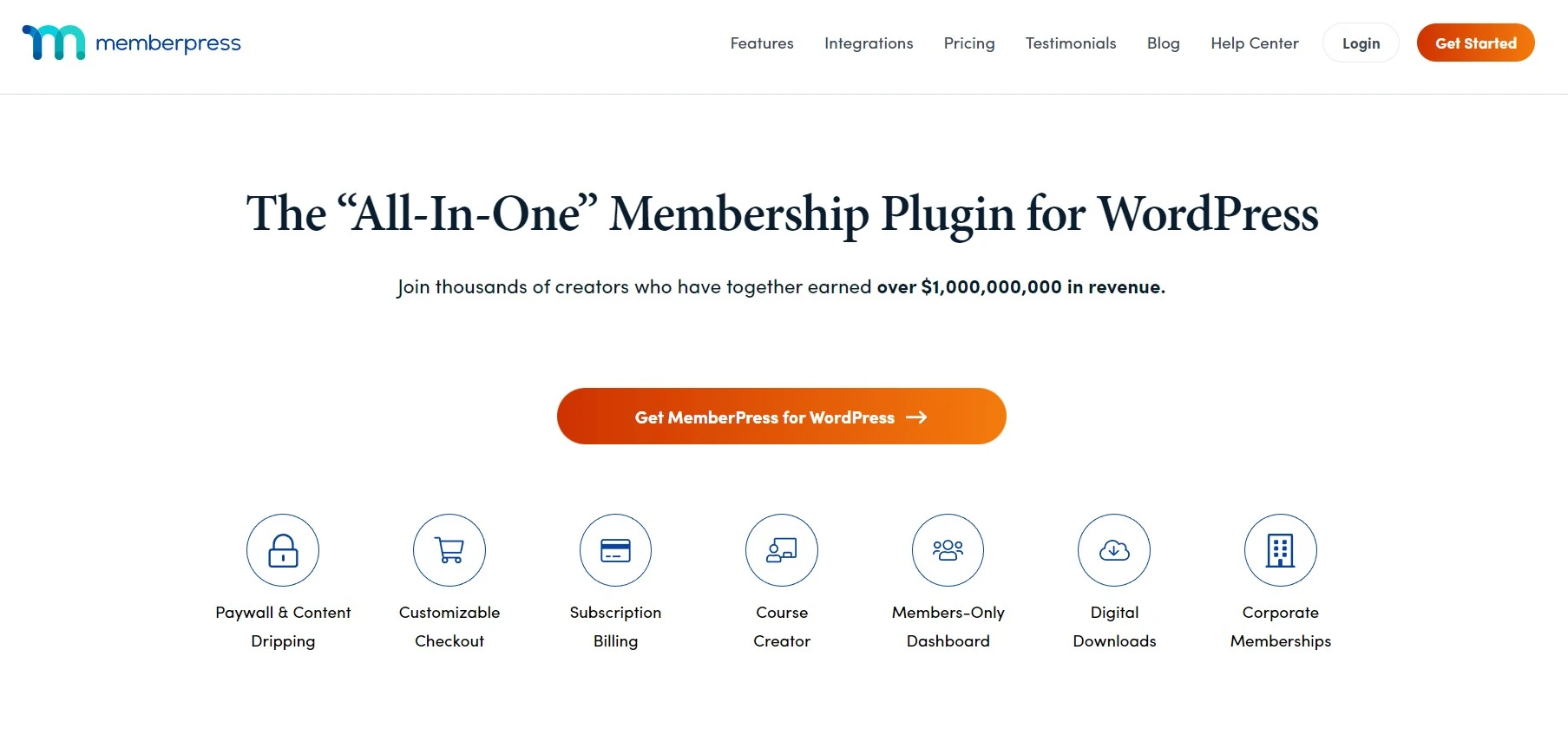
MemberPress started as the leading membership plugin and added a strong Courses feature, so it’s ideal when the course is the membership perk. Its access rules, content dripping, and payment handling are best-in-class for gated content.
- Best for: membership sites that sell courses as part of a subscription.
- Our take: superb for memberships; as a pure LMS it’s lighter on quizzing than LearnDash. Watch the renewal — intro pricing roughly doubles in year two.
- Pricing: from $179.50/yr (Basic, intro price; renews higher).
7. WP Courseware — Best for Instructors & Training Teams
WP Courseware keeps things refreshingly simple with a visual drag-and-drop builder, flexible content dripping, instructor roles, and a built-in grade book. It’s a favourite of trainers and academic teams who want structure without bloat.
- Best for: training businesses and academic/instructor-led courses.
- Our take: easy and dependable, with a fair 2-site license; the ecosystem is smaller than LearnDash’s, so check integrations you rely on.
- Pricing: from $159/yr (Teacher, 2 sites).
8. MasterStudy LMS — Best Value Paid Plugin
MasterStudy LMS is the budget standout: a full-featured LMS with a course marketplace, drips, certificates, and even a built-in question bank — starting at just $59/year, far below the $149–$199 norm. There’s a capable free core too.
- Best for: budget-conscious creators who still want marketplace-style features.
- Our take: remarkable value, and the free plan is generous; the UI has a lot going on, so give yourself a little setup time.
- Pricing: Free core; Pro from $59/yr (1 site), lifetime from $149.
How to Choose the Right WordPress LMS Plugin
- Match it to your model. Selling single courses? LearnDash or Tutor LMS. Memberships? MemberPress or LifterLMS. Just starting free? LearnPress or Sensei.
- Mind the real cost. Many plugins are cheap up front but need paid add-ons for payments, certificates, or drip content. Add those before you compare.
- Check renewals. Several vendors show first-year intro pricing that jumps on renewal — know year-two cost before you commit.
- Plan for performance. Course pages are heavy. Pair your LMS with fast managed WordPress hosting and a lightweight theme, or video and quizzes will crawl.
- Confirm payments & integrations. Make sure your gateway (Stripe/PayPal/WooCommerce) and email tool are supported natively.
Common Mistakes to Avoid
- Buying the most powerful plugin for a tiny course. A single mini-course doesn’t need LearnDash — a free core like Tutor LMS or LearnPress is plenty.
- Ignoring renewal pricing. The headline “intro” price isn’t what you’ll pay next year. Budget for the renewal.
- Hosting a course site on cheap shared hosting. Video + concurrent students will choke it. This is the #1 reason course sites feel slow.
- Skipping the free trial/core. Build one real lesson before you pay — you’ll learn more in 20 minutes than from any feature list.
Our Recommendation by Use Case
- Serious creator / institution: LearnDash.
- Courses + membership + coaching: LifterLMS.
- Multi-instructor marketplace: Tutor LMS.
- Zero budget: LearnPress (free) or MasterStudy (free core).
- Already on WooCommerce / want simple: Sensei LMS.
- Membership-first business: MemberPress.
Frequently Asked Questions
What is the best WordPress LMS plugin?
LearnDash is the best overall WordPress LMS plugin for serious creators and institutions thanks to its polish and reliability. If you want a free start, Tutor LMS and LearnPress are the strongest free cores, while LifterLMS and MemberPress are best for combining courses with memberships.
Is there a free WordPress LMS plugin?
Yes. LifterLMS, Tutor LMS, LearnPress, Sensei LMS, and MasterStudy LMS all have free core versions that let you build and sell courses. You only pay when you need premium add-ons like advanced certificates, content dripping, or extra payment gateways.
Do I need coding skills to use a WordPress LMS?
No. Every plugin here uses drag-and-drop course builders and visual interfaces, so no coding is required. Tutor LMS even offers a frontend builder so instructors can create courses without touching the WordPress dashboard.
Which LMS plugin is best for beginners?
Sensei LMS and Tutor LMS are the most beginner-friendly thanks to their clean interfaces and free versions. LearnPress is also a great no-cost starting point if budget is your main concern.
LearnDash vs LifterLMS: which should I choose?
Choose LearnDash if you want the most polished, course-focused plugin with the biggest add-on ecosystem. Choose LifterLMS if you want courses, memberships, and coaching in one tool with a free core to start. LearnDash feels more refined; LifterLMS is more all-in-one.
How much does a WordPress LMS plugin cost?
Free cores cost nothing, while premium plugins typically run from about $59 to $199 per year. MasterStudy starts at $59/yr, Sensei Pro at $149/yr, and LearnDash and Tutor LMS Pro at $199/yr. Watch for renewal prices that rise after the first year.
What’s the difference between an LMS and a membership plugin?
An LMS plugin builds structured courses with lessons, quizzes, and progress tracking. A membership plugin restricts access to content site-wide. Tools like MemberPress and LifterLMS combine both, letting you sell courses inside a membership.
Will an LMS plugin slow down my WordPress site?
It can, because course pages with video and quizzes are resource-heavy. The fix is pairing your LMS with quality managed WordPress hosting, a lightweight theme, and caching. Done right, even large course sites stay fast.
Final Verdict
If you want the safest, most capable choice and have the budget, LearnDash is our overall pick. To start free and grow into it, Tutor LMS or LearnPress get you live today; if your courses are really a membership, choose MemberPress or LifterLMS; and on a tight budget, MasterStudy LMS does 90% of the job for a fraction of the price.
One honest warning: the plugin is the easy part — cheap hosting is what kills most course sites. Put your LMS on solid hosting from day one. Next step: shortlist two plugins from the table, build one real lesson in each free version this week, and let the workflow — not the feature list — make the decision.