

You know exactly what the site needs — dynamic listings that filter properly, custom post types with real fields, a booking system that is not held together with duct tape. Your page builder alone just will not get you there.
So you bolt on six single-purpose plugins and hope they do not conflict. Crocoblock’s pitch is that one suite replaces the whole patchwork. Here is where that holds up, and where it bites.
What Is Crocoblock?
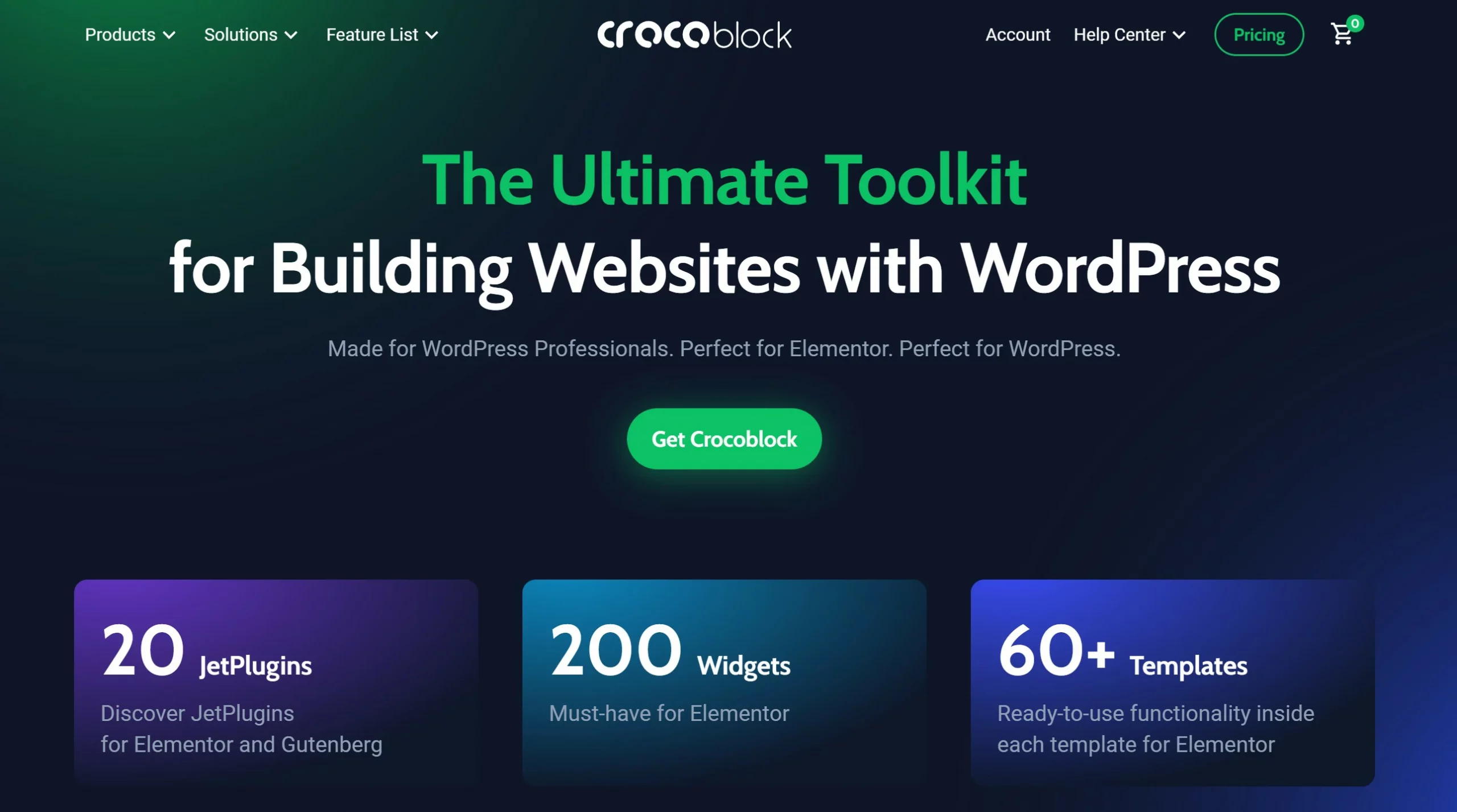
Crocoblock is a subscription bundle of 20+ WordPress plugins — the JetPlugins suite — built to push page builders past their normal ceiling. Instead of buying JetEngine, JetSmartFilters, JetBooking and the rest separately, one licence covers the lot, plus templates, popups, and the Kava theme.
The real draw is dynamic content: custom post types, custom fields, filterable listings, and booking systems that would otherwise mean custom code or a fragile stack of single-purpose plugins. It began as an Elementor add-on and has since extended to Gutenberg and Bricks, though Elementor is still where it is most complete. It is aimed at freelancers and agencies building client sites — not at someone running a simple blog.
| Plugin Name | JetPlugins by Crocoblock |
| Plugin Author | Crocoblock |
| Seller | Crocoblock |
| Year Founded | 2018 |
| Company website | www.crocoblock.com |
| Product Description | Crocoblock is a one-stop shop for creating WordPress websites using Elementor. |
| Best For | Freelancers, Agencies, Web designers |
| Documentation | https://crocoblock.com/knowledge-base/ |
| Widgets | 150+ Widgets |
| Plugins | 20+ Jet plugins |
| Crocoblock freemiums | Kava theme, WP Query Generator, plugins (JetFormBuilder — Dynamic Blocks Form Builder, JetStyleManager Gutenberg, JetGridBuilder — Grid Builder for both Elementor and Gutenberg, JetSticky Widget, Jet Content Widgets, JetWooCommerce Widgets, and Contact Form 7 Layout Builder |
| Crocoblock Premiums | 20+ JetPlugins (JetEngine, JetStyleManager, JetElements, JetSearch, JetGridBuilder, JetSmartfilters, JetThemeCore, JetCompareWishlist, JetBlocks, JetPopup, JetTabs, JetBooking, JetReviews, JetMenu, JetBlog, JetAppointment, JetProductGallery, JetTricks, JetWooBuilder, JetFormBuilder); 8+ design templates, 12+ dynamic templates, 50+ popups. |
| Languages supported | English, Ukrainian |
| Starting price | $199 per year |
| Support | https://crocoblock.com/help-center/ |
Setting Up Crocoblock
Setup runs through an installation wizard rather than installing twenty plugins by hand. Buy a plan, then grab the wizard and your licence key from the downloads area of your Crocoblock account.
- In WordPress, go to Plugins > Add New > Upload Plugin, upload the wizard, then install and activate it.
- Paste your licence key on the welcome screen and hit Get Started.
- Pick which JetPlugins to install — install only what the site actually needs, not all twenty.
- From the same wizard you can import and export skins, so a build you have already done can be moved to another site intact.
Common mistake: installing the entire suite on every site. Each plugin adds weight, and the fastest way to make Crocoblock feel bloated is to activate plugins you never use. If you want to trial the suite before touching a live site, spin it up on one of these WordPress sandbox tools first.
Note that the JetPlugins still expect a supported builder — Elementor for the full set — so factor that into the cost if you are not already using one. Crocoblock sits alongside the wider set of tools for web designers we recommend.
Crocoblock Features
Crocoblock Magic Button
Crocoblock takes the Magic Button principle to new heights. The button lets you access sections, headers, pages, and footers without having to import and submit the template to the website?.
Just start Elementor Editor and click the Magic Button to have access to the templates. You will find a plethora of beautiful sections, pages, footers, archives, headers, and single pages that have been meticulously organized and are ready for preview and usage. To use one of the pages or sections, hover your cursor over it and click the Insert button.
Crocoblock: Templates
Crocoblock templates are pre-built website designs that can be found on the Elementor page builder service. These templates are designed to help customers quickly and easily create professional, modern websites. The themes’ aesthetics and sophistication vary, with some suitable for simple blogs and others offering more advanced structures such as product catalogs and e-commerce stores. Crocoblock templates offer a variety of features that can all be readily altered and tailored to the user’s needs?.
Its Dynamic Templates come in useful whether creating a full-featured booking website or your first WooCommerce store. Let’s take a look at some of its unique templates to discover what’s inside:
Zolden – You can quickly create an online store with the WooCommerce shop template Zolden for Elementor. Everything you’ll need is included, including extra upsell and cross-sell templates, single product pages and catalogs, simple and programmable AJAX filters, and single product pages and catalogs.
Only Book- The “Only Books” template is designed specifically for creating websites related to books, libraries, or bookstores. It features a clean and modern design that is focused on showcasing books and related content in an attractive and user-friendly way.
Once – With schedule layouts, multi-step booking forms, and convenient single-page therapist and team catalogs, Once is a fully functional spa website template.
Travengo- It is designed for building websites related to travel and tourism. It features a modern and sleek design that is focused on showcasing travel destinations, tour packages, and travel information in a visually appealing way. The template includes features such as a customizable home page, tour package listings, customer reviews, and booking forms.
Crocoblock Skins
Crocoblock’s Demos website contains a plethora of skins that span virtually every possible theme, from everyday habits to business and corporate. These are available as Elementor landing pages or assets of pages that include Home, About, Contact, Portfolio, and many more for a variety of reasons.
To obtain access to the skins, install and activate the JetThemeCore add-on. Once activated, a Crocoblock Dashboard will be displayed in the admin panel. In addition to the skins, you will have accessibility to Elementor’s built-in templates.
Pop-ups Crocoblock
Web developers may utilize Crocoblock’s Interactive Popup Collection to gamify and engage the content of their websites. There are more than 50 eye-catching and entertaining popup templates in the collection for Elementor. You may write about any occasion you can think of, such as holidays (Christmas, Easter, and Halloween), sales throughout the year, Cyber Monday, Black Friday, and so on?.
Moreover, you may choose interactive popups that allow for sliding out, clicking, and scratching. These dynamic popups work beautifully with Elementor. You may also play with typeface and animations, change the backdrop color or image, and more with all of the available choices.
Crocoblock Widgets
Crocoblock is a robust and flexible collection of widgets that enables users to quickly and easily customize their WordPress websites. The capability of the widgets is broad and ranges from straightforward content administration to the production of dynamic, interactive content?.
The pre-built layouts make it easy to create attractive, professional websites and quick to customize them.
Crocoblock JetPlugins
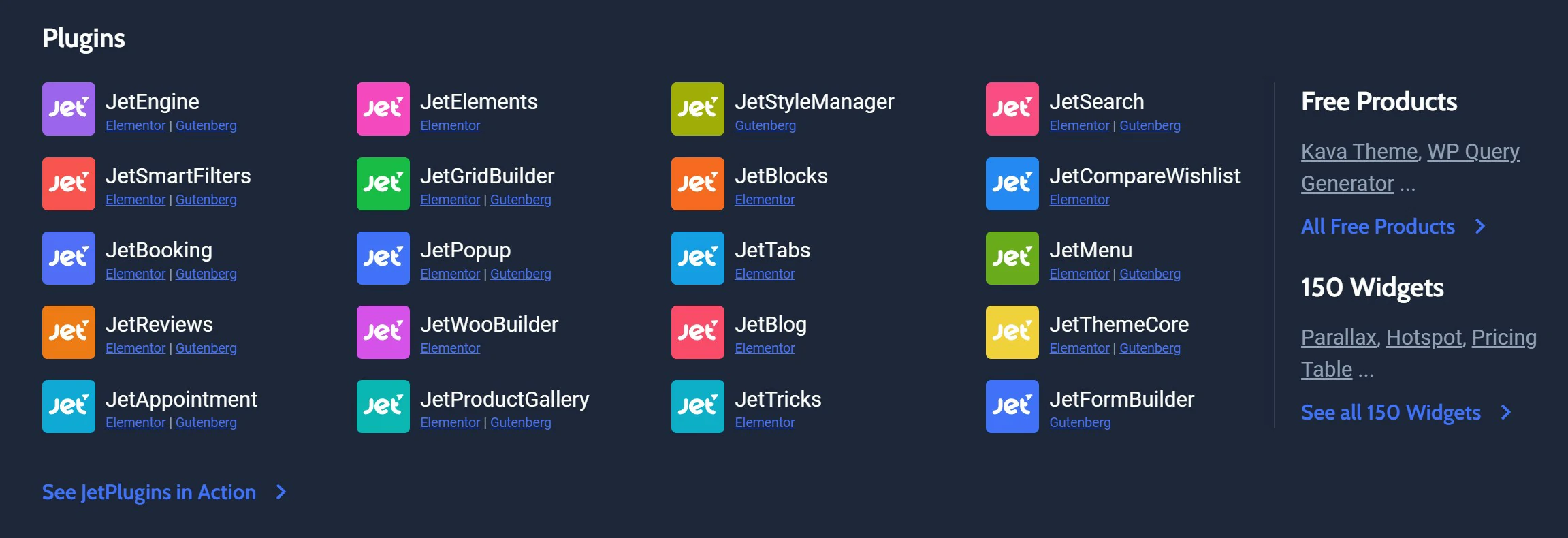
Jet Plugins are widely used and may be purchased separately in many areas. Contrarily, Crocoblock offers every plugin in a single package. It is a collection of JetThemeWizard plugins that enables WordPress users to build and customize their websites?.
Among the available plugins are JetEngine, JetSmartFilters, JetElements, JetMenu, JetWoobuilder,
JetTabs, JetTricks, JetSearch, JetBlog, JetAppointment, JetBlocks, JetProductGallery, JetThemecore, JetBooking, JetPopup, JetReviews, JetCompare&Wishlist, JetFormbuilder, JetStylemanager, Jetgridbuilder, etc.
It’s amazing how the Crocoblock staff was able to make strong plugins available to you without the need for developers to create them. For a better understanding, let’s look at a couple of them?:
JetEngine
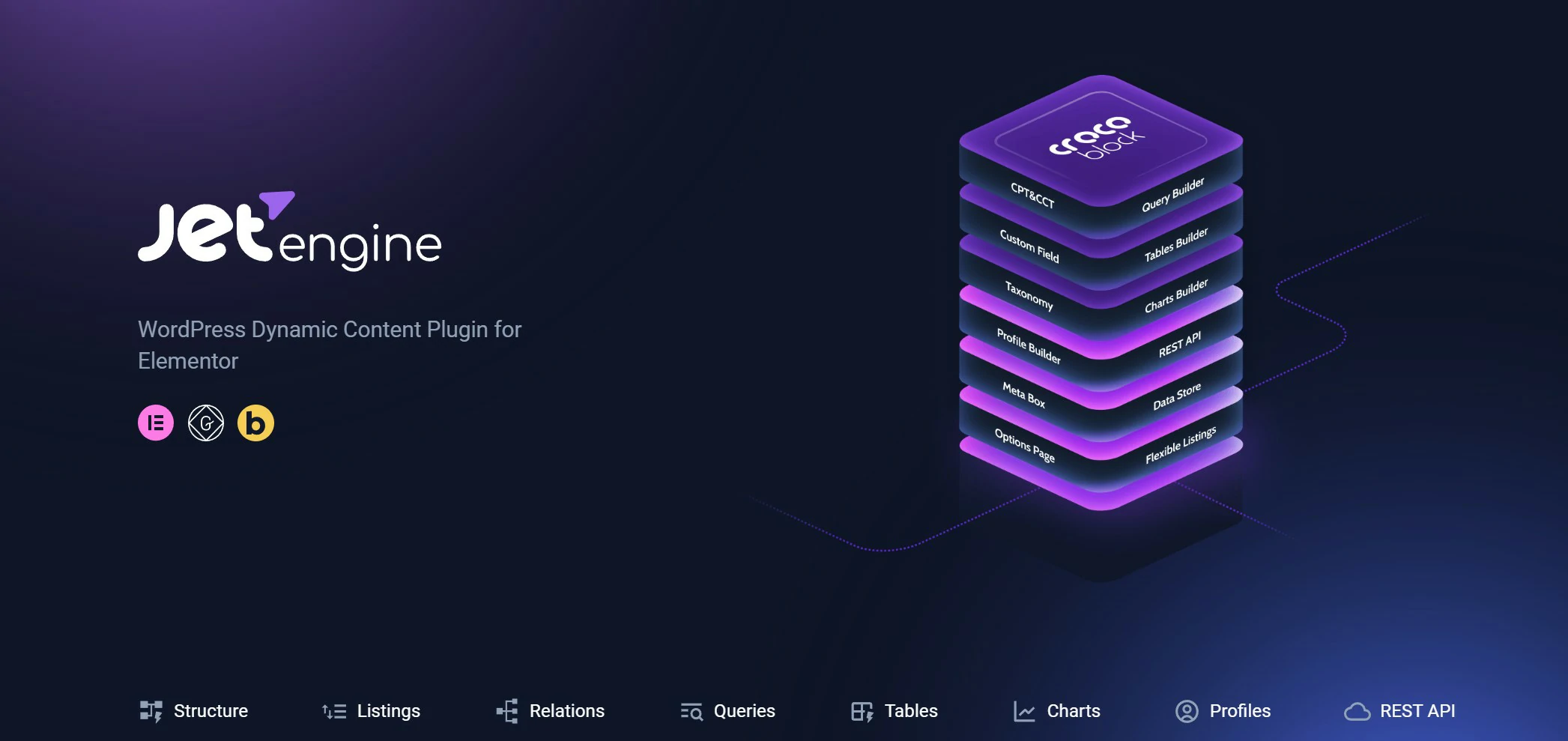
The heavyweight of the suite. JetEngine handles custom post types, taxonomies, meta fields, and repeaters, then displays them as dynamic listings. If you are building a directory, a property site, or anything database-driven, this is the plugin you actually bought Crocoblock for.
JetSmartFilters
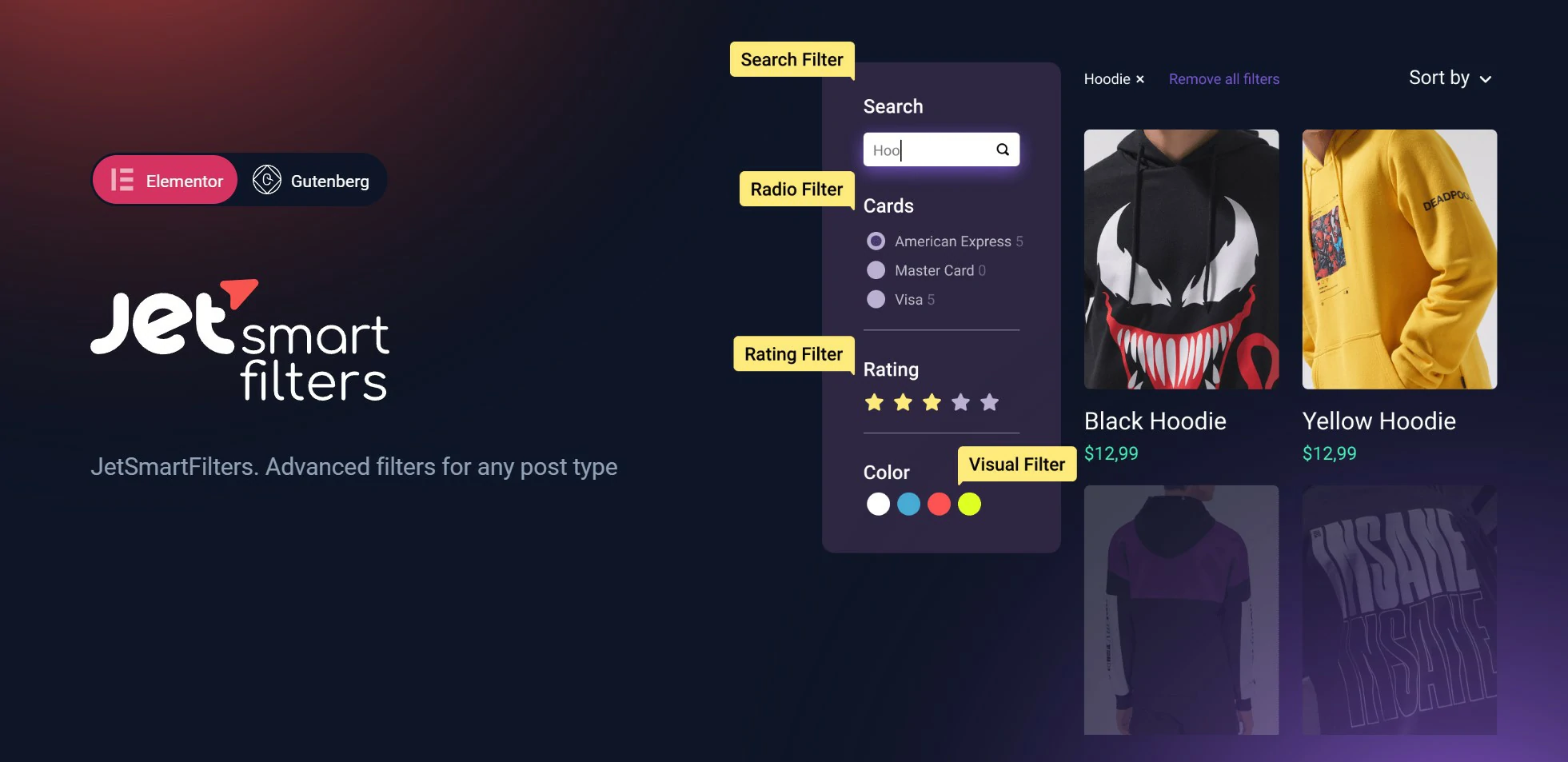
AJAX filtering for custom post types and WooCommerce products: checkboxes, ranges, ratings, and search that refresh results without reloading the page. It pairs directly with JetEngine listings, and it is the difference between a usable directory and a frustrating one.
JetElements
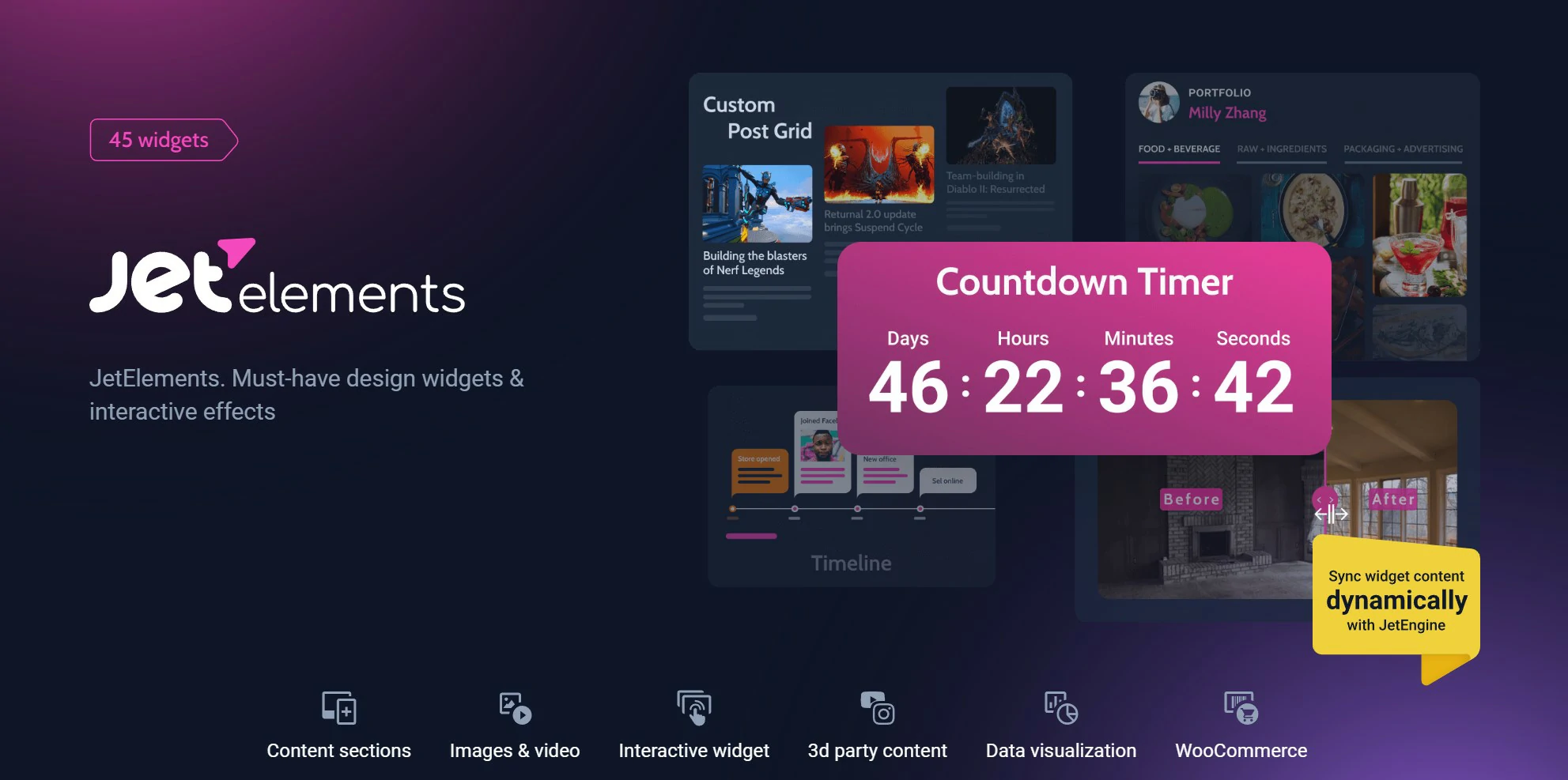
A large widget pack for Elementor covering sliders, tables, countdowns, pricing tables, and animated boxes. Useful breadth, though it is also the plugin most likely to tempt you into loading widgets you never actually use.
JetMenu
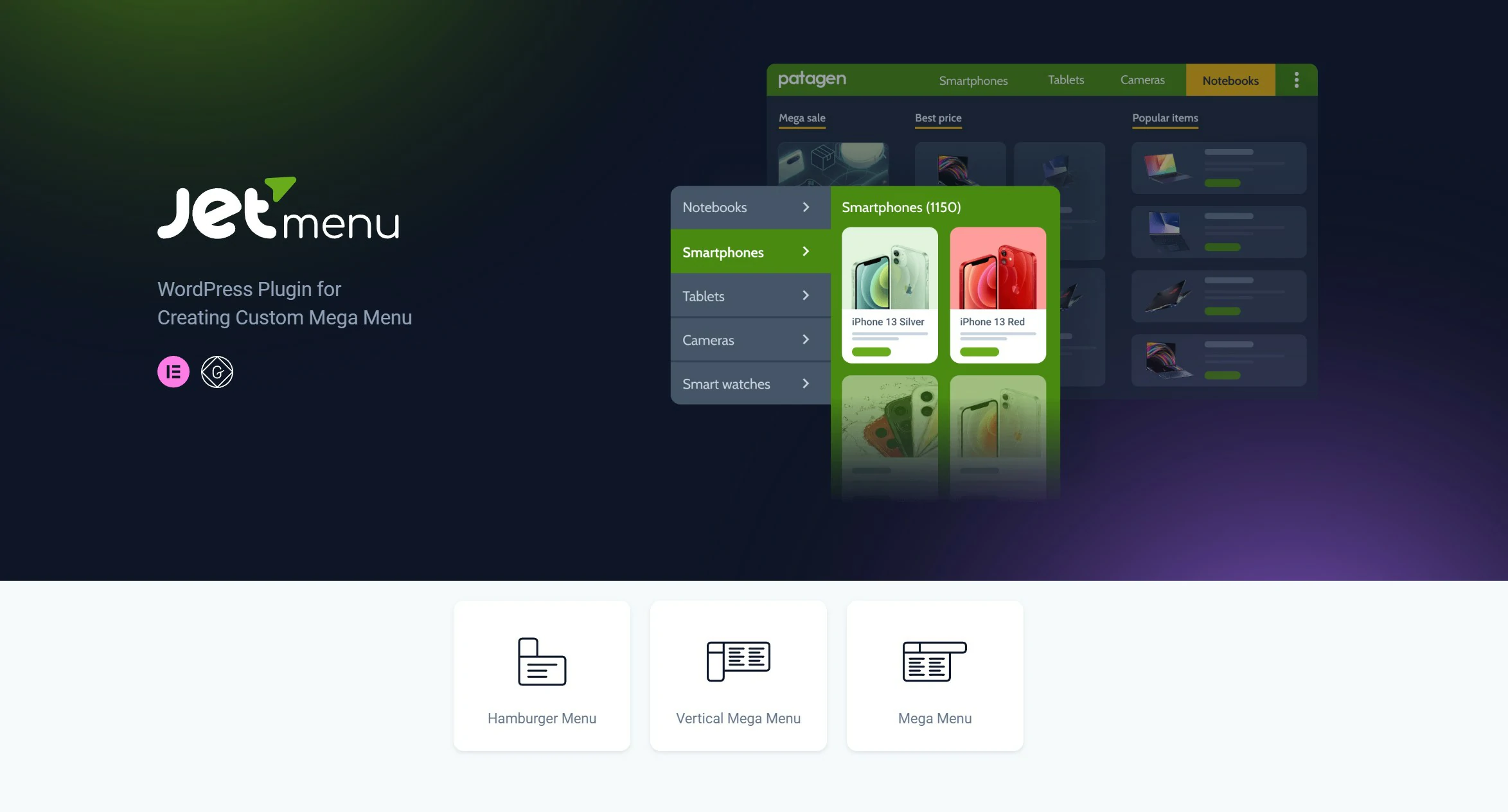
Mega menus built visually in Elementor, with icons, images, and full layouts inside the dropdowns. Mobile menu handling is included, which is exactly where most mega-menu plugins fall apart.
JetWooBuilder
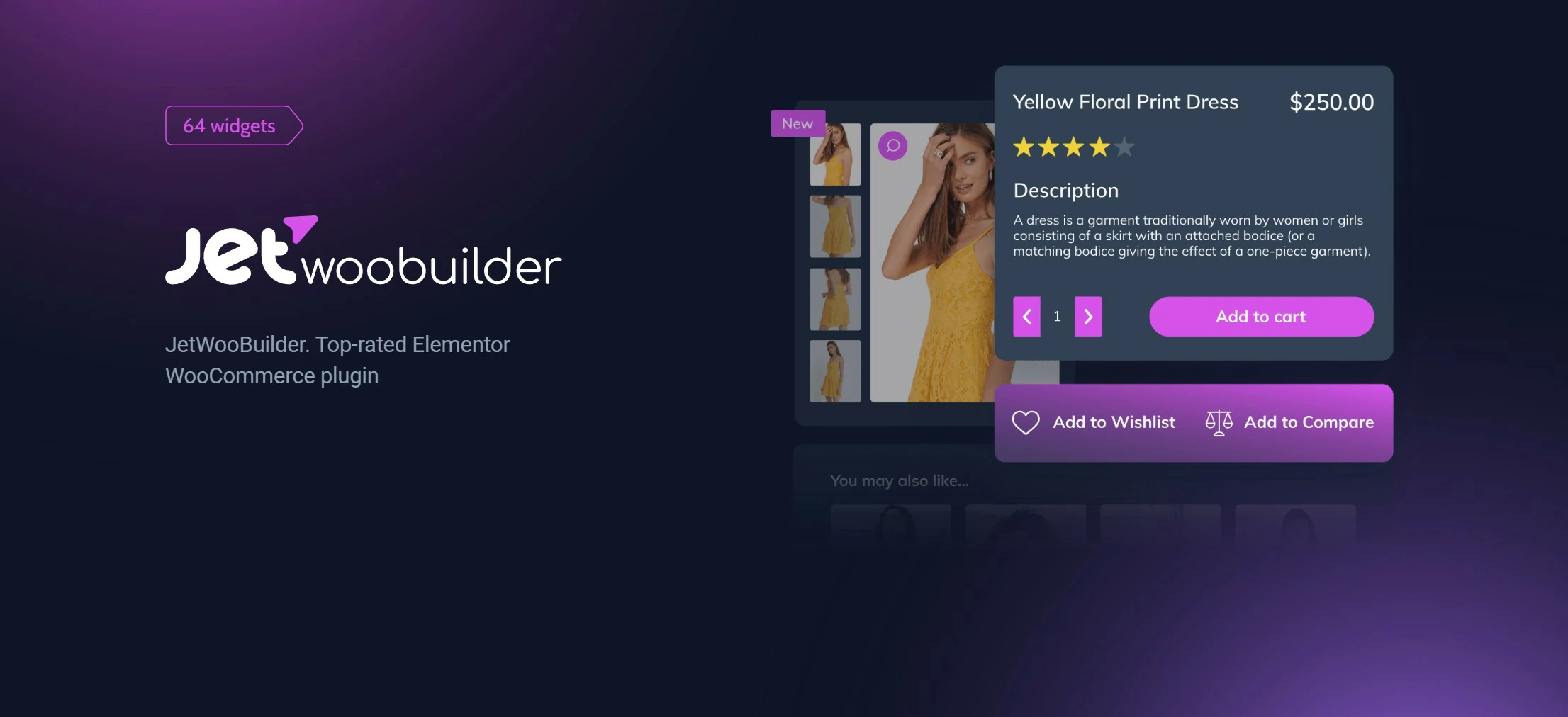
Build WooCommerce shop, product, cart, and checkout templates in Elementor instead of fighting theme overrides. Essential if you are selling and want the store to match the rest of the site.
JetTabs
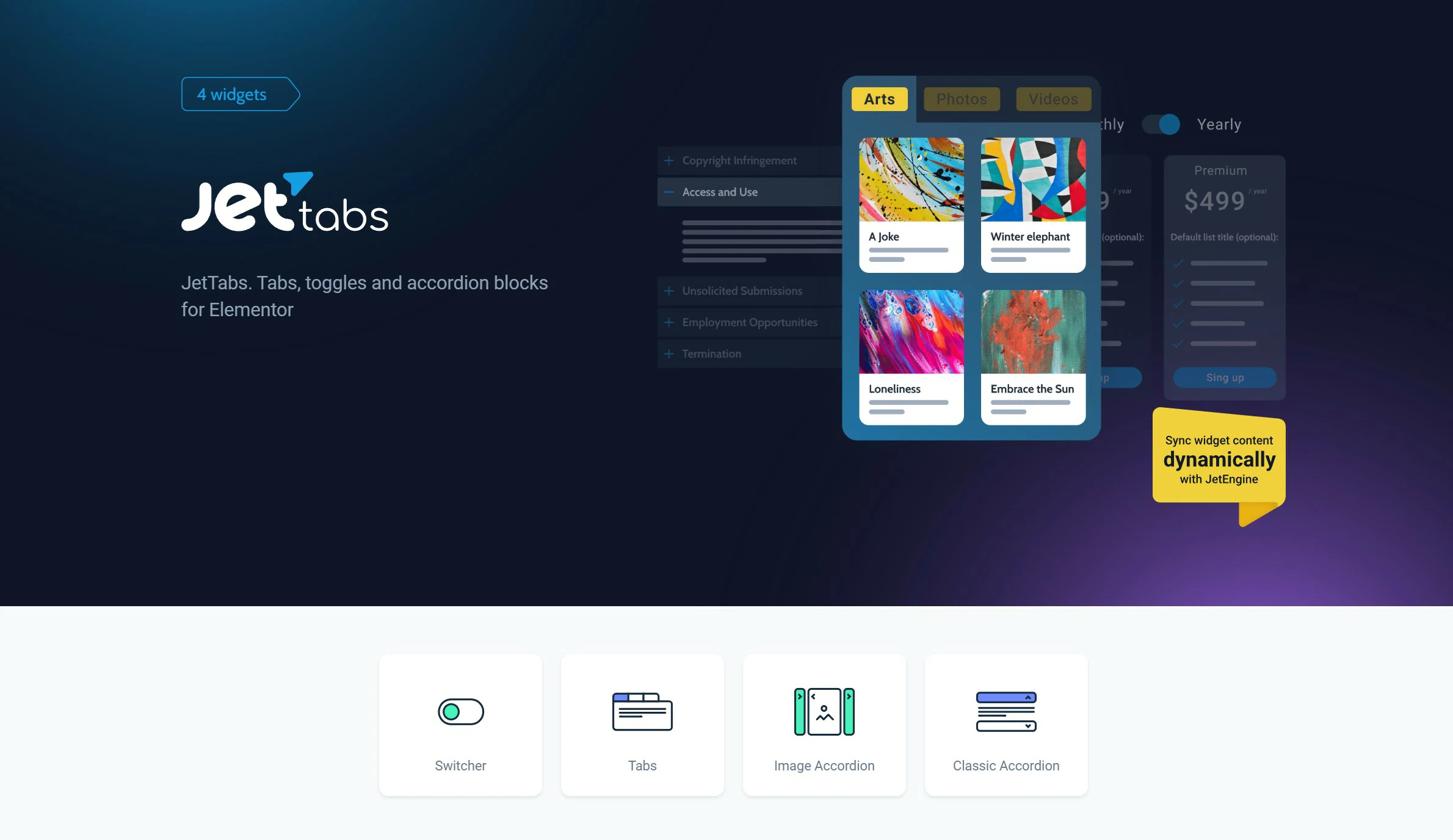
Tabs, accordions, and switchers that can pull in entire templates rather than just text. Handy on long product pages where you need to hide detail without losing it.
JetTricks

Small interaction effects: sticky sections, parallax, tooltips, hotspots, and view-more toggles. Nothing here is essential, but it saves writing custom CSS for the fiddly bits.
JetSearch
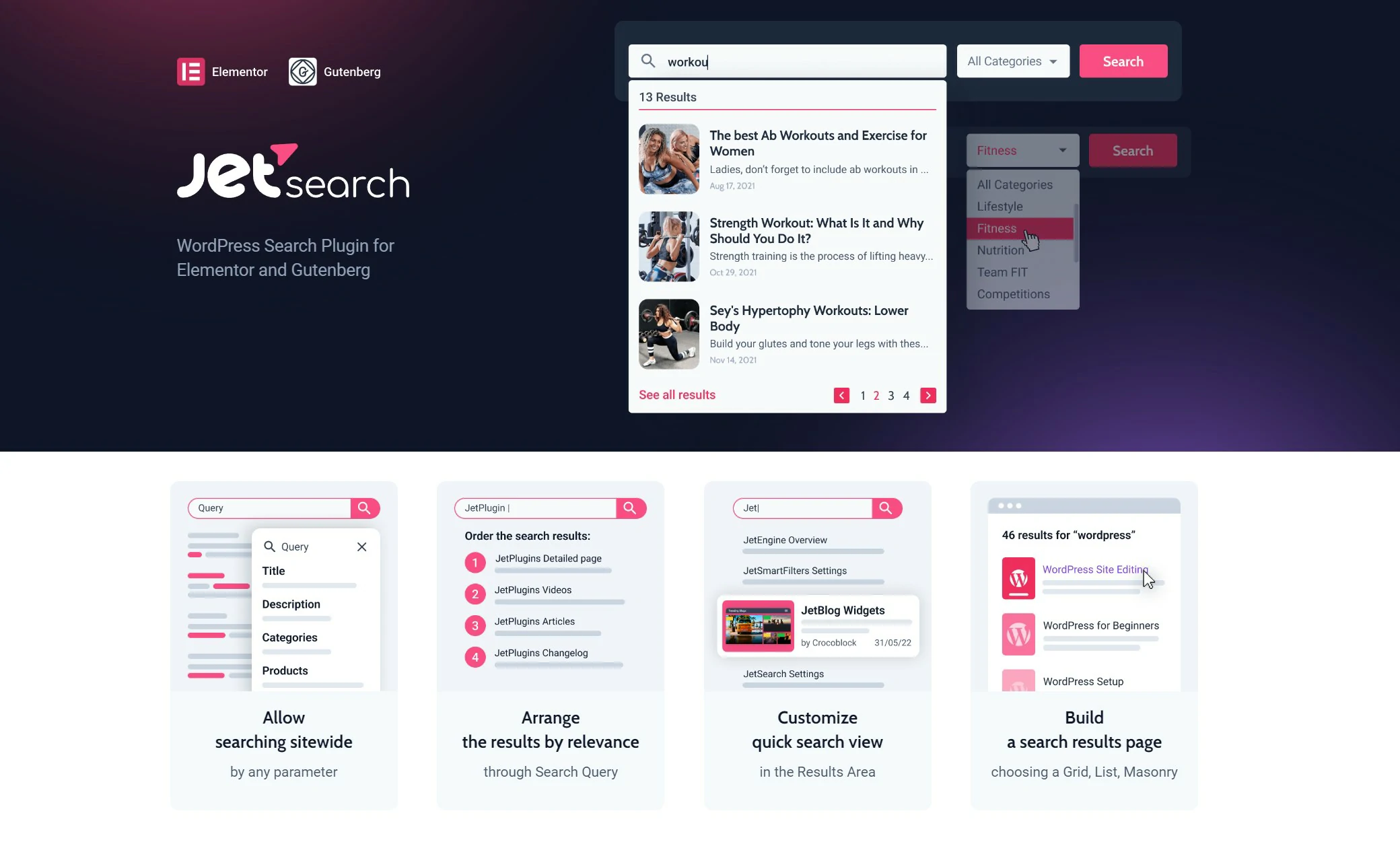
AJAX live search that shows product images and prices in the dropdown as you type. A genuine conversion detail on stores with a large catalogue.
JetBlog

Blog layout widgets including tiled posts, smart listings, and video playlists. Most useful for magazine-style sites rather than a straightforward blog.
JetAppointment
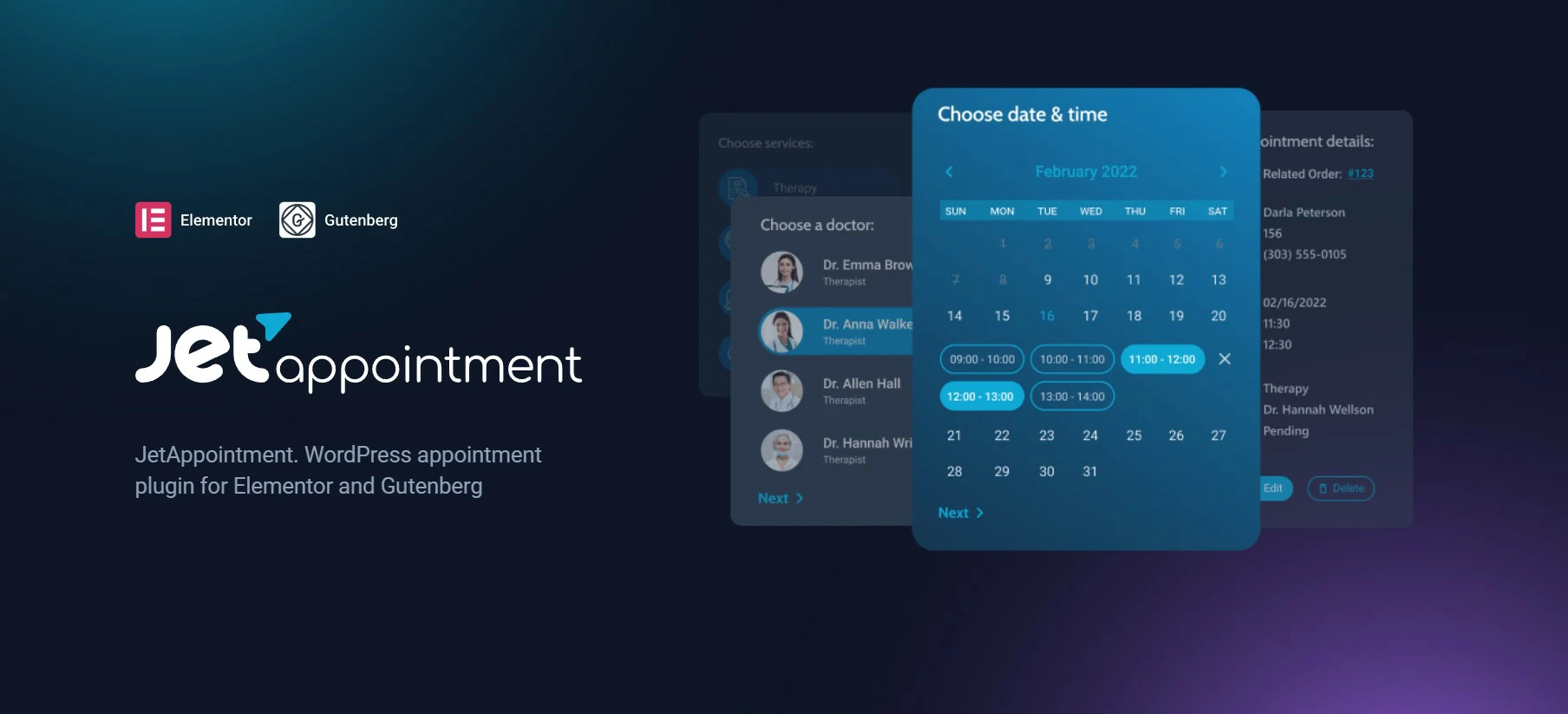
Appointment booking for service businesses, covering staff, time slots, and payments. Aimed at salons, clinics, and consultants who need scheduling on the site itself.
JetBlocks
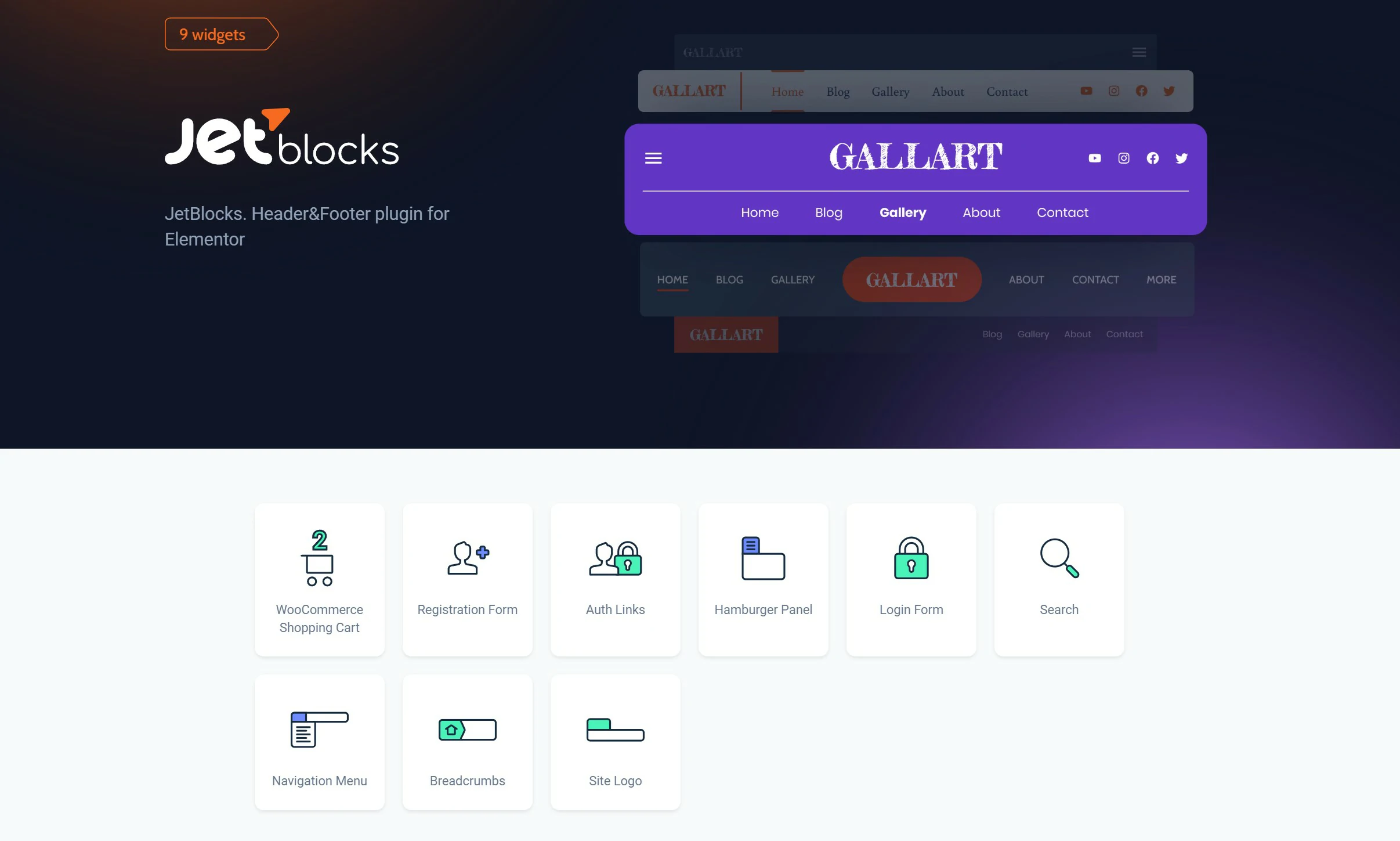
Header and footer elements: login forms, cart icons, navigation, search, and hamburger menus. Unglamorous, but you need every one of them when building a header from scratch.
JetProductGallery
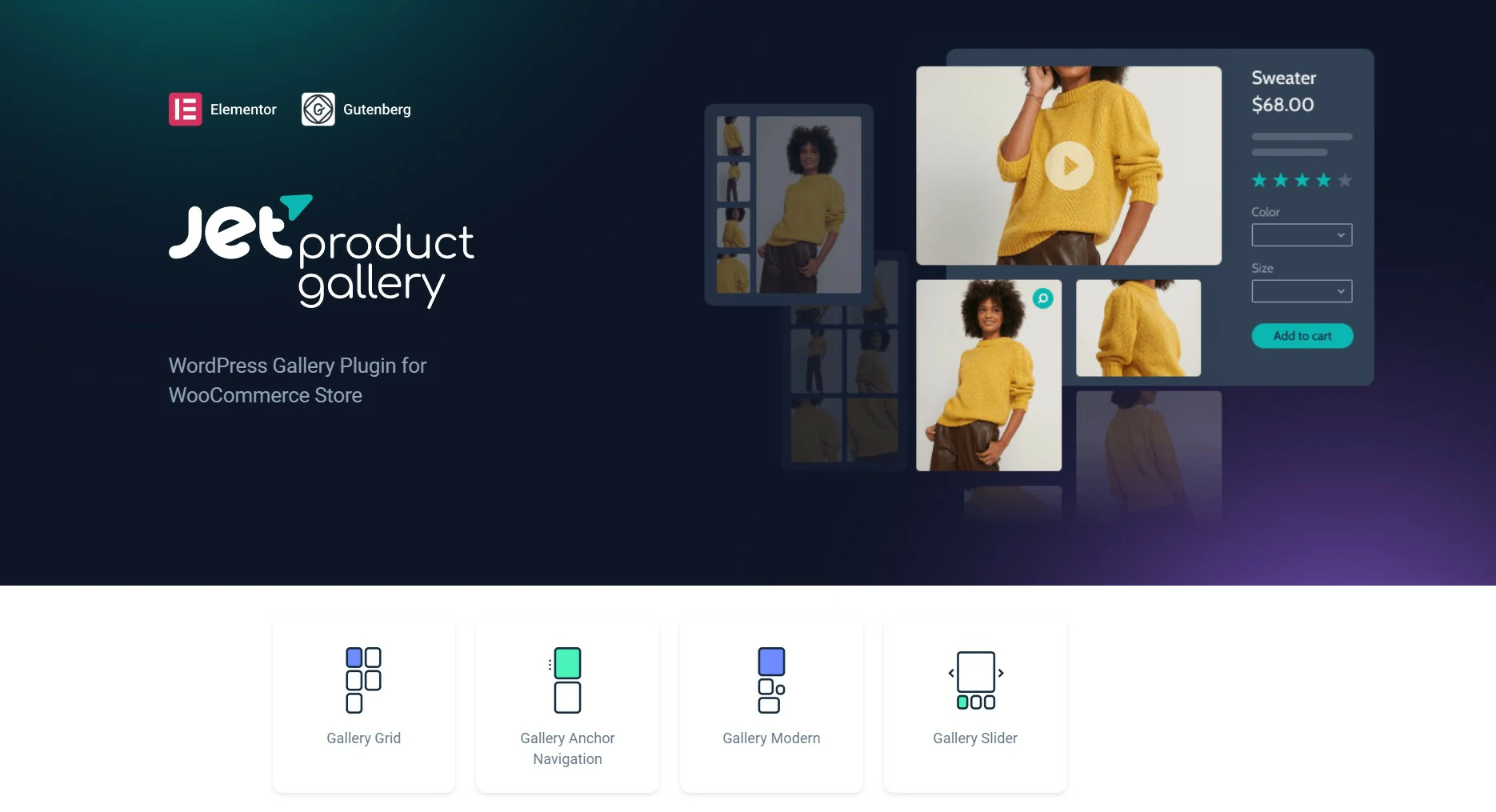
Better WooCommerce product galleries with sliders, zoom, thumbnails, and video support. A straight upgrade on the default Woo gallery.
JetThemeCore
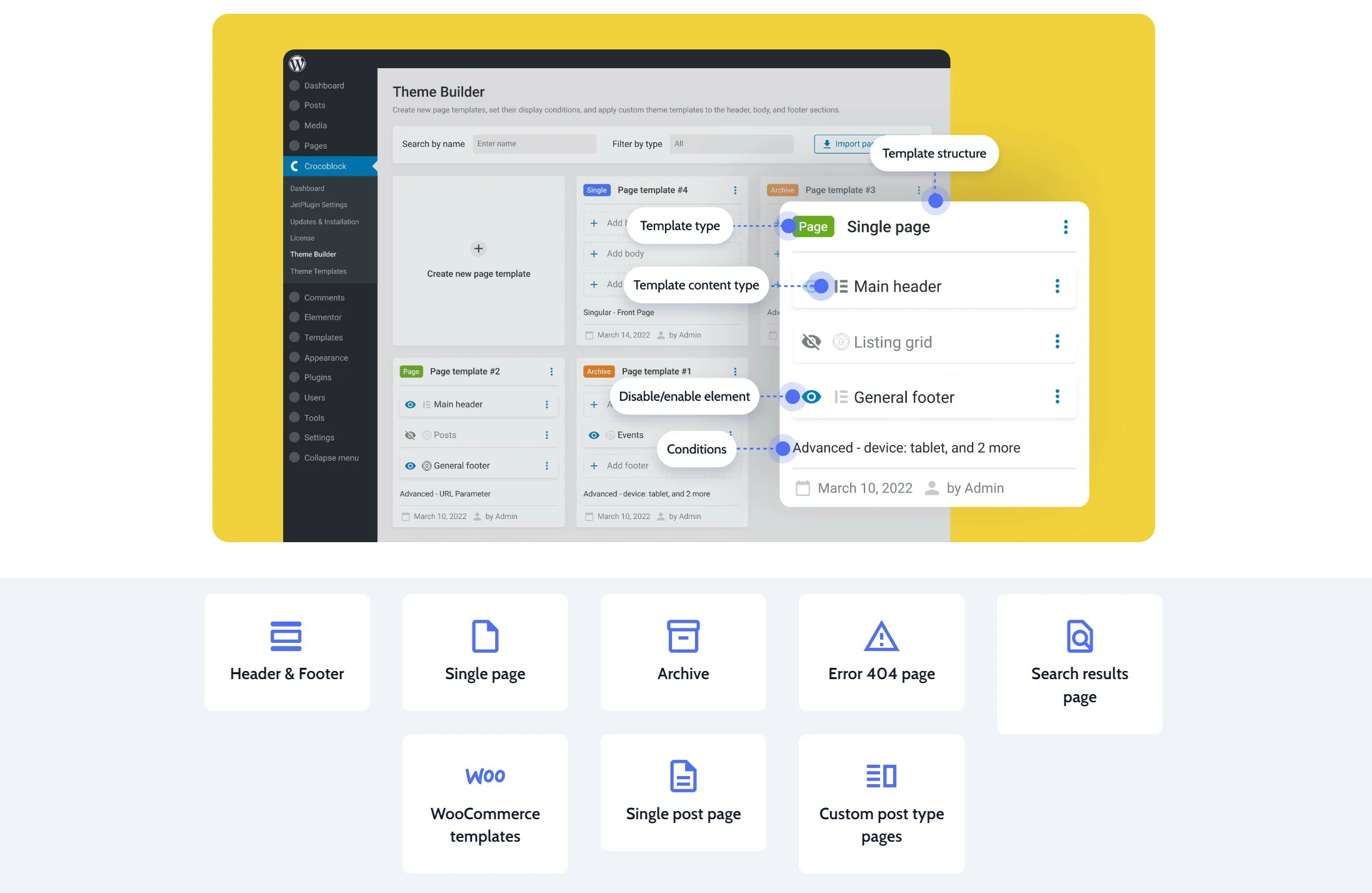
Template management for headers, footers, archives, and single pages, plus the conditions that decide where each one applies. This is the plumbing that makes a full theme build possible.
JetBooking
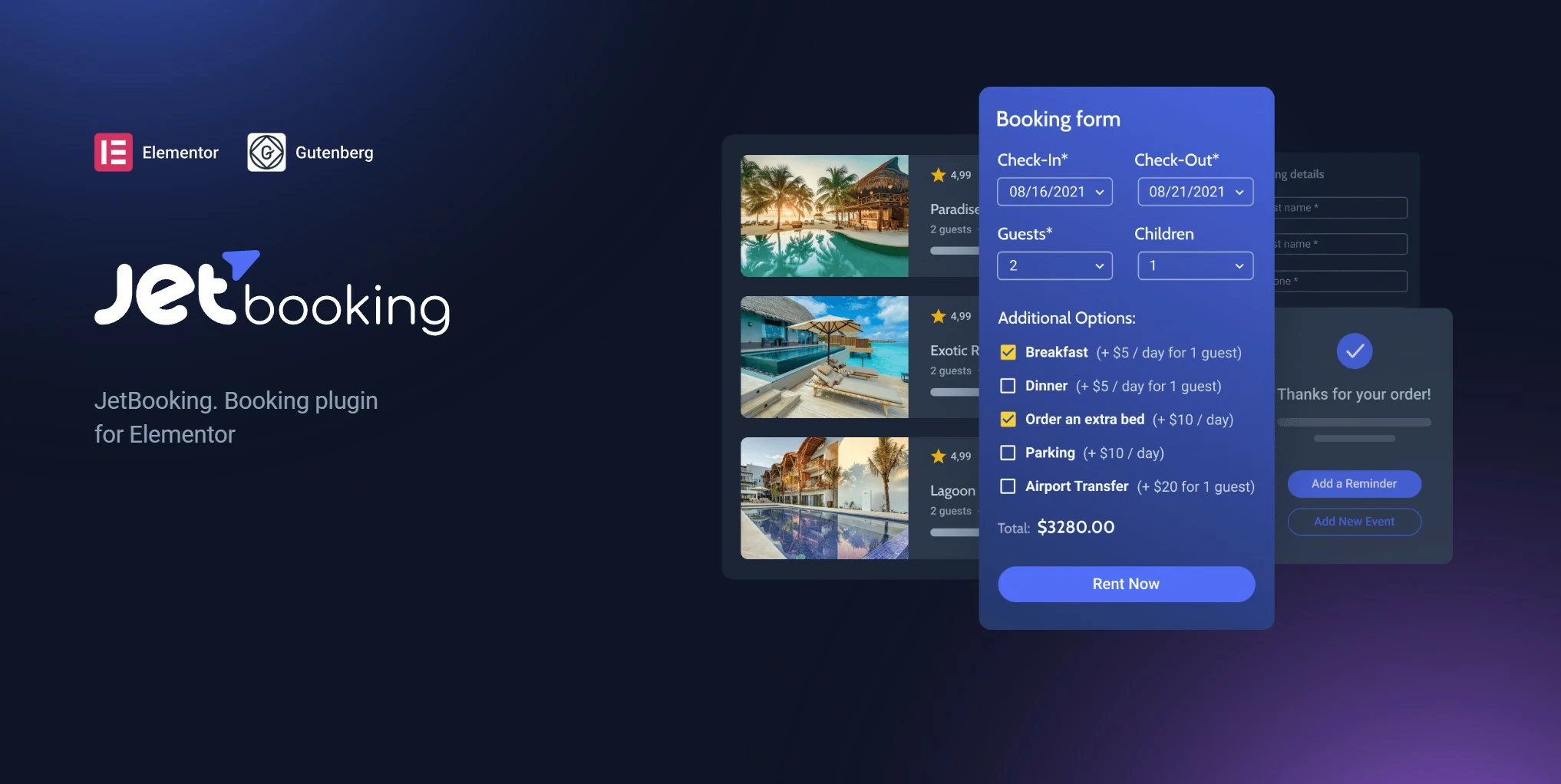
Date-range booking for rentals such as properties, equipment, or vehicles, with availability calendars and pricing rules. A different job from JetAppointment: nights, not time slots.
JetPopup
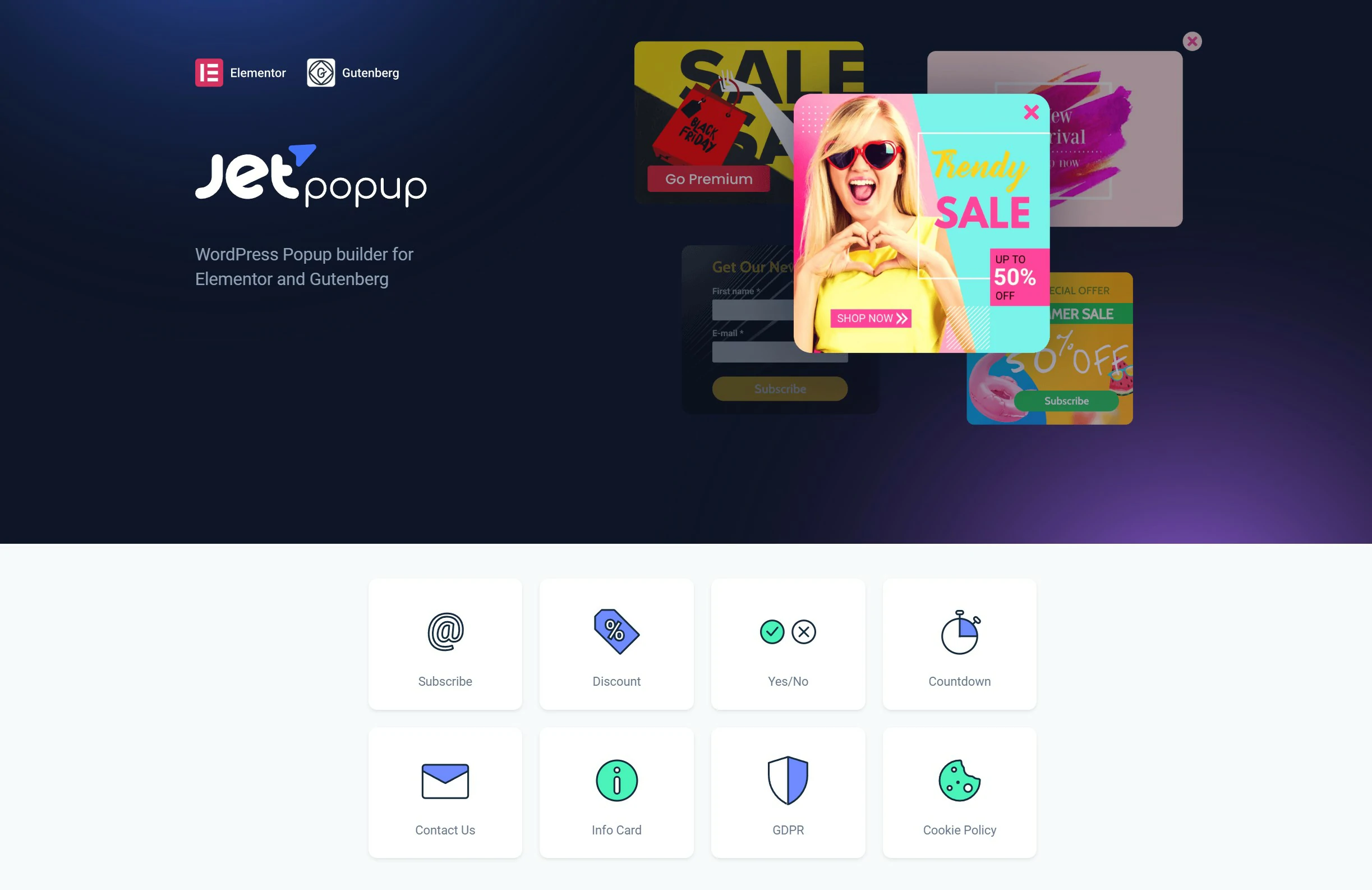
Popups built in Elementor with real trigger conditions, including exit intent, scroll depth, click, and delay. Ships with a library of ready-made designs.
JetReviews


On-site reviews and ratings with custom criteria, so visitors rate against the fields you choose rather than a single blunt star score.
JetCompare&Wishlist
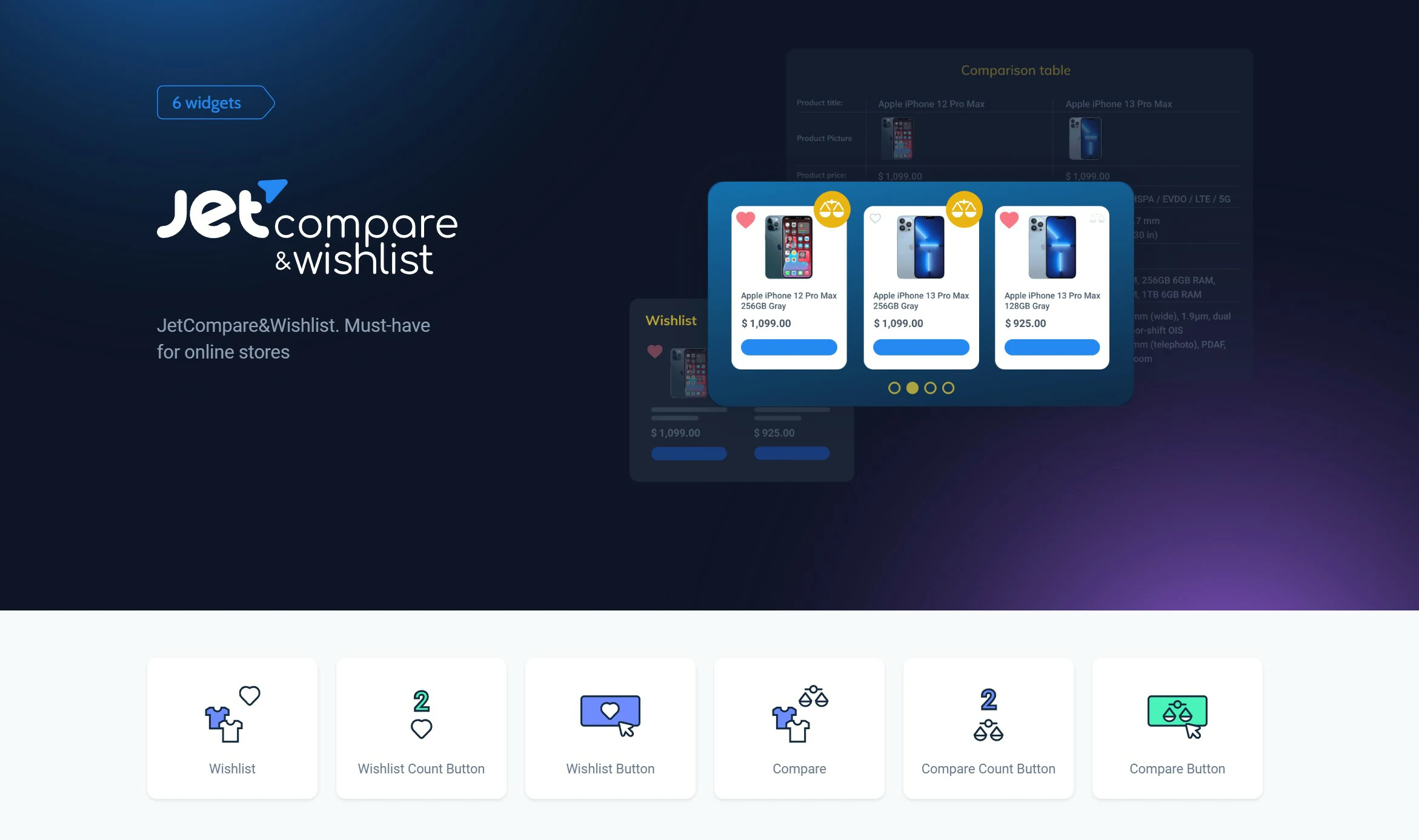
Compare and wishlist functionality for WooCommerce. A standard expectation on any catalogue large enough that shoppers need to shortlist before buying.
JetFormBuilder
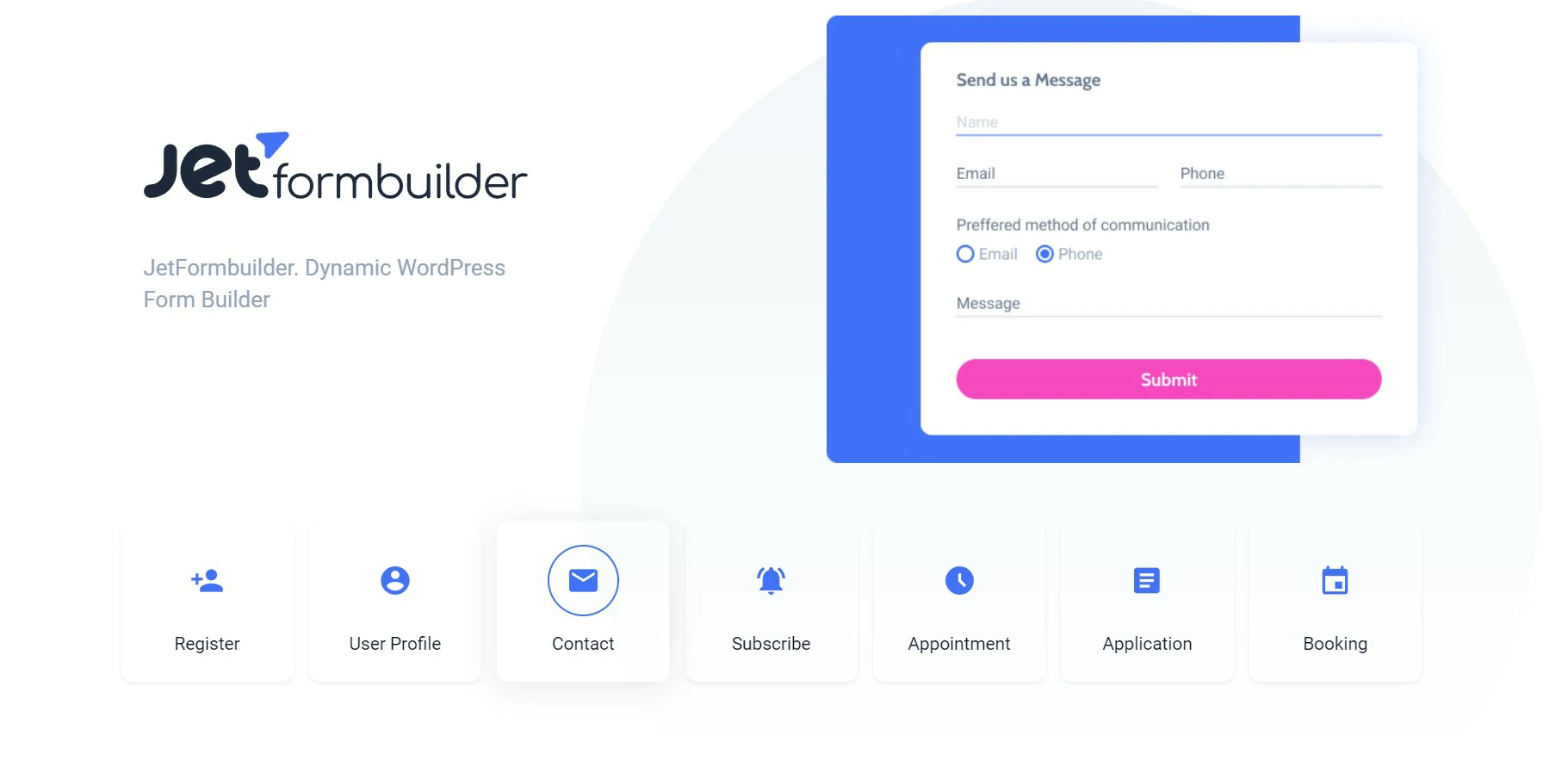
A genuinely capable form builder with multi-step forms, conditional logic, payments, and post submission. Notably free, and strong enough to replace a separate forms plugin.
JetStyleManager
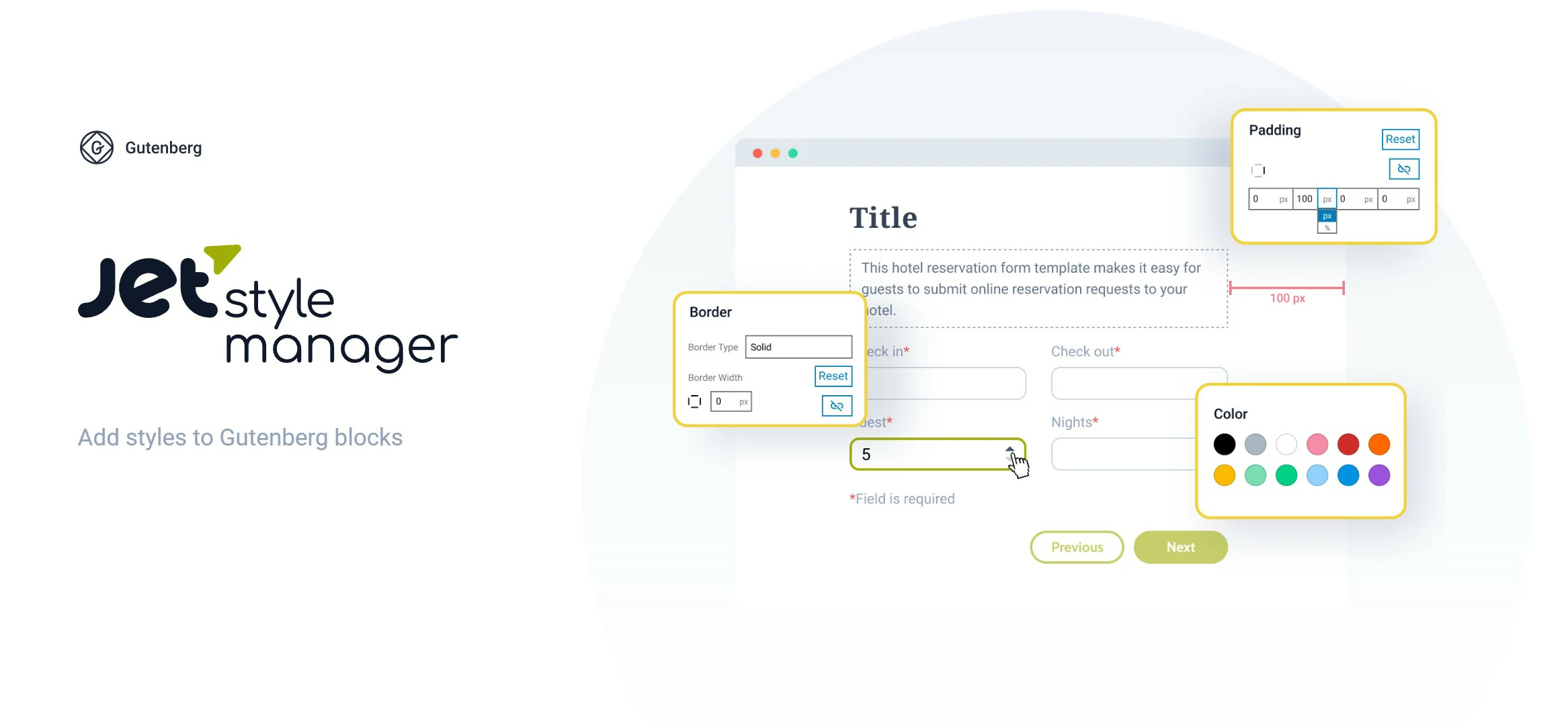
Styling controls for Gutenberg blocks, so block editor builds can be styled properly without dropping into CSS.
JetGridBuilder
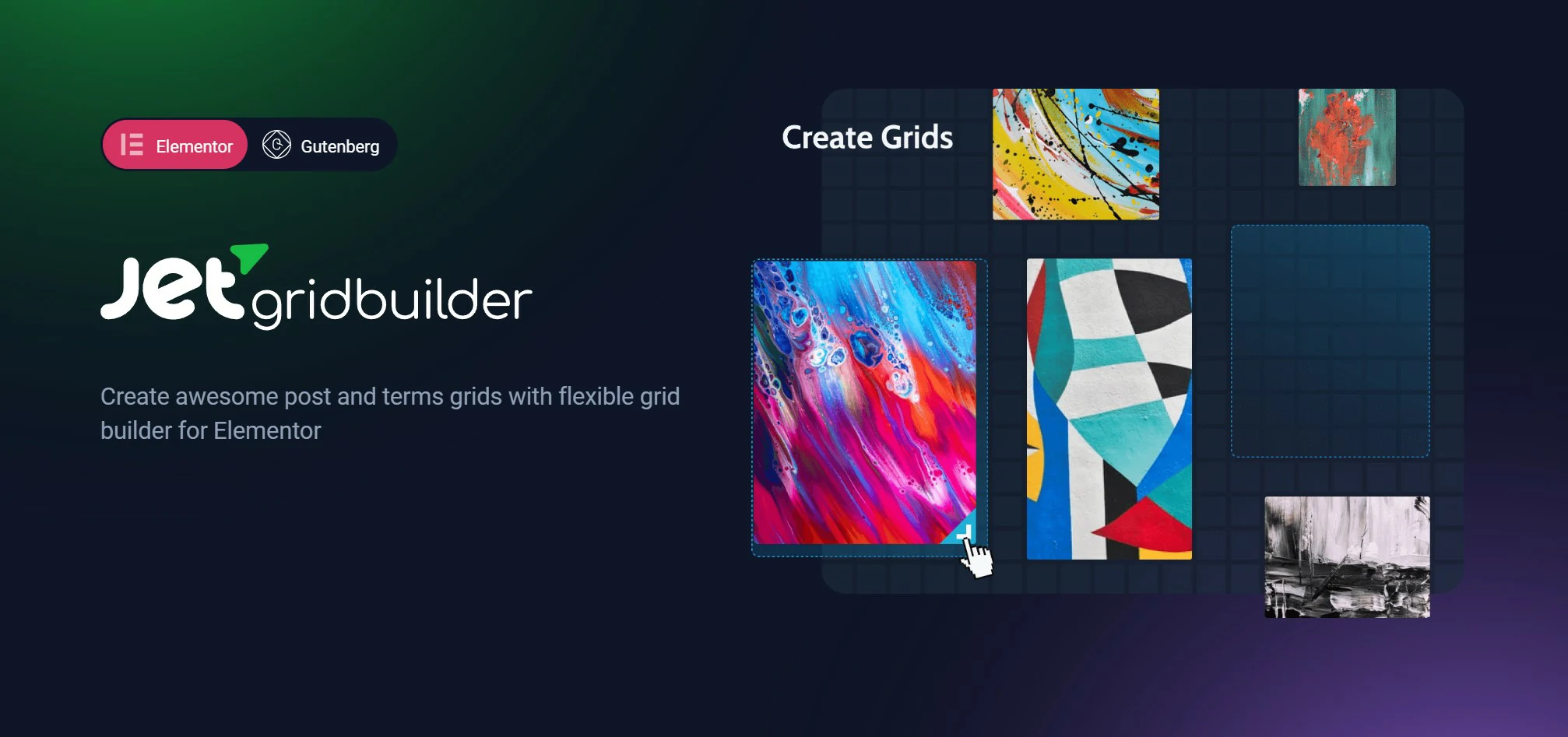
Grid layouts for posts and products in both Elementor and Gutenberg. Free, and useful if you want listings without committing to a full JetEngine setup.
What to Check Before You Buy
A collection of WordPress plugins called Crocoblock’s JetPlugins was created to enhance Elementor’s functionality and effectiveness. Look for the following qualities when examining these plugins:
Ease of use?
The JetPlugins need to be easy to install and use. Check to see if the plugins are easy to use and how well they interact with the Elementor Interface.
Compatibility?
Make sure the JetPlugins you select are compatible with the WordPress and Elementor versions you are using. Verify the required functionality before installing the plugin.
Performance?
For JetPlugins to function quickly and effectively on your website, they must be optimized for speed. Look for performance-enhancing, lightweight plugins, and remember that a lot of real-world speed also comes down to solid WordPress hosting.
Features?
Every JetPlugin offers a unique collection of features and capabilities. Choose a plugin that offers the capabilities you determine are necessary to increase the effectiveness and operation of your website.
Support?
It is crucial to pick a plugin with reliable support features like documentation, forums, and quick customer service. This can help you debug any issues and make sure your website is operating properly.
You may choose the best JetPlugins from Crocoblock for your website, enhancing its usefulness and performance, by considering these aspects.
Crocoblock Pricing
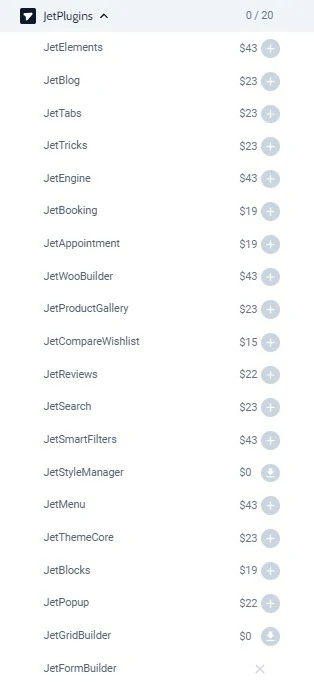
Crocoblock splits its plans two ways: whether you are licensing one project or all your projects, and whether you pay annually or once for lifetime access.
| Plan | Covers | Roughly | Best for |
|---|---|---|---|
| Single project, annual | 1 site | ~$199/year | Testing the suite on one real build |
| All projects, annual | Unlimited sites | ~$399/year | Freelancers shipping several client sites a year |
| Freelance lifetime | Lifetime, limited scope | ~$750 one-time | Solo builders who know they are staying |
| Lifetime, all projects | Lifetime, unlimited | ~$999 one-time | Agencies using it as their standard stack |
Our take on the value: the annual single-project plan is the honest starting point — it is roughly the cost of two or three standalone premium plugins, and you get twenty. The maths flips fast if you build sites for a living: two client projects a year already justifies the all-projects plan, and if Crocoblock becomes your default stack, the lifetime tier pays for itself in around two and a half years.
Before you buy a lifetime plan: build one real site on the annual plan first. Crocoblock is a commitment to a way of building — heavily builder-dependent, with its own way of handling dynamic data. Find out whether you actually enjoy working in it before dropping four figures on forever.
Plans and lifetime deal pricing change — verify current pricing on crocoblock.com before purchasing.

FAQs
Which plugins are included in the Crocoblock suite?
The Crocoblock suite includes the following main plugins: JetEngine, JetSmartFilters, JetElements, JetThemeCore, JetWooBuilder, JetFormBuilder, JetPopup, JetMenu, JetBlocks, JetTricks, JetBlog, JetReviews, JetSearch, JetProductGallery, JetCompareWishlist, JetBooking, JetAppointment, JetGridBuilder, JetStyleManager, and JetDashboard.
Can JetPlugins be used without Elementor?
Can I test a Crocoblock product for free first?
No, Crocoblock doesn’t offer a free trial for the full premium suite. However, you can explore free live demos on their website, try their free plugins like JetFormBuilder, or purchase a plan and utilize their 30-day money-back guarantee if it doesn’t meet your needs.
Can I use Crocoblock on unlimited sites?
Yes, Crocoblock offers specific subscription plans, like their higher-tier “All-Inclusive” annual plan or Lifetime deals, which allow you to use their plugins on unlimited websites. Lower-tier plans are typically limited to a single site.
Does Crocoblock slow down websites?
Like any extensive toolkit, it adds some overhead. Performance largely depends on which JetPlugins you activate, how complex your queries/features are, and standard WordPress optimization (good hosting, caching). Crocoblock is generally well-regarded for performance relative to its power, especially if you only enable what you need.
Do I need coding skills to use Crocoblock effectively?
You can build sophisticated sites visually without coding. However, for highly custom logic, unique front-end displays, or integrating deeply with other systems (especially using JetEngine or JetFormBuilder hooks/API), developer skills (CSS, PHP, JavaScript) unlock its full potential.
Is JetEngine just an alternative to ACF or MetaBox?
No, JetEngine does more. While it can handle CPT/custom field creation (like ACF/MetaBox), its strength lies in also providing powerful tools for displaying, querying, and relating that dynamic data on the front end via visual builders. Many developers use JetEngine alongside ACF, or solely use JetEngine for both data structure and display.
Final Verdict
When you buy a product independently, you might not be aware of its compatibility or update ability with the most recent Elementor releases. Separately purchased plugins might also have poor support, cause incompatibilities, etc. There are no such issues with Crocoblock because the products are always being updated, and you can use a lifetime unlimited license to get the most recent Jet products and skins and have access to everything you require while using Elementor.
Its main purpose is to make it simple to construct websites without any coding knowledge?. This company provides 150+ widgets, 18+ plugins for various purposes, and a variety of extras that will completely alter your coding approach.
Crocoblock provides excellent options for numerous page builders, with a toolset that is tailored to every project. Each plugin has comprehensive documentation and support. Widgets are another appealing feature of JetPlugins that will help you design a professional website?.
In a word, Crocoblock is a subscription service that offers it all for Elementor Page Builder. Even though they include a lot of plugins, it’s intriguing to see how these plugins connect.
I hope you like our Crocoblock review✨.
The Review
Crocoblock
Crocoblock is a plugin suite that allows you to do wonderful things with your webpage using Elementor. It offers exceptional value and is appropriate for both beginners and developers. The toolkit includes many extensions as well as the Kava Pro theme, which extends the capabilities of the Elementor page builder for WordPress. Crocoblock membership is essential if you wish to advance your Elementor page design skills.
PROS
- Crocoblock is designed to be easy to use and set up, even for unskilled users.
- Crocoblock lets you stay responsive over various layouts, so your site will appear great on any device.
- Crocoblock's talented team provides 365/24/7 assistance
- It has a Kava theme that is most compatible with Crocoblock
- Have elegantly created templates
- Includes an innovative plugins suite
- Integrated WooCommerce Developer
- Includes Header and Footer, Builder
CONS
- Several plugins have only average performance
- Can get expensive for a single small site
- Steep learning curve - the size of the suite overwhelms beginners
Crocoblock DEALS
We collect information from many stores for best price available




