

You’re on airport Wi-Fi, you open your banking app, and somewhere on that same network a stranger could be watching the traffic. Or you fly abroad and half your shows vanish with a “not available in your region” wall. A good VPN fixes both — a bad one quietly sells your browsing history to do it.
That’s the real problem with “best VPN” lists: most dump 20 apps on you, including free ones that are the exact privacy risk you installed a VPN to avoid. Picking wrong doesn’t just waste money — it can be worse than no VPN at all.
So we’ve cut the noise. Below are the VPN apps actually worth installing on your Android phone or iPhone, sorted by what each is best at — streaming, privacy, value, or a genuinely safe free plan — plus an honest warning about the popular ones we’d skip.
Let’s find the right one for your phone without the fluff.
📌 Quick Picks
- Best overall: NordVPN — fast, reliable, great apps on both Android and iOS.
- Best value / unlimited devices: Surfshark — protect the whole family on one plan.
- Best genuinely safe free plan: Proton VPN — unlimited data, no logs, no catch.
- Best for hardcore privacy: Mullvad — no email needed, flat €5/month.
- Best for streaming: ExpressVPN — unblocks the most services, the most reliably.
Best VPN Apps for Android & iOS September 2026
Here’s the shortlist at a glance. “Free version” means a usable free tier, not just a trial. Pricing tiers are relative — VPNs discount heavily on 2–3 year plans, so always check the live price on the official site before you buy.
| VPN | Best for | Free version | Price tier |
|---|---|---|---|
| NordVPN | Best all-rounder | No (30-day refund) | Mid |
| Surfshark | Value, unlimited devices | No (30-day refund) | Budget |
| ExpressVPN | Streaming & ease of use | No (30-day refund) | Premium |
| Proton VPN | Best free plan, privacy | Yes (unlimited data) | Mid |
| Mullvad | Maximum anonymity | No | Flat €5/mo |
| CyberGhost | Beginners, streaming presets | No (long refund) | Budget |
| Private Internet Access | Customisation on a budget | No | Budget |
| IPVanish | Unlimited connections | No | Mid |
| Windscribe | Free tier with data on offer | Yes (10GB/mo) | Budget |
| TunnelBear | Simplest for beginners | Yes (2GB/mo) | Mid |
NordVPN — Best All-Rounder
If you want one VPN that just works and don’t want to overthink it, this is it. NordVPN pairs fast WireGuard-based speeds with a properly audited no-logs policy, and the mobile apps are among the cleanest out there. Extras like split tunnelling, Threat Protection and Meshnet are genuinely useful, not box-ticking.
Best for: most people, on either platform. Watch out: the headline price is for the 2-year plan — the monthly rate is steep. See our full NordVPN review and alternatives if you want options.
Surfshark — Best Value
Surfshark’s killer feature is simple: unlimited simultaneous connections. One cheap plan covers your phone, your tablet, your laptop and everyone in the house. It’s fast, unblocks most streaming services, and the mobile apps don’t dumb anything down. For the price, it’s the best value on this list.
Best for: families and device hoarders on a budget. Watch out: it’s owned by Kape Technologies (more on that below), though it keeps a solid independent track record. Details in our Surfshark review.
ExpressVPN — Best for Streaming
ExpressVPN is the one we’d hand someone who hates fiddling. The apps are dead simple, the speeds are consistently good, and it unblocks more streaming libraries — Netflix, Disney+, BBC iPlayer — more reliably than almost anyone. Its Lightway protocol is quick to connect, which matters when you’re switching servers to find a working stream.
Best for: streaming and people who want zero hassle. Watch out: it’s the priciest here, and also Kape-owned. Full breakdown in our ExpressVPN review.
Proton VPN — Best Free Plan
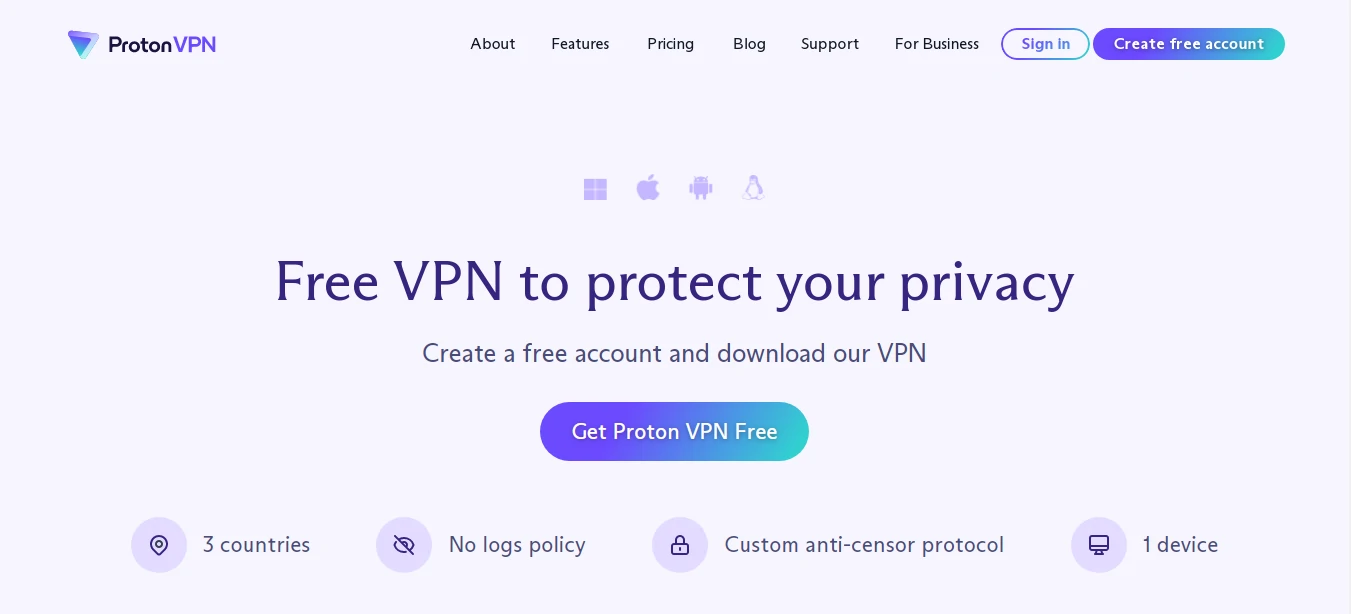
Proton VPN does the near-impossible: a free tier that’s actually safe and has no data cap. It’s from the Swiss team behind Proton Mail, open-source, independently audited, and genuinely privacy-first. The free plan limits you to a few countries and slower speeds, but it doesn’t log you or sell you out — which puts it in a different universe from most “free” VPNs.
Best for: anyone who wants free without the catch, or privacy without the marketing fluff. Watch out: the free plan is deliberately limited — you’ll want the paid tier for streaming.
Mullvad — Best for Privacy Diehards
Mullvad is the privacy nerd’s pick, and we mean that as a compliment. No email, no personal details — you get a random account number, and you can literally pay in cash. It’s a flat €5/month, no manipulative “2-year” pricing games, with a radically transparent, audited approach. The Swedish company keeps almost nothing about you.
Best for: people who treat privacy as the whole point. Not ideal if: you mainly want streaming — Mullvad doesn’t chase Netflix unblocking.
CyberGhost — Beginner-Friendly Streaming
CyberGhost holds your hand. It has dedicated, labelled servers for specific streaming services and torrenting, so you’re not guessing which one works. A huge server network and a famously long money-back window make it low-risk to try, and the apps are friendly for first-time VPN users.
Best for: beginners who want streaming to “just work.” Watch out: also Kape-owned, and the cheap price needs a long commitment.
Private Internet Access — Customisation on a Budget
PIA is for tinkerers. It’s cheap, has a massive server count, and its apps expose more settings than most — encryption levels, split tunnelling, an effective kill switch. Its no-logs claim has even held up in US court cases, which is about as real-world as proof gets.
Best for: budget users who like to fine-tune. Watch out: US-based (and Kape-owned), which some privacy purists dislike on principle.
IPVanish — Unlimited Connections
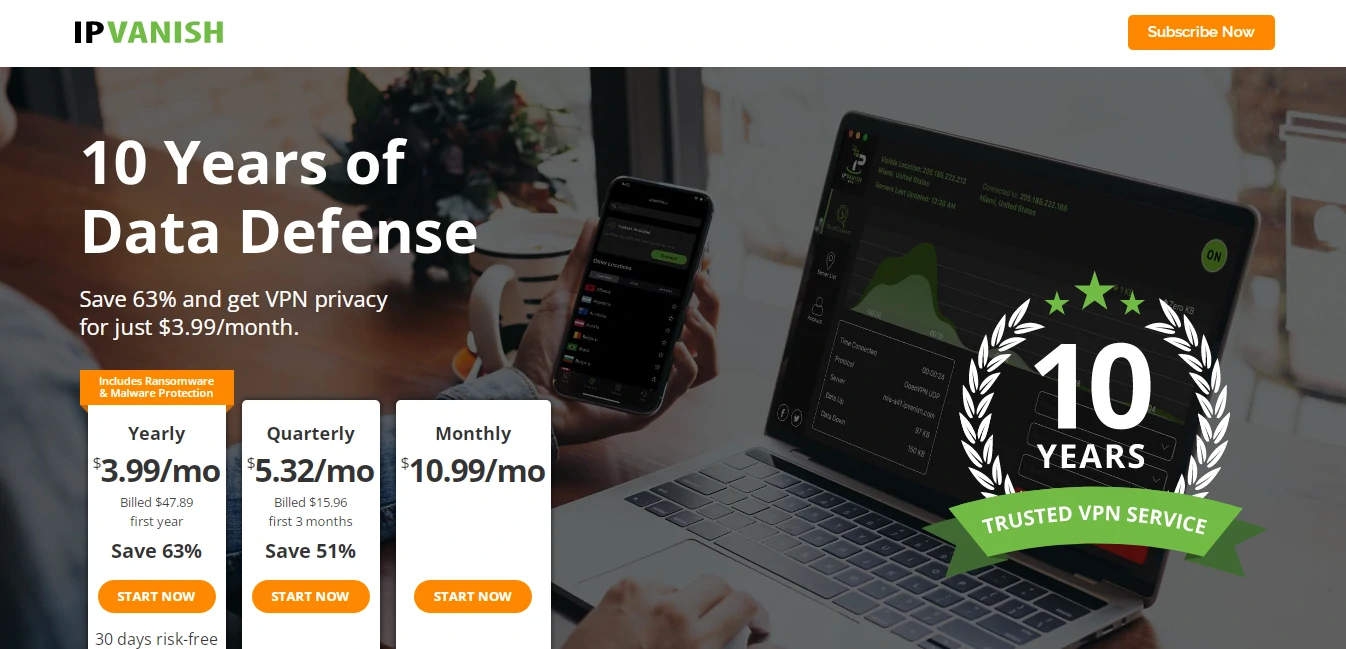
IPVanish is a solid, no-drama all-rounder with unlimited simultaneous connections and a configurable app that beginners and power users can both live in. Speeds are good and it’s reasonably priced on longer plans.
Best for: covering lots of devices without overthinking it. Watch out: it’s US-based, and its streaming unblocking is good but not class-leading.
Windscribe — Flexible Free Tier
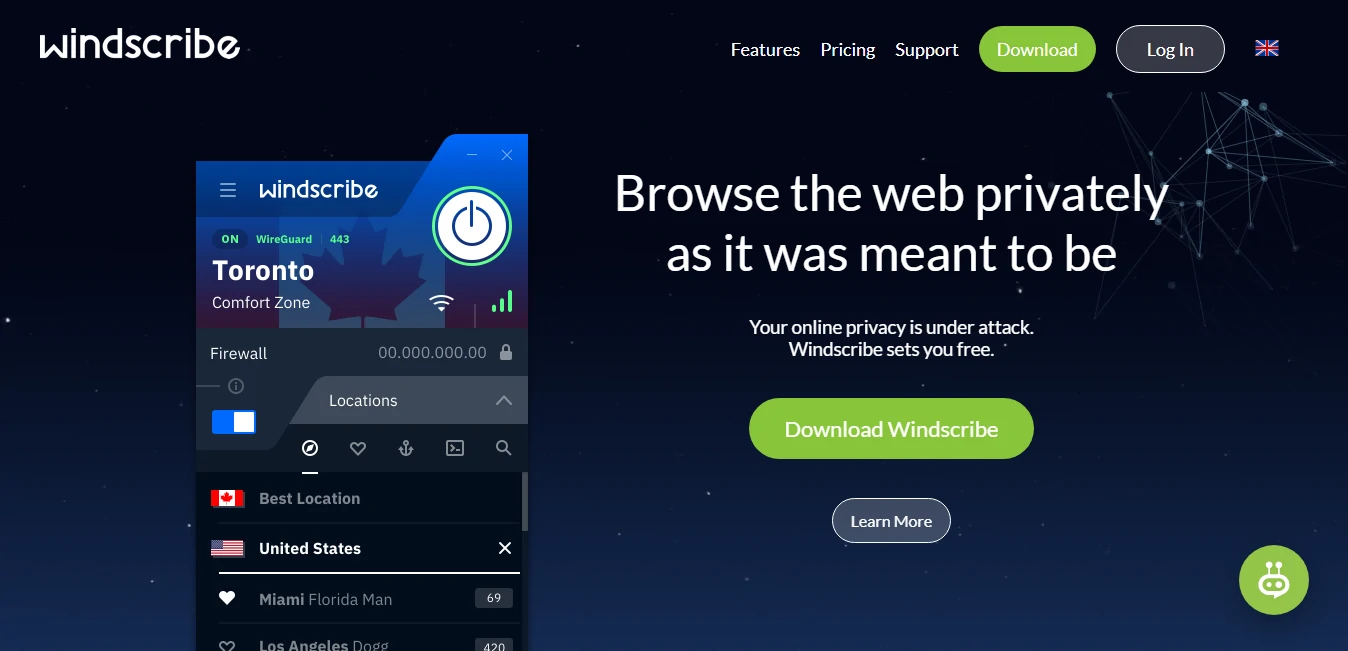
Windscribe’s free plan gives you around 10GB a month — enough for real, occasional use — and you can earn more. The paid “Pro” and pay-as-you-go “Build a Plan” options are unusually flexible, letting you buy only the locations you need.
Best for: light users who want a capable free VPN with room to grow. Watch out: the free data cap goes fast if you stream.
TunnelBear — Simplest for Beginners
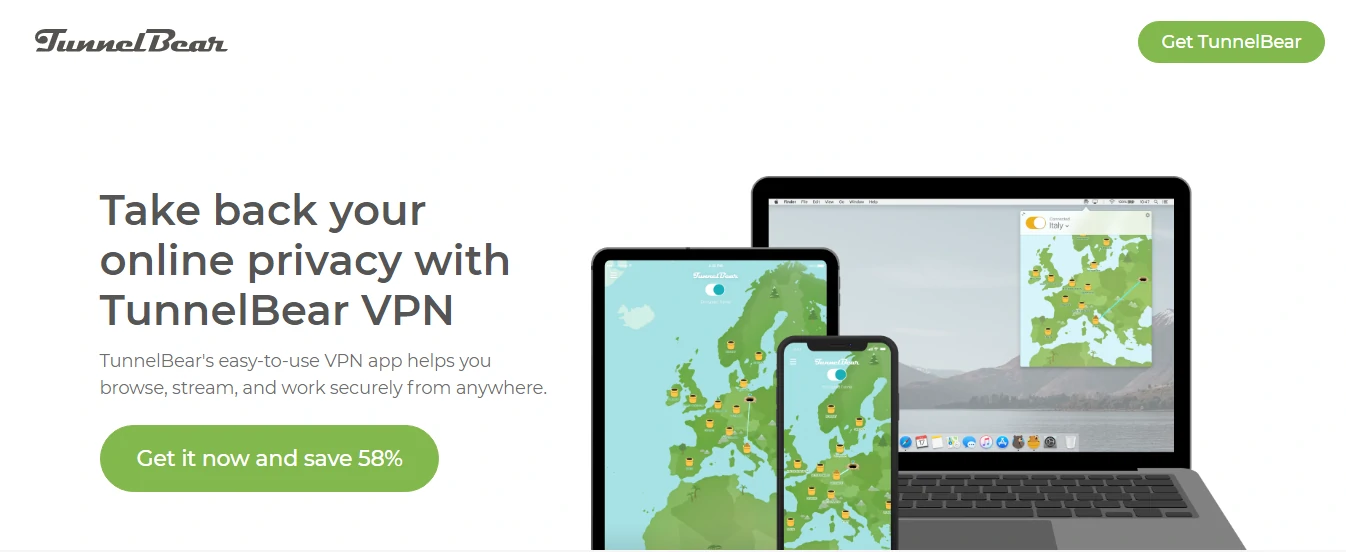
TunnelBear is the friendliest VPN going — bear puns, a dead-simple one-tap interface, and annual independent security audits to back up the cuteness. The free plan is tiny (around 2GB/month), but it’s perfect for trying the concept or occasional public-Wi-Fi protection.
Best for: total beginners and the VPN-curious. Not ideal if: you stream — that 2GB free cap won’t last an evening.
Free VPNs & the Ones We’d Skip
Here’s what generic lists won’t tell you. With most free VPNs, you’re not the customer — you’re the product. Running a global server network costs money, so if you’re not paying, many free apps make it back by logging your activity and selling it to advertisers or data brokers. That’s the opposite of what a VPN is for.
⚠️ Approach with caution: Popular free apps like Turbo VPN and Hotspot Shield have drawn real scrutiny over data practices and ownership in the past — and “completely free, doesn’t track you” claims rarely survive a look at the privacy policy. If you want free, stick to Proton VPN, Windscribe, or TunnelBear above, which are audited and transparent. Here’s our honest take on whether a paid VPN is worth it.
One more thing the marketing hides: several “independent” big names — ExpressVPN, CyberGhost, Private Internet Access and Zenmate — are all owned by the same company, Kape Technologies. They’re still legitimate services, but if you value true independence, that common ownership is worth knowing before you choose. (Worth noting too: WireGuard isn’t a VPN service you subscribe to — it’s the modern, fast protocol that powers many of the apps above.)
How to Choose the Right VPN for Your Phone
- What’s your goal? Streaming → ExpressVPN or CyberGhost. Privacy → Mullvad or Proton. All-round → NordVPN. Value → Surfshark.
- Check for a real no-logs policy — ideally one that’s been independently audited, not just claimed on the homepage.
- Want the WireGuard protocol (often branded NordLynx or Lightway) for the best speed-and-battery balance on mobile.
- Count your devices. Surfshark and IPVanish allow unlimited connections; others cap you at 5–10.
- Use the refund window. Most paid VPNs have a 30-day money-back guarantee — that’s your real free trial. Test it on your phone, with your streaming services, before committing to a long plan.
Going deeper? See our guides on the best VPNs for Netflix and VPNs for remote work, or read how VPNs work if you want the technical background.
Frequently Asked Questions
Are free VPNs safe to use on my phone?
Some are, most aren’t. Free VPNs cost money to run, so many fund themselves by logging and selling your data. Stick to audited, transparent free plans like Proton VPN, Windscribe or TunnelBear, and avoid unknown free apps that promise unlimited everything for nothing.
Is it legal to use a VPN on Android or iOS?
In most countries, yes, using a VPN is completely legal. A handful of nations such as China, Russia and the UAE restrict or ban them, and a VPN never makes illegal activity legal. For everyday privacy and streaming in most of the world, you’re fine.
Does a VPN slow down your phone or drain the battery?
A little. Encrypting and rerouting traffic adds some overhead, so expect a small speed drop and slightly more battery use. With a fast provider on the WireGuard protocol and a nearby server, the difference is usually small enough that you won’t notice it day to day.
Which is the best VPN for iPhone versus Android?
The top picks are the same on both: NordVPN overall, Surfshark for value, ExpressVPN for streaming. iOS and Android apps from the major providers are near-identical in features, so choose on price, speed and device limits rather than platform.
Can a VPN unblock Netflix and other streaming apps?
Yes, a good one can. ExpressVPN, NordVPN and CyberGhost reliably unblock Netflix, Disney+ and BBC iPlayer. Streaming services do fight back, so unblocking can vary by server — pick a provider with a money-back guarantee so you can test your services first.
Do I really need a VPN on my mobile?
If you use public Wi-Fi, travel, or care about advertisers and your ISP tracking you, yes — it’s cheap insurance. If you only ever use trusted home Wi-Fi and don’t need to bypass region locks, you can live without one, but the protection is still worth having.
The Bottom Line
You don’t need to scroll through 20 apps. For most people on Android or iPhone, NordVPN is the safe default — fast, trustworthy and easy. Want the same protection cheaper across every device you own? Surfshark. Living in your streaming apps? ExpressVPN. Privacy above all? Mullvad. And if you want free without selling your soul, Proton VPN is the only “free” we’d recommend without a wince.
One warning to leave you with: skip the random free VPNs in the app store — a sketchy free VPN can leak more than no VPN at all. Whatever you pick from the list above, use the 30-day money-back guarantee as your trial and test it on your own phone first. That’s how we’d do it, and it’s saved us from plenty of buyer’s remorse.




