

You’re about to click “buy” on a VPN because a YouTuber swore it would make you invisible, keep hackers out, and unlock every Netflix library on Earth. Then a little voice asks: do I actually need this, or am I about to pay $60 a year for something a free app does? Fair question — and most VPN articles won’t give you a straight answer because they earn a commission on “yes.”
Here’s the honest version. A paid VPN is genuinely worth it for some people and a waste of money for others, and the marketing blurs that line on purpose. A free VPN, meanwhile, isn’t really free — you usually pay with your data instead of your wallet (the same trap we broke down in free vs paid proxies).
So let’s settle it. Below: how a VPN actually works, exactly when paying is worth it (and when it isn’t), what to check before you spend a cent, and the three paid VPNs we’d actually recommend. No hype, no “you must buy this.” Let’s get to it.
Quick verdict: Yes — if you use public Wi-Fi often, want to unblock geo-restricted content, live under heavy censorship, or torrent. It’s optional if you just browse at home on an HTTPS-secured connection. Either way, skip free VPNs for anything private — a reputable paid plan costs about $2–5/month on a longer term and doesn’t monetize your traffic.
How a VPN actually works (in plain English)
A VPN (Virtual Private Network) wraps your internet connection in an encrypted tunnel between your device and a remote server. Your traffic goes to that server first, then out to the websites you visit — so they see the VPN’s IP address and location, not yours.
Two things fall out of that. First, your internet provider (and anyone snooping on your network) can’t see what you’re doing — only that you’re connected to a VPN. Second, you can appear to browse from another country. That’s the whole magic: privacy from your network, plus a change of digital address.

The catch most articles skip: a VPN doesn’t make you anonymous or hack-proof. It hides your traffic from your ISP and local network and shifts trust to the VPN provider — who can see your traffic. That’s exactly why which provider you pick matters more than whether you use one at all.
When paying for a VPN is genuinely worth it
Let’s be honest about who actually benefits. A paid VPN earns its money if you tick any of these boxes:
- You use public Wi-Fi a lot — cafes, airports, hotels. On untrusted networks a VPN stops anyone on the same Wi-Fi from snooping your traffic. This is the single strongest reason to have one.
- You want geo-restricted content — streaming libraries, sports, or sites blocked in your region. A VPN with fast servers abroad handles this; free ones usually get blocked instantly.
- You live under heavy censorship or surveillance — where a reliable, audited VPN is a real privacy tool, not a luxury.
- You torrent or share files — a no-logs VPN with a kill switch keeps your real IP off P2P swarms.
- You just don’t want your ISP building a profile of every site you visit to sell to advertisers.
Our take — when it’s NOT worth it: if you almost always browse from your own home network, on HTTPS sites, and don’t need to unblock anything, a VPN is optional. It won’t magically speed up your internet (it usually adds a little overhead), and it won’t stop the tracking that happens after you log into Google or Facebook. Don’t buy one out of vague fear — buy it for a specific job above.
Free vs paid VPN: why “free” costs you
Running a global server network is expensive, so a free VPN has to make money somehow — and it’s rarely in your favor. Independent security researchers who audited large batches of free VPN apps found many logging user activity, leaking data, or bundling questionable code. In privacy terms, a shady free VPN can be worse than no VPN, because you route everything through it and trust it completely.
| Free VPN | Paid VPN | |
|---|---|---|
| Cost | $0 (paid with your data) | ~$2–5/mo on a longer plan |
| Logging | Often logs & sells activity | Independently audited no-logs |
| Speed & data | Throttled, data caps | Unlimited, fast |
| Servers | Few, crowded, often blocked | Thousands worldwide |
| Security extras | Rare; sometimes malware/ads | Kill switch, leak protection |
| Best for | A quick, non-sensitive test | Anything real or ongoing |

The exception: a reputable provider’s free tier (a limited version of a paid product, like Proton VPN’s free plan) is safer than a random “free VPN” app, because the company already makes money from paying customers. For a quick, non-sensitive task that’s fine — for everyday privacy, pay.
What to check before you pay
Not all paid VPNs deserve your money either. Before you subscribe, run down this checklist:
- Independently audited no-logs policy. Anyone can claim “no logs.” Prefer providers whose policy has been verified by a third-party audit — that’s the difference between a promise and proof.
- A real kill switch. A kill switch cuts your internet if the VPN drops, so your real IP never leaks mid-session. Non-negotiable if privacy is the point.
- Server network & locations. More servers (and ones near you) mean faster speeds and less congestion — and the specific countries you need for unblocking.
- Speed & unlimited bandwidth. No data caps, and fast enough that streaming or calls don’t stutter.
- Device support & simultaneous connections. Cover your phone, laptop, and TV on one subscription; check apps exist for your platforms.
- Jurisdiction & reputation. Where the company is based affects data-request laws. Pick a provider with a clean, transparent track record.
Real-world tip: never judge a VPN by a one-month plan. Buy the shortest term, test it against your real use (your streaming service, your Wi-Fi, your devices) inside the 30-day money-back window, and only then commit to the cheaper long-term plan.
3 paid VPNs that are actually worth it in 2026
These three consistently tick the boxes above — audited privacy, big server networks, kill switches, and 30-day money-back guarantees. Pricing moves constantly (especially the discounted long-term plans), so treat the numbers as a ballpark and confirm on the official site before buying.
1. Surfshark — best value (unlimited devices)
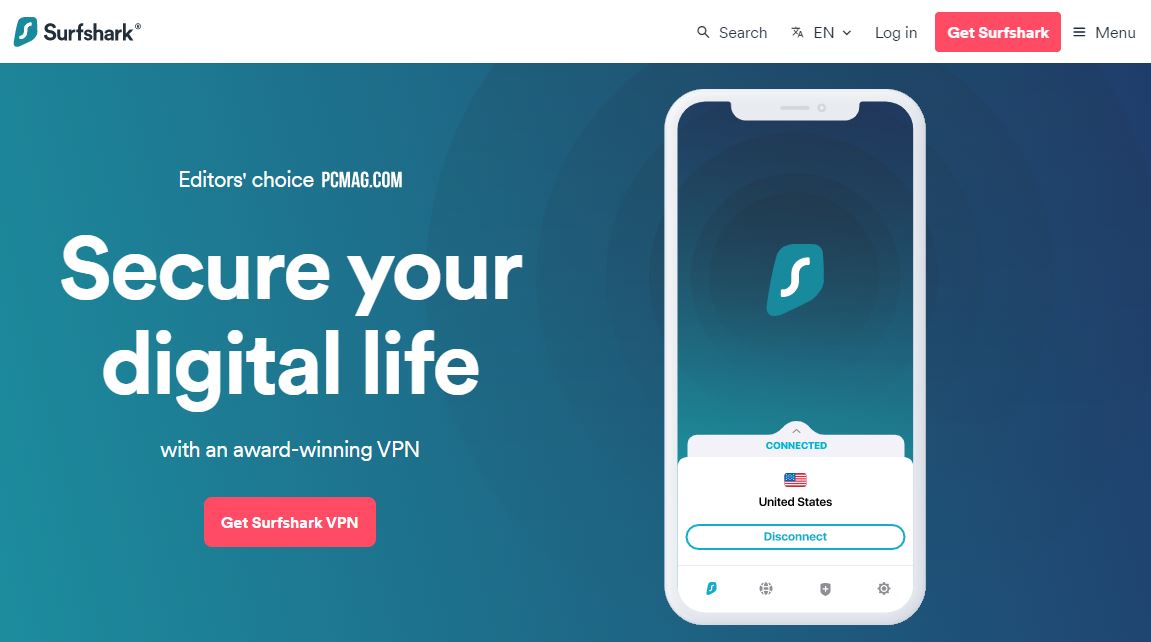
Our take: Surfshark is the value pick, and its killer feature is unlimited simultaneous connections — one subscription covers every device in the house. It pairs a big server network (3,200+ servers across 100+ countries) with a clean app, a kill switch, and 24/7 support, at a price that undercuts the big names on the long-term plan.
- Unlimited simultaneous device connections
- 3,200+ servers, kill switch, leak protection
- 24/7 live support + 30-day money-back guarantee
Pricing: around $2–3/mo on the 2-year plan (roughly $13/mo month-to-month) — verify current pricing. Best for: families and multi-device households wanting the most coverage per dollar. Not ideal for: anyone who wants the absolute fastest speeds over value.
2. NordVPN — best all-rounder for speed & security
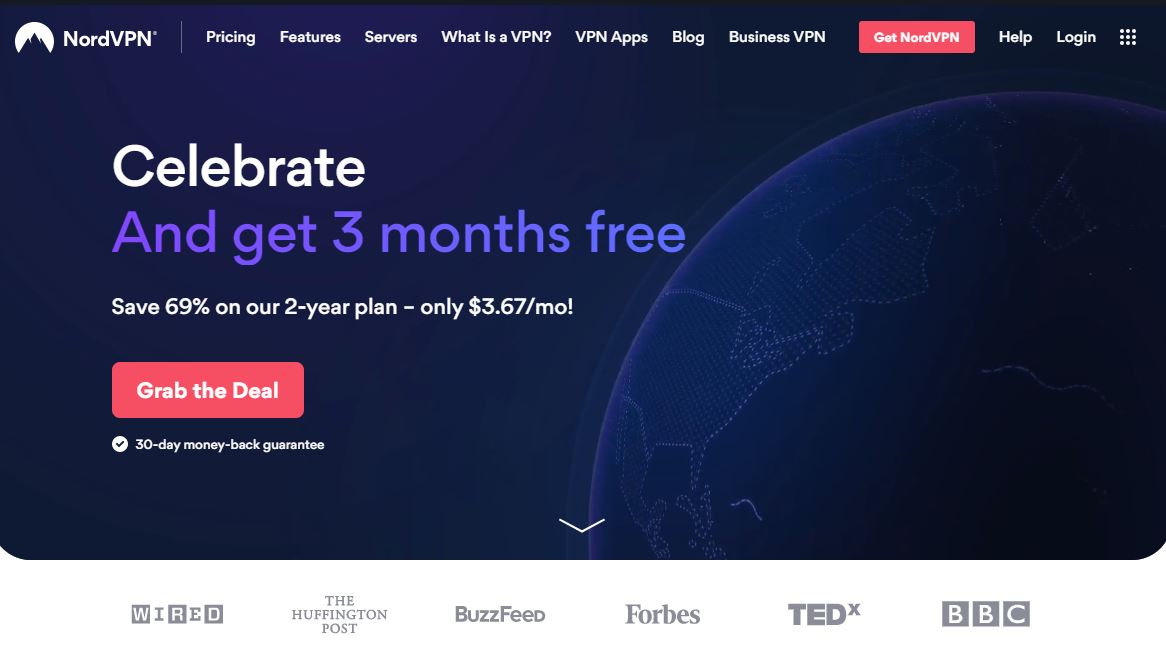
Our take: NordVPN is the safe default — consistently fast (thanks to its NordLynx protocol), independently audited no-logs, and loaded with extras like Threat Protection and double-VPN. If you want one name that just works for streaming, privacy, and public Wi-Fi without fuss, this is it.
- Fast NordLynx (WireGuard-based) protocol
- Independently audited no-logs, RAM-only servers
- Threat Protection, kill switch, 6–10 devices
Pricing: around $3–4/mo on the 2-year plan (about $12/mo monthly) — verify current pricing. Best for: people who want the strongest all-round mix of speed and security. Not ideal for: those on the tightest budget — Surfshark covers more devices for less.
3. ExpressVPN — easiest to use, great for streaming
Our take: ExpressVPN is the premium, no-fuss option — polished apps on every platform, reliably unblocks streaming, and its audited TrustedServer (RAM-only) tech is a genuine privacy plus. You pay more than the other two, but the “it just works” factor is real, especially for less technical users. We cover it in depth in our ExpressVPN review.
- Excellent, consistent streaming unblocking
- RAM-only TrustedServer, audited no-logs
- The most beginner-friendly apps of the three
Pricing: around $5–7/mo on the longest plan (about $13/mo monthly) — verify current pricing. Best for: streaming and users who value simplicity over saving a few dollars. Not ideal for: budget hunters — it’s the priciest here.
Want more options, including picks tuned for working remotely? See our roundup of the best VPNs for remote work, or our hands-on iTop VPN review for a budget-friendly alternative.
Common mistakes when buying a VPN
- Buying the monthly plan. Month-to-month is 3–5× the long-term price. Test on the short plan, then switch to a 1–2 year term for the real value.
- Trusting a “100% free, no limits” VPN. That’s the biggest red flag there is — someone’s paying, and it’s your data.
- Expecting total anonymity. A VPN hides you from your ISP and network, not from accounts you log into or the VPN provider itself. Pair it with good habits.
- Ignoring the kill switch setting. It’s often off by default. Turn it on, or your real IP leaks the moment the VPN blips.
- Confusing a VPN with a proxy. They overlap but aren’t the same — see how proxies differ if your goal is scraping or multi-account work rather than privacy.
How we look at VPNs
We’ve run VPNs across our own devices for streaming, travel on sketchy hotel Wi-Fi, and testing geo-blocked sites — and we’ve watched free ones throttle to a crawl or fail to connect at the worst moment. Our stance: a VPN is a targeted tool, not a magic shield. Buy one for a real job, pick a provider with audited privacy, and you’ll get your money’s worth. Some links here are affiliate links — if you buy through them we may earn a commission at no extra cost to you, and it never changes our verdict.
Frequently asked questions
Is it worth paying for a VPN?
Yes, if you have a specific job for it: using public Wi-Fi often, unblocking geo-restricted content, torrenting, or protecting privacy under surveillance. A good paid VPN costs only a couple of dollars a month on a longer plan. If you only browse at home on secured HTTPS sites, it is optional rather than essential.
Are free VPNs safe to use?
Most are risky. Running servers costs money, so many free VPNs make it back by logging and selling your activity, capping data, injecting ads, or worse. For anything private, avoid them. The safer exception is a free tier from a reputable paid provider, which is fine for a quick, non-sensitive task.
How much should a good VPN cost?
Roughly 2 to 5 dollars a month when you commit to a one or two year plan, versus around 10 to 13 dollars month to month. Always test on the shortest plan first, then switch to the long term for the real value. Prices change often, so confirm on the official site.
Does a VPN make me completely anonymous?
No. A VPN hides your traffic from your internet provider and local network and changes your visible IP, but it does not stop tracking after you log into accounts like Google or Facebook, and the VPN provider itself can see your traffic. That is why an audited no-logs provider matters.
Will a VPN slow down my internet?
Usually a little, because your traffic is encrypted and routed through an extra server. With a quality paid VPN and a nearby server the drop is small and often unnoticeable for browsing and streaming. Free VPNs, which are crowded and throttled, slow you down far more.
Is a VPN the same as a proxy?
Not quite. A VPN encrypts all of your device traffic for privacy, while a proxy usually reroutes a single app or browser and is aimed more at tasks like scraping or managing multiple accounts. If privacy is your goal, use a VPN; if you need many IPs for automation, a proxy is the better fit.
Which VPN is best for streaming?
ExpressVPN is the most reliable for unblocking streaming libraries thanks to its consistent servers and simple apps. NordVPN is a strong, faster-value alternative, and Surfshark is the best pick if you want to cover many devices cheaply. All three offer a 30-day money-back guarantee so you can test streaming before committing.
The bottom line
So, is it worth paying for a VPN? If you have a real job for it — public Wi-Fi, unblocking content, torrenting, or dodging surveillance — then yes, and a good one costs only a couple of dollars a month on a longer plan. If you just browse at home on secured sites, it’s a nice-to-have, not a must.
What’s not a close call: skip sketchy free VPNs for anything you care about — the price is your privacy. Our picks by use case: Surfshark for the best value and unlimited devices, NordVPN for the strongest all-round speed and security, and ExpressVPN for the easiest, most reliable streaming. Start on a short plan, test it in the money-back window, and only then commit — that’s how we do it, and it has saved us from plenty of wasted subscriptions.




