Searching for a Linode free trial usually ends in the same confusion: the signup page wants a credit card before it shows you anything free. That is not a bait-and-switch, but it is not a classic free trial either.
Here is what is really on offer, whether you will be charged, and the two settings to change on day one so a forgotten test server never becomes a surprise invoice.
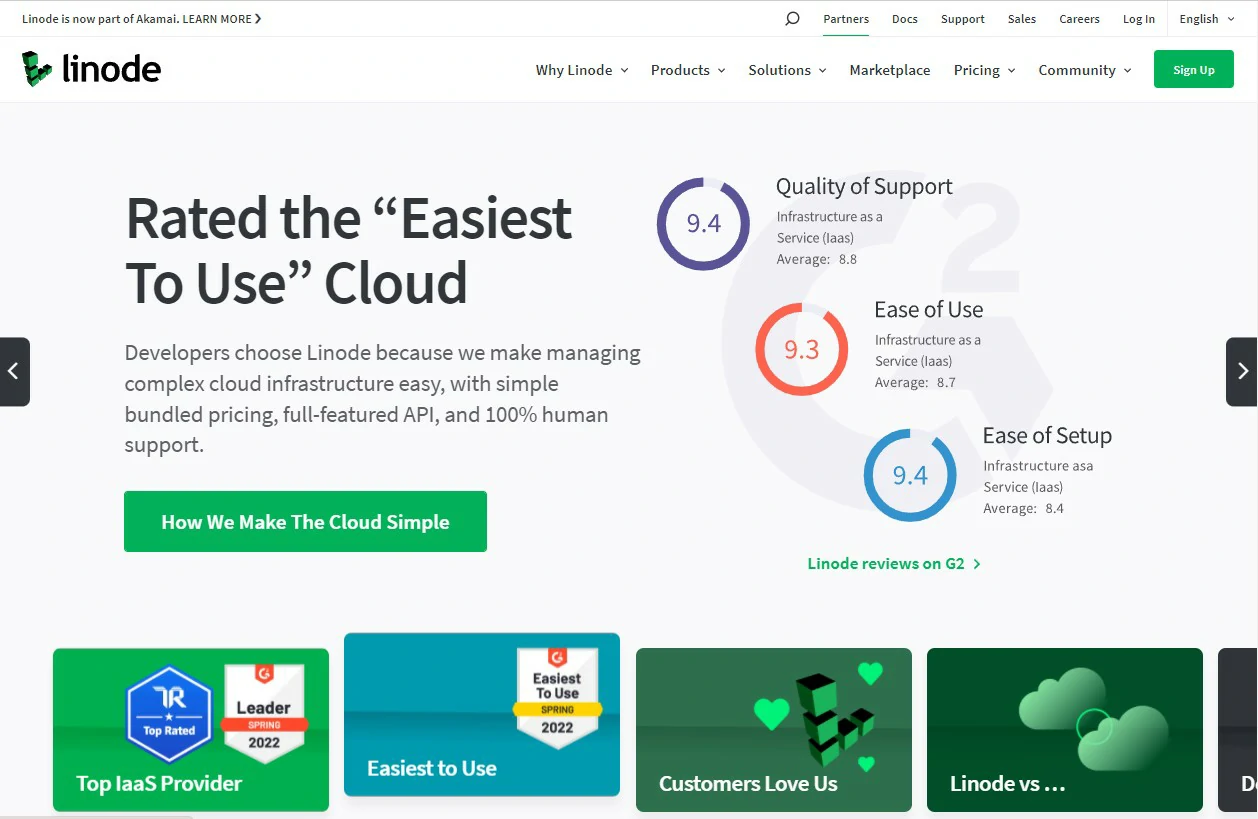
Quick verdict
Linode, now part of Akamai, is one of the better-value places to rent a Linux virtual machine. New accounts get a promotional signup credit, not an open-ended free trial. That matters: a credit runs out, and the meter keeps running unless you delete what you built.
- Best for: developers, students and sysadmins comfortable on a command line who want predictable flat monthly VPS pricing.
- Not ideal for: anyone wanting cPanel-style managed WordPress hosting, bundled email, or phone-first hand-holding.
What the Linode free trial actually is
There is no use-it-free-for-30-days, no-card-needed trial. New customers are offered a promotional account credit, valid for a limited window after signup, that offsets usage charges until it is spent or expires.
Akamai has changed both the credit amount and the expiry window more than once since acquiring Linode, and the offer can differ by region. Rather than quote a figure that may already be stale, check the number on the signup page and confirm it on your billing screen. That is the only version that binds.
The practical difference: nothing stops you spending past the credit. No hard cap pauses your servers at zero balance, so usage above the credit becomes an ordinary invoice.
| Classic free trial | Linode signup credit | |
|---|---|---|
| Card required | Often no | Yes |
| Ends when | Fixed date | Credit spent or expiry date, whichever is first |
| After it ends | Service stops | Billing continues automatically |
| Surprise-bill risk | Low | Real, if you forget to delete resources |
Do you need a credit card?
Yes. Akamai requires a valid payment method at signup and usually runs a small temporary authorisation to verify it. Prepaid and virtual cards are often declined, and PayPal can only be added after card verification.
New accounts also pass an identity and fraud check. It is normally instant, but signups from some regions are held for manual review and may need ID before the first server boots.
How to claim it, step by step
- Open the Linode signup page. The credit applies at account creation and generally cannot be added later.
- Register with an email address you can verify immediately.
- Add a payment card and complete verification.
- Confirm on the billing screen that the credit shows as a balance before you deploy anything.
- Deploy your first instance from Cloud Manager or the Marketplace.
- Calendar the expiry date, with a reminder a few days early.
Step four is the one people skip. If the credit is not showing, stop and contact support before running up usage. Retroactive application is not guaranteed.
How to avoid being charged
- Delete, do not just power off. A powered-off Linode still reserves its disk and still bills. Deleting the instance is the only way to stop compute charges.
- Watch the add-ons. Backups, volumes, object storage buckets, NodeBalancers and reserved IPs bill separately, and several survive the deletion of the server they were attached to.
- Object storage is the classic trap. An empty bucket still incurs the monthly minimum until you delete the bucket itself.
- Turn on billing alerts in Cloud Manager, set the threshold low, and read the invoice preview.
- Note the expiry, not just the amount. Unused promotional credit generally does not roll over.
What the credit realistically covers
On entry-level shared-CPU instances, a typical credit runs one small always-on server for several weeks, or a handful of test servers for a shorter burst. It disappears fast on GPU instances, large dedicated-CPU plans and multi-node Kubernetes clusters, which can burn a month of small-VPS budget in a day.
Spend it answering one question a spec sheet cannot: how your app behaves on a single shared vCPU, or whether Frankfurt genuinely beats London for your users. Get the answer, then delete everything.
Features worth testing with the credit
Developer-first, not beginner-first
Linode sells raw infrastructure: a Linux VM and a good control panel, not a managed WordPress stack or an agent who fixes your Nginx config. DDoS protection, Cloud Firewall and VLANs are included rather than upsold, which is unusual at this price. The Marketplace one-click deploys WordPress, GitLab, Docker hosts and dozens of other stacks if you would rather not start from bare Linux.
Block and object storage
Block storage attaches like an extra disk; S3-compatible object storage handles static assets and backups. Both have historically undercut the equivalent AWS and Google Cloud tiers, and both bill separately from your compute.
API, CLI and Terraform
Almost everything in the dashboard is reachable through the API, with official Python, Go and JavaScript libraries, a Python CLI and a Terraform provider. If you script your infrastructure rather than click it together, this is the strongest reason to try the platform.
Backups are a paid add-on
There is no free automatic backup. The paid Backup Service snapshots on a schedule for a flat monthly fee tied to plan size, not data volume. Snapshots sit alongside your instance, so keep an off-site copy of anything critical.
Linode pricing after the credit runs out
There is no permanent free tier. Billing is hourly with a monthly cap, so a server you delete after three days costs three days. Entry-level shared-CPU plans sit at the cheap end of the market, with dedicated-CPU, high-memory and GPU tiers climbing steeply from there. Akamai has adjusted plan specs and prices since the acquisition, so confirm the live pricing page before you budget.
Visa, Mastercard, Amex and Discover are accepted, and PayPal works once verified. Usage accrues daily and invoices monthly, so a mistake caught on day two costs very little.
How we evaluated this
This is a research summary, not a lab report. We compared Akamai and Linode documentation, pricing and terms against what long-term customers consistently report on forums and review sites. We did not run benchmarks or measure uptime ourselves, and where details change often we point you at the source.
Pros and cons of Linode
Pros
- Flat monthly caps make budgeting easier than metered-everything clouds.
- Cloud Manager is clean and quick to learn with basic Linux knowledge.
- DDoS protection, Cloud Firewall and VLANs included, not upsold.
- Strong API, CLI and Terraform support for repeatable deployments.
- Generous transfer allowance, and an unusually good documentation library.
Cons
- The offer is a credit, not a true free trial, and needs a card up front.
- No managed layer: no control panel by default, no managed WordPress, no email hosting.
- Automatic backups cost extra and are no substitute for off-site copies.
- Fewer regions and managed services than AWS, Azure or Google Cloud, so complex architectures can outgrow it.
- Support is ticket-led, and reviewers regularly report slower responses on entry-level accounts, while identity verification can delay your first deployment by hours.
Linode vs the obvious alternatives
Versus DigitalOcean: near-identical price bands. DigitalOcean has the broader managed-database and app-platform lineup; Linode wins on included networking and transfer allowance.
Versus Vultr: Vultr offers more locations and more high-frequency compute options. Linode has the better reputation for documentation and support, which matters more than it sounds at 2am.
Versus AWS: the AWS free tier is a genuine time-limited allowance rather than a credit, so if free is your hard requirement, AWS wins on paper. It also has a much steeper curve and a billing model that catches beginners out.
Frequently Asked Questions
Is the Linode free trial actually free?
It is usually a promotional credit on a new account, not an unlimited free period. Usage bills as normal and the credit offsets it until it runs out or expires, after which charges hit your card.
Do I need a credit card for the Linode free trial?
Yes. Akamai requires a verified payment method at signup and may place a small temporary authorisation on the card. Prepaid and virtual cards are often declined. PayPal can be added only after card verification.
How much credit do new Linode accounts get, and how long does it last?
The amount and validity window have changed several times and can vary by region and promotion. Check the figure on the signup page and confirm it on your billing screen before deploying anything.
Can I cancel Linode before I get charged?
Yes. Delete every instance, volume, bucket, NodeBalancer and reserved IP, then close the account in Cloud Manager. Powering a server off is not enough, because it keeps billing. Accrued usage beyond the credit is still payable.
Is Linode good for beginners?
It is friendlier than AWS, but still unmanaged infrastructure: you own the operating system, updates, security and backups. If you have never used SSH, budget learning time or start with a Marketplace one-click app.
Linode vs DigitalOcean: which is better value?
They sit in the same price band and either is defensible. Linode tends to include more networking extras and a larger transfer allowance; DigitalOcean offers more managed add-on services. Test both if you can.
Does Linode have a permanent free plan?
No. There is no always-free tier. The cheapest shared-CPU plans are inexpensive but still bill hourly up to a monthly cap. For genuinely free long term, look at providers publishing an always-free tier.
The verdict
- Learning Linux or hosting a side project: take the credit. It buys a month of mistakes for nothing.
- Running client WordPress sites: wrong shape of product. You will spend the savings on server admin. Buy managed hosting instead.
- Evaluating for production: spend the credit on a latency and benchmark test in the region you actually serve, then price the real configuration.
One warning worth repeating: the credit does not stop the meter. Nothing shuts down when it runs out, and a powered-off instance still bills. Delete what you are not using, and delete the volumes and buckets too.
Next step: open the signup page, read the current credit amount and its expiry date, and put that date in your calendar before you deploy a single server.