

Nobody needs fourteen criteria to caption a picture of a cat. You need a template, two lines of text, and an export button that doesn’t stamp a logo on your work.
So we rechecked every meme maker on this list against its live site in July 2026. Two had quietly changed names, one is effectively abandoned, and one had its free tool retired entirely.
Here are the meme generator tools that still work, what each one costs, and where each one falls down. If you want the wider design toolkit, start with our AI image generator tools roundup.
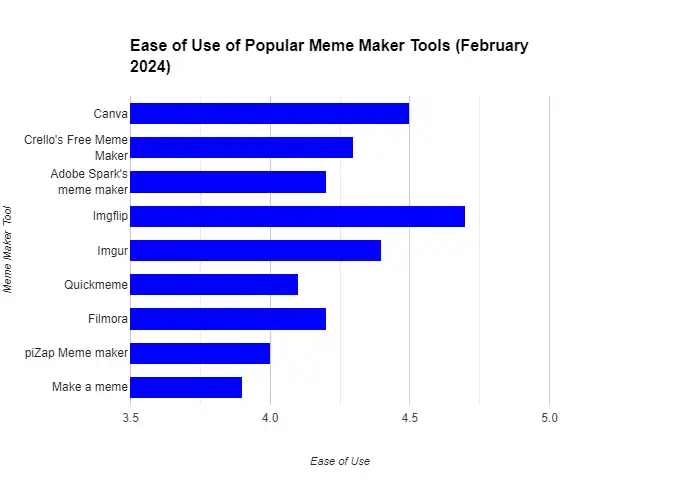
Best meme maker tools in 2026, at a glance
Quick verdict
- Fastest for classic memes Imgflip
- Best for brand-safe memes Canva
- Best free with no watermark Adobe Express
- No longer worth using Quickmeme
- Every tool here has a usable free tier
- Imgflip and Adobe Express need no account for a quick meme
- Canva and Kapwing double as real design and video tools
- Free tiers on Imgflip and Kapwing add a watermark
- Template libraries go stale fast, so check before you rely on one
For a caption on a known template in under a minute, Imgflip wins and nothing else is close. For anything a brand will publish, Canva. Adobe Express sits between them and costs nothing.
| Feature | ||||
|---|---|---|---|---|
| Works without an account | Yes(winner for this row) | No | No | No |
| Watermark on the free tier | Yes | No | No(winner for this row) | Yes |
| Classic meme template library | ||||
| Video and GIF memes | Yes | Yes | No | Yes(winner for this row) |
| AI meme generation | Yes | Yes | Yes | Yes |
| Brand kit, fonts and logos | No | Yes(winner for this row) | Yes | Yes |
| Paid plan | $11.95/mo yearly | Pro, varies by region | Free tool | $16/mo yearly |
| Time to first meme | Under a minute | Two to three minutes | Two minutes | Three minutes |
We may earn a commission when you buy through links on this page. This does not affect our reviews.
How we picked these
We make memes for our own social accounts, so the test was simple: open the tool, caption a known template, export it, and see what the file looks like. Time to first meme, watermark on the free tier, template freshness, and export sizes were what mattered.
We also checked every URL in the previous version of this article, which is how we caught the ones that had moved or died. What we didn’t do is buy every paid tier or benchmark render speed. Prices were checked in July 2026 and vary by region, particularly Canva. Nobody paid for a place here.
What actually matters when picking one
Most comparison lists give you a checklist of twelve features. In practice three things decide it, and the rest is noise.
- Does the free export carry a watermark? This is the single biggest divide. Adobe Express and Canva say no. Imgflip and Kapwing say yes unless you pay. For anything commercial, that settles it on its own.
- Template library or blank canvas? If you want a known format captioned, you want a library, and Imgflip has the best one. If you want something original with your own branding on it, a library is clutter and you want a design tool.
- Still images or video? Half of meme culture moved to Reels and Shorts. Only Kapwing here handles clip trimming and auto-captions properly.
Everything else, collaboration, monetisation, community feeds, is a tiebreaker at best. Pick on those three and you’ll be right most of the time.
Real-world tip: Export at 1080 by 1080 and stop thinking about it. Square survives every feed, crops predictably, and nobody has ever complained that a meme was too legible.
The best meme maker tools we would actually use
Imgflip – fastest way to caption a classic template
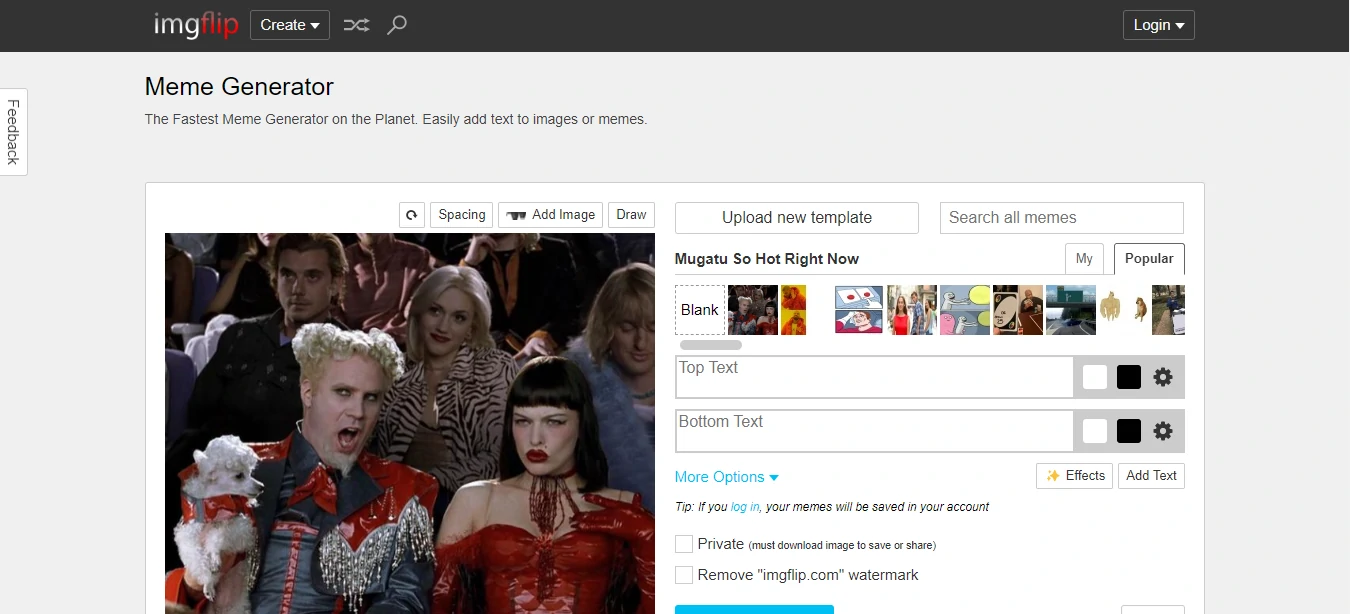
Imgflip is the tool most people actually mean when they say meme generator. No account, no onboarding, no design decisions. Pick a template, type two lines, download. Under a minute, every time.
Its template library is the deepest here by a distance, and it is genuinely current rather than stuck in 2014. The AI meme generator will write captions for you, which is fun for about five minutes and occasionally useful for breaking a blank page. Pro at $11.95 a month billed yearly removes the watermark and lifts the GIF size cap.
The catch is the free tier. Free exports carry an imgflip.com watermark, free GIFs are capped at 500 by 500 pixels, and there are ads. Fine for a group chat, not fine for a client post.
- Largest and best-maintained meme template library here
- No signup needed for a basic image meme
- GIF captioning and an AI meme generator built in
- Direct sharing to most social platforms
- Pro $14.95 a month, or $11.95 billed yearly
Best for: Anyone who wants a known format captioned and posted immediately.
Not ideal for: Brand accounts. The watermark and the ads make the free tier a non-starter, and 500 by 500 GIFs are too small.
Canva – best when a brand has to sign off on it
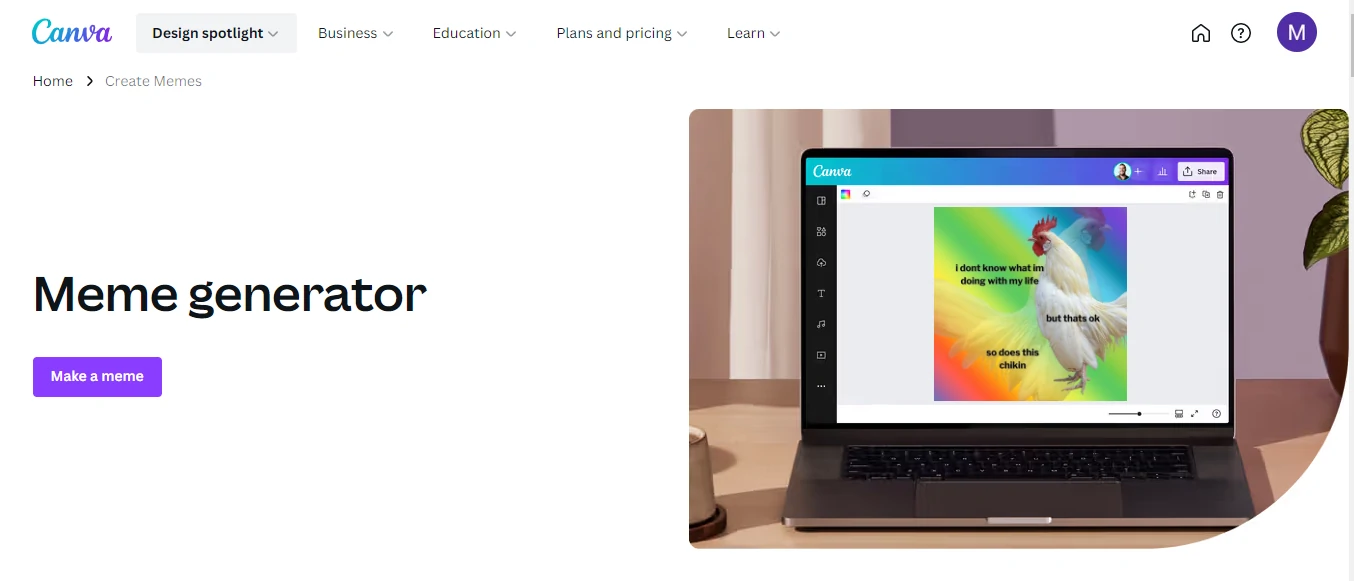
Canva is not the fastest meme tool and it never will be. It is the one to use when the meme carries a logo, sits in a campaign, or gets posted by a company rather than a person.
Brand kits mean your fonts and colours are already loaded. Background remover, stock photos, animation and resize-for-every-platform are all in the same editor. Build a meme layout once, save it as a brand template, and the next twenty take two minutes each. That reuse is the real argument for it. We covered the workflow tricks in our Canva tips and tricks post.
Free exports carry no watermark, which already puts it ahead of Imgflip for professional use. Canva Pro pricing has risen recently and varies by region, so check the current figure on the Canva pricing page rather than trusting any number in a review. Our full Canva Pro review goes into whether the upgrade is worth it.
- No watermark on free exports
- Brand kit with your own fonts, colours and logos
- Background remover and huge stock library on Pro
- One-click resize for every social platform
- Real design tool, so the meme can become a carousel or an ad
Best for: Marketers, agencies and anyone whose meme has to look deliberate.
Not ideal for: Fast reaction memes. By the time you have opened Canva the moment has passed. If Canva does not suit, our list of Canva alternatives covers the rest.
Adobe Express, formerly Adobe Spark – best free option
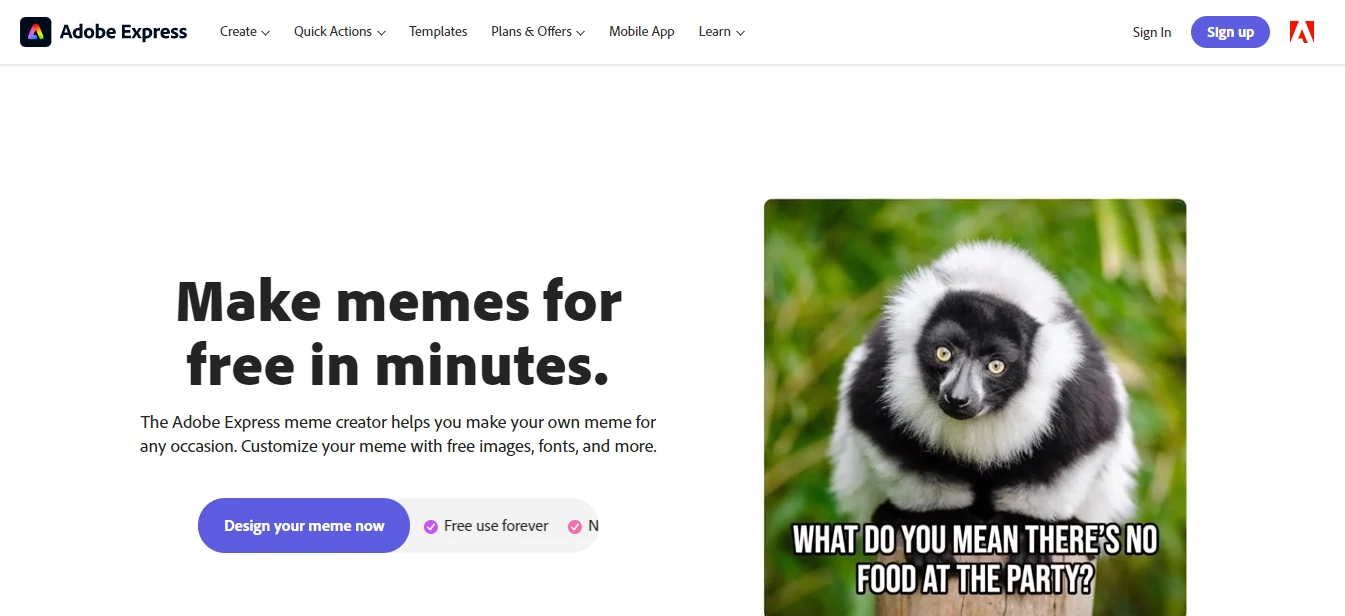
Adobe Spark stopped existing in 2022. Everything it did now lives inside Adobe Express, and the meme generator is a dedicated tool inside it rather than a side feature.
The reason it earns third place is simple: no watermark, no cost. Free exports are clean, the template set is respectable if not enormous, and you get Adobe font quality plus one-tap background removal without paying. For a small business posting the occasional meme, that combination is hard to argue with.
It is not trying to be a meme culture platform. There is no community, no trending page, and the classic template library is thinner than Imgflip. What you get instead is a proper design surface. If you are replacing heavier software, our roundup of Adobe Photoshop alternatives covers the wider picture.
- Watermark-free exports on the free plan
- Adobe font library and quality typography
- One-tap background removal
- Landscape, portrait and square presets for every network
- Generative AI features included in the free tier
Best for: Small businesses and creators who want clean output without a subscription.
Not ideal for: Anyone chasing the newest meme format the day it breaks.
Kapwing – the one to use for video and GIF memes
Static memes are only half the format now. Kapwing is the browser tool built for the other half: trim a clip, burn in captions, add a meme border, export as MP4 or GIF.
Auto-subtitling is the standout. Drop in a clip, get accurate captions in seconds, restyle them to look like the format you are copying. Doing that in a desktop video editor takes twenty minutes. Kapwing takes three. Pro is $24 a month, or $16 billed annually, and the free tier watermarks exports.
This is a newer addition to our list because the old lineup had no serious video option at all, which was a real gap. If you want a full editor rather than a meme tool, see our picks for video editing software.
- Auto-generated subtitles you can restyle
- Export as MP4 or GIF at usable resolutions
- Works entirely in the browser, no install
- Team workspaces and collaborative editing
- Free tier available, Pro $16 a month billed annually
Best for: Reels, Shorts and any meme with motion or dialogue.
Not ideal for: Quick image macros. Imgflip beats it there on speed and price.
Imgur – a community first, a meme maker second
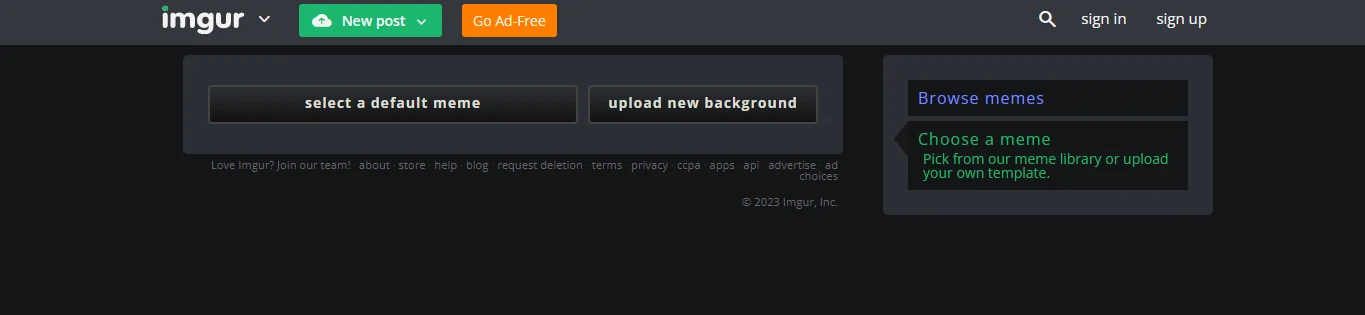
Imgur matters because of where the meme goes afterwards, not because of the editor. The meme generator is basic: pick an image, add top and bottom text, post. That is roughly it.
What you get in exchange is one of the last genuinely large image communities on the internet, with a front page that still drives real reach. If distribution is the point rather than craft, that trade makes sense.
Judged purely as a tool, it sits behind Imgflip on templates and behind Canva on control. Use it when you want your meme seen by strangers rather than sent to a group chat.
- Built-in audience with a genuinely trafficked front page
- Simple top and bottom caption editor
- Trending and viral meme feeds for format ideas
- Free with an account, no watermark on your own uploads
Best for: Getting a meme in front of people who do not follow you.
Not ideal for: Anything precise, branded, or commercial.
piZap – stickers, collages and a playful editor
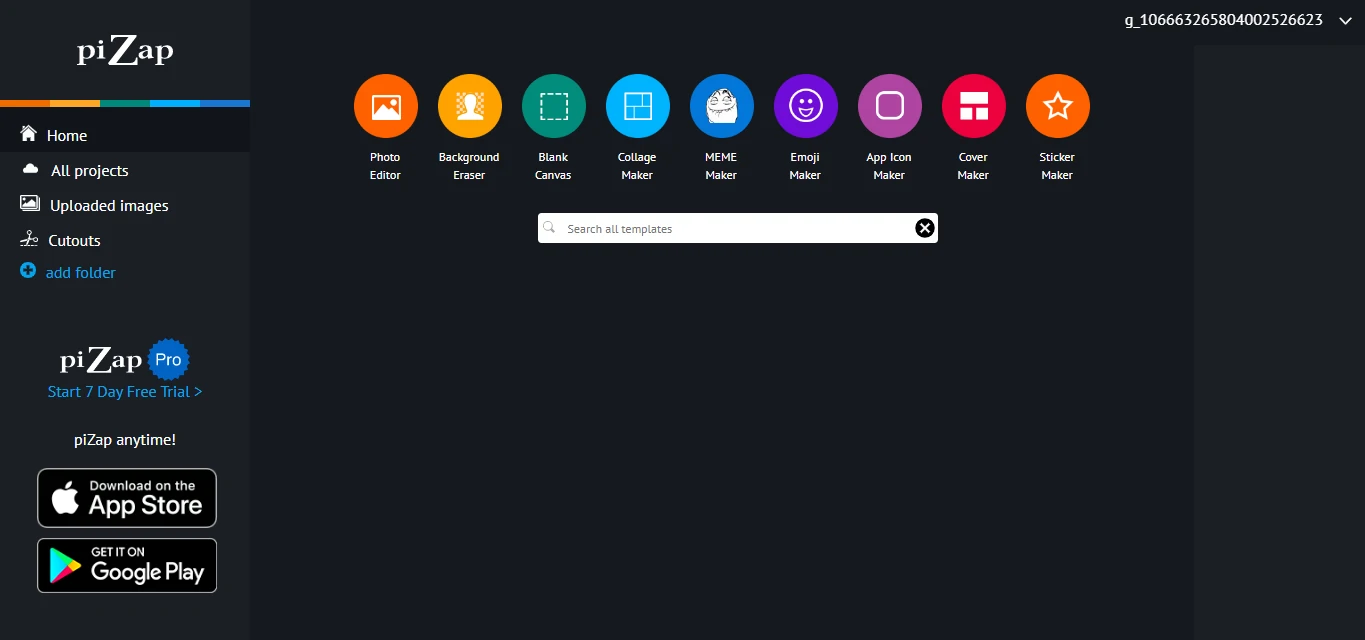
piZap occupies a niche the serious tools ignore: memes that are collages, sticker-covered, or deliberately messy. Import from your device, Facebook or Dropbox, pile on emoji and effects, export.
It is the friendliest editor here for someone who does not think of themselves as a designer, and the collage layouts are genuinely good. The interface leans loud and consumer-grade, and there are upsells throughout, which is the trade.
- Meme collage layouts other tools do not offer
- Large sticker and emoji library
- Colour effects and filters on meme images
- Imports from Facebook and Dropbox as well as your device
- Presets for different social platform sizes
Best for: Personal, playful memes and photo collages.
Not ideal for: Professional output. The aesthetic is doing something specific and it will not suit every brand.
Vista Create, formerly Crello – a Canva-style alternative
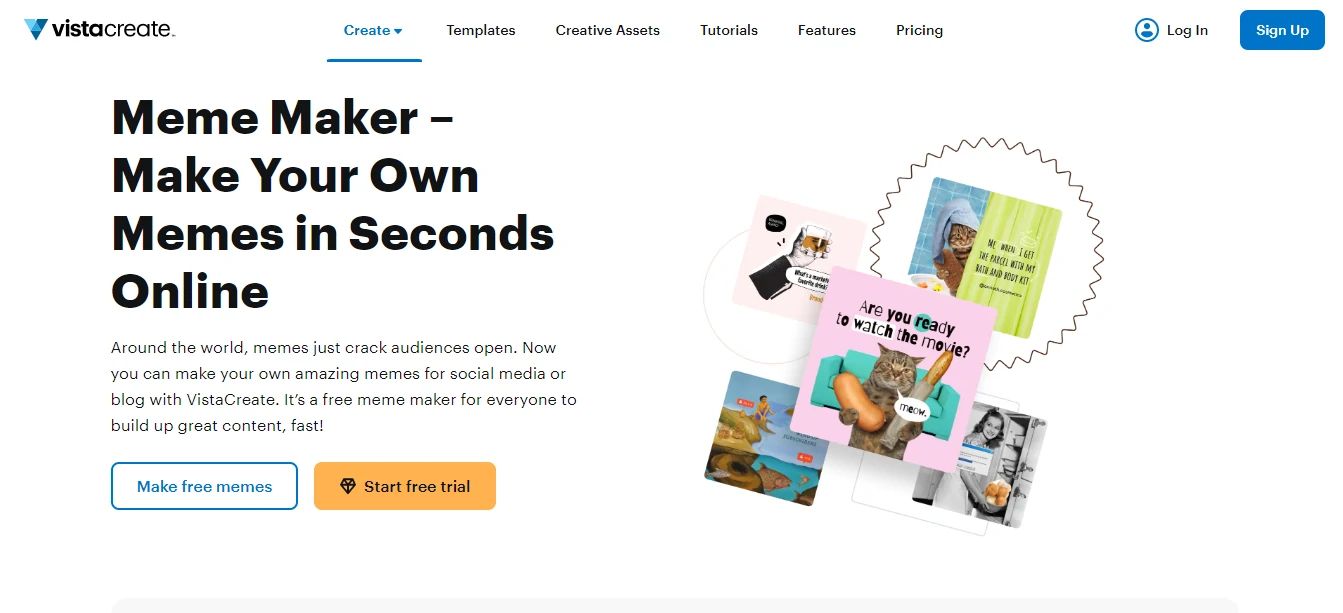
Crello has not been called Crello for years. It became VistaCreate and now sits inside Vista, the company behind VistaPrint. Same drag-and-drop editor, same enormous stock library, different name and a different owner.
As a meme tool it does what Canva does, slightly less well, with a smaller community and fewer templates. The reason to pick it is the stock photo and video library bundled into the plans, which is unusually deep. Honest assessment: if you do not already have a Vista account, Canva is the better default.
- Huge bundled stock photo and video library
- Drag-and-drop editor with meme templates
- Animated design and video formats supported
- Presets sized for each social network
- Free tier available
Best for: Existing Vista customers, and anyone who wants stock media bundled in.
Not ideal for: New users. Canva has more momentum, more templates and better learning material.
Make a Meme – simple, free, no frills
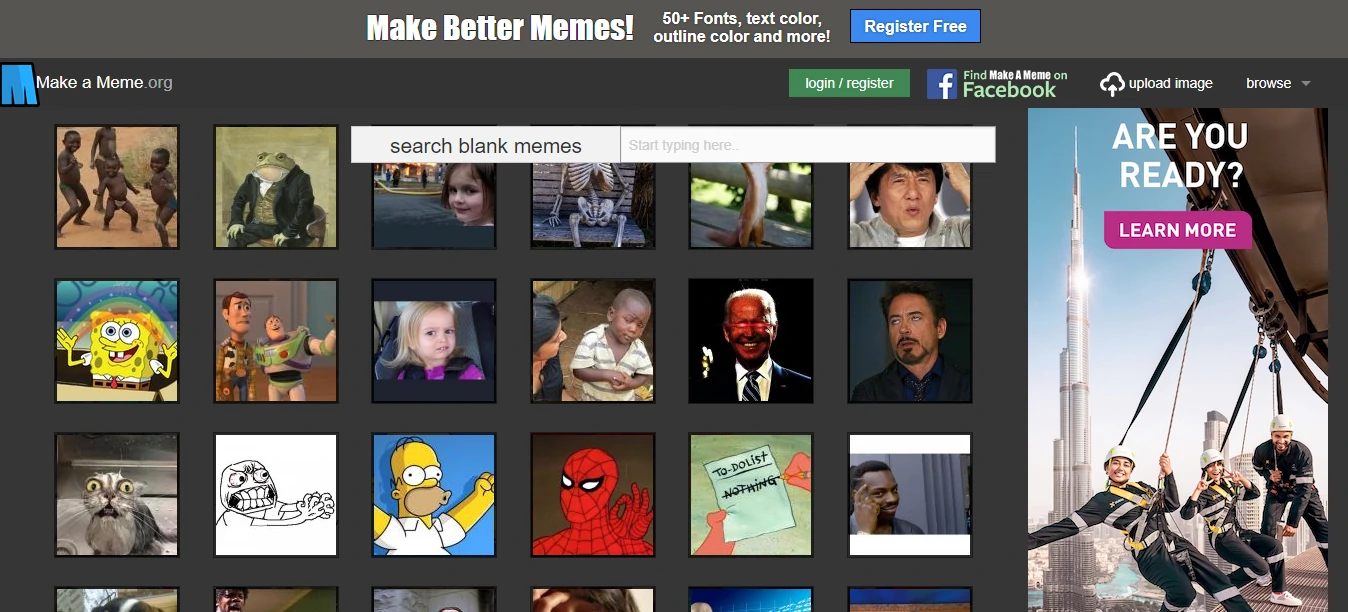
Make a Meme does one job. Browse blank templates, add a caption, preview, download. No account required, no upsell path, no AI features nobody asked for.
That restraint is the appeal. It loads fast, it works on a bad connection, and the category browsing makes it easy to find a format when you half-remember what it looks like. It is a lightweight Imgflip with a smaller library, and there is nothing wrong with that.
- Blank meme template browser sorted by category
- Preview before download
- Public or private meme visibility
- Loads quickly, works on slow connections
- Free with no account required
Best for: A quick caption on a familiar template with zero friction.
Not ideal for: Anything beyond text on an image. There is no real editor here.
Filmora – still a good editor, no longer a meme maker

We are keeping this entry to correct it rather than to recommend it. Wondershare used to run a standalone free online meme generator at filmora.wondershare.com, and it appeared on a lot of roundups including ours. That page is gone; the URL now redirects to general Filmora content.
Filmora itself is alive and well as a desktop and mobile video editor, and it has meme and reaction templates inside the app. But it is a paid video editor with meme templates, not a free browser meme generator, and pretending otherwise sends readers to a dead link. If you want browser-based video memes, use Kapwing.
Best for: Editing longer video where a meme is one scene among many.
Not ideal for: Making a meme in ninety seconds. Wrong tool, wrong workflow.
Every meme maker compared
| Tool | Best for | Free tier | Watermark on free? | Paid plan |
|---|---|---|---|---|
| Imgflip | Classic caption memes | Yes | Yes | $11.95/mo yearly |
| Canva | Branded, on-message memes | Yes | No | Pro, varies by region |
| Adobe Express | Clean free exports | Yes | No | Free tool |
| Kapwing | Video and GIF memes | Yes | Yes | $16/mo yearly |
| Imgur | Reach and community | Yes | No | Free |
| piZap | Collages and stickers | Yes | Varies | Paid tiers |
| Vista Create | Bundled stock media | Yes | No | Paid tiers |
| Make a Meme | Zero-friction captions | Yes | No | Free |
The meme tools that quietly died
Old roundups keep these alive long after the products stopped being maintained. Here is what actually happened to each one, so you do not waste an afternoon on a dead link.
Quickmeme – abandoned, and not safe to upload to
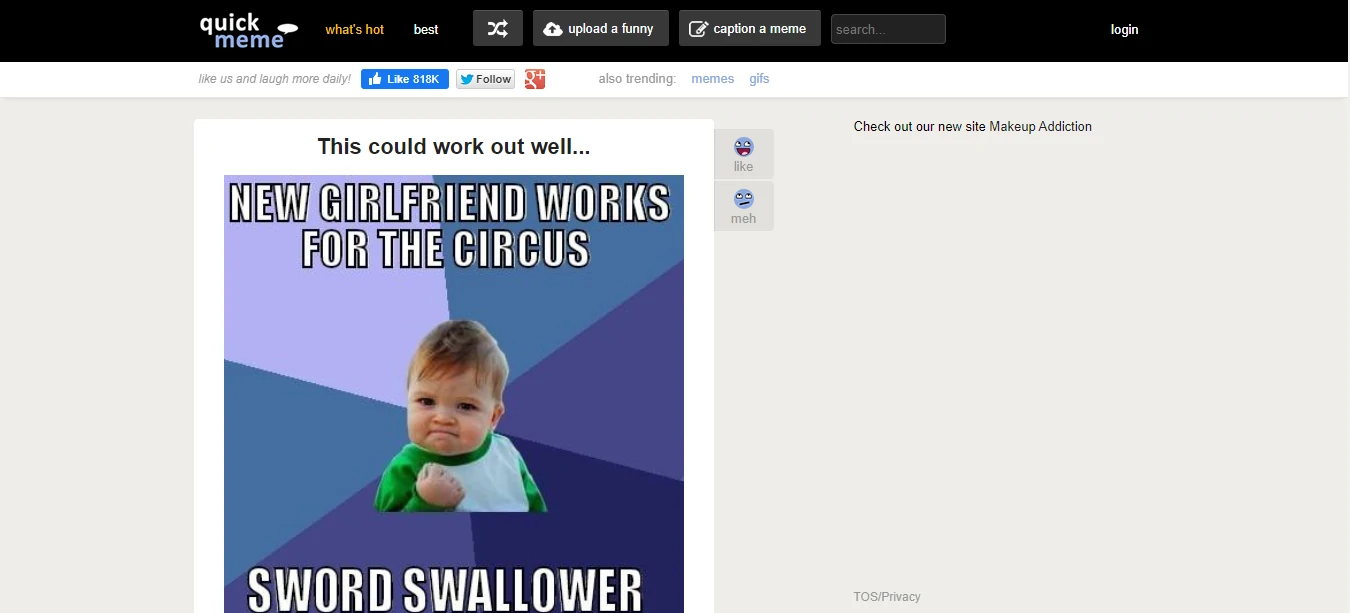
Quickmeme still loads. That is about the kindest thing we can say. It runs over plain HTTP with no working HTTPS in 2026, the template set is stuck in the era that made it famous, and there is no sign anyone has shipped an update in years.
A site with no TLS is a site you should not be uploading personal photographs to, and a meme site with no fresh templates has no reason to exist. We are removing our recommendation. If you liked Quickmeme for its simplicity, Make a Meme does the same job on a maintained site.
Crello and Adobe Spark – renamed, not dead
Crello became VistaCreate and now lives inside Vista at create.vista.com. Adobe Spark was folded into Adobe Express in 2022. Both products still exist and both are covered above under their current names. If you see either old name in a roundup, that roundup has not been checked since at least 2022.
Mistakes that make a meme flop
- Posting a format that peaked eight months ago. Meme half-life is measured in weeks. Check the trending page on Imgflip or Reddit before you commit to a template.
- Explaining the joke in the caption. If the image needs a paragraph underneath it, the meme has already failed. Cut words until it hurts.
- Shipping a watermark on a brand account. An imgflip.com stamp on a company post reads as careless. Use Adobe Express or pay for Pro.
- Uploading a low-resolution screenshot. Compression is brutal on already-compressed images. Start from the highest-resolution source you have.
- Letting AI write the punchline. AI meme generators are excellent at structure and terrible at comedy. Use them for the template, write the line yourself.
Memes for a brand also need to look like they belong to that brand, which is where a proper design workflow earns its keep. Our guide to infographics maker tools covers the same principle for longer-form visuals.
Frequently Asked Questions
Which meme maker has no watermark on the free plan?
Adobe Express and Canva both export without a watermark on their free tiers, which makes them the sensible choice if you are posting for a business. Imgflip and Kapwing both stamp free exports and charge to remove it. Imgflip Pro is $11.95 a month billed yearly; Kapwing Pro is $16 a month billed yearly.
Can I legally use a famous meme template in a brand post?
The template image is usually somebody photograph, and popularity is not a licence. Plenty of brands do it anyway and nothing happens, but that is risk tolerance rather than permission. If a legal team is involved, build the meme on stock or your own photography inside Canva or Adobe Express. That is the whole reason those two exist in this list.
Are AI meme generators actually any good?
They are good at picking a template and bad at being funny. Imgflip AI meme generator will produce a technically correct meme in seconds, and roughly one in ten lands. Use them to break a blank-page problem, then write the caption yourself. Comedy is timing and context, and neither is something a model has.
What is the right image size for a meme on Instagram or X?
Square at 1080 by 1080 is the safest single answer because it survives every feed. For X, 1200 by 675 fills the timeline card properly. Vertical 1080 by 1350 gets more screen space on Instagram. Canva, Adobe Express and Kapwing all have presets for these; Imgflip does not, so you will be cropping.
Do I need a paid plan to make memes for a business?
No. Adobe Express free tier exports clean and Canva free covers most of it. Where you start paying is brand kits, background removal at volume, and stock libraries. If you are producing more than a couple of memes a week for a client, Canva Pro pays for itself in template reuse alone.
How do I make a video or GIF meme rather than a static image?
Kapwing is the answer, and it is not close. Trim a clip, add captions with auto-subtitles, export as GIF or MP4, all in the browser. Imgflip does GIF captioning too but caps free GIFs at 500 by 500 pixels, which is small enough to matter.
Which meme tools from a few years ago are no longer worth using?
Quickmeme has not been meaningfully updated in years and still runs without HTTPS, which is a red flag for anything you would upload to. Filmora retired its standalone free online meme maker page. Crello became VistaCreate and now lives inside Vista, and Adobe Spark was folded into Adobe Express. If a roundup still lists Crello or Adobe Spark by those names, it has not been checked recently.
The bottom line
For most people the answer is Imgflip. It has the deepest template library, it needs no account, and it gets you from idea to posted meme in under a minute. That speed is the whole product.
If the meme carries a logo, use Canva and build a reusable brand template once. If you want clean exports without paying anyone, Adobe Express is the best free meme maker going. For video and GIF memes, Kapwing, and it is not a close call.
One warning: don’t build a workflow on a tool that has stopped being maintained. Quickmeme still resolves and it still runs without HTTPS, which tells you everything about how long it has been since anyone touched it. Next step: pick one tool, make five memes this week, and see which ones your audience actually shares. That data beats any list, including this one.




