

Your brain was never built to remember 200 different passwords, so you reuse one. That single habit is what turns a leaked shopping site into a stolen bank login.
A password manager fixes that in an afternoon: one master password, everything else long and random. Below are ten of the best password managers compared on price, security model and who they actually suit, plus the one risk nobody selling them likes to mention.
Quick Verdict
- Best overall: 1Password, for the most polished apps and the cleanest sharing model.
- Best free plan: Bitwarden, which syncs unlimited devices without paying a cent.
- Best value paid plan: Bitwarden Premium, at roughly ten dollars a year.
- Best for small teams: Zoho Vault, for admin controls and audit logs at a low per-user price.
- Best if you hate subscriptions: Enpass, or KeePass if you do not mind managing your own backups.
What is a Password Management Tool?
A password manager keeps every login in an encrypted vault that only your master password opens, generates random passwords on demand, and fills them in for you across your devices.
Key Features to Look for in a Password Manager

Before comparing brands, know what actually matters:
- Strong Encryption: Ensure the tool uses end-to-end encryption to keep your passwords safe from unauthorized access.
- Two-Factor Authentication (2FA): A password manager with 2FA adds an extra layer of security by requiring a second verification step.
- Recovery Options: A route back in if you forget your master password.
- Security Audits and Reports: A feature that helps you check password health, identifies weak or reused passwords, and suggests improvements.
Best Password Managers Compared
Prices move constantly and first-year discounts are the norm, so treat every figure here as a ballpark and confirm on the provider site before you pay.
| Tool | Free plan | Paid from | Standout | Best for |
|---|---|---|---|---|
| LastPass | Yes, one device type | $3/mo | Familiar, easy onboarding | Nervous beginners |
| 1Password | No, trial only | $2.99/mo | Travel Mode, best apps | Daily-driver polish |
| Dashlane | Very limited | $5/mo | Dark web alerts, VPN | Bundled extras |
| Bitwarden | Yes, unlimited devices | $10/yr | Open source, self-hostable | Value and privacy |
| Keeper | Limited | $2.91/mo | Encrypted file storage | Families with documents |
| NordPass | Yes, one device at a time | $1.49/mo | XChaCha20 encryption | Nord ecosystem users |
| Zoho Vault | Yes, for individuals | $1/user/mo | Admin controls, audit logs | Small teams |
| RoboForm | Yes, no sync | $23.95/yr | Best-in-class form filling | Heavy form fillers |
| Enpass | Desktop free | One-time or yearly | Local vault, your own cloud | Subscription refuseniks |
| KeePass | Free forever | Free | Total control, no server | Tinkerers who back up |
How We Evaluated These Tools
Be clear on what this is: we have not run a lab audit of every vault below. This comparison is built from each provider’s published documentation and security whitepapers, the third-party audit reports that exist for some of them (Bitwarden, 1Password), and the themes that come up again and again in app store and forum reviews. Where a claim cannot be checked from the outside, such as exactly how a company handles data on its own servers, we say so instead of guessing.
The criteria that shaped the picks: encryption and whether the design is genuinely zero-knowledge, the quality of the free tier, how painful sharing and family plans are, platform coverage, export options if you want to leave, and price honesty once the introductory year ends.
List of Best Password Management Tools in 2026
1. LastPass
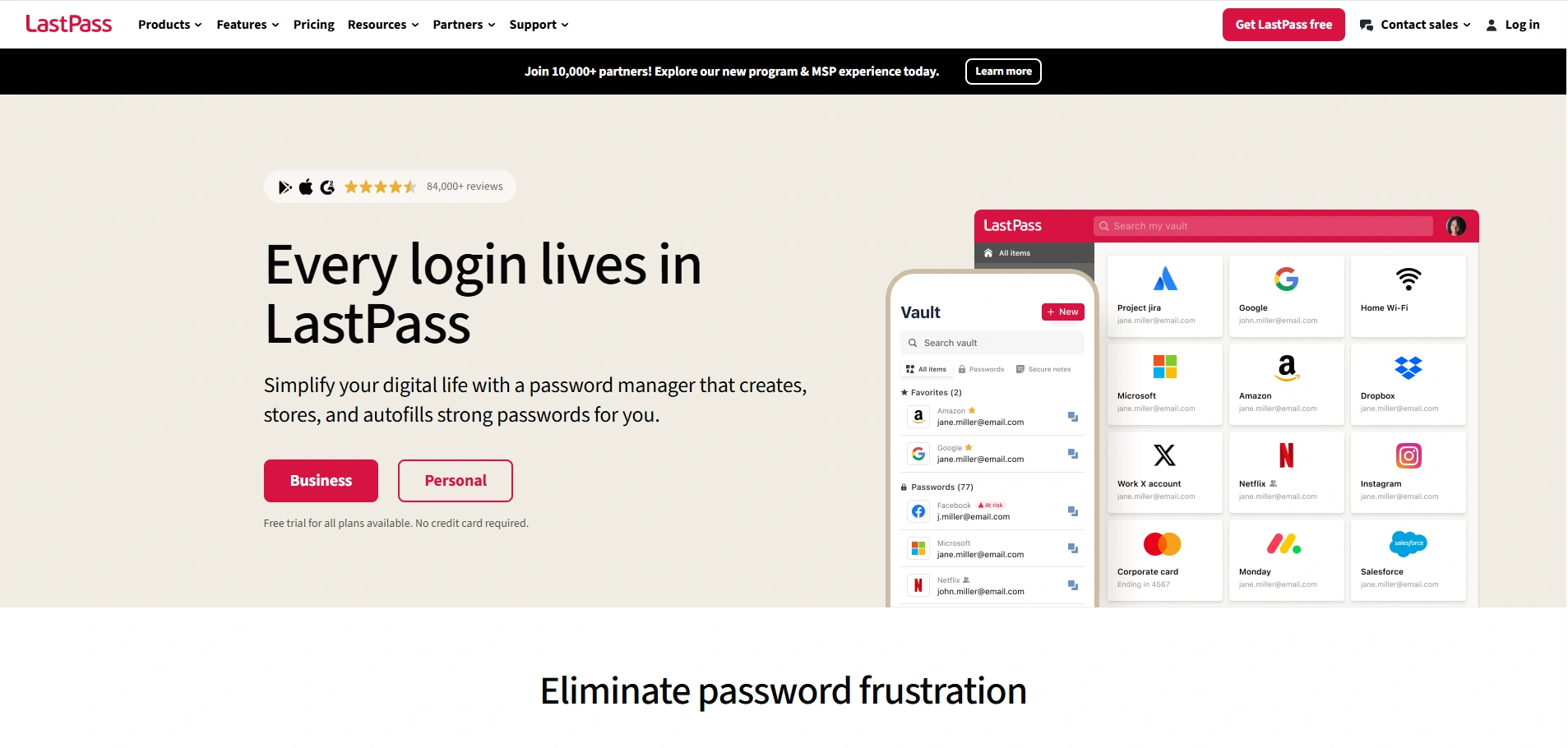
LastPass offers secure password storage, generation, and autofill across devices. It provides both free and premium plans, with features like password sharing and two-factor authentication.
Pricing (check current rates):
- Free plan available.
- Premium: $3/month.
- Families: $4/month (up to 6 members).
Key Features:
- Stores passwords and securely autofills them.
- Password generator.
- Cross-device syncing.
- Secure sharing of passwords with others.
- Two-factor authentication (2FA).
Our take: LastPass still works well, but it is the one manager here with a serious 2022 breach on its record, and its free tier was cut to a single device type. Pick it for familiarity, not for its track record.
Best for: beginners who want the most tutorials and help articles
Not ideal for: anyone who weighs a provider’s security history heavily
2. 1Password
1Password is a highly secure password manager that stores passwords, credit cards, and sensitive data. It offers strong encryption, cross-device syncing, and two-factor authentication.
Known for its simple interface, 1Password also has a unique “Travel Mode” feature for safely traveling with sensitive information. It’s perfect for individuals and businesses seeking strong security.
Pricing (check current rates):
- Individual: $2.99/month.
- Family: $4.99/month (up to 5 members).
- Teams: $3.99/user/month.
Key Features:
- Stores passwords, credit cards, and secure notes.
- Two-factor authentication (2FA) support.
- Travel mode for removing sensitive data temporarily.
- Cross-device syncing.
Our take: This is the one we would hand to a non-technical relative. Nothing is free beyond the trial, but the apps are genuinely pleasant and the Watchtower panel flags weak or reused logins without nagging you daily.
Best for: people who want it to simply work across every device
Not ideal for: anyone unwilling to pay a subscription
3. Dashlane
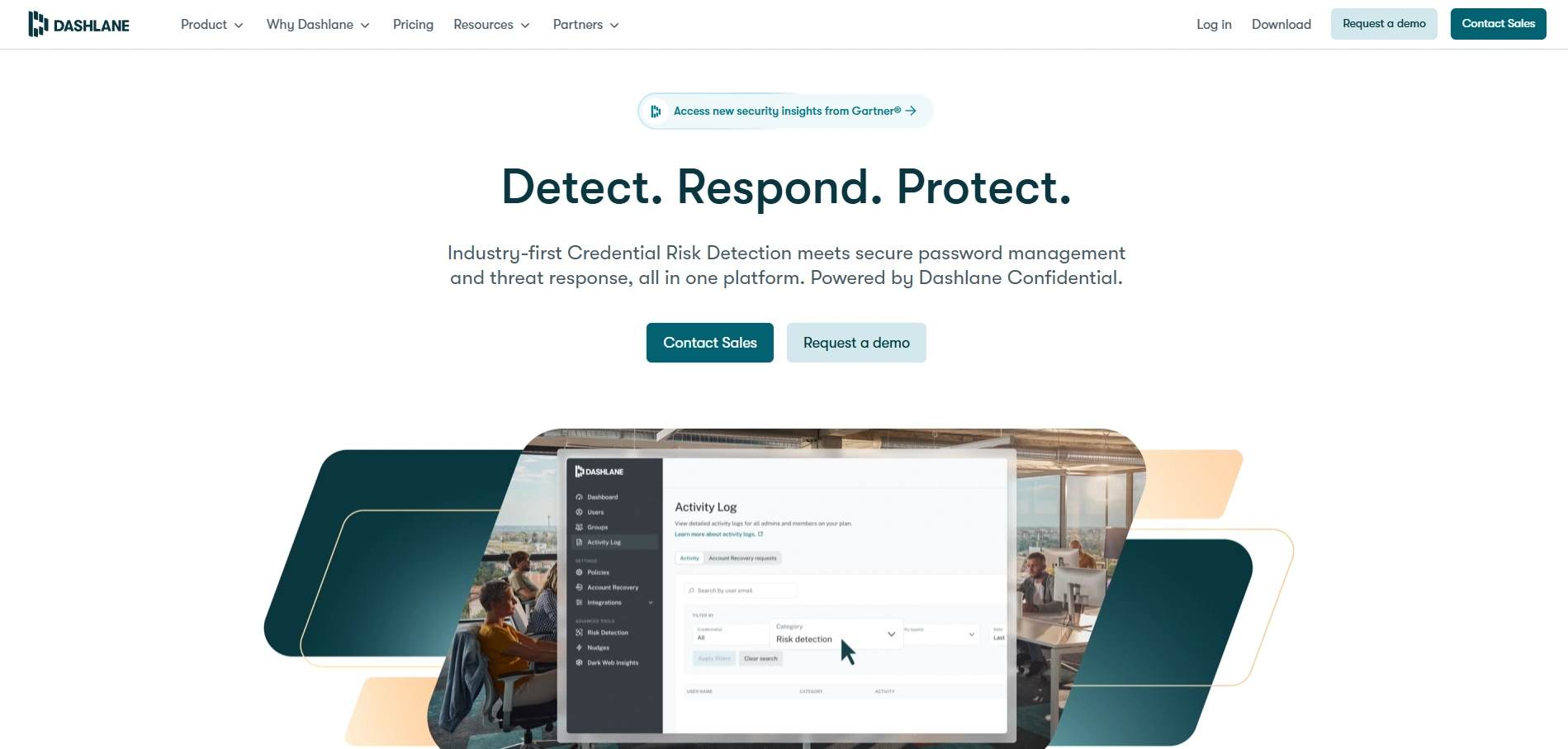
Dashlane is a password manager offering secure password storage, generation, and autofill features. It includes dark web monitoring, password health reports, and a VPN for premium users.
Pricing (check current rates):
- Free version (limited features).
- Premium: $5/month.
- Family plan: $7.49/month (up to 6 members).
Key Features:
- Stores and generates passwords.
- Dark web monitoring.
- Password health reports.
- Two-factor authentication (2FA).
- VPN for secure browsing (premium).
Our take: The extras are the sales pitch and also the catch. A bundled VPN is not much of a reason to pay several times what Bitwarden charges, and the free tier is thin enough to feel like a demo.
Best for: users who genuinely want monitoring and a VPN on one bill
Not ideal for: budget-conscious users who only need a vault
4. Bitwarden
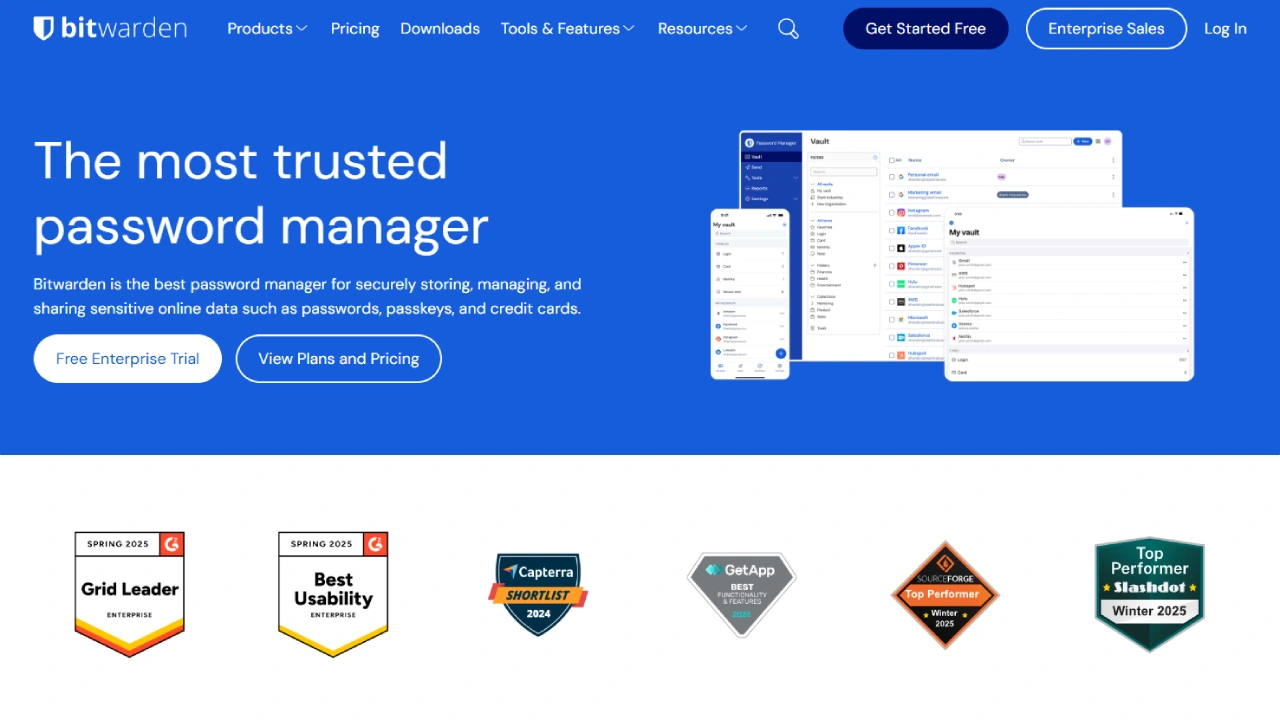
Bitwarden is an open-source password manager with both free and premium plans. It stores passwords securely, syncs across devices, and generates strong passwords. With end-to-end encryption, Bitwarden ensures privacy.
Pricing (check current rates):
- Free plan available.
- Premium: $10/year.
- Family plan: $40/year (up to 5 members).
Key Features:
- Open-source and transparent.
- Secure password storage and sharing.
- Password generator.
- Cross-device syncing.
- End-to-end encryption.
Our take: The value pick, and it is not close. Open source, independently audited, and the free tier does what several rivals charge for. The interface is plainer than 1Password and the browser extension can be fiddly.
Best for: almost everyone, especially first-time buyers
Not ideal for: people who want the most polished interface
5. Keeper
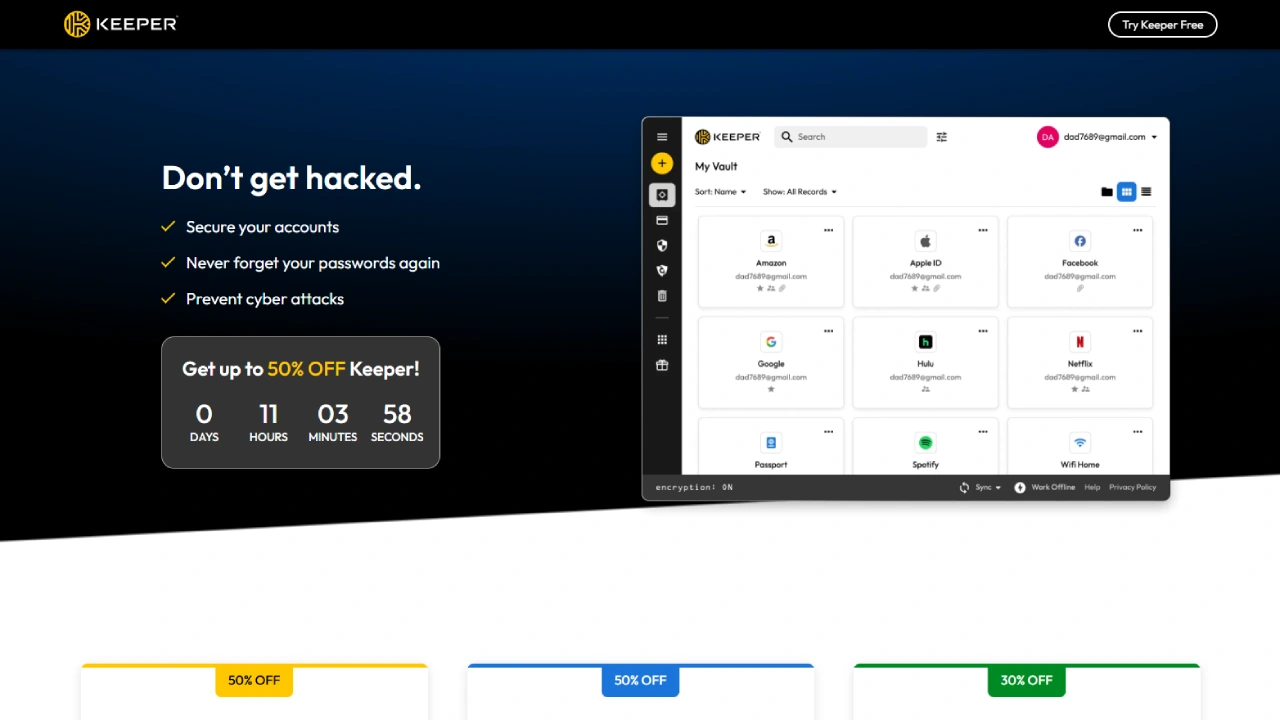
Keeper combines password management with encrypted file storage and dark web monitoring, protected by end-to-end encryption.
Keeper’s user-friendly interface and additional features, like secure sharing, make it a good choice for both individuals and businesses.
Pricing (check current rates):
- Personal: $2.91/month.
- Family plan: $5.75/month (up to 5 members).
- Business: $3.75/user/month.
Key Features:
- Stores passwords, notes, and files securely.
- Dark web monitoring.
- Two-factor authentication (2FA).
- Password generator.
Our take: Solid security engineering wrapped in fairly aggressive upselling, with several useful capabilities sold as paid add-ons rather than included in the base plan.
Best for: families who need encrypted document storage alongside logins
Not ideal for: anyone who wants one flat price with nothing extra to buy
6. NordPass
NordPass offers secure password storage and generation with a focus on privacy and encryption. Developed by the creators of NordVPN, it’s a budget-friendly tool with cross-device syncing and two-factor authentication.
Pricing (check current rates):
- Free plan available.
- Premium: $1.49/month.
- Family plan: $3.49/month (up to 6 members).
Key Features:
- Secure password storage and autofill.
- Password generator.
- Two-factor authentication (2FA).
- Secure sharing options.
Our take: Cheap on the first-year deal and considerably less cheap on renewal, so diary the date. Modern encryption, but a thinner feature set than the leaders.
Best for: people already paying for NordVPN who want one account
Not ideal for: anyone who forgets to check renewal pricing
7. Zoho Vault
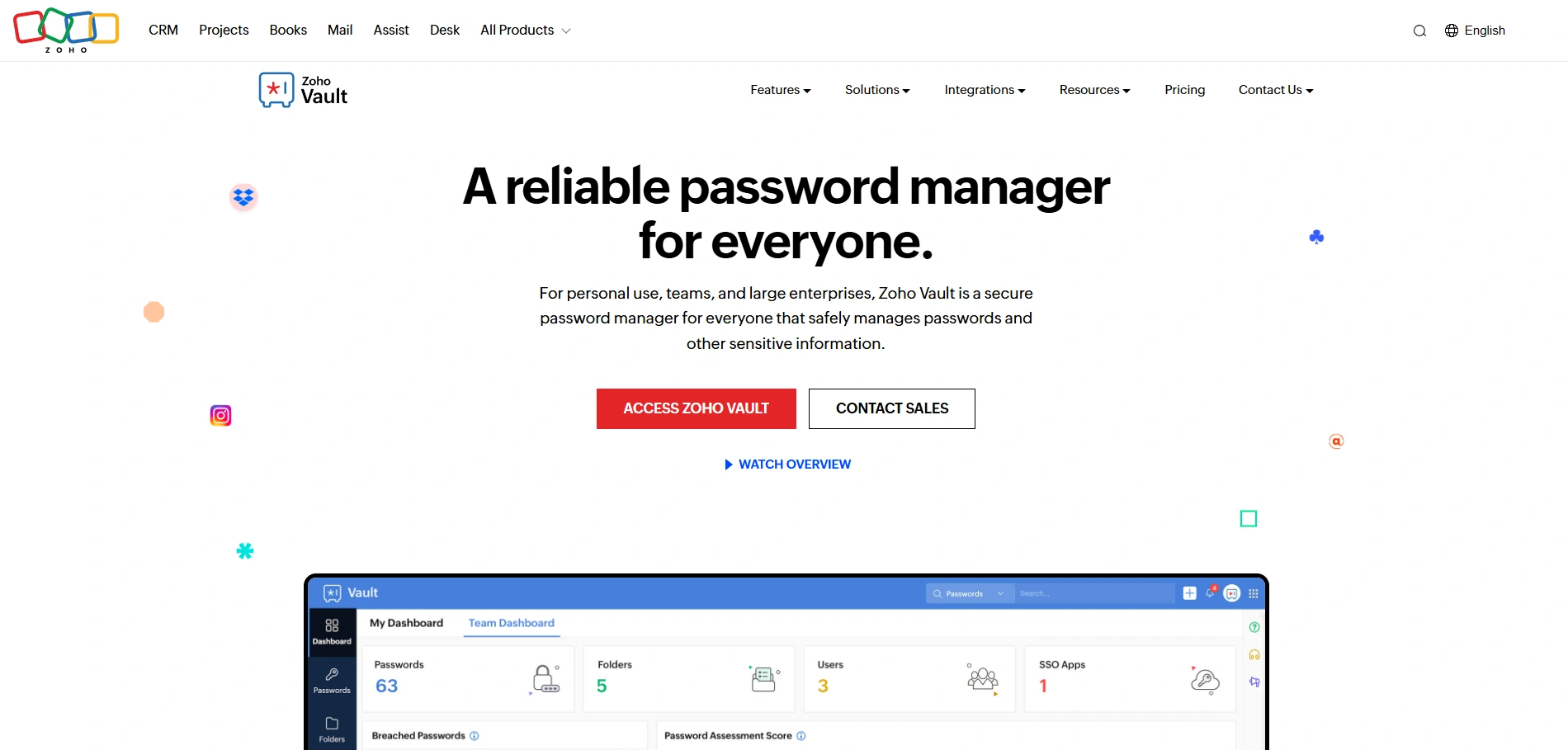
Zoho Vault is a password manager designed for both individuals and businesses. It features secure password storage, sharing, and two-factor authentication. With admin controls and reporting tools, it is ideal for team and business use.
Zoho Vault’s affordable pricing and security features make it a great choice for managing passwords across larger teams or companies.
Pricing (check current rates):
- Free for individuals.
- Standard: $1/user/month.
- Premium: $4/user/month (advanced features).
Key Features:
- Stores and shares passwords securely.
- Two-factor authentication (2FA).
- Admin controls for team management.
- Security audit logs.
Our take: The most business-shaped tool on this list at the least business-like price. It is clearly built to sit inside the wider Zoho suite, which is a plus or a limit depending on your stack.
Best for: small teams needing shared credentials with an audit trail
Not ideal for: solo users chasing a polished consumer app
8. RoboForm
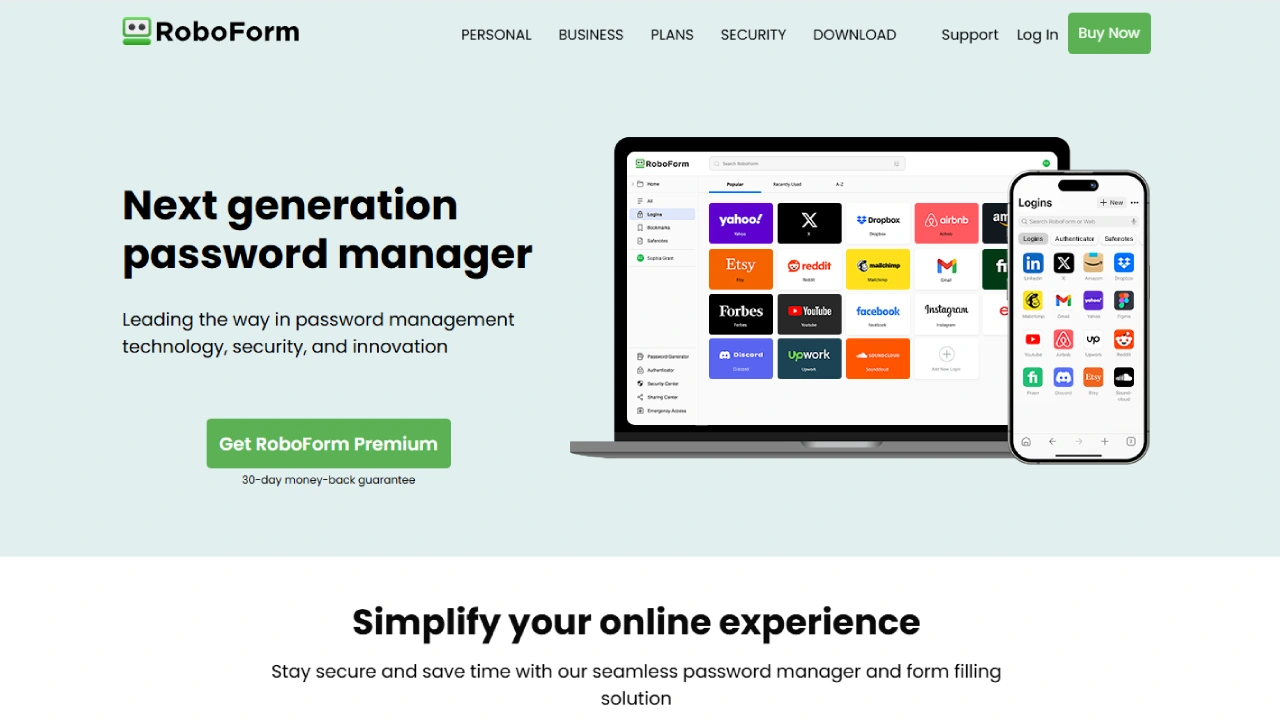
RoboForm offers password storage, secure sharing, and password generation across devices. Its easy-to-use interface and affordable pricing make it suitable for both individuals and families.
Pricing (check current rates):
- Free plan available.
- Premium: $23.95/year (1 user).
- Family plan: $47.75/year (up to 5 members).
Key Features:
- Password storage and autofill.
- Password generator.
- Secure password sharing.
- Two-factor authentication (2FA).
Our take: Dated interface, unmatched form filling. If you regularly complete long applications or checkout forms, it saves genuine time that flashier rivals do not.
Best for: heavy form fillers and anyone on older Windows machines
Not ideal for: users who care about a modern-looking app
9. Enpass
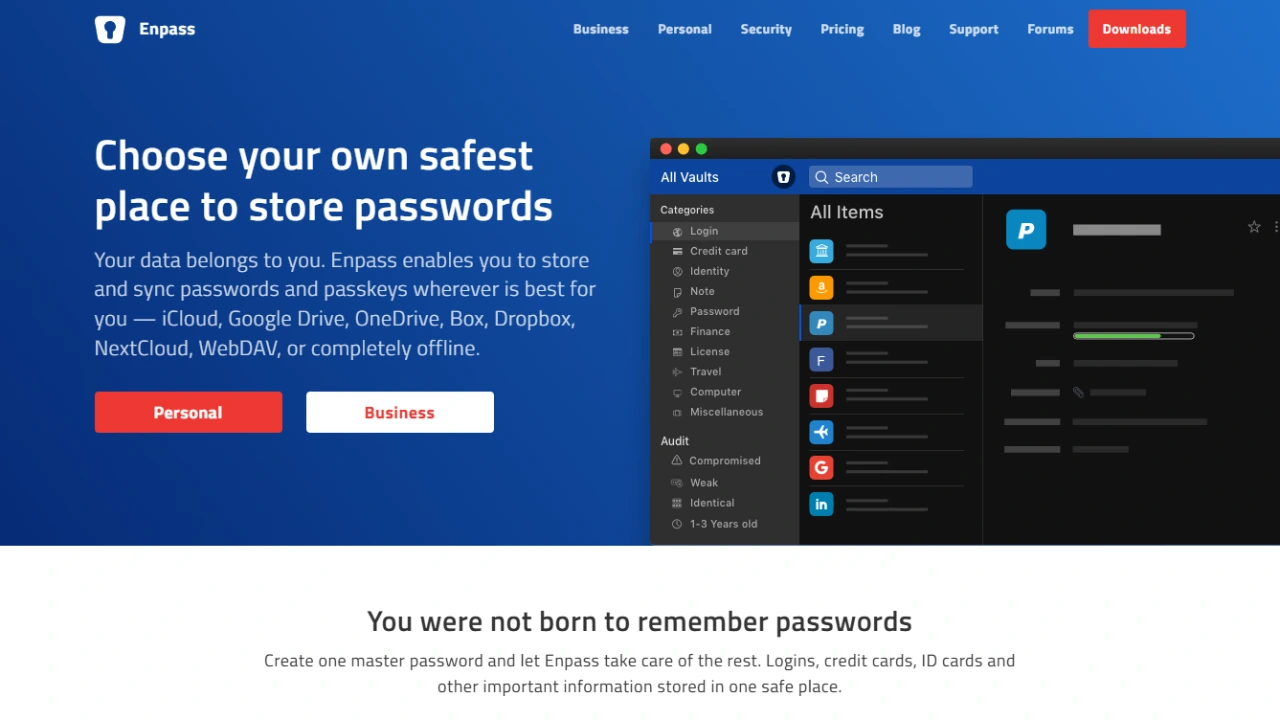
Enpass provides a one-time payment solution for password management, without the need for a subscription. It offers secure storage, password generation, and syncing across devices.
Its simple interface and no-subscription model make it appealing for users who prefer a one-time payment over ongoing fees, though it lacks advanced features like dark web monitoring.
Pricing (check current rates):
- One-time payment: $9.99 for personal use.
- Family plan: $19.99 (up to 5 members).
Key Features:
- Secure password storage.
- Password generator.
- Cross-platform support.
- One-time payment (no subscription).
Our take: Your vault lives on your device and syncs through your own cloud account, which is a meaningfully different trust model. The trade is that backups become your job, not the vendor’s problem.
Best for: people who refuse recurring subscriptions
Not ideal for: anyone who wants the provider to handle sync and recovery
10. KeePass (Open Source)
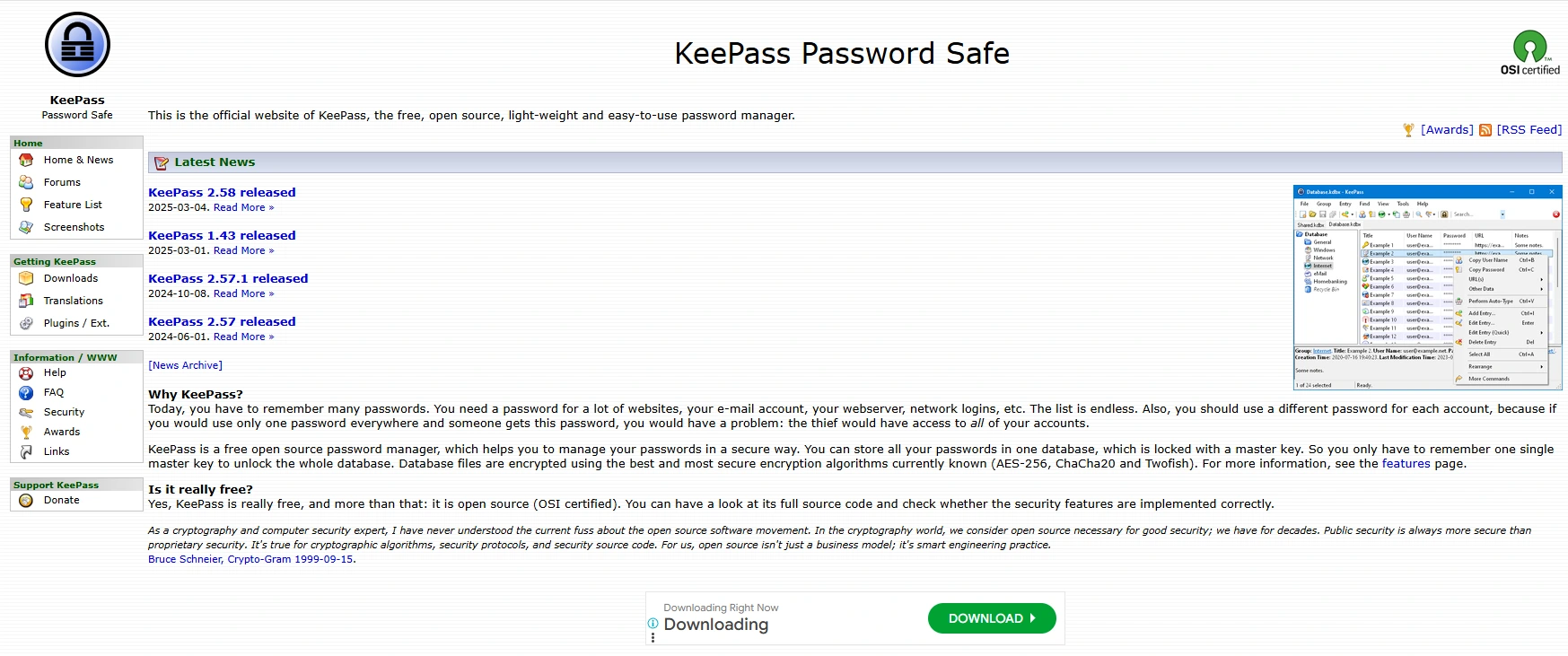
KeePass is a free, open-source password manager that allows users full control over their data. It features strong encryption, password storage, and generation, but does not offer cloud syncing by default.
Pricing (check current rates):
- Free
Key Features:
- Open-source and free.
- Strong encryption.
- No cloud syncing (manual backups required).
- Portable version available.
Our take: Maximum control, minimum convenience. Getting sync and mobile autofill working is a weekend project rather than a download, and there is no account recovery if you lose the key file.
Best for: technical users who want zero third-party servers
Not ideal for: anyone who expects autofill to work everywhere on day one
The Honest Risk Nobody Advertises
Every roundup tells you a password manager makes you safer. Here is the part that usually gets skipped: putting every credential in one vault means a breach at the provider becomes your single worst outcome, and that is not hypothetical. LastPass disclosed in 2022 that attackers had taken encrypted customer vault backups. The encryption held up for people with long master passwords, but shorter or reused master passwords could then be attacked offline at the attacker’s leisure, and affected users had to rotate everything.
That is not an argument for going back to reusing one password, which remains far more dangerous. It is an argument for three habits. Choose a master password long enough to survive offline cracking, since a passphrase of four or five random words beats a short jumble of symbols. Turn on two-factor authentication on the vault itself, using an authenticator app or a hardware security key rather than SMS. And export an encrypted backup now and then, so a provider outage or a locked account never locks you out of your own life.
One habit worth building: if autofill refuses to fill a login page you expected it to fill, treat that as a warning rather than a bug. Your manager checked the domain and it did not match. That is phishing protection your memory can never give you.
Frequently Asked Questions
Is a password manager worth paying for when my browser saves passwords free?
Browser storage locks you into one ecosystem and rarely covers app logins, secure sharing or breach alerts. A dedicated vault is portable and independently audited, and many people never pay at all.
Which is the best password manager for beginners?
Bitwarden for value, or 1Password for the smoothest first hour. Both import your existing browser passwords in a few clicks and neither expects you to understand encryption.
Bitwarden vs 1Password: which one should I choose?
Bitwarden wins on price and openness, with public code and regular audits. 1Password wins on interface, family sharing and support. If cost matters at all, start with Bitwarden free.
Can I use a password manager completely free?
Yes. Bitwarden syncs unlimited devices free, KeePass is free forever and Zoho Vault is free for individuals. LastPass and NordPass free tiers limit you to one device type.
Can I cancel later and get my passwords back out?
Every tool here exports your vault to a file, normally CSV or an encrypted archive. Run a test export before you commit so you know the exit route works.
What happens if I forget my master password?
Most providers offer limited recovery through emergency contacts or a recovery key set up in advance. KeePass offers none. Configure recovery on day one.
Are password managers still safe after the LastPass breach?
Safer than reusing passwords, though not risk free. Encrypted vaults have been stolen before, so use a long passphrase and switch on two-factor authentication for the vault itself.
Which Password Manager Should You Actually Pick?
If you want one answer and no further reading, install Bitwarden. The free tier covers most people and roughly ten dollars a year covers the rest. If you would rather pay for polish and share logins with family without friction, 1Password earns its price. Running a small team, Zoho Vault gives you shared credentials and audit logs cheaply. Allergic to subscriptions, Enpass keeps the vault on your own device, and KeePass goes further still if you enjoy the setup.
The warning worth repeating: whichever you pick, the vault is only as strong as your master password and the second factor guarding it. Get those two right before you import a single login.
Start today by moving just two passwords across, your email and your primary bank. Those accounts unlock everything else you own, so once they are unique and random the rest can follow at whatever pace suits you.




