

Every time an app pulls your bank balance, posts to your social feed, or checks the weather, it is quietly asking another server for permission first. That permission check is API authentication — the process an API uses to confirm who is calling and whether they are allowed in. Get it wrong and you leak data or lock out real users. Get it right and everything from mobile apps to AI agents talks securely without ever exposing a password.
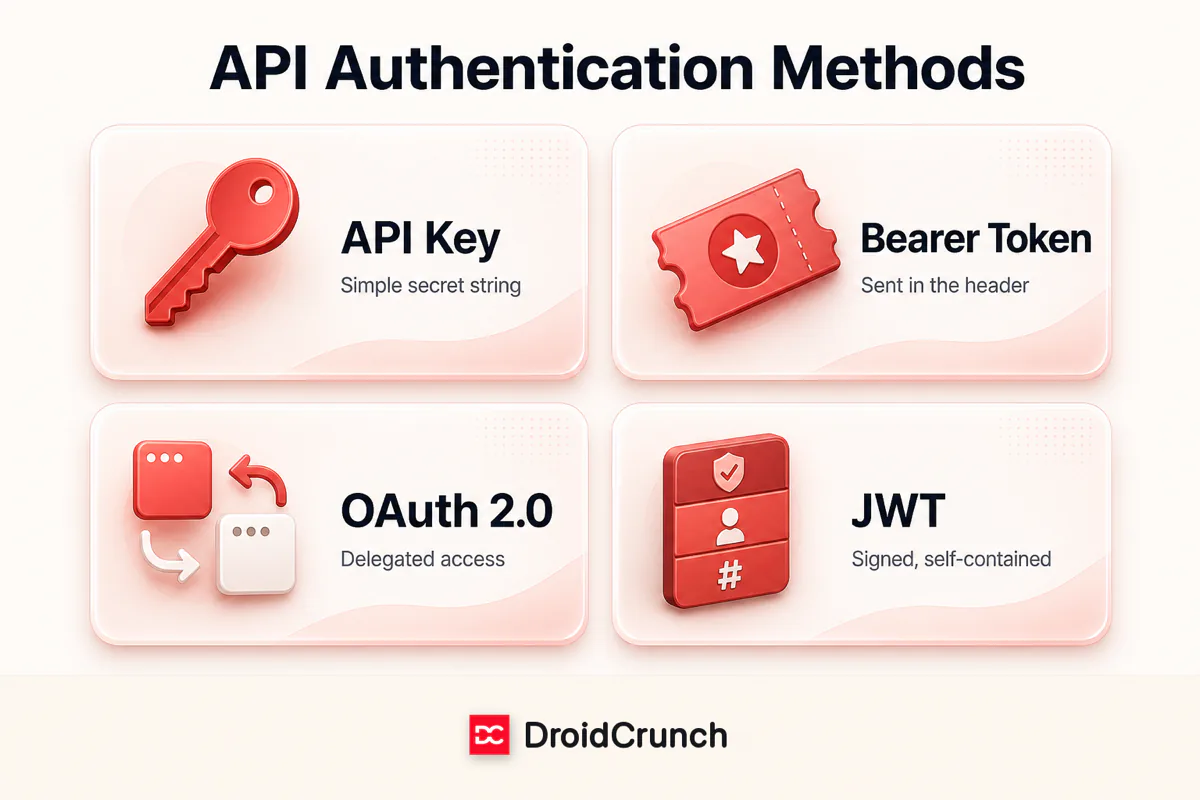
The trouble is that the vocabulary — API keys, bearer tokens, OAuth, JWT — gets thrown around as if the terms were interchangeable. They are not. Some are credentials, one is a place to put a credential, one is a full authorization framework, and one is a token format. This guide untangles all four in plain language, shows you the actual HTTP headers involved, and helps you pick the right approach for your project.
Authentication vs. authorization: the 10-second version
These two words look alike and are constantly confused, but they answer different questions:
- Authentication (AuthN) — Who are you? Proving the identity of the caller (a user, a service, or an app).
- Authorization (AuthZ) — What are you allowed to do? Deciding which resources and actions that verified identity can access.
A boarding pass is a handy analogy. Showing your passport at the airport is authentication — it proves you are who you say. Your boarding pass is authorization — it says which flight and seat you may board, and nothing more. Most API mechanisms below blend the two, but keeping the distinction in mind explains why OAuth and JWT exist at all.
1. API keys — the simple shared secret
An API key is the most basic credential: a long, random string the API provider issues to identify your application. You send it with every request, and the server recognizes it like a membership card. Think of it as a house key — whoever holds it gets in, so it identifies the app, not a specific end user.
Keys usually travel in a request header (the safest spot) or, less ideally, as a URL query parameter:
GET /v1/weather?city=London HTTP/1.1
Host: api.example.com
X-API-Key: sk_live_9f8b2c1a7e3d5460b9a2c8f1
Best for: server-to-server calls, public or read-only data, internal microservices, and getting started fast. Watch out for: keys don’t expire on their own, carry no user identity, and are trivially leaked if pasted into front-end code, a public repo, or a URL that lands in server logs. Treat a key like a password: store it in environment variables or a secrets manager, never in client-side JavaScript, and rotate it if it is ever exposed.
2. Bearer tokens — how credentials actually travel
Here is the point that trips people up: “bearer token” is not a competing method — it’s a delivery mechanism. A bearer token is simply any credential sent in the standard HTTP Authorization header with the Bearer scheme. “Bearer” means exactly what it sounds like: whoever bears (holds) the token is granted access, no extra proof required.
GET /v1/profile HTTP/1.1
Host: api.example.com
Authorization: Bearer eyJhbGciOiJIUzI1NiIsInR5cCI6IkpXVCJ9...
The token inside that header can be many things — an opaque OAuth access token, a JWT, or a short-lived session token. That’s why OAuth and JWT (below) both ride on the bearer scheme. Because anyone holding the token can use it, bearer tokens must always be sent over HTTPS and kept short-lived so a stolen token expires quickly.
3. OAuth 2.0 — delegated access without sharing passwords
OAuth 2.0 is not a single credential — it’s an authorization framework. It solves a specific problem: how do you let App A access your data in Service B without handing App A your Service B password? Every time you click “Sign in with Google” or let a scheduling tool read your calendar, that’s OAuth at work.
The flow revolves around four roles: the resource owner (you), the client (the app requesting access), the authorization server (issues tokens), and the resource server (holds the data). A typical “authorization code” flow looks like this:
- You click “Connect with Google” in an app.
- You’re redirected to Google’s consent screen and approve the specific permissions (scopes) requested.
- Google sends the app a one-time authorization code.
- The app exchanges that code (plus its secret) for an access token — and usually a refresh token.
- The app calls the API with that access token as a bearer token. When it expires, the refresh token quietly gets a new one.
Best for: letting third-party apps act on a user’s behalf, “Sign in with…” logins, and any product where users grant scoped, revocable permissions. Trade-off: it’s the most powerful option and the most complex to implement — but for user-facing platforms it’s the gold standard, and you rarely build it from scratch (providers and libraries handle the heavy lifting).
4. JWT — the self-contained, signed token
A JSON Web Token (JWT) is a token format, not a protocol. It’s a compact, digitally signed token that carries its own data (called “claims”) inside it. This is the piece that often is the bearer token in an OAuth flow, which is why the terms tangle together. A JWT has three dot-separated parts:
- Header — the token type and signing algorithm (e.g. HS256).
- Payload — the claims: user ID, roles, expiry time, issuer, and so on.
- Signature — a cryptographic seal over the header and payload, created with a secret or private key.
header.payload.signature

eyJhbGciOiJIUzI1NiJ9.eyJzdWIiOiIxMjM0Iiwicm9sZSI6ImFkbWluIn0.dQw4w9WgXcQ...
   [header]          [payload: user id, role]        [signature]
The magic is that JWTs are stateless. Because the signature lets the server verify the token wasn’t tampered with, the API doesn’t need to store sessions or hit a database on every request — it just validates the signature and reads the claims. That makes JWTs ideal for scaling across many servers. One caveat: the payload is only encoded (Base64), not encrypted, so never put passwords or secrets in it, and always set a short expiry (exp) because a signed JWT is hard to revoke before it expires.
Side-by-side comparison
| Method | What it really is | Carries user identity? | Best for | Main risk |
|---|---|---|---|---|
| API Key | A shared secret string | No — identifies the app | Server-to-server, public/read data, quick starts | Leaks easily; no expiry |
| Bearer Token | A delivery scheme (the Authorization header) | Depends on the token inside | Carrying OAuth/JWT tokens | Holder = access; needs HTTPS |
| OAuth 2.0 | An authorization framework | Yes — delegated, scoped | Third-party & user-facing access | Complex to implement correctly |
| JWT | A signed token format | Yes — claims in the payload | Stateless, scalable sessions | Hard to revoke; don’t store secrets |
How to choose the right method
Since these pieces overlap, choosing is less “pick one of four” and more “match the tool to the job.” A quick decision guide:
- Two of your own back-end services talking to each other? An API key (or mutual TLS) is usually enough — simple and fast.
- A public API for developers to build on? Issue API keys for identification, and add per-key rate limits and usage tiers.
- Users logging into your own web or mobile app? Use short-lived JWTs as bearer tokens with a refresh-token flow — stateless and scalable.
- Letting third-party apps access user data on your platform? Use OAuth 2.0 so users grant scoped, revocable permission without sharing passwords.
In practice, big platforms combine them: OAuth 2.0 orchestrates the consent and token issuance, JWTs are the access tokens, those tokens travel as bearer tokens in the header, and simple internal or partner endpoints still lean on API keys.
API authentication security best practices
Whichever method you use, these habits prevent the most common breaches:
- Always use HTTPS/TLS. Every credential above is exposed in plain text over unencrypted HTTP. This is non-negotiable.
- Never expose secrets client-side. Keep API keys and client secrets in environment variables or a secrets manager — never in front-end code, mobile binaries, or public repositories.
- Keep tokens short-lived. Prefer access tokens that expire in minutes, backed by refresh tokens, so a stolen token is useless quickly.
- Rotate and revoke. Support key rotation and have a way to invalidate compromised credentials fast.
- Grant least privilege. Use narrow OAuth scopes and role claims so a token can only do what it truly needs.
- Rate-limit and monitor. Throttle requests per key/token and watch for anomalies to blunt brute-force and abuse.
- Validate everything. Check a JWT’s signature, issuer, audience, and expiry on every request — not just the signature.
Frequently asked questions
Is a bearer token the same as a JWT?
Not quite. “Bearer” describes how a token is sent — in the Authorization: Bearer header — while a JWT is a specific format of token. A JWT is very often used as a bearer token, but a bearer token can also be an opaque OAuth access token that isn’t a JWT at all.
Is OAuth 2.0 an authentication or authorization protocol?
OAuth 2.0 is technically an authorization framework — it grants access to resources. Authentication (“who is this user?”) is layered on top by OpenID Connect (OIDC), which is what powers “Sign in with Google/Apple/GitHub.” Many people say “OAuth login” when they really mean OIDC on top of OAuth.
Are API keys secure enough for production?
Yes, for the right job. API keys are perfectly fine for server-to-server calls and public data if you send them over HTTPS, keep them server-side, scope and rate-limit them, and rotate them. They fall short when you need to identify individual end users or grant revocable, delegated permissions — that’s where OAuth and JWTs take over.
Can a JWT be revoked before it expires?
Not easily — that’s the trade-off for being stateless. Because the server validates a JWT by its signature alone, it doesn’t “check in” anywhere you can cancel it. The common fixes are short expiry times (so it dies on its own soon), a server-side denylist of revoked token IDs, or rotating the signing key to invalidate tokens in bulk.
Where should I put an API key — header or URL?
Always prefer a request header (such as X-API-Key or the Authorization header). Keys in a URL query string get written to server logs, browser history, and analytics tools, which quietly leaks them. Headers keep the credential out of those records.
The bottom line
API authentication isn’t four rival options so much as four layers of the same idea. API keys are the simplest shared secret. Bearer is how any token rides in the header. OAuth 2.0 is the framework for granting scoped, delegated access. And JWT is a signed, self-contained token format that frequently fills the bearer slot. Once you see how they fit together, API docs stop being cryptic — and you can pick the right layer for the job with confidence.
Want to go deeper on how APIs themselves differ? Read our guide on REST vs GraphQL vs SOAP, or browse more API guides on DroidCrunch.




