
Stock WordPress has no calendar. None. Try running events or bookings on it and you end up hand-building an HTML table at midnight, then apologising to the two people who booked the same slot.
A proper WordPress calendar plugin fixes that in an afternoon: a tappable calendar, clash-free bookings, recurring events, Google Calendar sync. No code.
Eight plugins worth installing below, plus two that used to be on this list and have since been shut down. If you’re still choosing where the site lives, our Hostinger review covers where we host ours.
Quick answer
- Best overall for events The Events Calendar
- Best for appointments Amelia
- Cleanest paid option Sugar Calendar
- Best free-only pick Events Manager
The Events Calendar free version is still the most capable free event calendar in WordPress, and we would stay on the free version given how much its paid add-ons now cost after the Nexcess takeover. Amelia is the answer for bookings and Sugar Calendar for a clean, predictable paid licence.
Best calendar plugins for WordPress in 2026
Decide one thing before you read further: are you displaying events or taking bookings? They’re different products, and picking the wrong category is why people end up with three calendar plugins installed. Pricing checked July 2026.
The Events Calendar, still the default for events
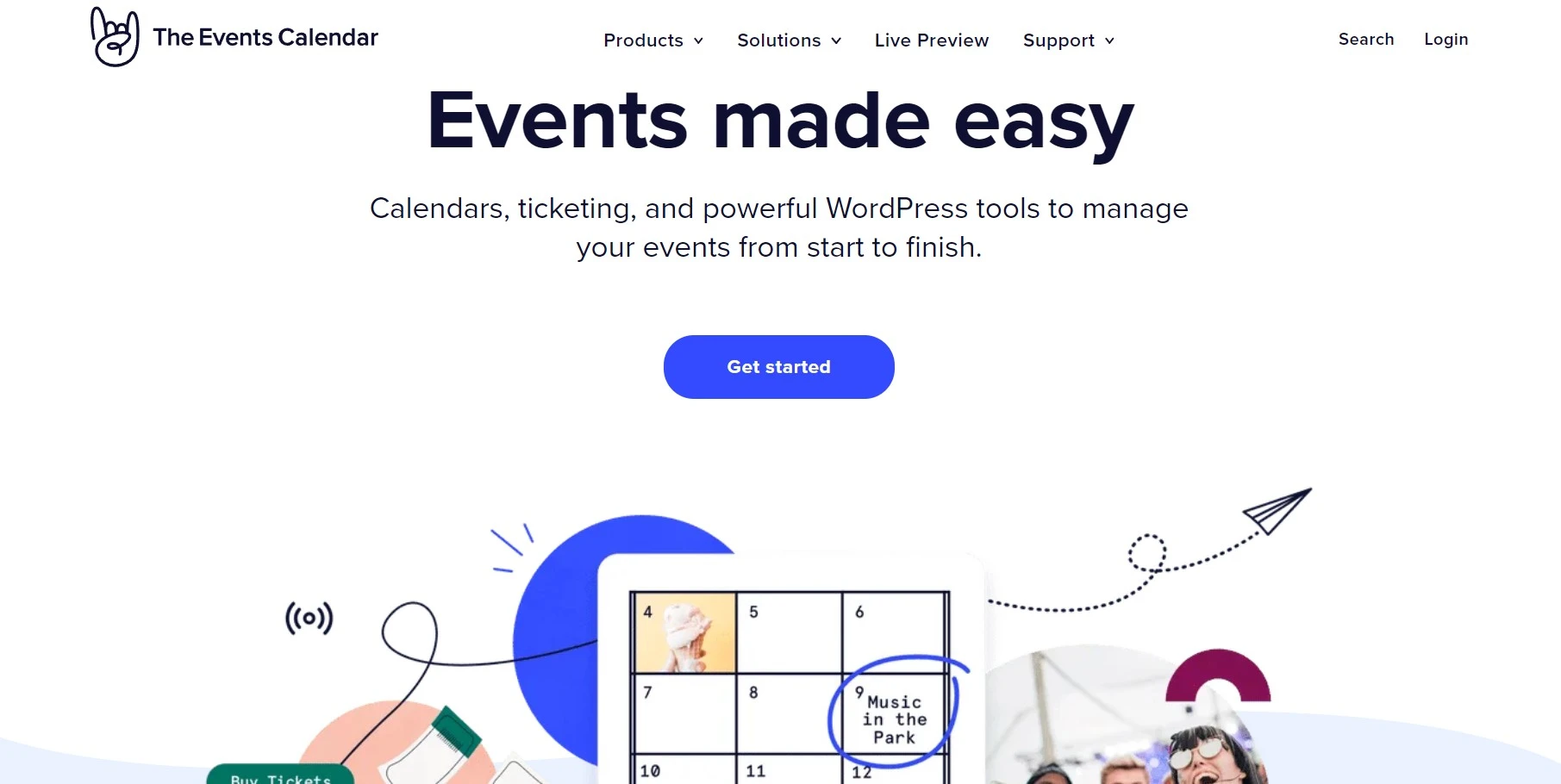
Six hundred thousand sites, month, week, day and list views out of the box, an events custom post type that behaves like a normal WordPress object, and iCal plus Google Calendar export. The free version alone runs a conference schedule perfectly well.
Here’s the catch, and it’s a real one. Ownership moved to Nexcess, add-ons are no longer sold as individual licences, and users report renewals jumping to roughly three times what they were paying. The rating has slid to 4.2 largely on support and licensing complaints rather than the code.
Key features
- Month, week, day, list and photo views in the free plugin
- Venues and organisers stored as reusable entities
- iCal and Google Calendar import and export
- Recurring events, ticketing and filtering through paid add-ons
Pricing: free core plugin. Paid add-ons now come through bundled Liquid Web plans starting around $259 per year, rather than the cheaper single-add-on licences long-time users remember.
Best for: anyone who needs an events calendar and is happy on the free tier.
Not ideal for: small sites that need one paid add-on, because you can no longer buy just one.
Our take: install the free version, resist the upsell, and if you genuinely need recurring events plus tickets, price Sugar Calendar against that $259 before renewing.
Sugar Calendar, the clean paid alternative
Sugar Calendar was built by the WPForms and AIOSEO team, and it shows in the interface: uncluttered, fast, and free of the add-on maze that makes The Events Calendar exhausting to configure. Recurring events, time zones and Zoom meeting integration are in the product rather than sold separately.
Its weakness is reach. Around 10,000 installs means fewer third-party integrations and a smaller pool of tutorials when you get stuck. You’re trading ecosystem for simplicity.
Key features
- Unlimited events and calendars on every tier
- Recurring events and full time zone support
- Zoom meeting integration added in 2026
- Event ticketing with Stripe, and WPForms integration
Pricing: free Lite version on the repository. Basic is $49.50/year for one site on introductory pricing, Plus $99.50, Pro $199.50 for three sites, Elite $299.50 for ten. Renewal is roughly double, so plan for it.
Best for: people who want a calendar that just works without configuring eight add-ons.
Not ideal for: complex ticketing setups that need a large plugin ecosystem.
Amelia, the one to pick for appointments
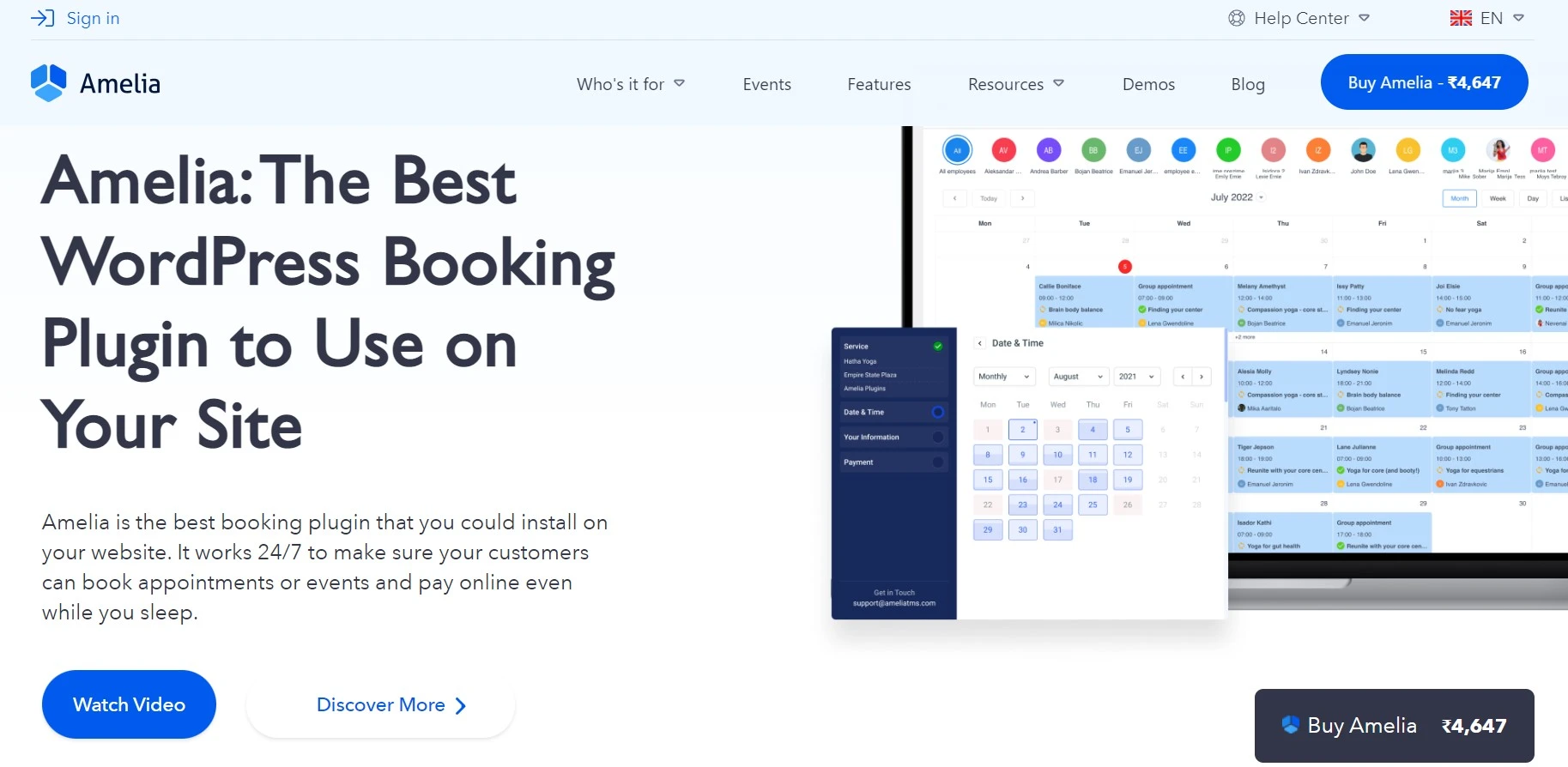
Amelia isn’t an events calendar and shouldn’t be judged as one. It’s a booking engine: staff members, services, durations, buffers, working hours, deposits, payments, automated reminders. If you run a salon, clinic, studio or consultancy, this is the category winner and it isn’t close.
Around 90,000 installs and updates landing every few weeks, including security fixes. The free version is genuinely usable for a single-person service business, which is unusual in the booking category.
Key features
- Per-employee availability with automatic clash prevention
- Online payments, deposits and coupon codes
- Group bookings, service extras and packages
- Google and Outlook calendar sync plus automated reminders
Pricing: free version on the repository. The Pro licence is $149/year covering five domains and Elite is $259/year for unlimited, with lifetime options available. Pair it with a form builder plugin if you need custom intake questions.
Best for: service businesses taking appointments and payments.
Not ideal for: publishing a public events schedule, which it handles awkwardly.
Events Manager, the best free-only option
Events Manager gives away features other plugins charge for: recurring events, bookings with approval workflows, multiple tickets per event and Google Maps locations, all in the free plugin. About 70,000 sites run it.
The interface looks like it was designed by developers for developers, and it was. Shortcode-driven, dense settings, plenty of placeholders to learn. If you’ll trade an hour of reading docs for not paying anything, it’s the best value here.
Key features
- Free recurring events and free booking management
- Multiple ticket types with approval and cancellation rules
- Google Maps locations and BuddyPress integration
- Extensive shortcode and template placeholder system
Pricing: free core plugin with a Pro version adding payment gateways and coupons.
Best for: anyone who wants recurring events and bookings without paying.
Not ideal for: clients who’ll be editing events themselves, because the admin is intimidating.
My Calendar, the accessible one
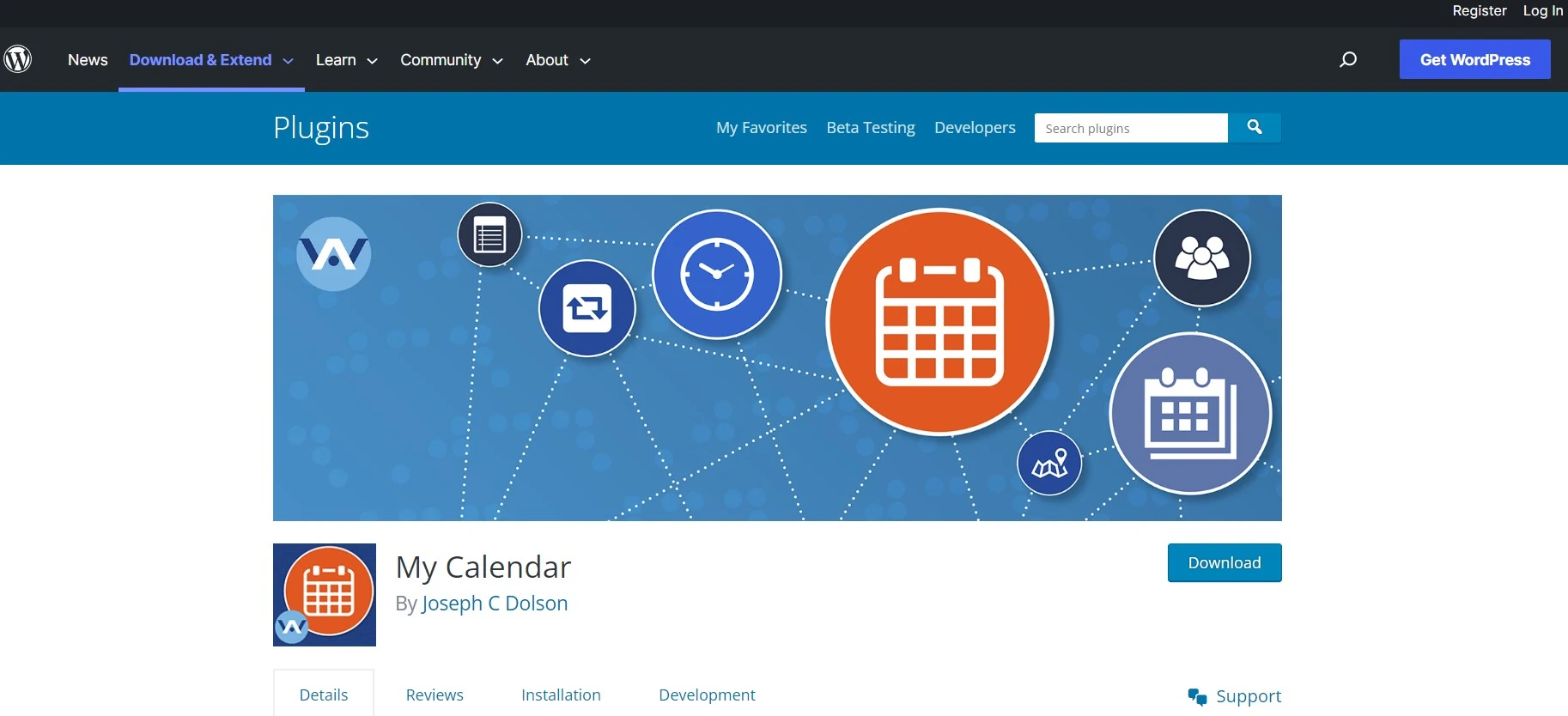
My Calendar is maintained by a developer who cares about accessibility more than almost anyone in this space, and it shows. Keyboard navigation, screen reader labelling and sensible markup are treated as requirements, not extras. For a public sector site, a university or a charity, that alone can decide the choice.
It looks dated. Reviewers say so, and they’re right. The Gutenberg experience lags behind newer plugins and the settings screens feel like 2015. Function over fashion.
Key features
- Genuinely accessible calendar output, actively tested
- Recurring events and multisite support in the free plugin
- Locations, categories and event approval workflow
Pricing: free, with a Pro add-on for user submissions and advanced import.
Best for: organisations with accessibility obligations.
Not ideal for: a design-led marketing site, where it’ll need CSS work.
Simple Calendar, for displaying Google Calendar
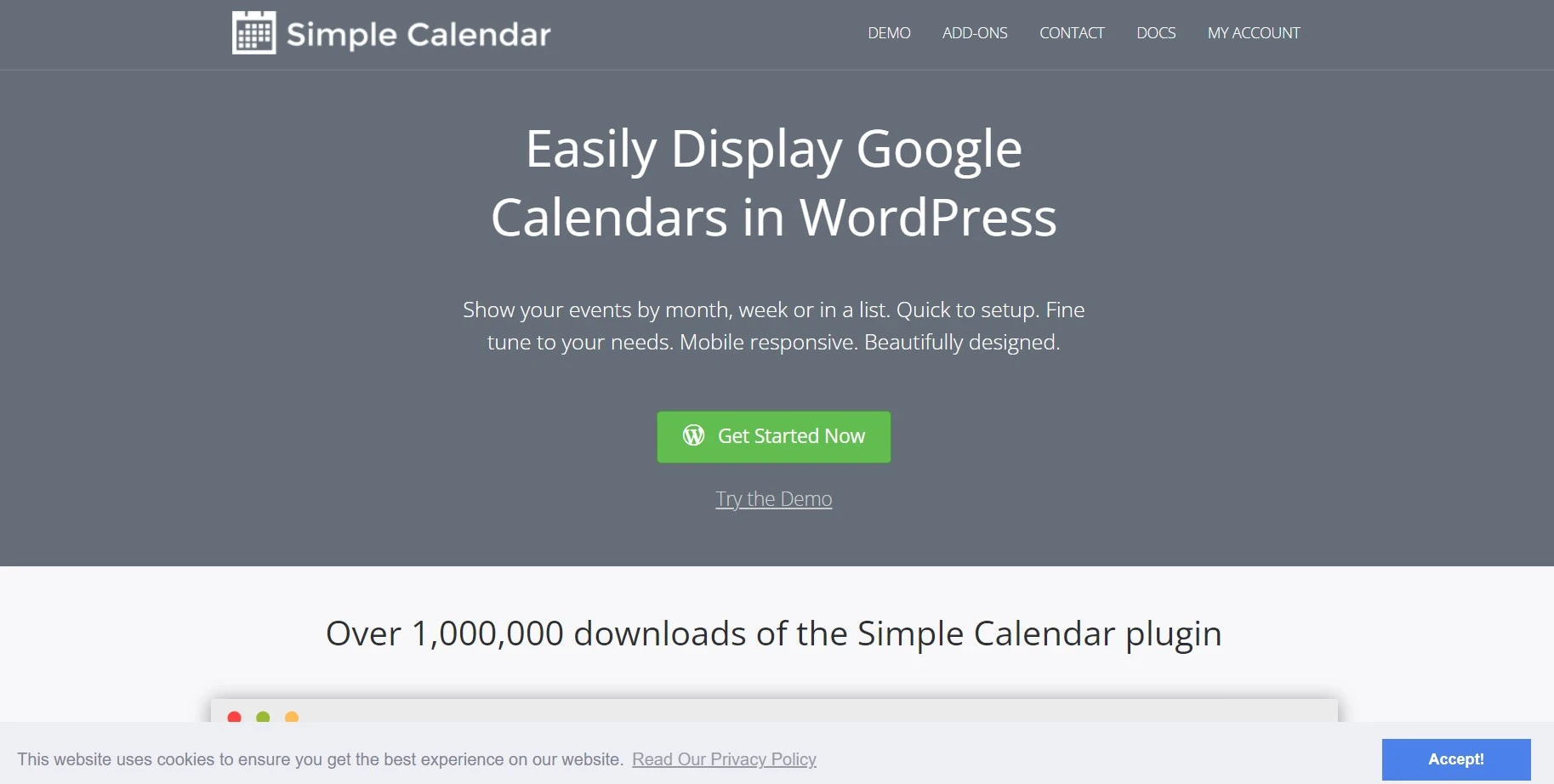
Simple Calendar does one job: it renders a Google Calendar on your WordPress site. It does not store events, manage bookings or sell tickets, and that narrowness is the point. If your team already lives in Google Calendar, this is a fifteen-minute job rather than a migration.
Around 50,000 installs. It now requires PHP 8.1 or higher, which will trip up anyone on ancient shared hosting.
Key features
- Grid and list views of any public Google Calendar
- Multiple calendars merged into one display
- Shortcode and widget output with theme-friendly styling
Pricing: free, with paid add-ons for advanced styling and attachments.
Best for: teams whose events already live in Google Calendar.
Not ideal for: anything involving registrations or payments.
WP Simple Booking Calendar, availability without payments
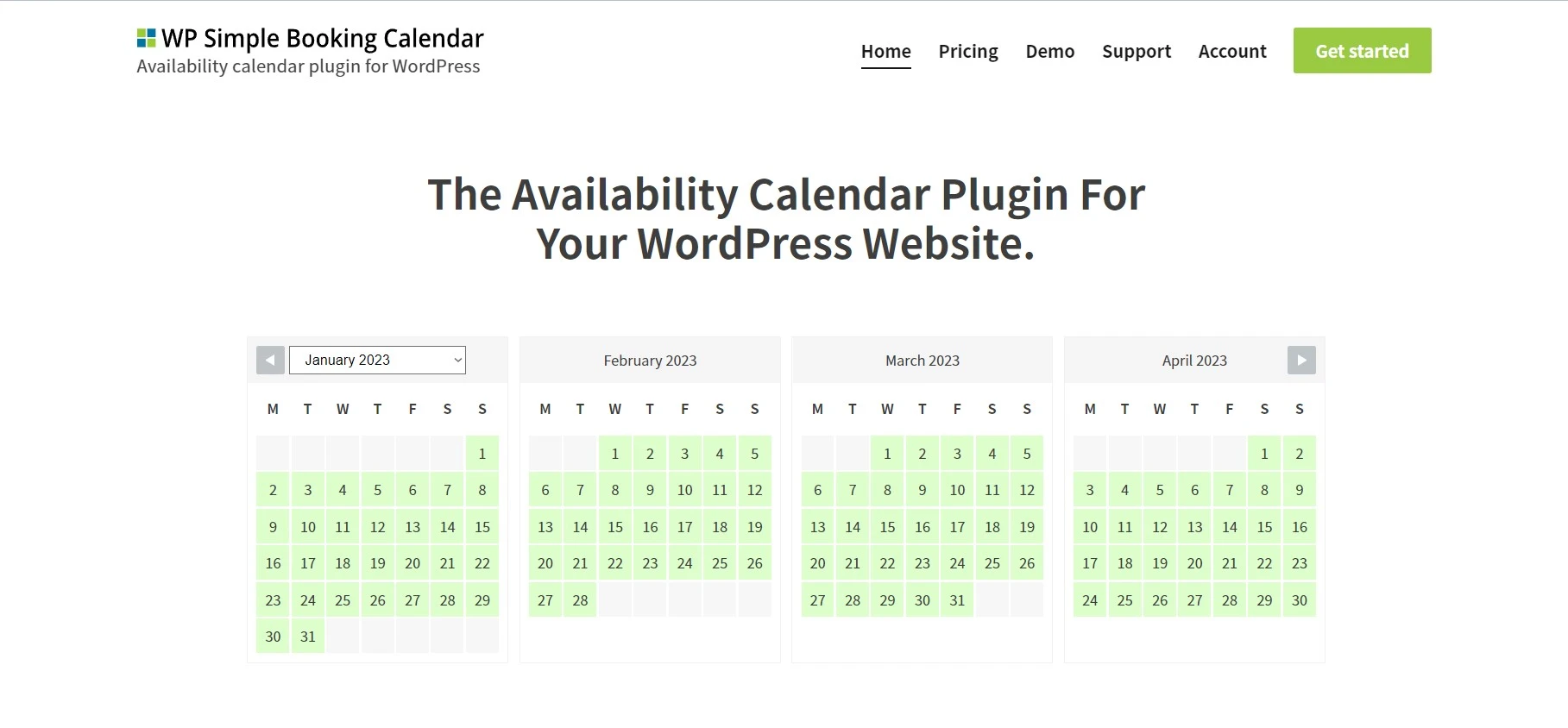
A holiday-let owner’s plugin. It shows which dates are booked and which are free, and that’s deliberately all it does. No payment gateway, no forms, no staff scheduling. Guests see availability and contact you.
It carries a 4.8-star rating across 200-plus reviews, and the recurring theme in those reviews is the developer answering support himself, quickly. That’s rare enough to mention.
Key features
- Colour-coded availability calendars, multiple per site
- iCal sync with Airbnb, Booking.com and Google Calendar in Premium
- Legend, tooltips and per-day notes
Pricing: free version covers a single availability calendar. Premium adds multiple calendars and external sync.
Best for: holiday rentals and equipment hire.
Not ideal for: taking money, which it deliberately doesn’t do.
Calendarize it, the CodeCanyon option
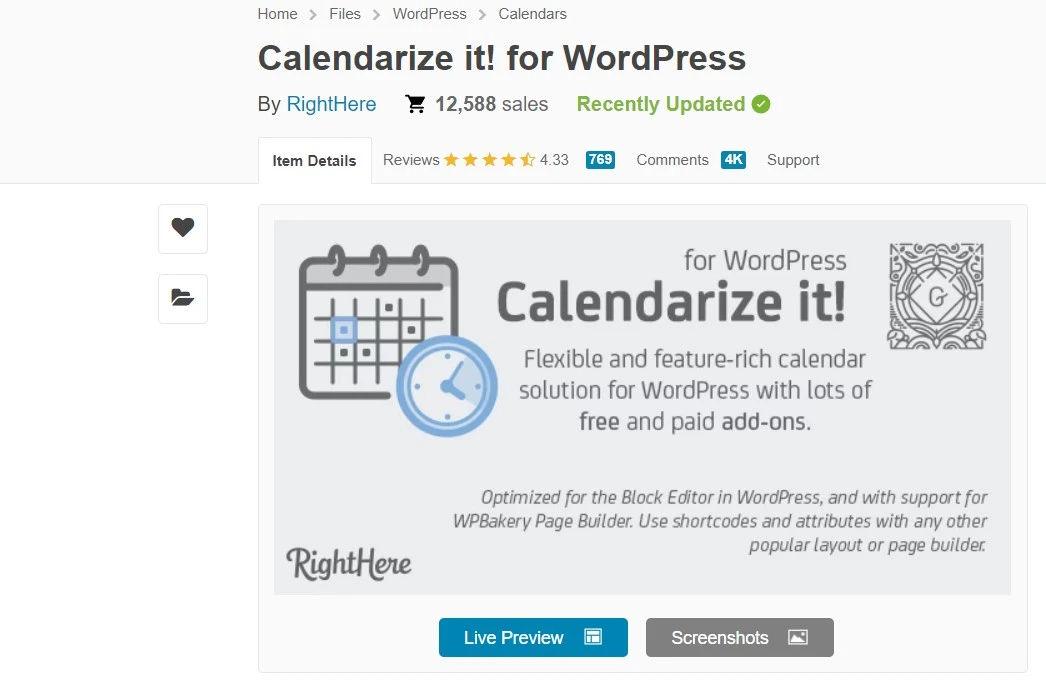
Calendarize it is sold on CodeCanyon rather than the WordPress repository, which changes the deal in two ways: you pay once instead of yearly, and you don’t get repository review data or install counts to judge it by.
Feature-wise it’s dense. Month, week, day, list, grid, map and year views, ticketing, and a stack of bundled add-ons. If you want the most views for the lowest one-time cost, it’s a fair shout. Just check the last update date on the item page before you buy, because marketplace plugins go quiet with less warning than repository ones.
Key features
- Seven calendar views including map and year
- Recurring events and event tickets
- One-time purchase with bundled add-ons
Pricing: one-time CodeCanyon licence with optional extended support.
Best for: people who hate subscriptions.
Not ideal for: anyone who wants public update history and review data before buying.
Two plugins we removed from this list
Both were recommended in earlier versions of this article. Both have since been closed on WordPress.org, and one of them cost people their data.
All-in-One Event Calendar by Timely: closed
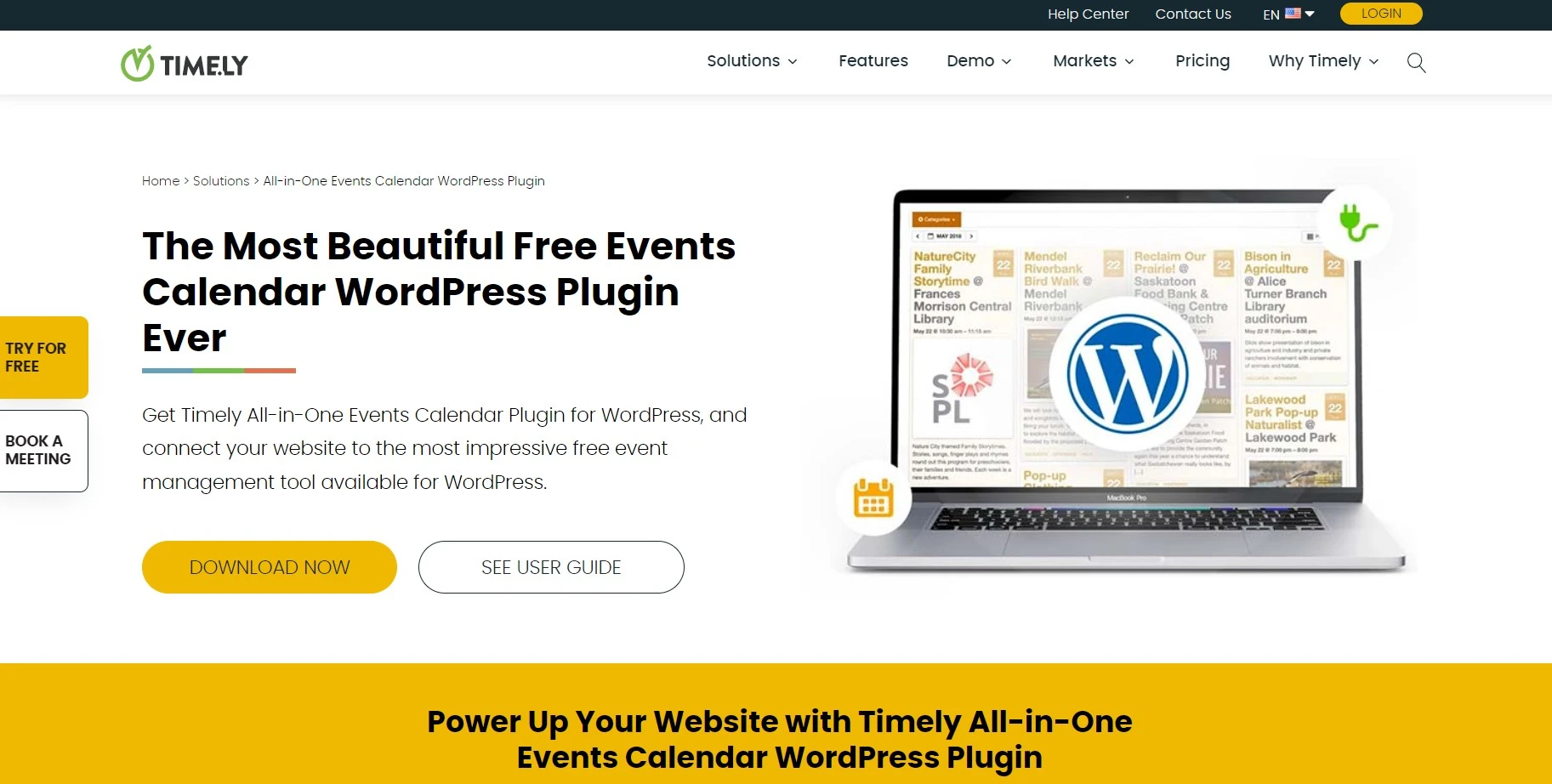
Closed permanently on 21 August 2025 at the author’s request. Worse than a quiet retirement: the final update disconnected the plugin from Timely’s API, and users reported losing saved events outright, alongside PHP errors filling logs on modern PHP versions.
If it’s still installed, export what you can immediately and move to The Events Calendar or Events Manager. Take a full backup first with one of the WordPress backup plugins we rate, because this migration touches your event data directly.
Modern Events Calendar Lite: removed from the repository
The free Lite version was closed on 11 May 2022 for a guideline violation and never came back. Its last release was tested against WordPress 5.9, which is four years of missed compatibility work.
Webnus still sells the premium version on its own site, so the product isn’t dead. But running a free build that hasn’t been reviewed by the repository team since 2022 is a risk we won’t recommend, for the same reason we won’t recommend abandoned security plugins.
How the main options compare
| Feature |
Best OverallThe Events CalendarFree / from $259 per yearBest for: Event listings |
Sugar CalendarFree / $49.50 per yearBest for: Simple paid setup |
AmeliaFree / $149 per yearBest for: Appointments |
Events ManagerFreeBest for: Free recurring events |
|---|---|---|---|---|
| Active installs | 600,000+(winner for this row) | 10,000+ | 90,000+ | 70,000+ |
| Recurring events free | No | No | Yes | Yes(winner for this row) |
| Bookings and payments | No | Yes | Yes(winner for this row) | Yes |
| Google Calendar sync | Yes | Yes | Yes | Yes |
| Entry paid price | $259/yr | $49.50/yr | $149/yr | Free(winner for this row) |
| Add-ons sold separately | No | No | No | No |
| Ease of setup |
We may earn a commission when you buy through links on this page. This does not affect our reviews.
Read it by job. Publishing events, go with The Events Calendar. Taking appointments, Amelia. Spending nothing, Events Manager. Wanting the least fiddly paid product, Sugar Calendar.
Mistakes people make choosing a calendar plugin
- Buying an events plugin for a booking problem. An events calendar publishes a schedule. A booking plugin sells a slot. Work out which you need before you spend anything.
- Loading calendar assets site-wide. Most of these plugins enqueue scripts on every page by default. Restrict them to the calendar pages and your Core Web Vitals stop suffering.
- Ignoring time zones. If you sell online sessions to people in other countries, a plugin without proper time zone handling will generate refund requests. Test it before launch.
- Choosing a plugin off the repository without checking the update date. Two entries on this page died that way, and one of them took people’s event data with it.
- Forgetting the SEO side. Events have their own schema type. Make sure your plugin outputs it, or add it through your SEO plugin, so events can appear as rich results.
How we evaluated these
We checked every plugin’s repository listing for last update, tested-up-to WordPress version, install count, rating trend and open support threads, then read the vendor pricing pages directly. Two plugins failed on the first check and were moved into a removal section with an explanation rather than deleted silently, because people arriving from search deserve to know what happened to them.
We’ve run The Events Calendar and Amelia on live client sites. Sugar Calendar, Events Manager, My Calendar, Simple Calendar, WP Simple Booking Calendar and Calendarize it are assessed on their public records, documentation and pricing. Pricing verified July 2026.
Frequently asked questions
Are free WordPress calendar plugins good enough?
For publishing events, yes. The Events Calendar and Events Manager both run a real schedule without payment. You start needing paid tiers when you want ticket sales, deposits, staff scheduling or recurring bookings tied to availability.
Which calendar plugin is best for taking appointments?
Amelia. It handles staff availability, buffers, deposits, payments and automated reminders, and it blocks overlapping bookings automatically. Events plugins can display a schedule but they were never built to sell a specific time slot to a specific person.
What happened to the All-in-One Event Calendar plugin?
It was permanently closed on WordPress.org on 21 August 2025 at the author request. Its final update also disconnected the plugin from the Timely API and users reported losing saved events, so migrate away from it rather than leaving it installed.
Can a WordPress calendar plugin sync with Google Calendar?
Yes. Simple Calendar exists purely to display a Google Calendar, while The Events Calendar, Amelia and Events Manager support import, export or two-way sync through iCal feeds. Two-way sync usually sits behind the paid tier.
Do calendar plugins slow down a WordPress site?
They can, because many load their scripts and styles on every page rather than only the calendar. Restrict asset loading to calendar pages, avoid running two calendar plugins, and add page caching. Done properly the cost is negligible.
Can these plugins handle recurring events?
Events Manager and My Calendar do it free. The Events Calendar and Sugar Calendar put recurrence behind their paid tiers. Set the series up once and test a few generated dates before publishing, since recurrence rules and time zones interact badly.
How do booking plugins prevent double bookings?
They tie each slot to a resource, a staff member, a room or a rental unit, and lock it the moment someone reserves it. Amelia and WP Simple Booking Calendar both do this. A plain events calendar has no concept of capacity, so it cannot.
Our pick for 2026
For most sites, install The Events Calendar free version and stop there. It remains the most complete free WordPress calendar plugin, and given how the paid add-ons are now bundled and priced, the free tier is where the value sits.
Taking appointments and money? Amelia, without hesitation. Want recurring events and bookings for nothing? Events Manager, if you’ll tolerate the admin screens. Want the cleanest paid product on the page, Sugar Calendar earns its $49.50.
One warning, and it’s the reason this article got rewritten: two calendar plugins for WordPress that used to be recommended here are now closed, and one of them wiped people’s events on the way out. Check the repository listing yourself before you install anything.
Next step: back up the site, install one plugin, create three test events including a recurring one, and load the page on a phone. If the calendar isn’t usable with a thumb, nothing else matters.