

Cheap cloud hosting usually means one of two things: a control panel that hides everything, or an AWS console that hides nothing and terrifies you. DigitalOcean sits in the gap.
A DigitalOcean Droplet starts at $4 a month, boots in under a minute, and comes with documentation that is genuinely better than most paid courses. Nobody manages it for you, which is the whole trade.
Here’s what that actually means for your site, and where DigitalOcean cloud hosting stops making sense. Prices checked July 2026.

Quick verdict
DigitalOcean is the best value in developer cloud if you can run a Linux server, and a bad idea if you can’t. The pricing is honest and predictable, the API and CLI are clean, the tutorials are an industry asset, and a 512MB Droplet at $4 a month will happily host a small site.
What you don’t get is a safety net. No cPanel, no phone support on the free tier, no refunds, no Windows. When your server stops responding at 2am, that is your problem to solve. Managed hosts cost more because they take that problem away.
- Best for: developers, agencies and technical founders who want predictable pricing and root access.
- Not ideal for: first-time site owners, anyone who needs Windows Server, or teams who expect a host to fix a broken site for them.
- Better alternative if you want cloud performance without sysadmin work: a managed layer on top, such as Cloudways, or straightforward shared hosting. Our Hostinger review covers the other end of that spectrum.
- Full score, pros and cons are in the review box on this page.
DigitalOcean at a glance
- Product
- DigitalOcean (IaaS cloud hosting)
- Official website
- digitalocean.com
- Category
- Cloud servers, Kubernetes, managed databases, object storage
- Our rating
- Starting price
- $4/month (512MB RAM, 1 vCPU, 10GB SSD, 500GiB transfer) (checked July 2026)
- Free credit
- New accounts have been offered $200 of credit for 60 days. Promotions change, so check the current offer at signup.
- Uptime SLA
- 99.99% monthly for Droplets and Block Storage; 99.95% for App Platform
- Data centre regions
- North America, Europe, Asia and Australia, including New York, San Francisco, Amsterdam, Frankfurt, London, Singapore, Bangalore, Sydney and Toronto
- Support
- Free Starter tier under 24 hours; paid Developer $24/mo, Standard $99/mo, Premium $999/mo
- Refunds
- None. DigitalOcean states it does not offer refunds.
- Best for
- Developers and agencies comfortable with an unmanaged Linux server
We may earn a commission when you buy through links on this page. This does not affect our reviews.
What you are actually buying
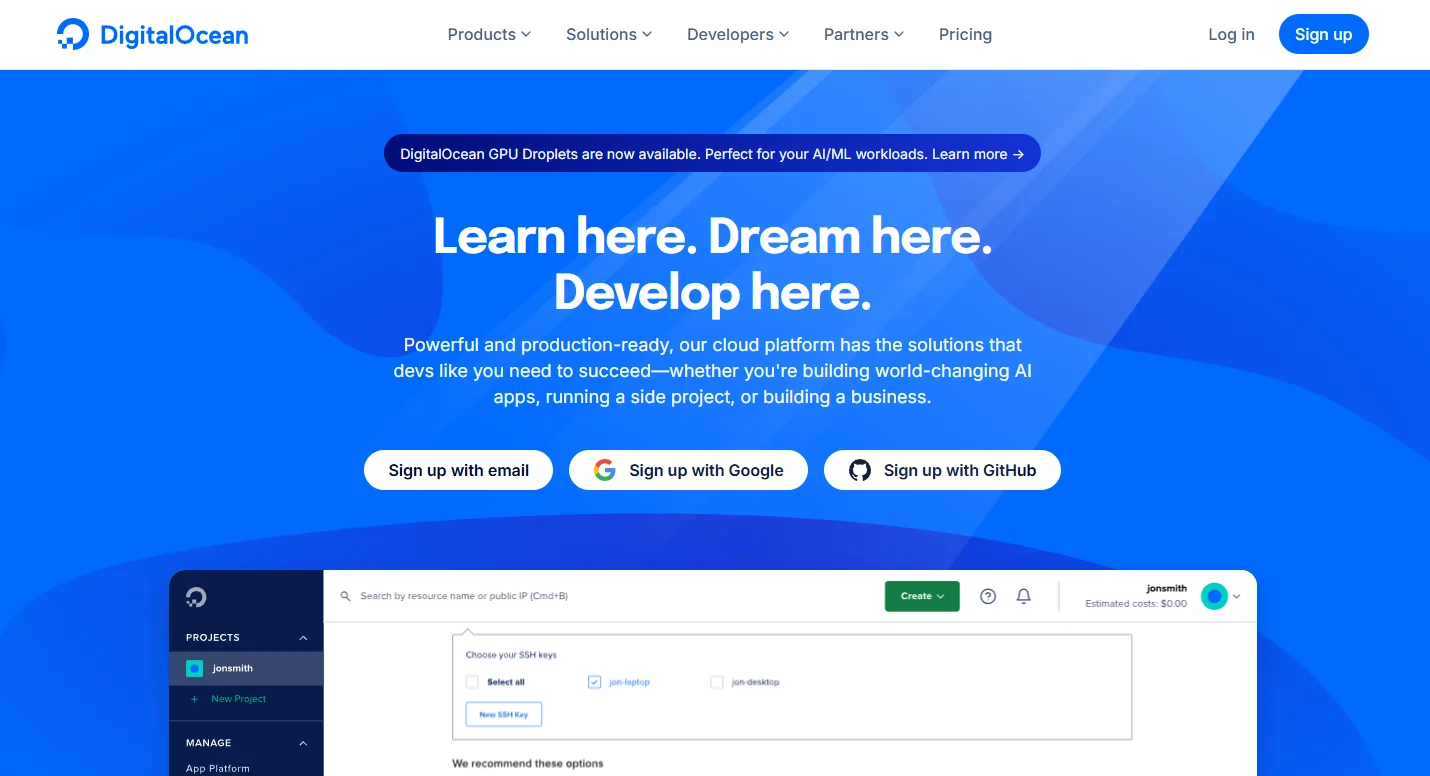
DigitalOcean is Infrastructure as a Service. You rent virtual machines called Droplets, plus the pieces around them: block storage volumes, S3-compatible object storage called Spaces, managed Postgres and MySQL, load balancers, a container registry and managed Kubernetes. The company launched in 2011, was founded by Ben and Moisey Uretsky with Mitch Wainer, Jeff Carr and Alec Hartman, and has been publicly listed on the NYSE since 2021.
Three things it deliberately does not do, and they catch people out:
- Domain registration. You can point a domain at DigitalOcean and use its DNS for free. You cannot buy the domain there.
- Email hosting. There is no mail service. Use Google Workspace, Microsoft 365 or Zoho, and expect outbound SMTP from a fresh Droplet to be blocked by default.
- A website builder. No drag-and-drop anything. You install WordPress, Ghost or your own code.
The products that matter
Droplets
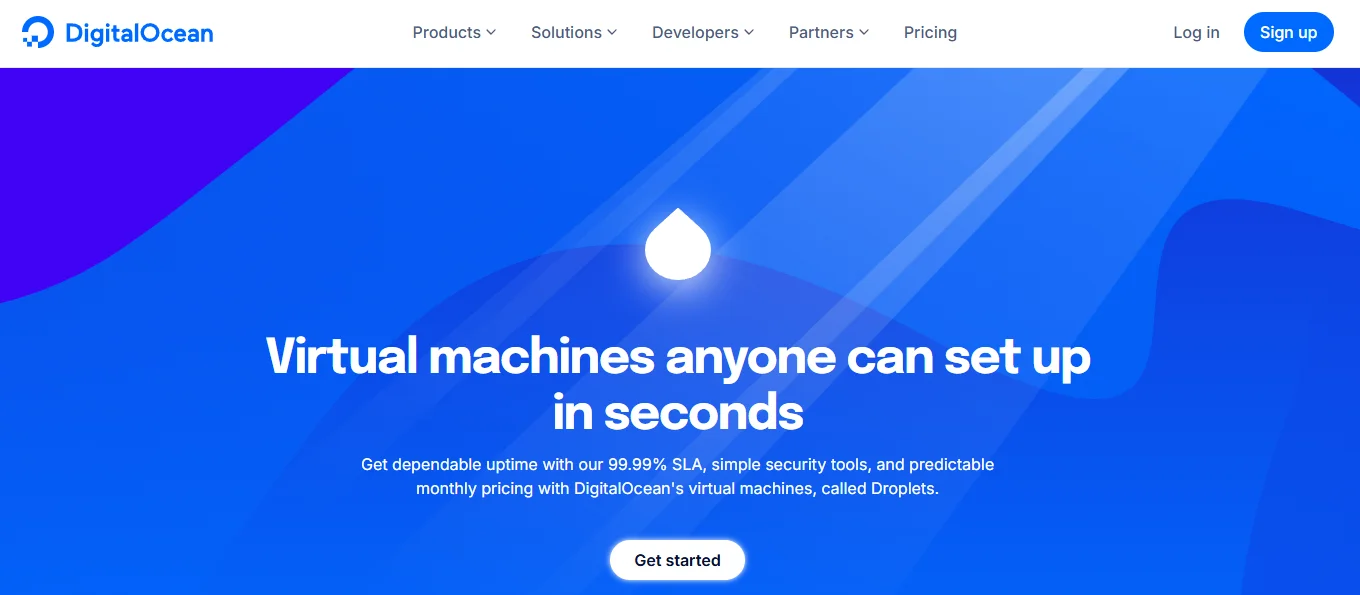
Droplets are Linux VPS instances. You pick the OS, the CPU and memory profile, and the region. Basic Droplets share CPU and suit small sites and staging, and they undercut most of the providers in our best VPS hosting roundup on price. General Purpose, CPU-Optimized and Memory-Optimized give you dedicated cores for workloads that actually need them.
You can resize a Droplet’s CPU and RAM up and back down. Disk resizes are one-way: once a Droplet’s disk grows, it does not shrink. Plan the disk before you plan the RAM.
Managed Kubernetes
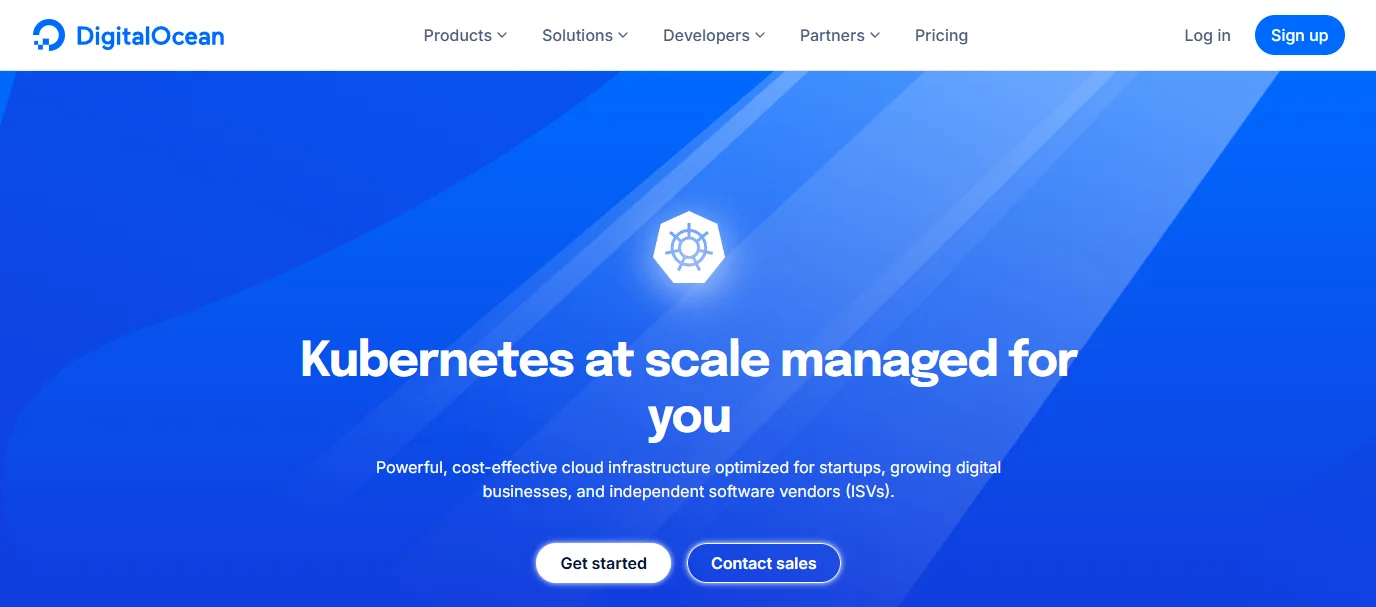
DOKS runs the control plane for you and you pay for the worker nodes. It is the cheapest serious managed Kubernetes on the market and a reasonable place to learn, though the ecosystem around it is thinner than on AWS or GCP. If your team is already fluent in Kubernetes, that thinness is fine. If it is not, Kubernetes is the wrong tool at this size.
GPUs and AI workloads
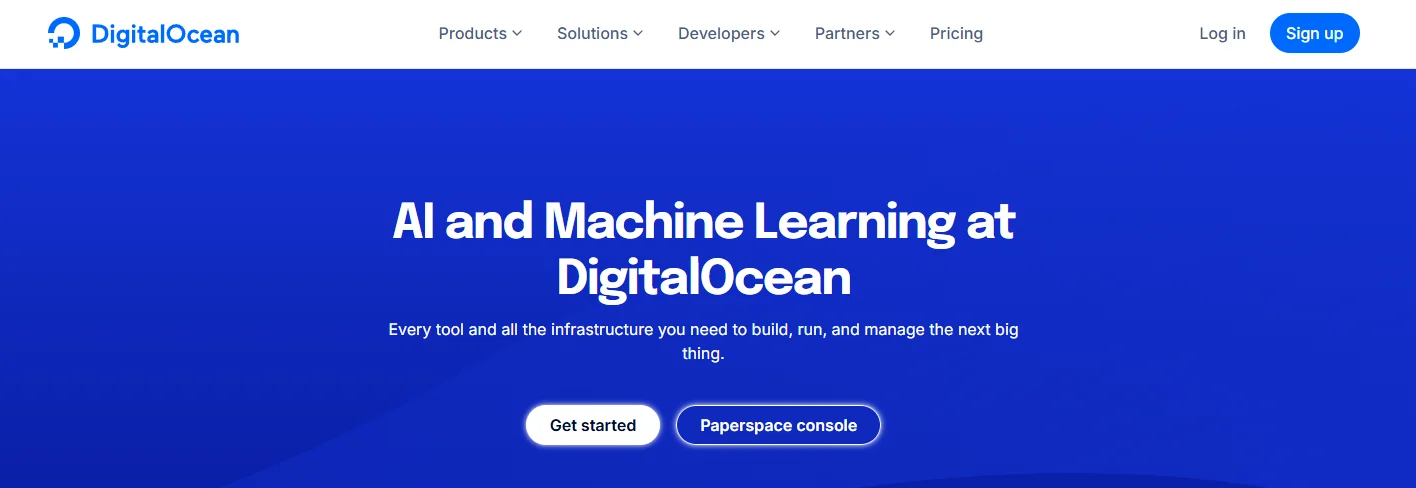
DigitalOcean bought Paperspace in 2023 and now sells GPU Droplets for training and inference alongside a hosted model platform. It is the fastest-moving part of the product line and the one most worth checking current pricing on, because GPU rates move month to month.
Cloudways
DigitalOcean acquired Cloudways in 2022. Cloudways is the managed layer: it provisions the server, handles the stack, caching, backups and SSL, and gives you a dashboard instead of a terminal. You pay a premium over raw Droplet pricing for that.
If you read the verdict above and thought “I don’t want to be a sysadmin”, this is the answer inside the same company.
App Platform
Connect a GitHub or GitLab repo and App Platform builds and deploys it, with a free tier for static sites. It is DigitalOcean’s answer to Heroku, minus the add-on marketplace. Good for side projects and internal tools, less so for anything with unusual runtime requirements.
Creating your first Droplet
The whole flow takes a couple of minutes once your billing details are in. Here’s the order it happens in.
Step 1: Sign in and start the create flow

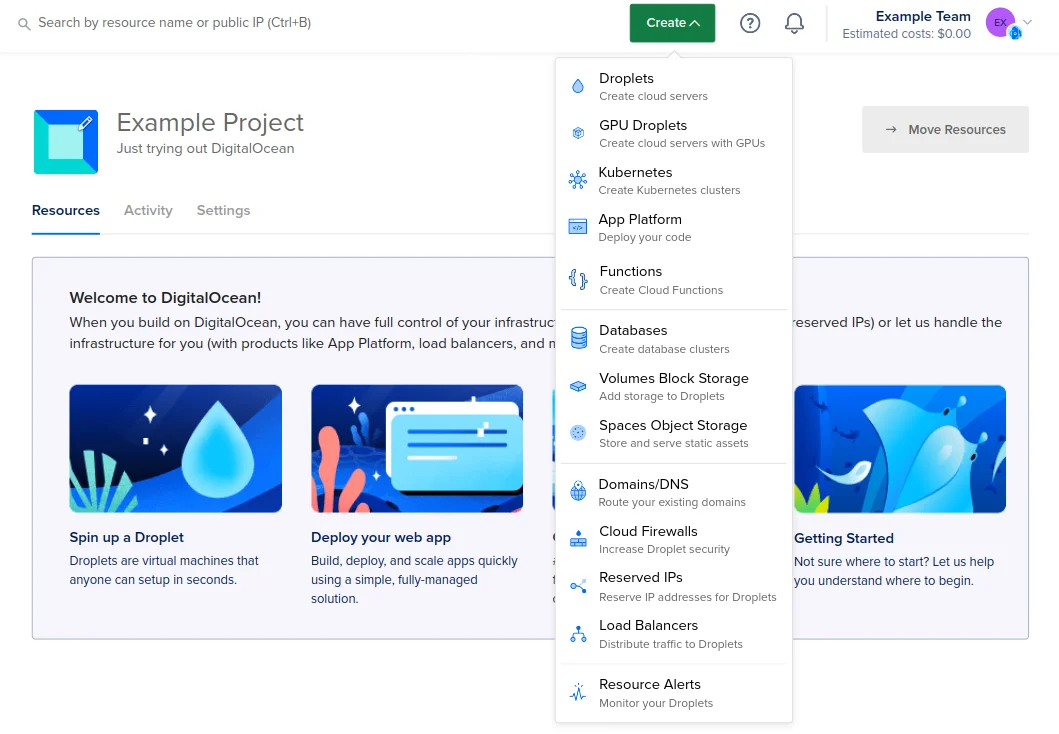
New accounts need a card or PayPal on file before any Droplet will launch. Then hit Create in the top right and choose Droplets.
Step 2: Pick an image
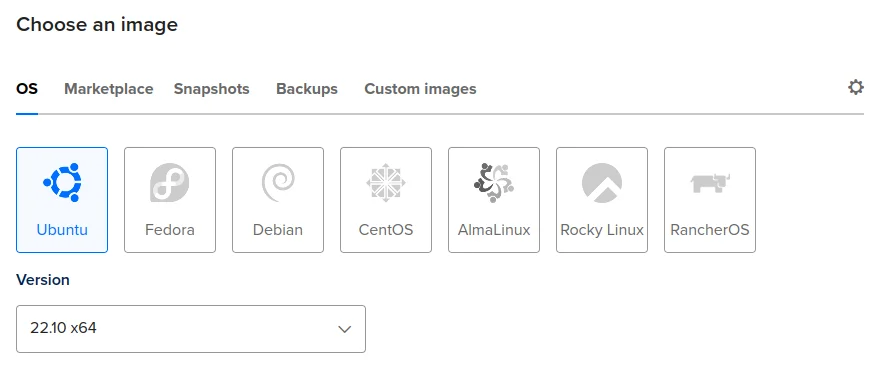
Ubuntu, Debian, Fedora, AlmaLinux, Rocky Linux and CentOS Stream are all there, along with Marketplace images that arrive with WordPress, LAMP, Docker or Ghost preinstalled. For a WordPress site, the Marketplace image saves an hour. Ubuntu LTS is the safe default for anything else.
Step 3: Choose a size

Start smaller than you think. Resizing up is a two-minute reboot. Over-provisioning on day one is how a $4 server quietly becomes a $48 one.
Step 4: Choose a region

Pick the region closest to your visitors, not to you. This is one of the few decisions you cannot change later without rebuilding the Droplet.
Step 5: Add authentication

Use an SSH key. Password root login on a public IP gets brute-forced within hours, and we mean hours, not days. Paste your public key here and disable password auth once you’re in.
Step 6: Name it and launch
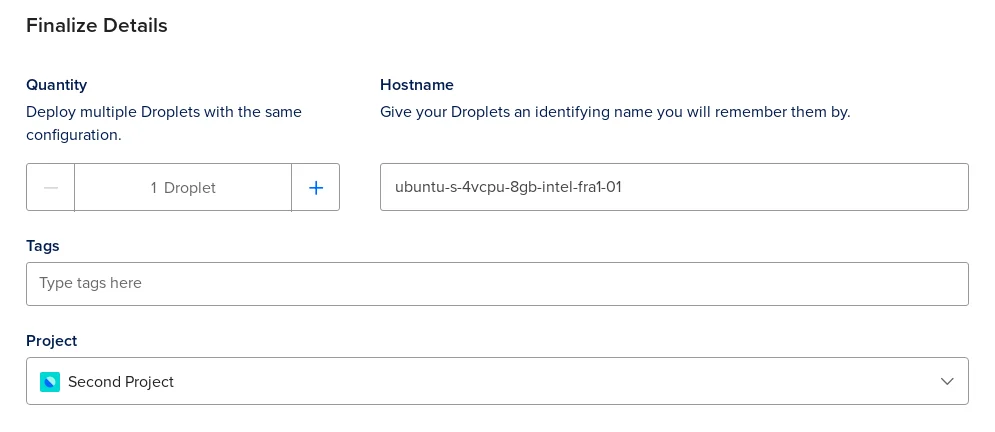
Give it a name that will still make sense when you have nine of them, enable monitoring while you’re here, and click Create. Roughly a minute later you have an IP address. Connect with ssh root@your_droplet_ip and you’re in.
Backups are the optional box worth ticking. They cost extra as a percentage of the Droplet price and are the difference between a bad afternoon and a lost site.
Running WordPress on DigitalOcean
Two honest routes. The Marketplace WordPress image gets you a working install on a $6 Droplet in about ten minutes, and from there you own the updates, the caching, the firewall and the backups. That is a fine setup if you enjoy that work or already do it for clients.
The second route is Cloudways or another managed layer on top of DigitalOcean infrastructure. You get the same servers with someone else handling the stack. It costs more per month and less per incident.
What DigitalOcean gives you either way is NVMe SSD storage on every plan and a choice of region, which are the two hardware factors that move real page-load times. What it does not give you is a caching layer, a WAF or staging environments. You build those. Our roundup of cloud hosting for WordPress compares the managed options side by side.
Ecommerce, SSL and security
For a store, the appeal is headroom. A WooCommerce or Magento install that outgrows shared hosting can move to a 4GB Droplet for $24 a month and keep going, and you can scale vertically during a sale week and back down after.
There is no cPanel here, which trips up people arriving from shared hosting. What you get instead is the Marketplace, where WordPress, LEMP, Node.js, Ghost, Magento and dozens of others install onto a fresh Droplet in one click.
On the security side, DigitalOcean gives you cloud firewalls, private VPC networking, IP whitelisting, two-factor on the account and free Let’s Encrypt certificates through DigitalOcean DNS or Load Balancers. Everything above the hypervisor is yours: OS patches, fail2ban, application-level hardening, all of it. Their tutorials walk through each of those properly, which is more than most hosts offer.
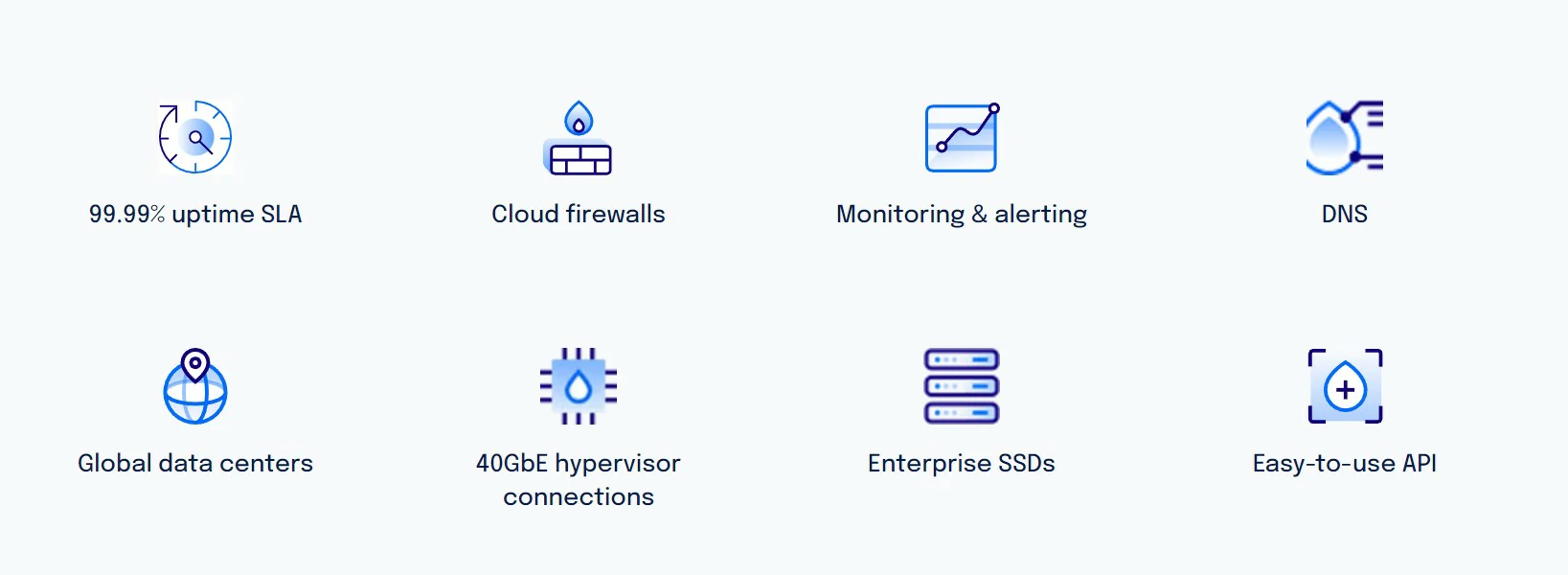
Backups deserve a specific mention because the old marketing line about “seven days of recovery” is not how it works. Droplet backups run on a schedule you choose, weekly or daily, with retention that depends on which you pick, and they cost a percentage of the Droplet price on top. Snapshots are separate and billed per gigabyte. Neither is on by default. Turn one on before you need it.
DigitalOcean pricing
Basic Droplet pricing
Shared-CPU Droplets, checked July 2026
- Included: 1 vCPU, 512MB RAM
- Included: 10GB SSD
- Included: 500GiB transfer
- Not included: Comfortable for WordPress
- Included: 1 vCPU, 1GB RAM
- Included: 25GB SSD
- Included: Runs WordPress with caching
- Not included: Room for a busy store
- Included: 1 vCPU, 2GB RAM
- Included: 50GB SSD
- Included: Handles WooCommerce comfortably
- Included: 2 vCPU, 4GB RAM
- Included: 80GB SSD
- Included: Headroom for traffic spikes
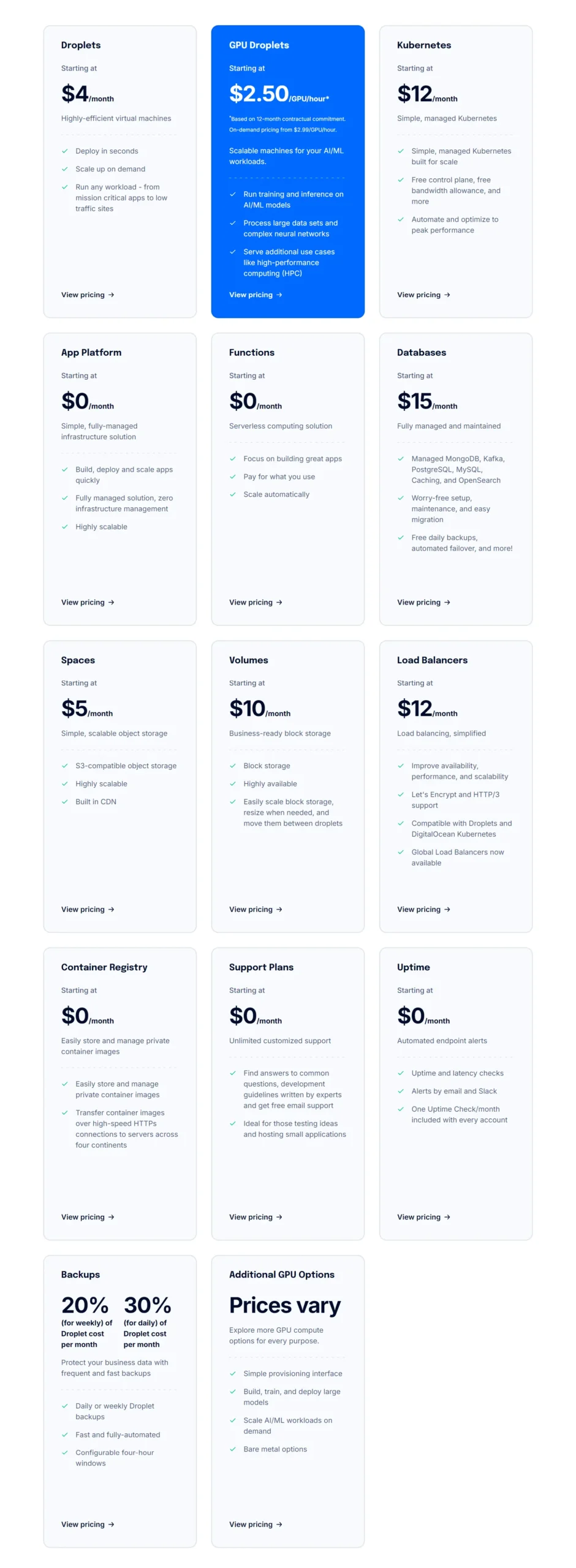
Billed hourly and capped at the monthly rate, so a Droplet destroyed after three days costs three days. Transfer allowance scales with the plan and is pooled across your account. Overage runs at $0.01 per GiB. Backups, snapshots, load balancers and managed databases are all billed separately.
We may earn a commission when you buy through links on this page. This does not affect our reviews.
Beyond Droplets, the rest of the platform is priced the same honest way: Spaces object storage and managed databases each start in the low tens of dollars a month, load balancers are billed per hour, and Functions and the Container Registry have free tiers. Nothing has a surprise setup fee, and the billing page shows a running total for the month.
New accounts have historically come with $200 of credit valid for 60 days, which is enough to run several servers while you evaluate. Promotions change, so check what is actually on offer when you sign up rather than trusting any review, including this one.
Cancellations and refunds
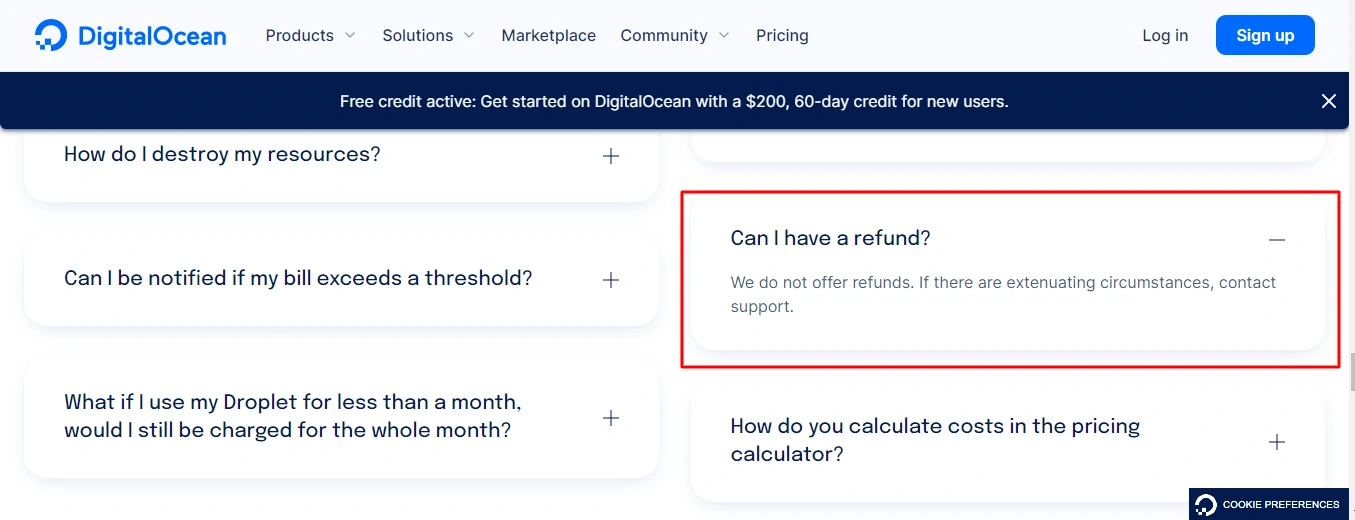
DigitalOcean’s own documentation is blunt about this: it does not offer refunds. Destroy a Droplet and billing stops at that hour, but money already spent stays spent, and unused prepaid credit is not returned.
You can reach support through the ticket system on any account, and paid support plans buy faster response times rather than better answers. The practical defence is the same one that works everywhere in cloud: set a billing alert, and destroy things you are not using instead of leaving them powered off. A powered-off Droplet still bills, because you are still holding the resources.
DigitalOcean vs Vultr vs Akamai Cloud
The three obvious rivals price within a couple of dollars of each other. The difference is not the hardware.
| Feature |
VultrBest for: The lowest entry price |
Akamai Cloud (Linode)Best for: Enterprise network reach |
|
|---|---|---|---|
| Entry price | $4/mo | $2.50/mo IPv6-only, $5/mo standard(winner for this row) | $5/mo |
| Free tier for static sites | Yes(winner for this row) | No | No |
| Managed Kubernetes | Yes | Yes | Yes |
| One-click app marketplace | Yes | Yes | Yes |
| Documentation and tutorials | (winner for this row) | ||
| Windows Server images | No | Yes(winner for this row) | No |
| In-house managed hosting option | Yes, Cloudways(winner for this row) | No | No |
| Refunds | None | None | None |
We may earn a commission when you buy through links on this page. This does not affect our reviews.
Vultr wins on the cheapest possible entry point and is the only one of the three offering Windows. Akamai brings a serious global network behind Linode. DigitalOcean wins on everything around the server: the tutorials, the community, the API, and the fact that Cloudways exists if you change your mind about wanting root access. For a full list of contenders, see our roundup of DigitalOcean alternatives, and our Linode review for a closer look at the Akamai side.
Frequently Asked Questions
How much does DigitalOcean actually cost per month?
The cheapest Basic Droplet is $4 a month for 1 vCPU, 512MB of RAM, 10GB of SSD and 500GiB of transfer. Realistically, a WordPress site wants the $6 or $12 tier. Billing is hourly and capped at the monthly rate, so a server you destroy after two days costs two days.
Is DigitalOcean good for a beginner with no server experience?
Honestly, no. There is no control panel, no phone support and nobody patching your OS. The tutorials are excellent, so a determined beginner can learn on it, but if you just want a website online this week, managed WordPress hosting is the better spend.
Does DigitalOcean give refunds?
No. The documentation states plainly that refunds are not offered, and unused credit is not returned. Destroying a resource stops the meter from that hour onward, which is why you should destroy rather than power off anything you have finished with. A powered-off Droplet still bills.
Can I run Windows Server on a Droplet?
No. DigitalOcean does not provide Windows images and does not support Windows custom images. If you need Windows, Vultr and the large hyperscalers do offer it, and third-party workarounds on a Linux Droplet are unsupported and not worth the risk on a production box.
What does DigitalOcean support actually cover?
Every account gets ticket support on the free Starter plan with a target under 24 hours. Paid plans buy speed: Developer at $24 a month targets under 8 hours, Standard at $99 adds live chat and targets 2 hours, Premium at $999 adds Slack and video calls. Support helps with the platform, not with your application code.
Are Droplet backups included in the price?
No, and this is the most common expensive mistake. Backups are an opt-in extra billed as a percentage of the Droplet price, and snapshots are billed separately per gigabyte. Neither is enabled by default, so a fresh Droplet has no recovery point at all until you turn one on.
Can I use DigitalOcean for email?
Not really. There is no mail hosting product, and outbound SMTP is blocked on new accounts by default to fight spam. Run transactional mail through a service like Postmark, SendGrid or Amazon SES, and put your mailboxes on Google Workspace, Microsoft 365 or Zoho.
What happens if my traffic spikes past the transfer allowance?
You are billed the overage at $0.01 per GiB. Transfer is pooled across every Droplet on the account, which softens the blow considerably, but unused allowance does not roll over to next month. Put a CDN in front of anything image-heavy and this almost never bites.
The bottom line
DigitalOcean earns its reputation. The pricing is transparent, the control panel is clean, the API is a pleasure, and the documentation has taught more people Linux than most bootcamps. At $4 a month for a working cloud server, the value is hard to argue with.
Just be clear-eyed about the deal. There are no refunds, no Windows, no cPanel, and no one on the other end of the line when your site goes down at 2am unless you are paying for a support plan. That is the price of the price.
If you can run a server, start a DigitalOcean Droplet on the free credit today and spend a weekend on it. If you’d rather not, buy the managed layer instead, and put the difference into something that grows the site.
The Review
DigitalOcean
DigitalOcean is the best-value developer cloud if you can run a Linux box yourself. Droplets start at $4 a month with billing that never surprises you, the API is clean, and the tutorial library is an industry asset. The trade is real, though: nothing is managed, there are no refunds, no Windows and no control panel, so the 2am outage is yours to fix.
PROS
- Droplets from $4/month with hourly billing capped at the monthly rate
- The best documentation and tutorial library in cloud hosting
- Clean control panel, plus a genuinely good API and CLI
- 99.99% monthly uptime SLA on Droplets and Block Storage
- Marketplace one-click installs for WordPress, LEMP, Docker and more
- Vertical resizing in minutes, and transfer pooled across the account
- Cloudways available in-house if you want a managed layer later
CONS
- Unmanaged: OS patching, caching, firewall and backups are all your job
- No refunds at all, and unused credit is not returned
- Free support tier targets under 24 hours; faster response starts at $24/month
- No Windows Server images and no support for Windows custom images
- Backups and snapshots cost extra and are off by default
- No domain registration, no email hosting, no site builder
- Outbound SMTP is blocked on new accounts by default
Review Breakdown
-
Ease of Use
-
Documentation
-
Control Panel & UX
-
Scalability
-
Customer Support
-
Value for Money
DigitalOcean DEALS
We collect information from many stores for best price available




