Your Instagram grid looks sharp. Your website looks like it belongs to a different person. That gap quietly costs you followers.
The right Instagram plugin for WordPress closes it. Your feed loads on your own site, and visitors hit Follow without ever leaving the page. Here’s the catch: several Instagram feed plugins still ranking for this search are abandoned, and Meta’s API punishes abandoned code fast.
We checked every plugin below against the WordPress repository first. Two of them didn’t survive. If you want galleries rather than a live feed, our image gallery plugins roundup is the better read.
Quick answer
- Best overall Smash Balloon Social Photo Feed
- Best free version WPZOOM Social Feed Widget & Block
- Best for design control Spotlight Social Feeds
- Best no-plugin option Elfsight Instagram Feed (hosted)
Smash Balloon wins on reliability. It has over a million installs, ships updates within days of every Meta API change, and its free version already does what most blogs need. Spotlight is the better pick if you care about matching your theme exactly.
Best Instagram plugins for WordPress in 2026
Every plugin here is active on the WordPress repository and tested against a current WordPress release. Prices were checked in July 2026 and shift often, so treat them as a starting point, not gospel.
Smash Balloon Social Photo Feed, the safe default
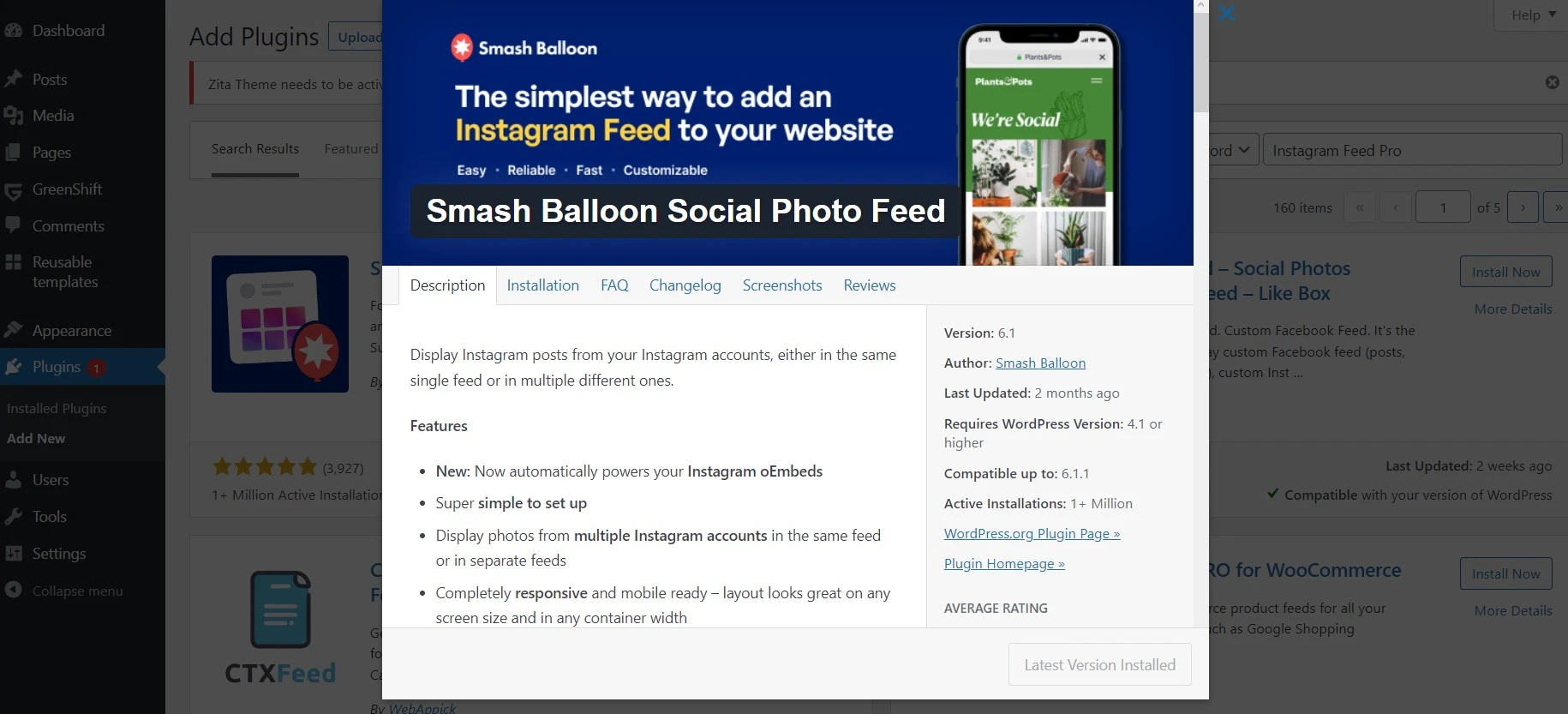
If you want one recommendation and no homework, take this one. Smash Balloon runs on more than a million WordPress sites, which matters more than any feature list. When Meta changes the Instagram API, the plugin with a million angry users gets patched first.
The free version handles a single personal or business feed in grid, carousel, masonry or highlight layouts, with a Load More button and a Follow button. That’s genuinely enough for a portfolio or a blog sidebar.
Key features
- Grid, carousel, masonry and highlight layouts in the free version
- Caching that serves posts from your own database, so the feed doesn’t wait on Instagram
- Hashtag and tagged feeds, plus shoppable feeds, in Pro
- Filtering by keyword or hashtag to keep off-brand posts out
Pricing: free core plugin. Instagram Feed Pro runs $49/year for one site, $99/year for five, $149/year for ten, and $299/year for the All Access bundle of every Smash Balloon plugin.
Best for: anyone who wants the feed to still be working in two years.
Not ideal for: people who need hashtag feeds on a budget, since that’s a paid feature here and free elsewhere.
Our take: the free version is the honest hero. Upgrade only when you actually need hashtag or shoppable feeds, not because the dashboard nags you.
Spotlight Social Feeds, best design control
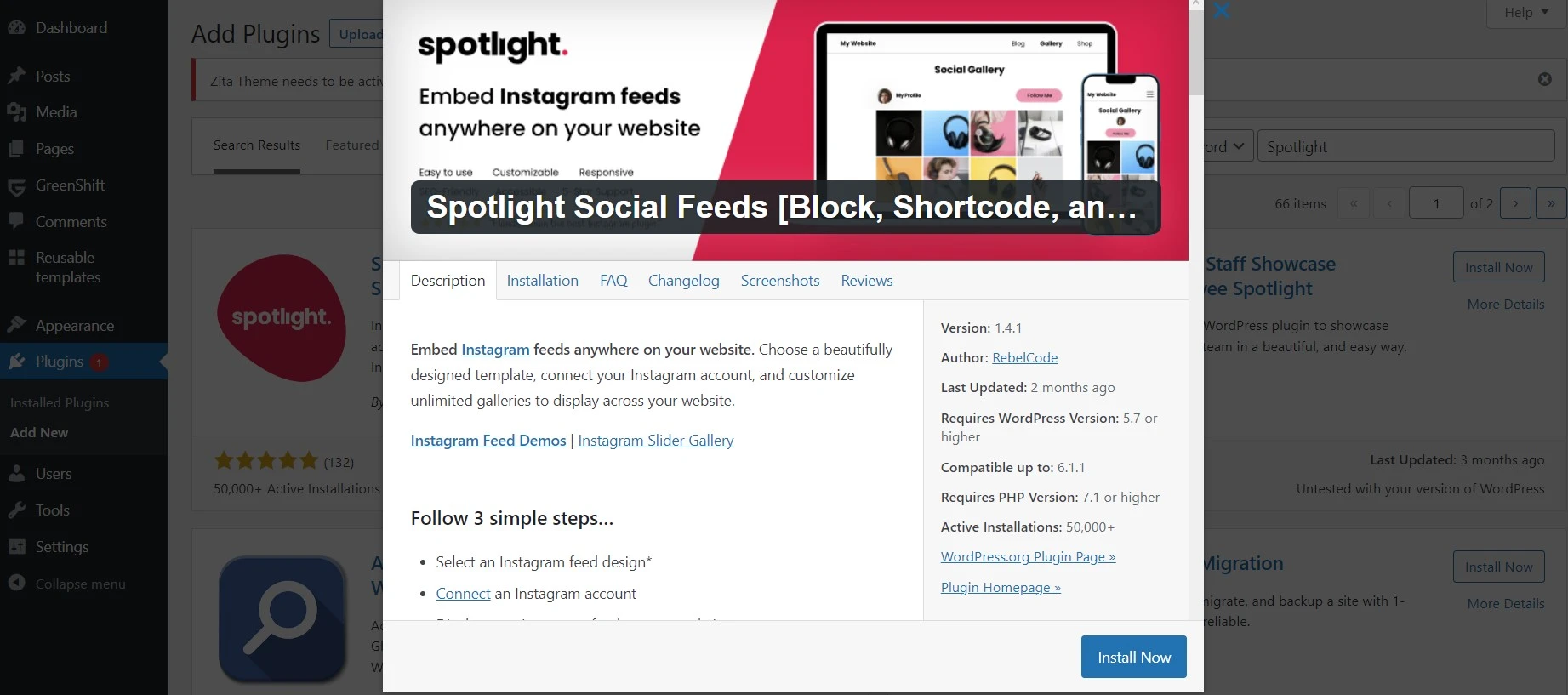
Spotlight, built by RebelCode, is the plugin for people who care that the feed matches the rest of the site. Its editor shows a live preview while you change spacing, hover effects, header style and button colours, which beats Smash Balloon’s more utilitarian settings screens.
Around 60,000 sites run it. Smaller than Smash Balloon, still comfortably maintained.
Key features
- Live visual customiser instead of a settings form
- Unlimited accounts and unlimited feeds even on the entry paid tier
- Follow button, Load More, and a lightbox popup for captions
- Hashtag, tagged and shoppable feeds on the Pro tier
Pricing: free core version. Essentials is $59/year for one site, Pro is $99/year, and Agency covers 20 sites at $199/year. Spotlight locks your renewal price, which is rarer than it should be.
Best for: designers and agencies who need the feed to look intentional.
Not ideal for: a quick sidebar widget where nobody will notice the styling anyway.
WPZOOM Social Feed Widget & Block, the best free tier
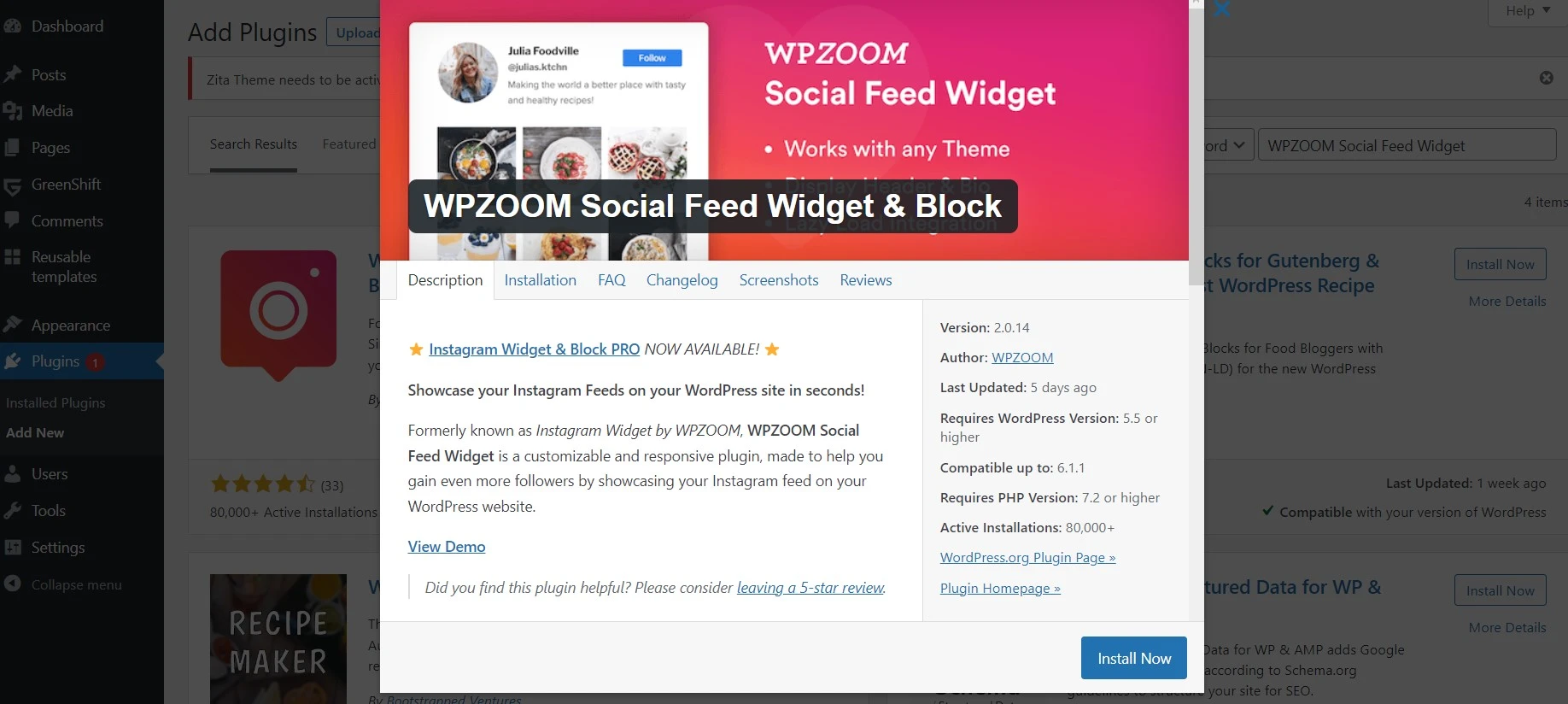
WPZOOM gives away more than it should. The free plugin does multiple feeds, several layouts, a proper Gutenberg block, and a widget you can drop in a footer or sidebar in about two minutes. For a personal blog it’s often the last plugin you’ll need.
Roughly 60,000 active installs, updated for the current WordPress release.
Key features
- Native Gutenberg block plus a classic widget
- Multiple feeds and layouts without paying
- Feed moderation and WooCommerce product tagging in PRO
- Basic engagement analytics on paid tiers
Pricing: free, then PRO at $39/year for one site, $59/year for three, $79/year for ten. That’s the cheapest paid tier in this roundup.
Best for: bloggers and small businesses who want zero cost and no upsell wall.
Not ideal for: heavy customisation, where Spotlight’s editor is a level above.
Elfsight Instagram Feed, powerful but not really a plugin
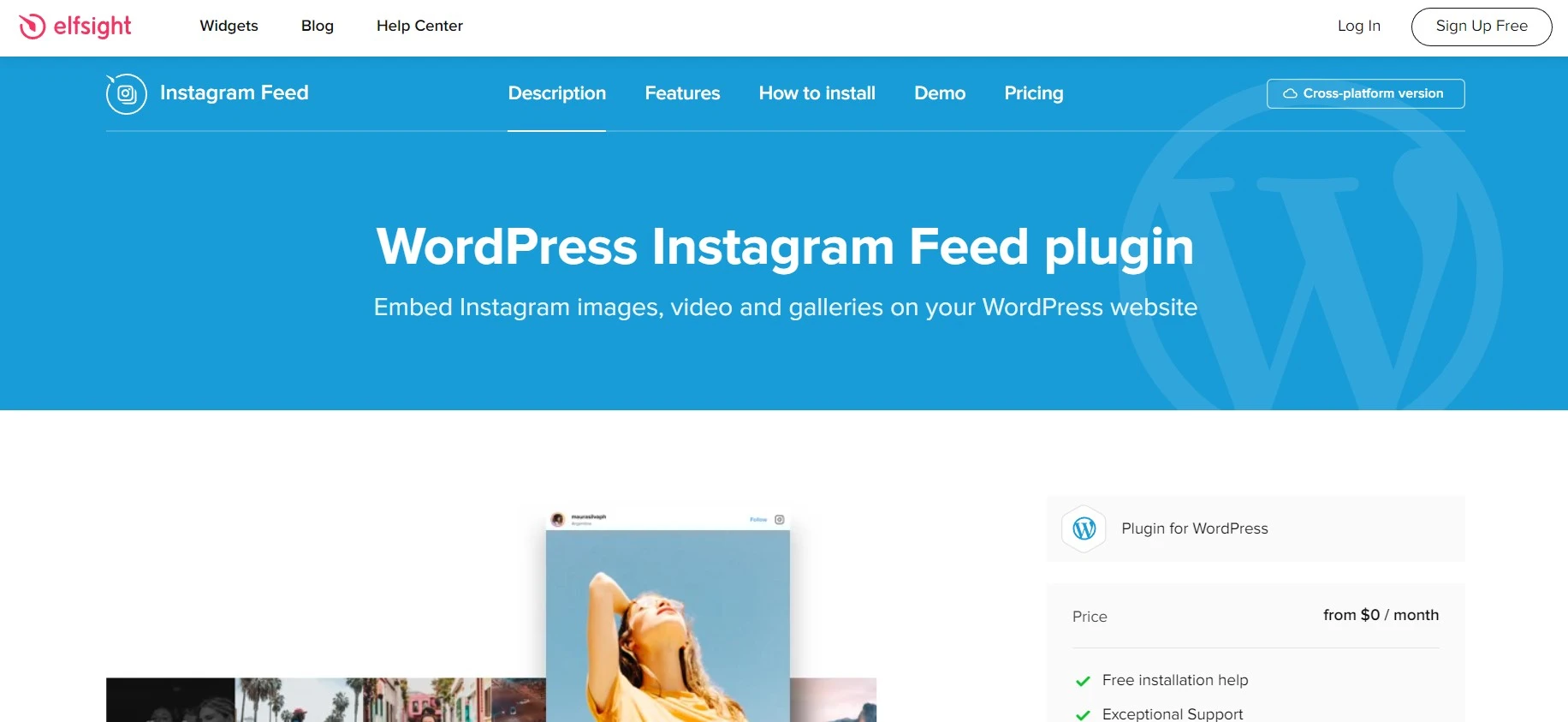
Read the fine print on this one. Elfsight is a hosted widget service, and the WordPress plugin is a thin wrapper that embeds it. Your feed lives on Elfsight’s servers and renders through their script, so if you stop paying, the widget stops showing.
That trade-off buys you the slickest layout builder here and roughly ten template styles that look finished out of the box. It’s a fair deal, as long as you know you’re renting rather than installing.
Key features
- Grid, slider, masonry and highlight templates with live editing
- Unlimited Instagram accounts in one widget
- Profile header, bio and post captions toggled individually
- Works the same on any platform, not just WordPress
Pricing: a free tier capped at 200 widget views a month, which is a demo rather than a plan. Basic is $4/month billed yearly for 5,000 views, Pro is $8/month for 50,000, Premium is $16/month for 150,000. Views, not visits, so a busy site burns through a tier faster than you’d guess.
Best for: people running the same feed across WordPress plus a Shopify or Squarespace site.
Not ideal for: high-traffic blogs, where view caps get expensive quickly.
Feed Them Social, one plugin for several networks
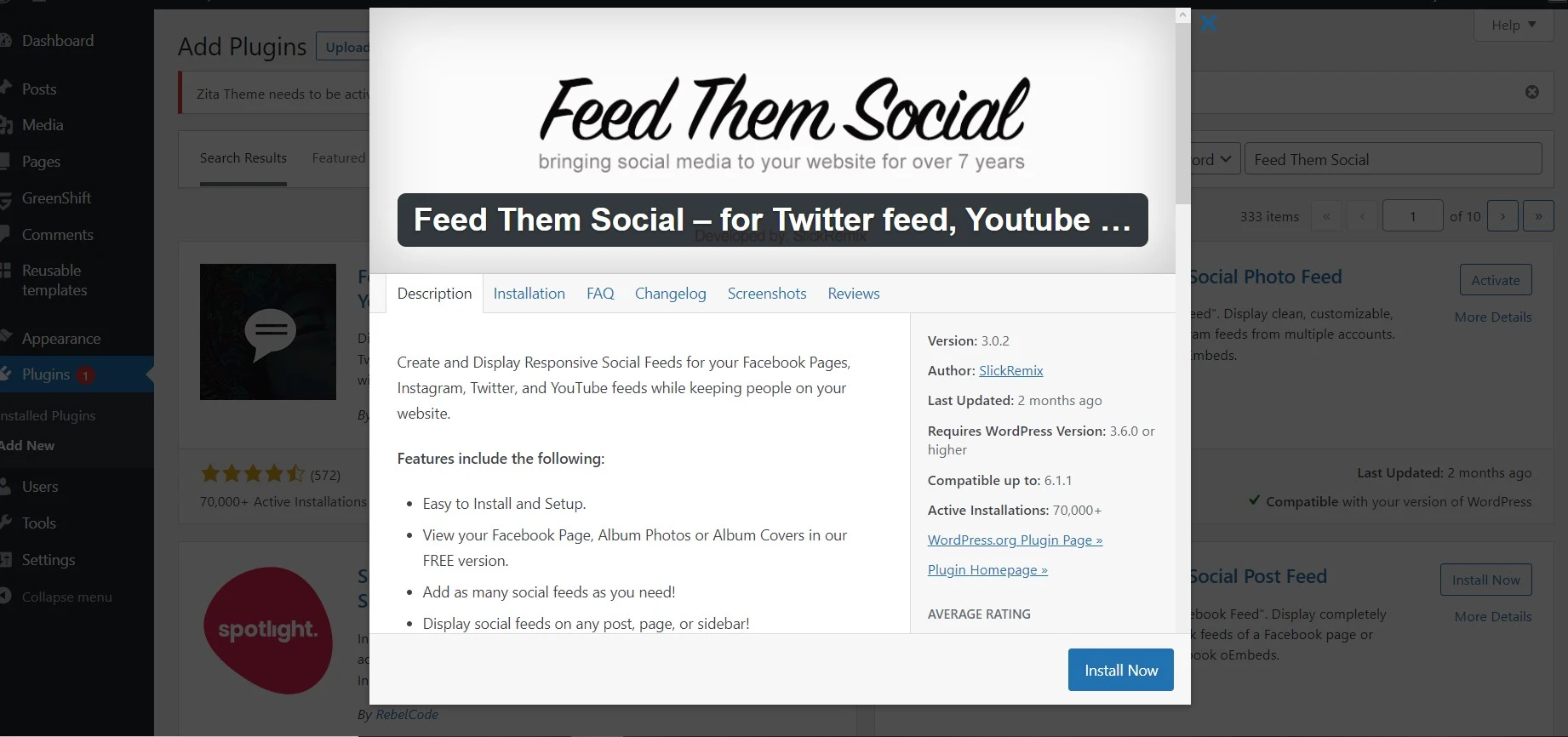
Feed Them Social pulls Instagram, Facebook, TikTok and YouTube into one plugin, which saves you stacking four separate feed plugins on a site that already loads slowly. About 20,000 sites use it.
One correction if you read an older version of this list: Twitter and X support was removed in September 2025 after the API pricing changes made it unworkable. Don’t install this expecting tweets.
Key features
- Instagram, Facebook, TikTok and YouTube feeds from one settings screen
- Follow and Like buttons above or below each feed
- Combined feeds mixing several networks into one wall
- Hashtag and business-account feeds in the premium version
Pricing: free core plugin, with paid extensions sold per network. Check the vendor’s site before you commit, because the bundle maths changes depending on how many feeds you need.
Best for: sites that need three or four social feeds and one support contact.
Not ideal for: Instagram-only sites, where a focused plugin is simpler and lighter.
Social Slider Feed, decent plugin with patchy support
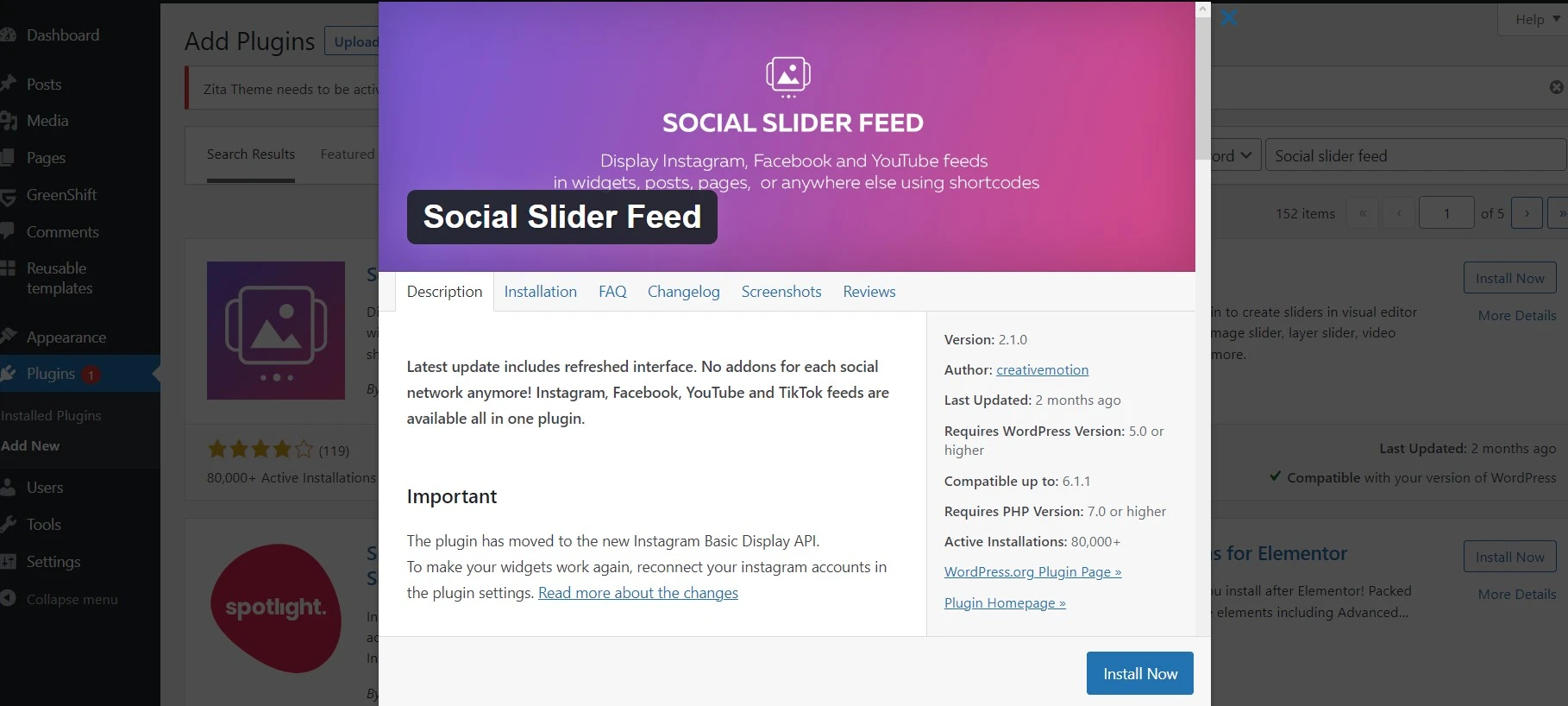
Themeisle acquired Social Slider Feed in November 2025 and updates have continued since, which is the good news. The bad news is a 3.9-star rating built on a long run of unanswered support threads, several from people holding lifetime licences.
We’d only install it for the slider layout, which is genuinely nicer than the grid-first competition. Treat it as a free tool and don’t buy the licence until the support reviews turn.
Key features
- Slider, thumbnail, masonry and highlight display modes
- Shortcode output you can drop anywhere
- Multiple Instagram accounts in one install
Pricing: free on the repository, with a paid upgrade sold by Themeisle.
Best for: a free carousel of recent posts.
Not ideal for: client work where you need someone to answer a ticket.
Envira Gallery, when Instagram is only part of the job
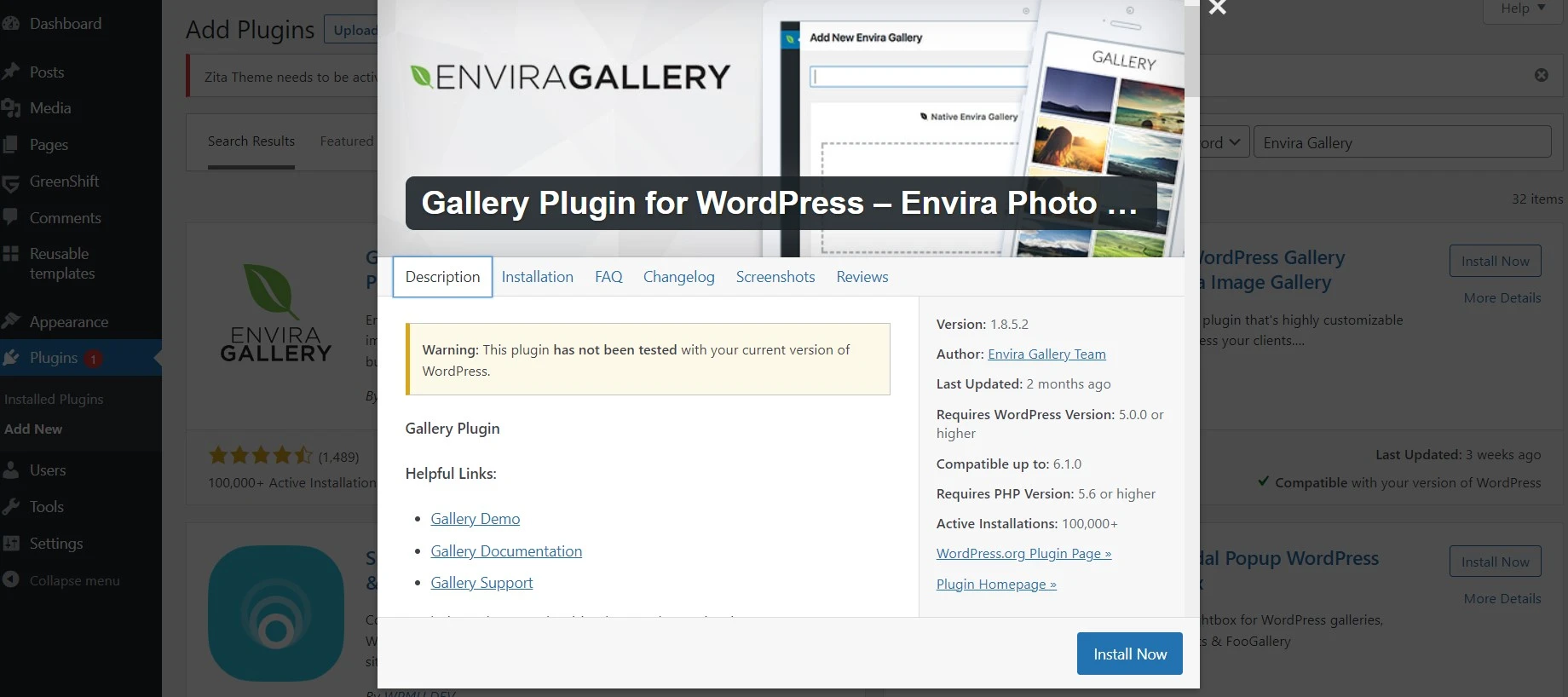
Envira isn’t a feed plugin. It’s a gallery plugin with an Instagram importer bolted on, and that distinction decides whether it’s right for you. Photographers who already want albums, lightboxes, watermarking and client proofing get Instagram import as a bonus.
Over 100,000 sites run the Lite version. The Instagram addon sits behind a paid licence, and a few 2026 reviews mention the reauthentication screen going missing, so re-check it after every major update.
Key features
- Drag-and-drop galleries, albums and lightboxes
- Instagram importer that pulls photos into a normal gallery
- Pagination, tagging and deeplinking for large photo sets
Pricing: Envira Gallery Lite is free. The Instagram addon requires a paid plan, so budget for the licence rather than expecting a free import.
Best for: photographers and portfolio sites.
Not ideal for: a simple live feed, where you’d be paying for a gallery engine you don’t need.
Soliloquy, Instagram inside a slider
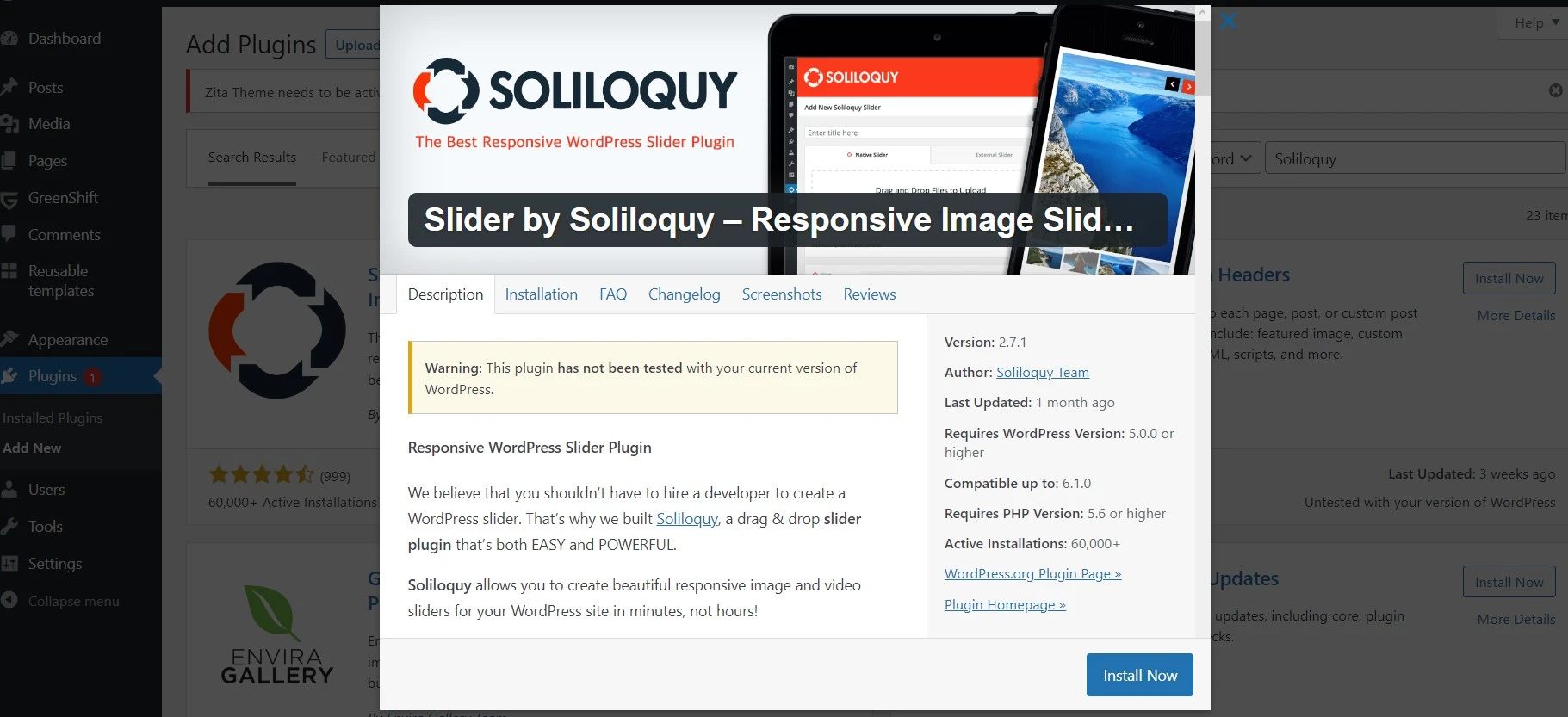
Same logic as Envira, different shape. Soliloquy is a slider plugin, and its Dynamic addon can mix Instagram photos with featured post images and testimonials in a single rotating hero. Around 30,000 installs, still updated.
Pick it only when the homepage hero is the goal. As a general Instagram feed plugin it’s the long way round.
Key features
- Responsive photo and video sliders with speed and transition control
- Dynamic addon that mixes Instagram with other content sources
- Lazy loading so a hero slider doesn’t wreck your Core Web Vitals
Pricing: Soliloquy Lite is free; the Instagram and Dynamic addons need a paid licence.
Best for: homepage sliders that blend social posts with site content.
Not ideal for: grid-style feeds, which is what most people actually want.
Two plugins we removed from this list
Both used to appear here. Neither belongs on a live site now.
10Web Social Photo Feed hasn’t been updated since February 2023 and is only tested against WordPress 5.0. Users report the Instagram connection failing outright with developer-role errors. Skip it.
Enjoy Plugin for Instagram is worse. It stopped receiving updates in 2022 and carries publicly documented, unpatched vulnerabilities, including one that lets an unauthenticated visitor unlink your Instagram account. Recommending it would be irresponsible. If it’s installed on your site, delete it and run a scan with one of the WordPress security plugins we recommend.
How the top four compare
| Feature |
Best OverallSmash BalloonFree / $49 per yearBest for: Reliability |
SpotlightFree / $59 per yearBest for: Design control |
WPZOOMFree / $39 per yearBest for: Tight budgets |
Elfsight$4 per monthBest for: Multi-platform sites |
|---|---|---|---|---|
| Active installs | 1,000,000+(winner for this row) | 60,000+ | 60,000+ | Hosted service |
| Usable free version | Yes | Yes | Yes(winner for this row) | No |
| Feed hosted on your site | Yes | Yes | Yes | No |
| Hashtag feeds | Paid | Paid (Pro) | Paid | Paid |
| Entry paid price | $49/yr | $59/yr | $39/yr(winner for this row) | $48/yr |
| Traffic or view limits | No | No | No | Yes |
| Ease of styling |
We may earn a commission when you buy through links on this page. This does not affect our reviews.
Read that table one way: Smash Balloon wins on the thing that breaks, WPZOOM wins on price, Spotlight wins on looks. Elfsight only earns its place if you’re running more than one platform.
Mistakes that break Instagram feeds
Most support tickets we’ve seen come down to four things, and none of them are the plugin’s fault.
- Connecting a personal account when you need a business one. Hashtag feeds, tagged feeds and analytics all require an Instagram Business or Creator account linked to a Facebook Page. Personal accounts get the basic feed and nothing more.
- Ignoring the token expiry email. Instagram access tokens expire. Every plugin here refreshes automatically while it can, but if the site goes untouched for months the token dies and the feed empties. That’s the most common cause of the could not refresh feed error.
- Loading 100 posts on the homepage. Each post is an image request. Show 9 or 12 and add a Load More button.
- Running two feed plugins at once. They fight over the same API connection and both break. Pick one, delete the other properly.
How we picked these
We checked every plugin’s repository listing for its last update, tested-up-to WordPress version, install count and open support threads, then read the current vendor pricing pages directly rather than repeating numbers from other roundups. Anything abandoned, closed, or carrying unpatched security advisories was cut regardless of how popular it used to be.
We haven’t run all eight side by side on the same production site, and we’ll say so plainly. Smash Balloon, Spotlight and WPZOOM are the three we’ve used on live client builds. The rest are assessed on their public records, documentation and pricing, all verified in July 2026.
Frequently asked questions
Do Instagram plugins slow down a WordPress site?
A well-built one barely registers. Smash Balloon, Spotlight and WPZOOM cache posts in your own database and serve images with lazy loading, so the feed never waits on Instagram. Speed problems usually come from showing 50 or more posts at once rather than from the plugin itself.
Is the free version of Smash Balloon enough?
For most blogs and portfolios, yes. The free version covers one account, four layouts, a Follow button and a Load More button. You need Pro for hashtag feeds, tagged feeds, shoppable posts and combined feeds, which is where the $49 per year starts to make sense.
Why did my Instagram feed suddenly stop working?
Nine times out of ten the access token expired. Reconnect the account in the plugin settings and the feed returns. The other common causes are switching your Instagram account type, unlinking the connected Facebook Page, or running two feed plugins that fight over the same connection.
Can I display someone elses Instagram feed?
Only for public accounts, and only through hashtag or tagged feeds on a paid tier. Meta no longer lets a plugin pull an arbitrary users posts the way it did years ago. Anything promising unrestricted access to other accounts is either scraping or lying.
Which Instagram plugin is best for a WooCommerce store?
Shoppable feeds are the deciding feature, so it is Smash Balloon Pro or Spotlight Pro. Both let you attach product links to individual posts so a shopper goes from photo to checkout. WPZOOM PRO also does WooCommerce product tagging at a lower price.
Do I need an Instagram Business account?
Not for a basic feed of your own posts. You do need a Business or Creator account, connected to a Facebook Page, for hashtag feeds, tagged feeds, mentions and any analytics. Switching account types is free and takes two minutes in the Instagram app.
Are plugins that automate likes and follows safe?
No. Automated liking, commenting and following breaks Instagram terms of service and risks your account being restricted or banned. Several old WordPress plugins offered this and have since been abandoned with unpatched vulnerabilities. Display your feed and grow the account manually.
Our pick for 2026
Install Smash Balloon Social Photo Feed and stop reading. It’s the most maintained of the Instagram plugins for WordPress, the free version does what a normal site needs, and it survives Meta’s API changes because a million other people depend on it too.
Choose Spotlight Social Feeds instead if the feed has to match your theme pixel for pixel, and WPZOOM Social Feed Widget if you want the strongest free tier and the cheapest upgrade. Elfsight only earns its subscription when you’re feeding more than one platform.
One warning before you install anything: check the last-updated date on the repository page yourself. An abandoned Instagram feed plugin isn’t just a broken widget, it’s an open door, and two of the plugins that used to sit on this page proved it.
Next step: connect one plugin, show nine posts, add a Follow button, then check your Instagram profile visits a week later. If the number hasn’t moved, the feed is sitting too far down the page.