

Your broker app shows a green number. It is lying to you, or at least flattering you, because simple gain ignores every deposit you made along the way.
That gap is what portfolio management software closes. Real returns, real allocation, real fee drag, across every account you hold rather than one.
We rechecked every tool below against its own live pricing page in July 2026, dropped one that no longer exists, and separated the investment trackers from the project tools people keep confusing them with. If you want the spending side too, our roundup of expense management tools covers it. Here are the best portfolio tracker options worth your time.
Best portfolio management software in 2026, at a glance
Quick verdict
- Best free tracker Empower Personal Dashboard
- Best for real performance data Sharesight
- Best budget plus investments Monarch Money, $99 a year
- No longer exists Mint, shut down March 2024
- Free tools now cover net worth, allocation and fee analysis properly
- Sharesight and Kubera handle assets your broker app ignores
- Most paid tools bill annually and refund inside two weeks
- Bank and broker sync breaks more often than any vendor admits
- Anything free is monetised somehow, usually by selling you advice
Start with Empower Personal Dashboard because it is free and it does the allocation and fee analysis most people are missing. Move to Sharesight the moment you need true time-weighted returns and dividend tracking across more than one broker.
| Feature | ||||
|---|---|---|---|---|
| Genuinely free tier | Yes(winner for this row) | Yes | No | No |
| Entry price | Free(winner for this row) | $7/mo | $99/yr | $103.99/yr |
| Time-weighted returns | No | Yes(winner for this row) | No | Yes |
| Dividend and corporate action tracking | No | Yes(winner for this row) | No | Yes |
| Budgeting built in | Yes | No | Yes | Yes |
| Works outside the US | No | Yes(winner for this row) | No | No |
| Sells you financial advice | Yes | No | No | No |
| Ease of setup |
We may earn a commission when you buy through links on this page. This does not affect our reviews.
How we evaluated these
We run our own holdings through a portfolio tracker, so the criteria come from actually using one: does it calculate time-weighted return or just simple gain, does the account sync hold up over months rather than days, does it handle dividends and corporate actions without manual fixes, and what does it cost once the trial ends.
What we have not done is open a paid account at every vendor here. Kubera, Monarch and the project tools are assessed from official docs, pricing pages and trials rather than a year of daily use, and we say so in each section. All prices were checked in July 2026 and are in US dollars. We are not financial advisers and none of this is investment advice.
The best investment portfolio trackers
Empower Personal Dashboard, formerly Personal Capital – best free tracker
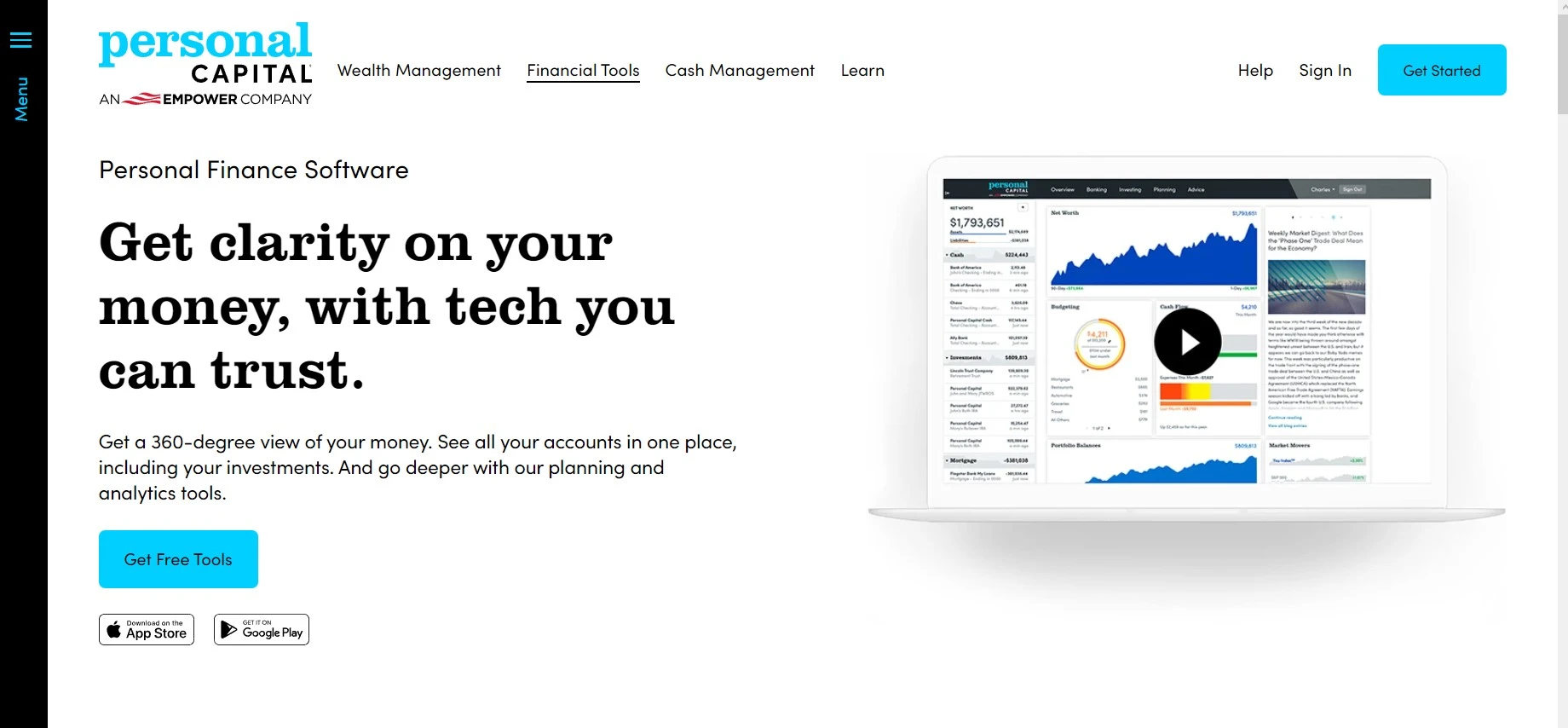
Personal Capital was bought by Empower and the free tool is now marketed as the Empower Personal Dashboard. Same product, same price, which is zero.
It is the best free thing in personal finance and it is not close. Link your accounts and it shows net worth, asset allocation across everything you own, and a retirement planner that runs proper projections. The fee analyzer is the standout: it tells you what your funds are quietly costing you a year, which is the single most useful number most investors have never calculated.
Here is the catch. The dashboard is a lead magnet for Empower wealth management, and if you link six figures you will get a call. Say no politely and keep the free tool. Also worth knowing: it is US-only, and it reports simple gain rather than time-weighted return, so it is a net worth tool more than a performance tool.
- Net worth and allocation across every linked account
- Fee analyzer that surfaces hidden fund costs
- Retirement planner with Monte Carlo projections
- Budgeting and cash flow alongside investments
- Genuinely free with no paid tier for the dashboard
Pricing: Free. The advisory service is separate and charges a percentage of assets under management.
Best for: US investors who want a complete picture without paying anything.
Not ideal for: Non-US users, and anyone who needs true time-weighted returns.
Sharesight – best for people who want the real return number
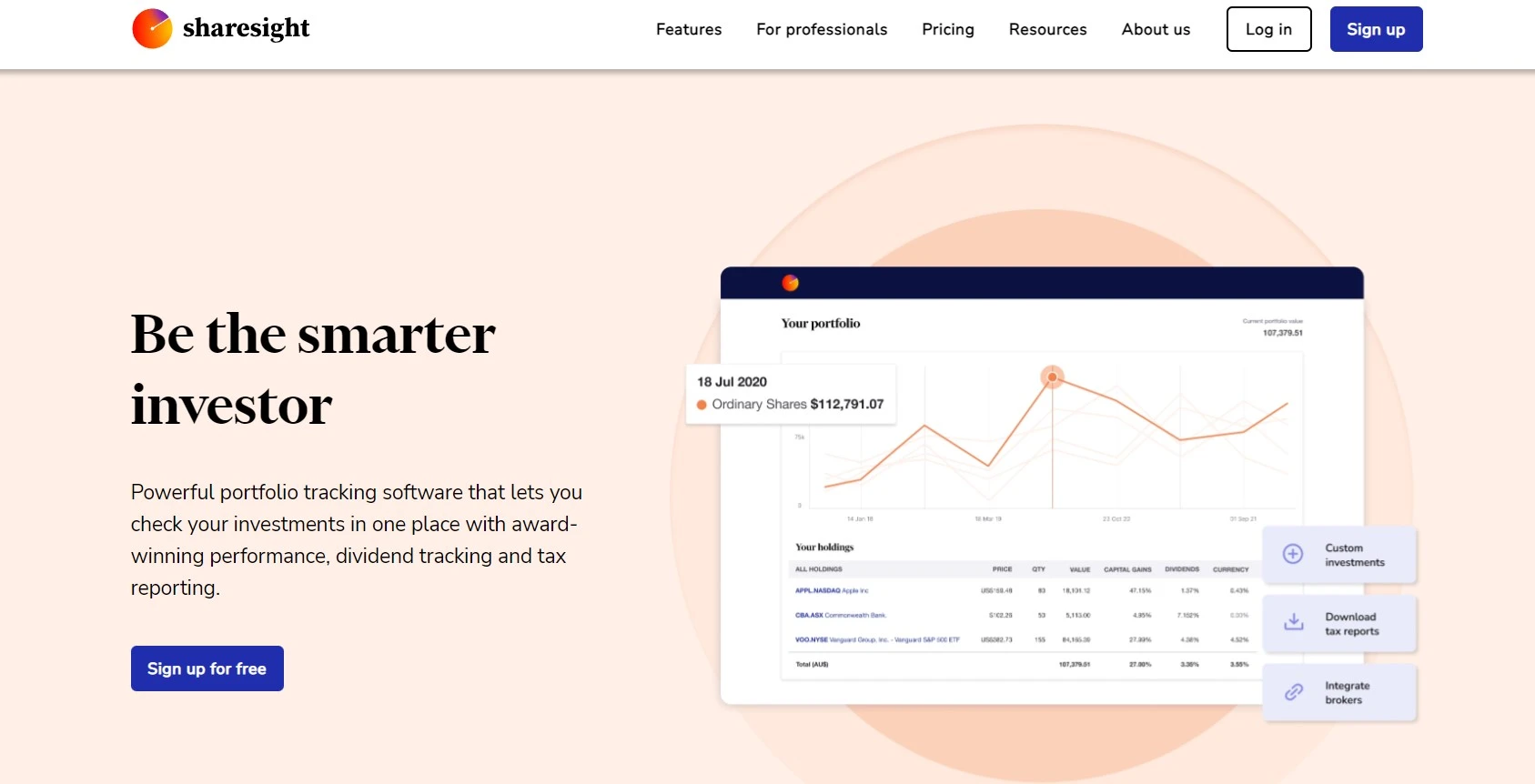
Sharesight is the pick for anyone who has ever wondered whether their portfolio actually beat the index or just accumulated deposits. It calculates time-weighted and money-weighted returns, tracks dividends and dividend reinvestment automatically, and handles multi-currency without falling over.
It covers markets in Australia, New Zealand, the UK, Canada and the US, which makes it one of the few genuinely international options here. Benchmark comparison against an index is built in, and the capital gains and dividend reports are the kind of thing an accountant is happy to receive. We use it for exactly that.
The trade-off is that it is a tracker, not a finance suite. There is no budgeting, no spending categorisation, no bill reminders. And the free tier caps you at ten holdings, which most people outgrow inside a year. If your portfolio leans heavily into digital assets, pair it with one of the cryptocurrency trading apps we rate.
- Time-weighted and money-weighted return calculations
- Automatic dividend, split and corporate action handling
- Benchmark your portfolio against an index directly
- Capital gains and taxable income reports
- Broker imports from most major platforms
Pricing: Free (1 portfolio, 10 holdings), Starter $7/mo billed annually (30 holdings), Standard $18/mo annually (4 portfolios, unlimited holdings), Premium $23.25/mo annually (10 portfolios). Monthly billing costs roughly a third more.
Best for: Self-directed investors who hold more than one broker account and want returns they can defend.
Not ideal for: Anyone wanting budgeting in the same app, or investors with fewer than ten holdings who will never leave the free tier.
Seeking Alpha Premium – research first, tracking second

Seeking Alpha Premium is not really portfolio management software, and pretending otherwise does readers a disservice. It is a research platform with a portfolio watchlist attached.
What you are buying is the analysis: Quant ratings on every stock, the full archive of contributor articles, a premium screener, earnings transcripts and filings. Add your holdings and it flags ratings changes and news on the tickers you own, which is genuinely useful if you pick individual stocks.
At $299 a year it is the most expensive thing on this page, and it does none of the things Sharesight does. Buy it if you actively research individual equities. Skip it entirely if you hold index funds, because you are paying for opinions you will never act on.
- Quant ratings and factor grades on individual stocks
- Full access to contributor research and article archive
- Premium stock screener and dividend analysis
- Real-time alerts on holdings you track
- Earnings transcripts and filings
Pricing: $299 a year at list price, with a 7-day free trial. Promotional first-year rates around $239 to $269 appear regularly, and a discounted one-month trial is often offered.
Best for: Active stock pickers who will actually read the research.
Not ideal for: Index investors, and anyone whose main need is performance tracking.
Quicken Premier – best if you want your data on your own machine
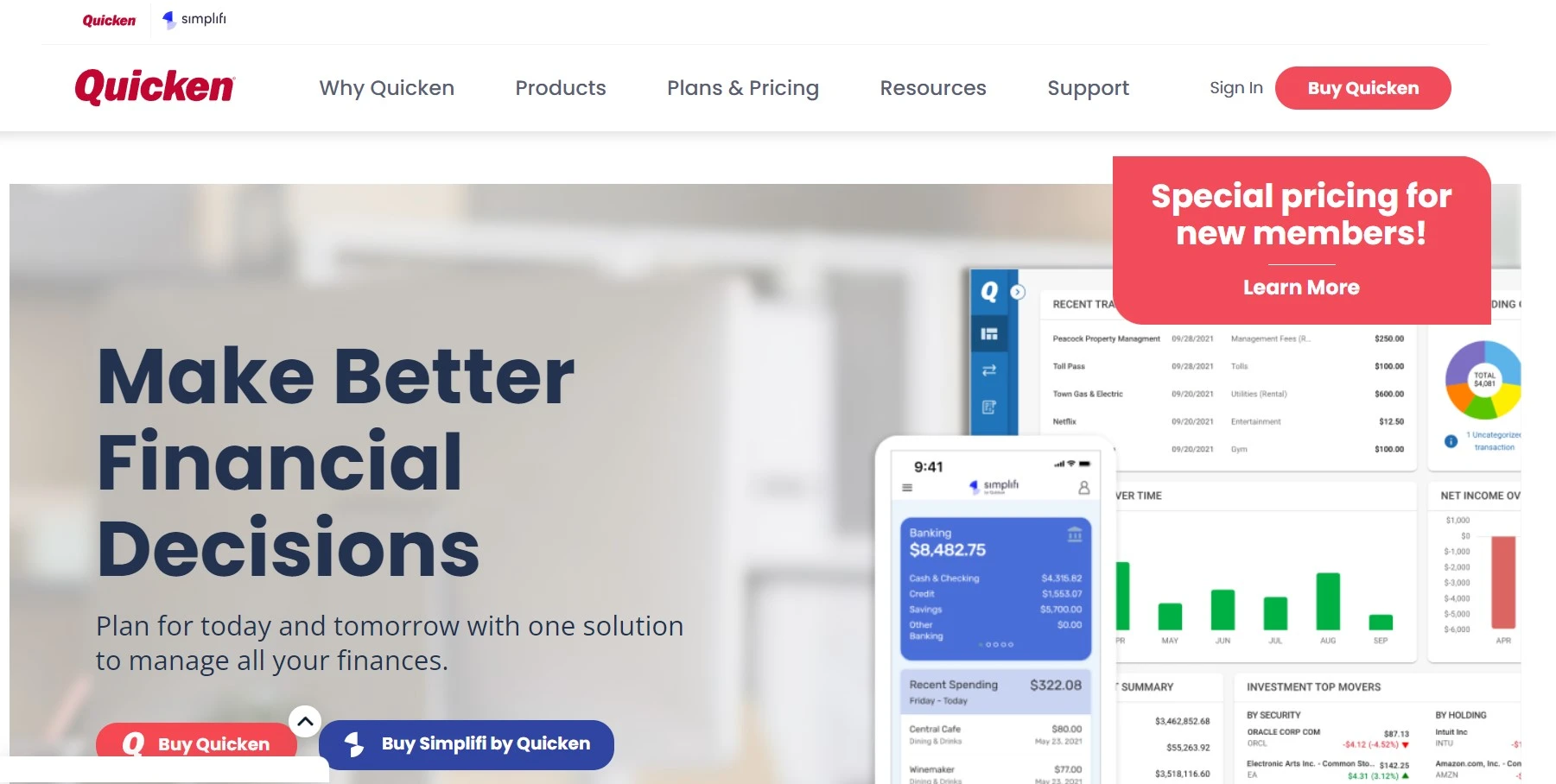
Quicken Premier is the old guard, and that is meant as a compliment. Three decades of development means it does things cloud-first tools still cannot: proper cost basis tracking, lot-level tax reporting, Schedule D output, and investment performance that accounts for every deposit.
At $103.99 a year it also bundles full personal finance: budgeting, bill tracking, loan and property tracking, all in one desktop file you control. If the idea of your entire financial life sitting on somebody else’s server bothers you, this is the answer.
The honest downsides are the interface, which feels its age, and the subscription model, which annoyed a lot of long-time users when Quicken moved off perpetual licences. Setup takes an afternoon, not ten minutes.
- Lot-level cost basis and capital gains reporting
- Investment performance with proper return calculations
- Budgeting, bills, loans and property in one file
- Data stored locally rather than in a vendor cloud
- Portfolio X-ray style analysis of holdings
Pricing: $103.99 a year for Premier. Cheaper Quicken tiers exist but drop the investment features that make this one worth buying.
Best for: Detail-oriented investors who want tax-ready reports and local data.
Not ideal for: Anyone who wants a clean mobile-first experience or a ten-minute setup.
Quicken Simplifi – the light, modern alternative
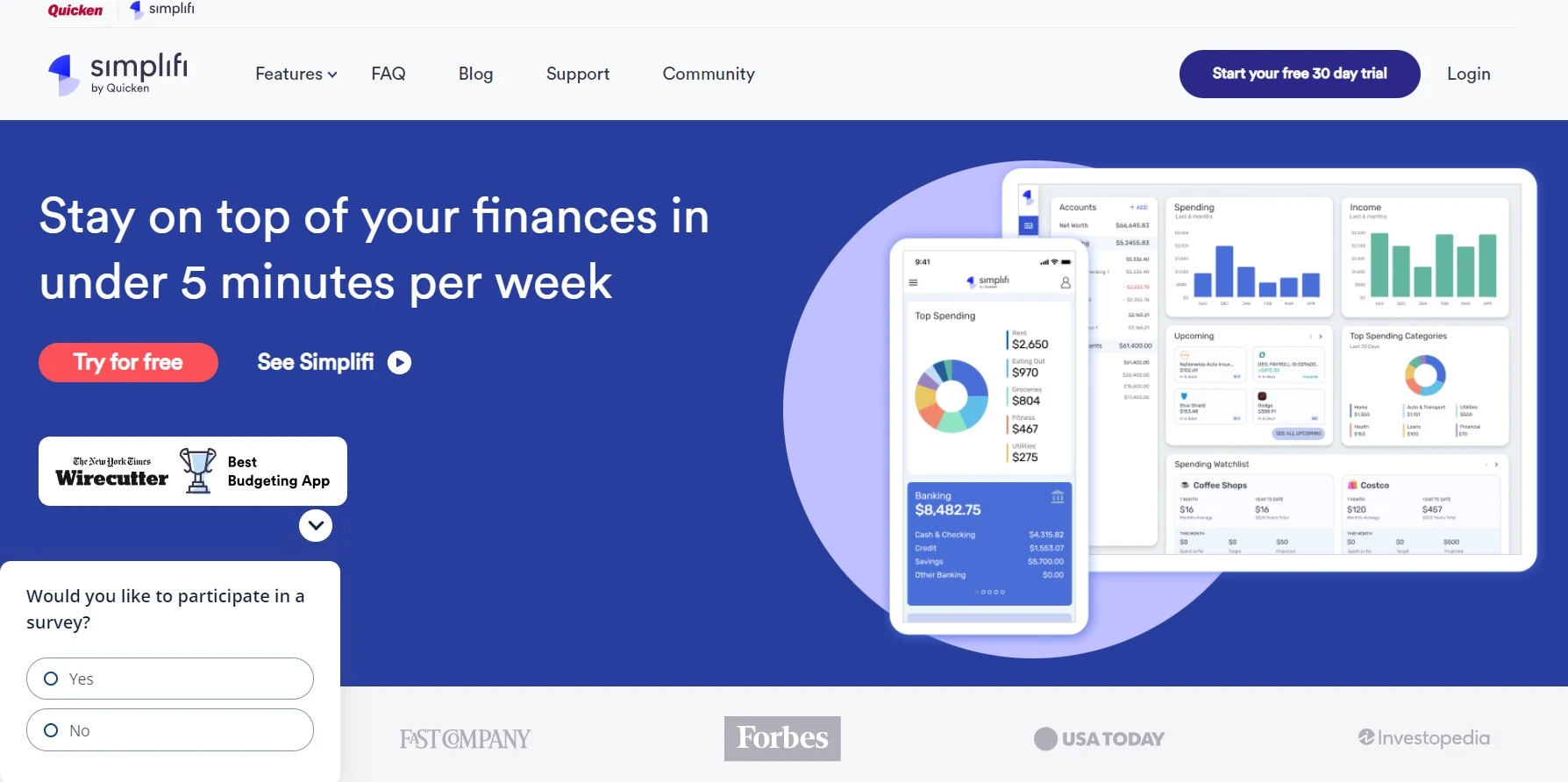
Simplifi is what Quicken built for people who found Quicken Premier overwhelming. Clean mobile app, automatic spending categorisation, a spending plan that updates in real time, and investment accounts tracked alongside everything else.
At roughly $3.99 a month billed annually, about $48 a year, it is the cheapest paid option here and the easiest to actually stick with. The investment side is basic though: balances and holdings, not returns analysis. Think of it as a budgeting app that happens to show your portfolio, which is exactly what many ex-Mint users are looking for.
It syncs well across phone and desktop, which matters more than it sounds. Our roundup of productivity apps for Android covers the rest of that toolkit.
- Real-time spending plan rather than rigid monthly budgets
- Automatic transaction categorisation and refund tracking
- Investment and retirement account balances included
- Clean mobile app that people actually keep using
- Watchlists and subscription tracking
Pricing: Around $3.99 a month billed annually, roughly $47.88 a year. Annual billing only.
Best for: Ex-Mint users who want budgeting first and a portfolio glance second.
Not ideal for: Investors who need performance calculations or tax reports.
Monarch Money and Kubera – the two worth knowing about
Neither existed on this list before, and both fill gaps the older tools leave open. We have used trials rather than long-term accounts, so treat this as informed research rather than a verdict.
Monarch Money is where most serious ex-Mint users ended up. Budgeting, net worth, investments and shared household accounts in one place, with a design that does not feel like accounting software. It costs $99 a year after a 7-day trial, and there is no free tier, which is the point: you are the customer rather than the product.
Kubera solves a different problem. If your wealth includes property, vehicles, domain names, private company stock and a few crypto wallets, ordinary trackers simply cannot see most of it. Kubera can, and it costs $249 a year with a 14-day trial. That price only makes sense if your net worth genuinely sprawls, but for that reader nothing else comes close.
- Monarch: budgeting plus investments, $99 a year, 7-day trial
- Monarch: shared household access at no extra cost
- Kubera: property, vehicles, domains, crypto and private assets
- Kubera: $249 a year with a 14-day trial
- Neither sells you financial advice on the side
Best for: Monarch if you want one app for money and investments. Kubera if your assets are unusual.
Not ideal for: Anyone who wanted a free option. Neither has one.
Mint is gone, and here is what to use instead
Mint used to sit on this list. It does not any more, because Intuit shut it down on 23 March 2024 after 17 years and roughly 25 million users. Accounts and transaction history were deleted from Intuit servers on that date.
Intuit pushed users toward Credit Karma, which it also owns. Credit Karma inherited the login and not much else: no budgeting, no month-over-month spending trends, no real investment tracking. Plenty of former Mint users found that out the hard way.
If you are still looking for a replacement, the honest answer depends on what you actually used Mint for. Budgeting and spending, go to Monarch Money or Quicken Simplifi. Investment tracking and net worth, go to Empower Personal Dashboard, which is free and better at it than Mint ever was.
Every tool compared on price and purpose
| Tool | What it is really for | Price | Free tier |
|---|---|---|---|
| Empower Personal Dashboard | Net worth, allocation, fee analysis | Free | Yes, the whole thing |
| Sharesight | True returns, dividends, tax reports | From $7/mo annually | Yes, 10 holdings |
| Monarch Money | Budgeting plus investments after Mint | $99/yr | No, 7-day trial |
| Quicken Premier | Local data, lot-level tax reporting | $103.99/yr | No |
| Quicken Simplifi | Light budgeting with a portfolio glance | About $47.88/yr | No |
| Kubera | Property, crypto and unusual assets | $249/yr | No, 14-day trial |
| Seeking Alpha Premium | Stock research, not portfolio management | $299/yr | No, 7-day trial |
| ClickUp | Project portfolios, not investments | From $7/user/mo | Yes, free forever |
Project portfolio management: a completely different thing
Search for portfolio management software and you will get two categories that share a name and nothing else. Above, tools that track money you have invested. Below, tools that track the projects and people a business has committed to. If you landed here from a business search rather than an investing one, this is your section. Our roundup of project management tools goes deeper.
ClickUp – project portfolios for teams of any size
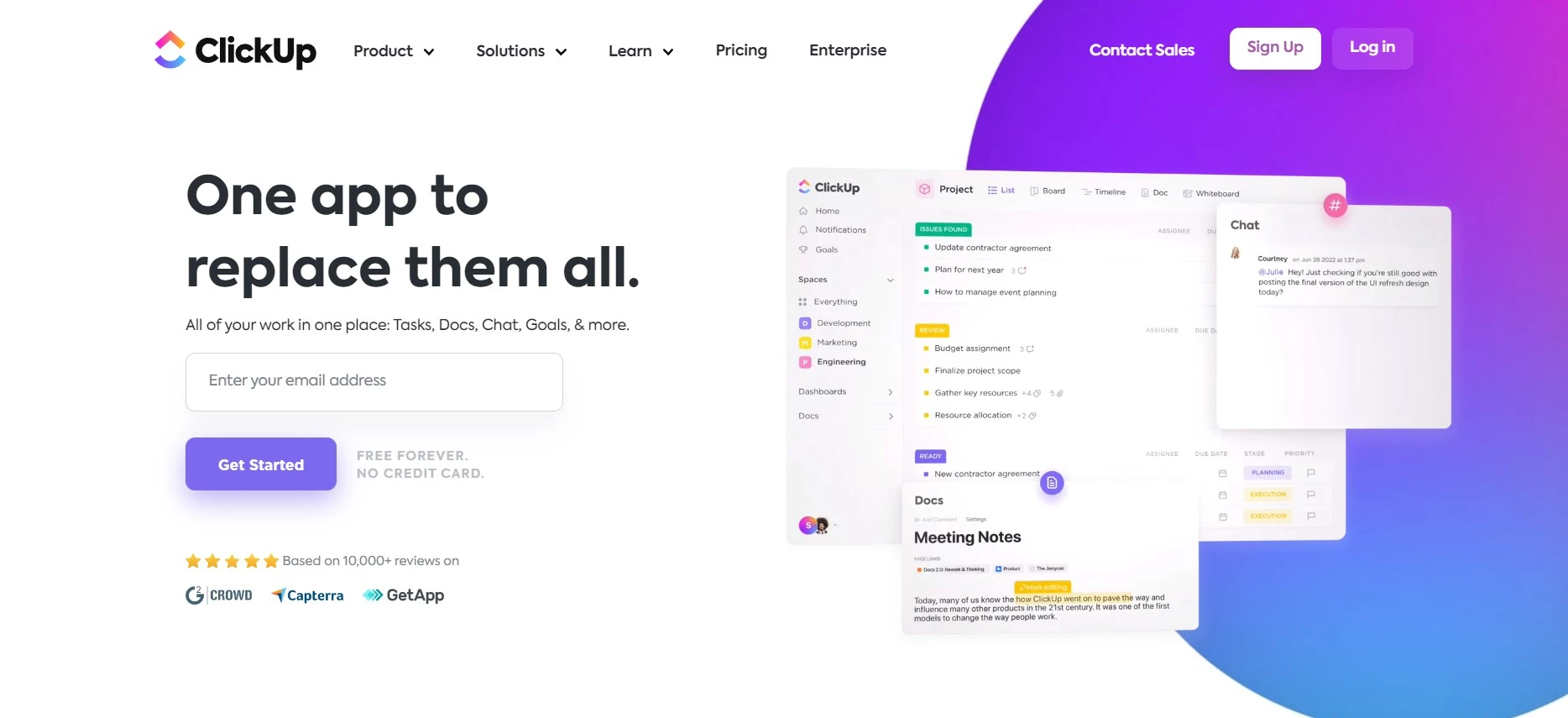
ClickUp handles the portfolio view most project tools bolt on badly: multiple projects rolled up into dashboards showing status, workload and time spent across everything at once. Tasks, docs, goals, automations and time tracking all live in the same workspace.
The free forever plan is unusually generous and genuinely usable for a small team. Paid tiers start at $7 per user a month on annual billing, with Business at $12. The honest criticism is that ClickUp does so much it takes real effort to configure, and teams that skip that setup end up with an expensive mess.
- Portfolio dashboards rolling up multiple projects
- Free forever plan that a small team can actually run on
- Built-in time tracking, goals and automations
- Custom views: list, board, Gantt, calendar, workload
- Unlimited $7 per user a month, Business $12, both billed annually
Best for: Teams that want one tool for tasks, docs and portfolio reporting.
Not ideal for: Anyone who wants something that works well on day one without configuration.
Primetric, now part of BigTime – profitability for services firms
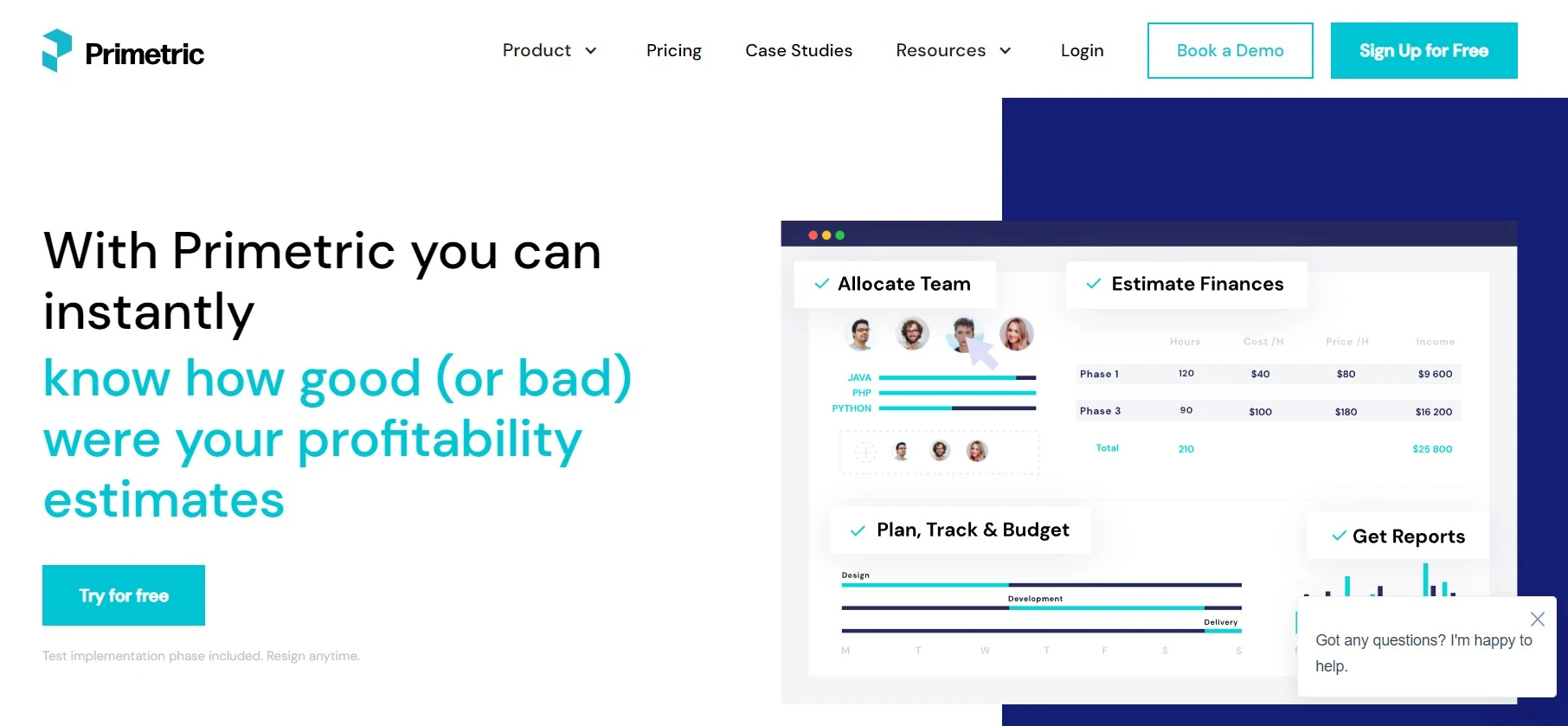
Primetric was acquired by BigTime Software in August 2023 and its site now carries a banner saying so. The product still runs, and it is narrower and sharper than ClickUp.
It answers one question well: which projects are actually making money, and are the right people assigned to them. Skill-based resource scheduling, utilisation forecasting, budget projections and profitability per project. That is a real gap for agencies and software houses, where a busy team and a profitable team are not the same thing.
Pricing is not published; it is a demo-and-quote product, which tells you the target customer size. If you mainly need to know where the hours go, a simpler time tracking app will do the job for a fraction of the cost.
- Skill-based scheduling of specialists to projects
- Project profitability and utilisation forecasting
- Budget projection and financial reporting
- Timesheets and workload monitoring
- Now backed by BigTime after the 2023 acquisition
Best for: Professional services firms of 30 people upward who bill by the hour.
Not ideal for: Small teams. The pricing model alone rules it out.
Where people waste money on these tools
- Paying for budgeting they already have. If your bank app handles categories fine, you need a tracker, not a $99 a year finance suite.
- Assuming sync equals accuracy. Automatic feeds miss stock splits, mergers and foreign dividends more often than you would like. Reconcile against a broker statement once a quarter.
- Buying annual before importing history. Import two years of trades on the trial. If the tool chokes on your broker CSV, better to find out on day three.
- Confusing net worth with performance. A rising net worth chart mostly measures your savings rate. Performance is a different number and only some of these tools calculate it properly.
Real-world tip: Before you pay for anything, export a full transaction history from every broker you use. Whichever tool imports all of it cleanly is your answer. That test settles the decision faster than any feature comparison.
Frequently Asked Questions
What happened to Mint, and what should I move to?
Intuit shut Mint down on 23 March 2024 after 17 years, and pushed users toward Credit Karma, which does not do budgeting or month-over-month spending trends. If you want the closest replacement, Monarch Money is the one most ex-Mint users land on. If you only cared about the investment side, Empower Personal Dashboard is free and better at portfolio analysis than Mint ever was.
Is free portfolio management software actually free?
The software is. The business model is not. Empower gives you the dashboard at no cost and then calls you about its wealth management service, which charges a percentage of assets. That is a fair trade if you can say no to a phone call. Sharesight free tier is a genuine free tier, capped at 10 holdings, with nobody trying to sell you anything.
Do I need this if my broker already shows my returns?
If you use one broker and never move money, probably not. The moment you hold accounts at two places, or you want returns that account for deposits and withdrawals properly, broker dashboards stop being useful. Most of them show simple gain rather than time-weighted return, which flatters you in a year when you added cash.
Which tool handles property, crypto and other assets my broker ignores?
Kubera is built for exactly that: property, vehicles, domains, crypto wallets and private holdings alongside listed investments. It costs $249 a year, which is steep unless your net worth genuinely sprawls across categories. Sharesight handles listed securities and cash brilliantly but is not trying to be a net worth tracker.
Is portfolio management software safe to link to my bank?
The reputable ones use read-only aggregation through Plaid or Yodlee, meaning the tool can see balances but cannot move money. Turn on two-factor authentication on both the tool and the underlying accounts, and never enter credentials into an app you have not verified. Nothing here needs your trading password.
Will these tools do my capital gains tax for me?
Sharesight and Quicken Premier both produce capital gains and dividend reports you can hand to an accountant, which is the practical use case. Neither files anything. Treat the output as a well-organised starting point, not a tax return, and check the cost basis method matches what your jurisdiction expects.
What is the difference between investment portfolio and project portfolio software?
They share a name and nothing else. Investment portfolio software tracks money you have put into assets. Project portfolio management software, like ClickUp or BigTime, tracks the projects and people a business has committed resources to. Searching for one and landing on the other is the single most common confusion in this category, which is why both are covered below.
The bottom line
Start free. Empower Personal Dashboard costs nothing and will show you the fee drag and allocation problems most people never see. Tolerate the occasional sales call and you have the best free portfolio management software going.
When you outgrow it, Sharesight is the upgrade. It is the only tool here that gets time-weighted returns, dividends and multi-currency right without manual work, and the free tier lets you test that with ten holdings first. If you want budgeting and investments in one place after Mint, Monarch Money at $99 a year is the closest replacement. Prefer to own your data on your own machine? Quicken Premier at $103.99 a year still does that better than anything cloud-based.
One warning. Never let a free tracker talk you into a managed account without comparing the fee against a plain index fund first. That is the whole business model behind the free tier, and a percentage of assets compounds against you exactly the way returns compound for you. Next step: pick one, import two years of trades, and see whether the number it shows you matches what you believed.




