

You need one good photo for a post, and twenty minutes later you are still scrolling past cheesy handshake shots, watermarked previews, and images that could earn you a copyright notice.
This is our shortlist of free and stock media sites that actually deliver: sharp photos, HD video clips, and royalty-free music you can drop into a project without second-guessing the license.
Quick Comparison
| Site | Media type | Free? | Best for |
|---|---|---|---|
| Pexels | Photos, Videos | Free | Free high-res photos |
| Unsplash | Photos | Free | Artful, editorial shots |
| Pixabay | Photos, Video, Music | Free | All-in-one free library |
| Shutterstock | Photos, Video, Music, Vectors | Free tier + paid | Premium professional libraries |
| Storyblocks | Video, Music, Templates | Paid | Unlimited video downloads |
| Pond5 | Video, Music, SFX, 3D | Previews free + paid | Pay-per-clip footage |
| Coverr | Videos | Free | No-signup video loops |
| Mixkit | Video, Music, Templates | Free | Free video and music mix |
| Bensound | Music | Free + paid | Royalty-free background music |
Best Free Stock Image Websites in October 2026
Pexels — Best for free high-res photos
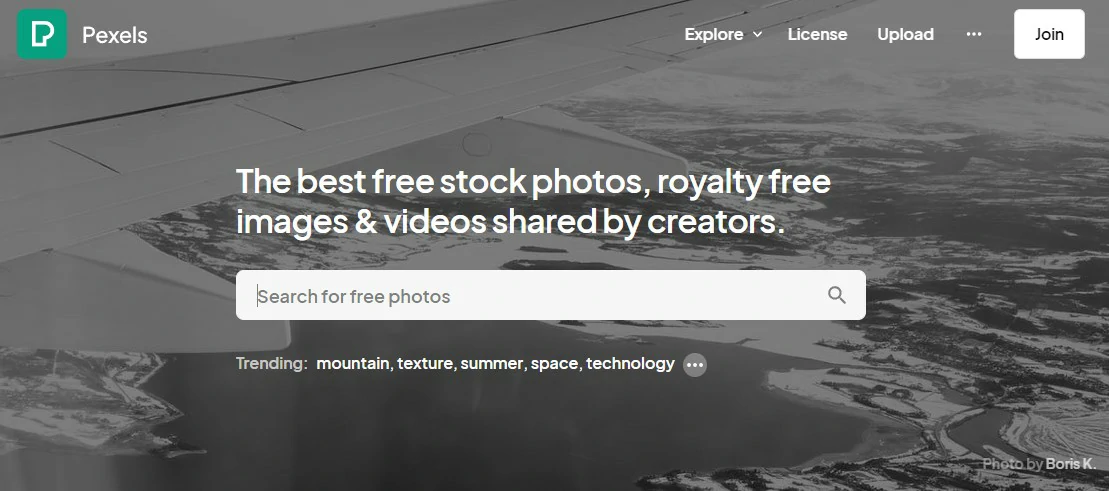
Pexels is the first place to look for a free photo that does not scream stock. A big, well-curated library gets fresh high-res uploads daily, and the free video section is genuinely useful. The catch: because everyone uses it, the most obvious shots turn up everywhere.
- Best for: Bloggers and social creators who want quality without a paywall.
- Price: Free (Pexels License, no attribution required).
- Visit: https://www.pexels.com/
Unsplash — Best for artful, editorial photography
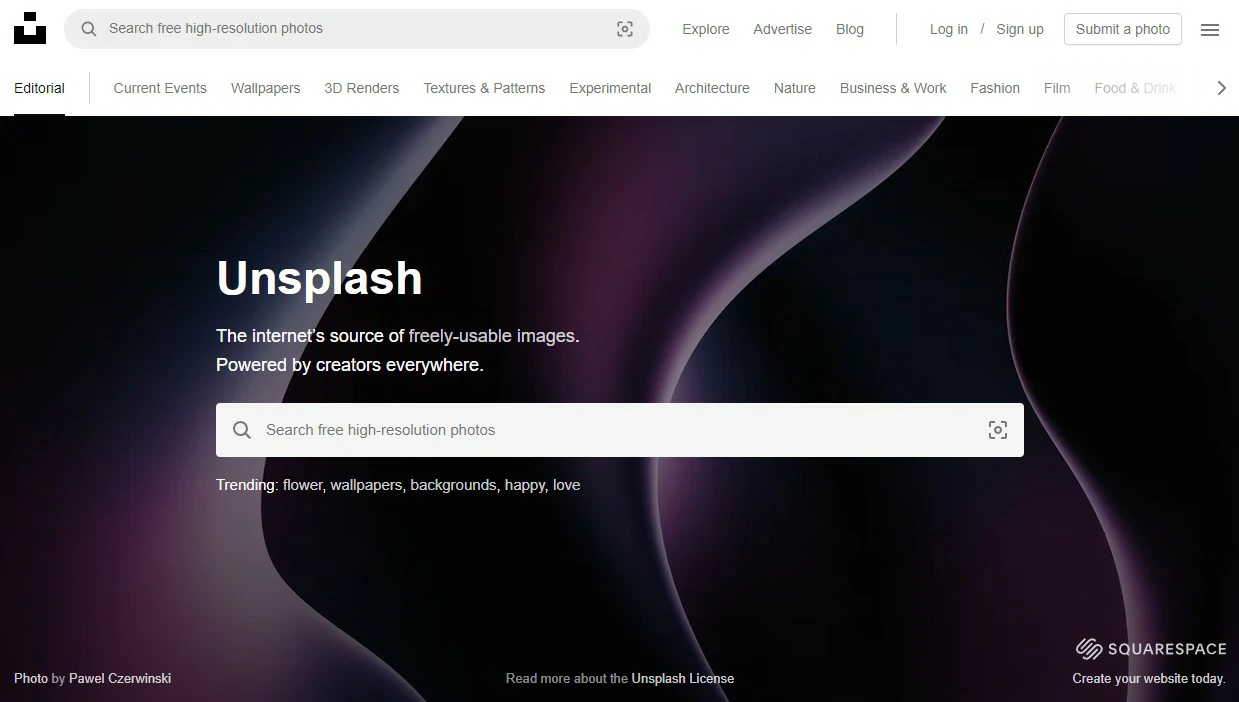
Unsplash leans artistic. It pulls moody, editorial shots from a huge photographer community, over 3 million images, so it shines when you want a hero image with real character. It is less useful for literal, product-style photos where you need something plain and specific.
- Best for: Website heroes and blog covers that need a premium feel.
- Price: Free (Unsplash License).
- Visit: https://unsplash.com/
Pixabay — Best all-in-one free library
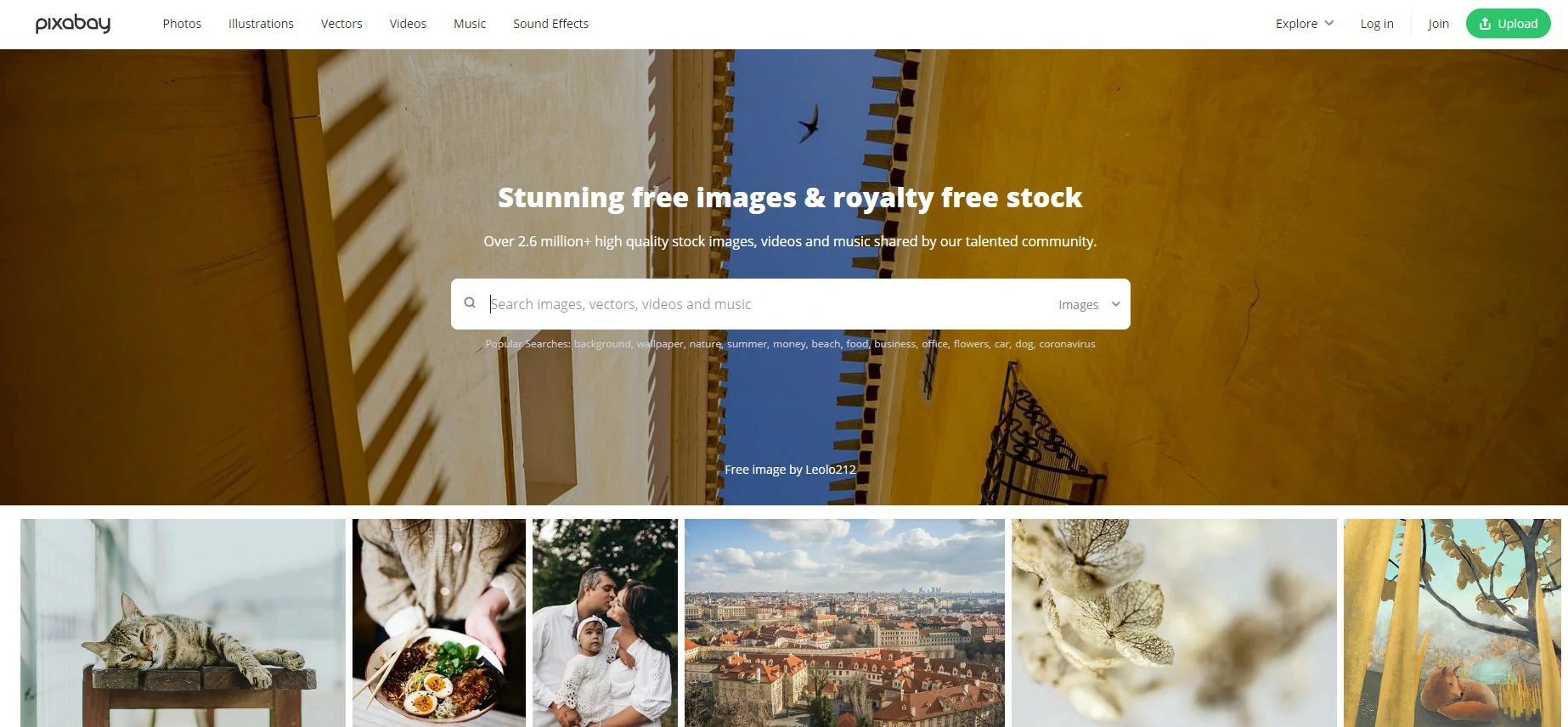
Pixabay covers photos, illustrations, vectors, video, and music under one roof, all royalty-free. Quality is more hit-or-miss than Pexels or Unsplash, but the range is hard to beat when you want a single tab for an image, a sound effect, and a short clip.
- Best for: Grabbing mixed media from one place.
- Price: Free.
- Visit: https://pixabay.com/
Shutterstock — Best for premium professional libraries
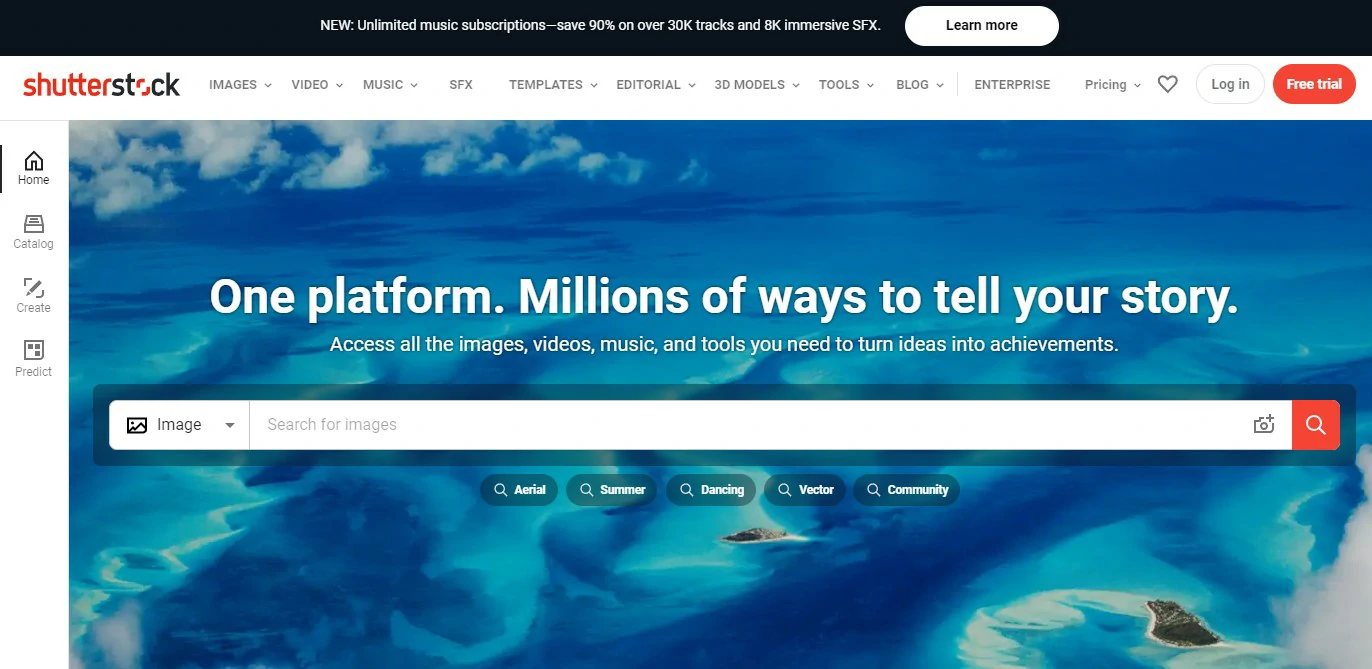
Shutterstock is the paid heavyweight: millions of professionally shot photos, 4K video, vectors, and hand-picked PRO music, with new work added daily. It earns its place when free sites simply do not have the specific, polished shot you need. Plan on a subscription or credit pack.
- Best for: Agencies and businesses that need range and licensing peace of mind.
- Price: Free tier + paid plans, check site.
- Visit: https://shutterstock.com/
Best Stock Video Websites
Storyblocks — Best for unlimited video downloads
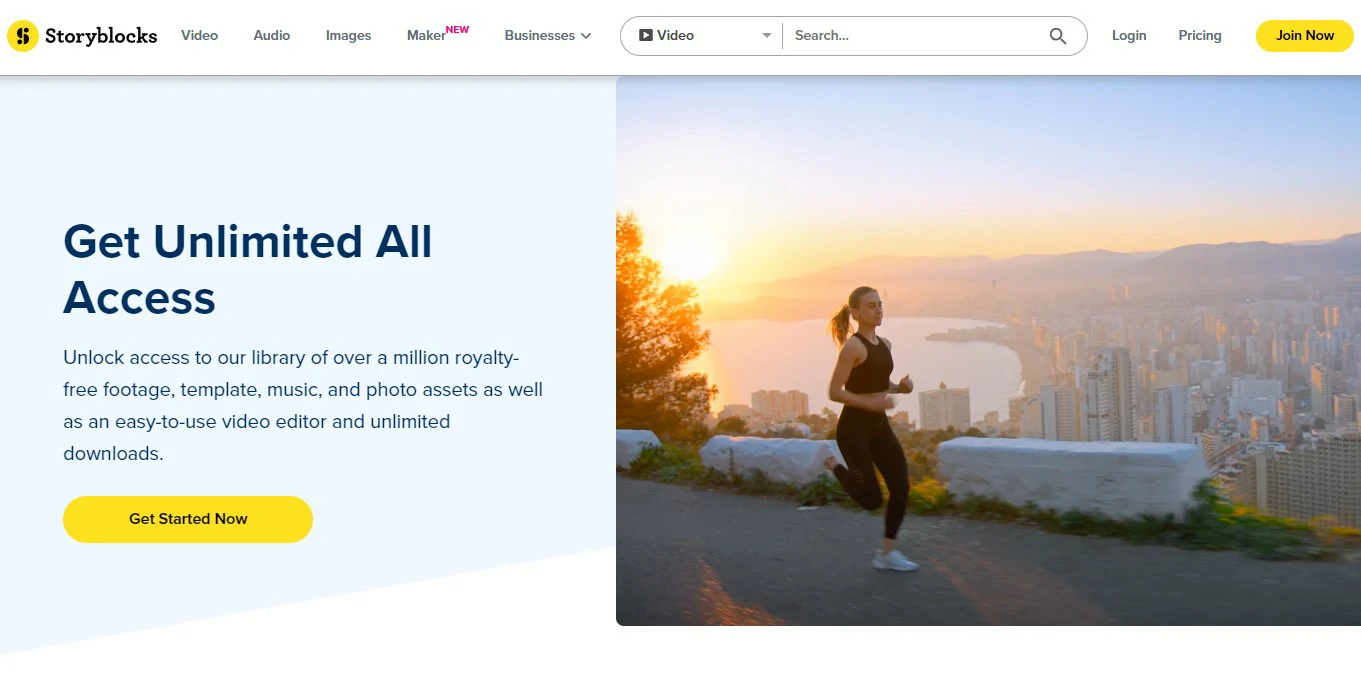
A Storyblocks subscription buys unlimited downloads across video, music, and templates, so it pays off fast if you produce a lot. The library is deep and refreshed regularly. The trade-off is that everything sits behind the paywall, with no meaningful free tier.
- Best for: Editors who download constantly and hate per-clip pricing.
- Price: Paid subscription, check site.
- Visit: https://www.storyblocks.com/
Pond5 — Best for pay-per-clip footage
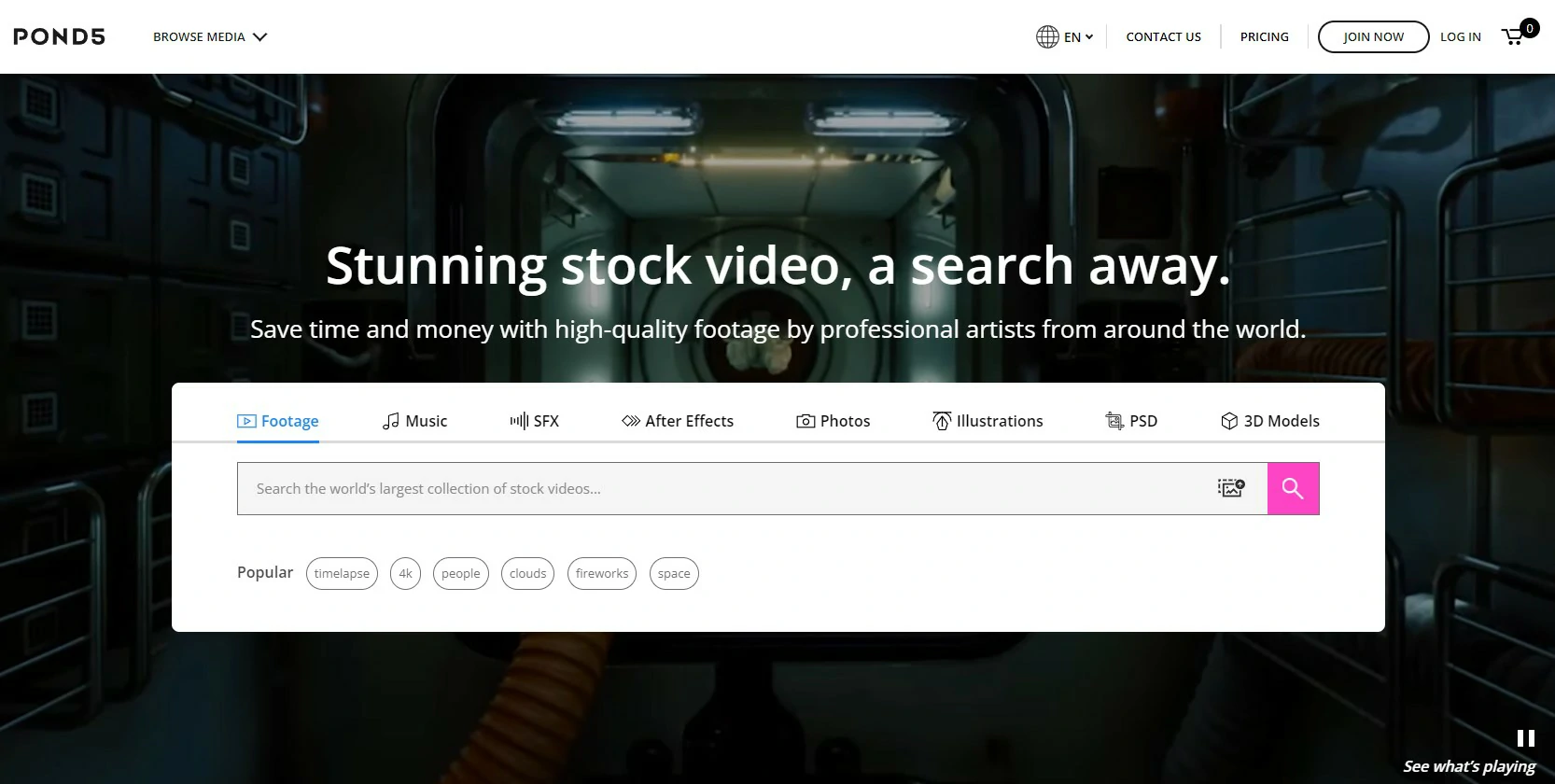
Pond5 is a massive marketplace of footage, music, sound effects, After Effects templates, and 3D models from professional artists. You buy per item, by credit pack, or by subscription, which suits occasional but high-stakes purchases. Free previews let you test a clip before you pay.
- Best for: One-off premium clips without a monthly commitment.
- Price: Free previews + paid, check site.
- Visit: https://www.pond5.com/
Coverr — Best for free, no-signup video loops
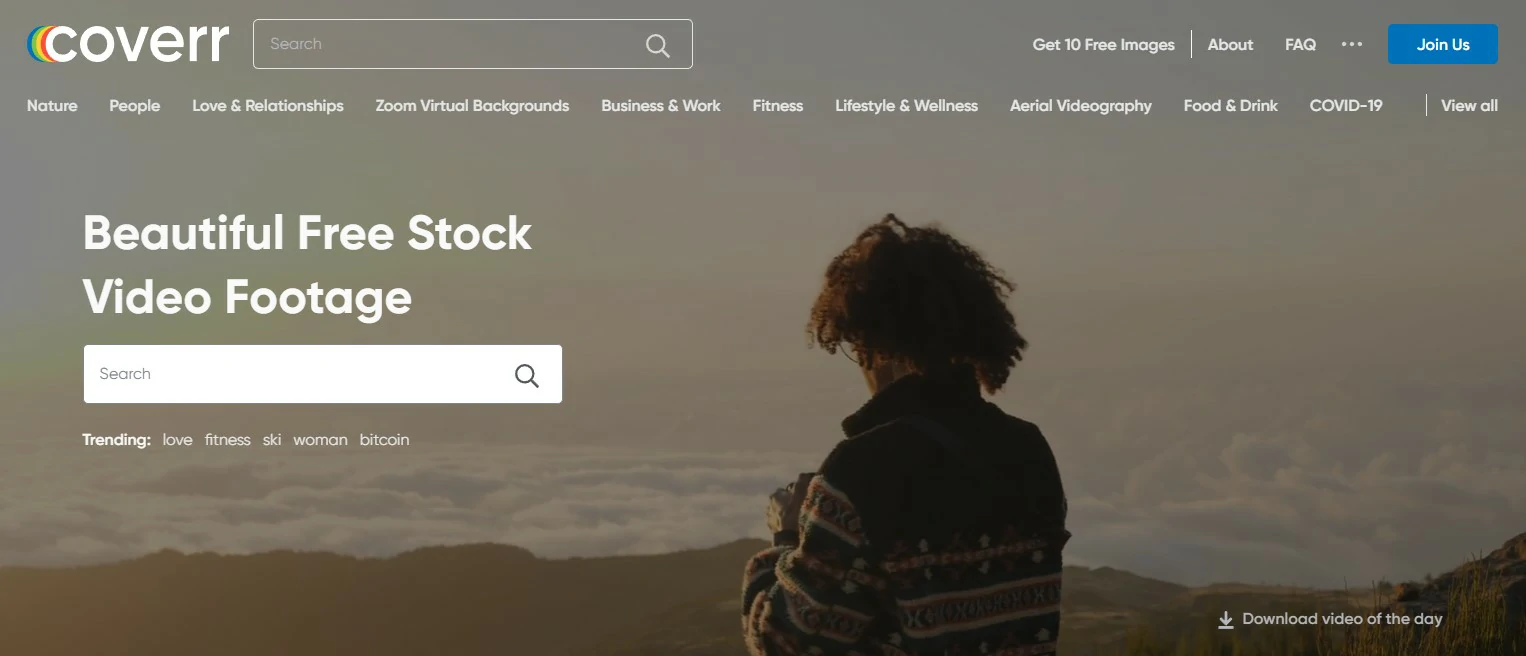
Coverr offers free stock video with no account required: pick a clip and download. It is ideal for background loops and hero videos on landing pages. The library is smaller and more lifestyle-focused than the paid giants, so do not expect niche or technical footage.
- Best for: Quick background footage for sites and social.
- Price: Free.
- Visit: https://www.coverr.co/
Mixkit — Best free mix of video, music, and templates
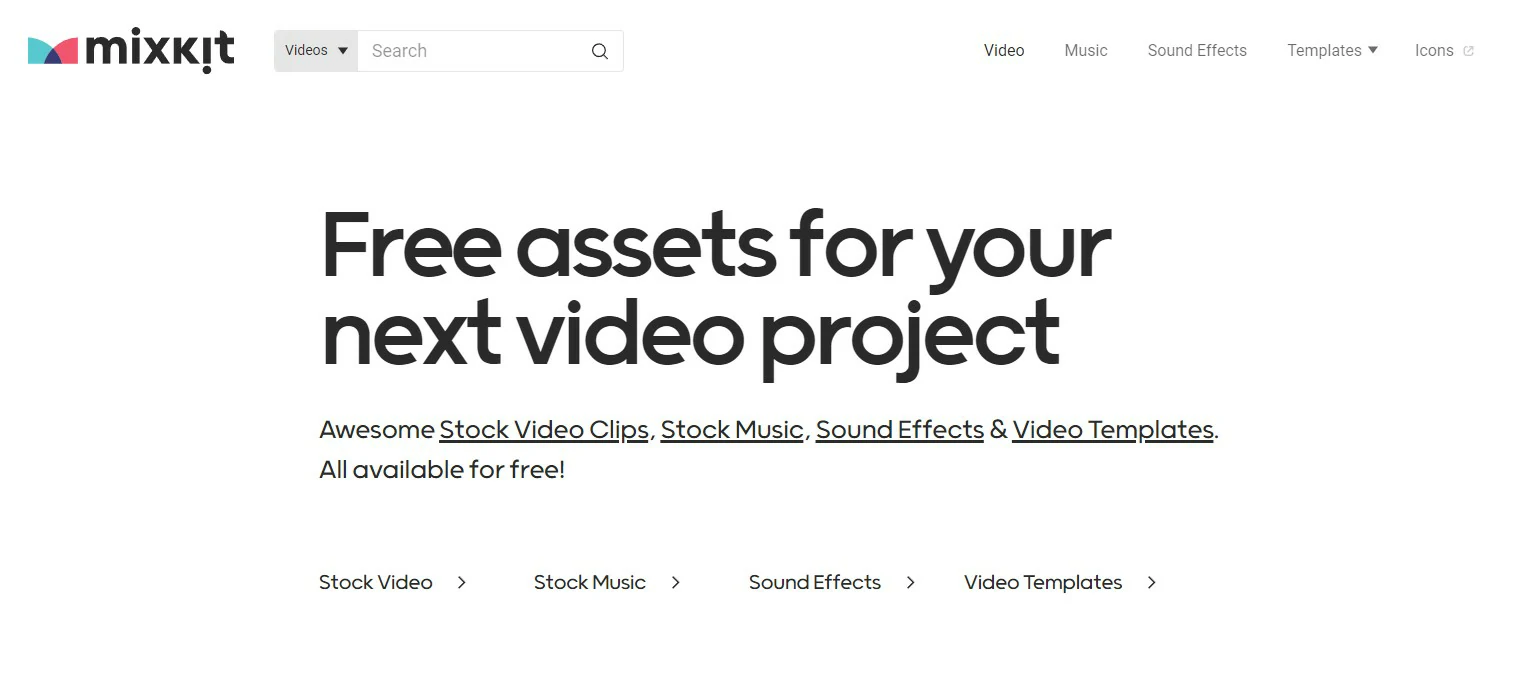
Mixkit bundles free video clips, music tracks, sound effects, and even Premiere Pro templates, with no signup. The value is excellent, though the collection is curated rather than exhaustive, so treat it as a fast first stop rather than a complete archive.
- Best for: Creators who want free video and music from one source.
- Price: Free.
- Visit: https://mixkit.co/
Best Stock Music Websites
Bensound — Best for royalty-free background music
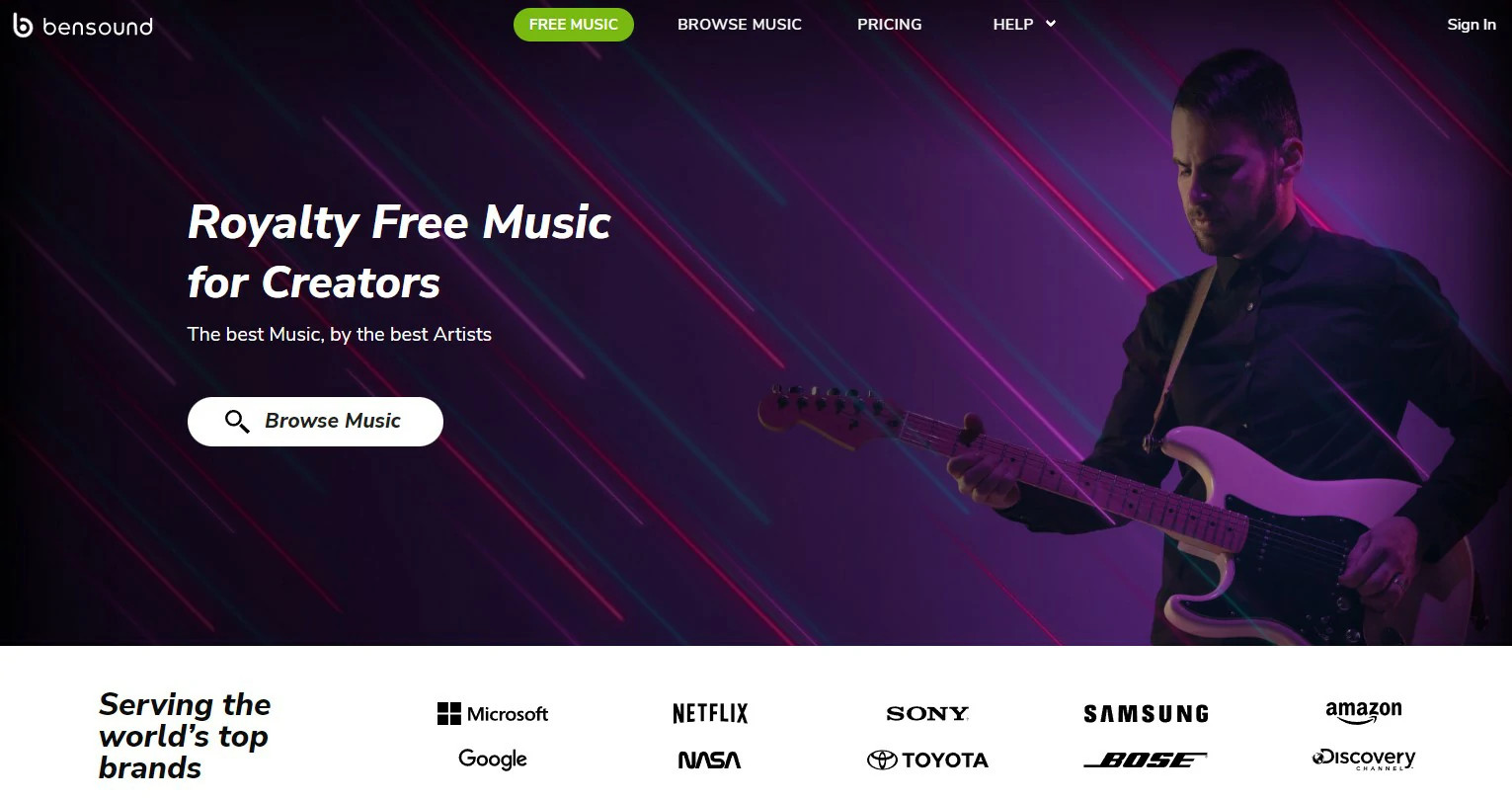
Bensound lets you browse by genre, mood, or theme to score a video quickly. Tracks are copyright-safe, and anything you publish stays cleared even if you later cancel your plan. Free use asks for attribution; a paid license removes that requirement.
- Best for: YouTubers and podcasters who need safe background music fast.
- Price: Free with attribution + paid licenses, check site.
- Visit: https://www.bensound.com/
Which Stock Media Site Should You Pick?
- Bloggers and site owners: Start with Pexels and Unsplash for photos, and add Pixabay when you need a vector or icon. Pair them with a design tool like Canva to turn those images into finished graphics.
- Video creators: Use Coverr and Mixkit for free clips, then step up to Storyblocks for volume or Pond5 for one-off premium footage when a project demands it.
- Podcasters and YouTubers: Bensound and Mixkit cover royalty-free tracks; always double-check the attribution terms before you publish.
Prefer to generate a custom visual instead of hunting for one? Our roundup of the best AI image generator tools is a good next stop.
Frequently Asked Questions
Are free stock images really free for commercial use?
Usually yes, but it depends on the license. Sites like Pexels, Unsplash, and Pixabay allow commercial use under their own licenses, though some restrict using a photo of a recognisable person or brand for ads. Always read the license on the site before you publish.
Do I need to credit the creator when I use a free stock photo?
On Pexels, Unsplash, and Pixabay a credit is appreciated but not required. Some sites, such as Bensound in its free tier, do require attribution. When in doubt, add a credit line, it costs nothing and keeps you safe.
Is it legal to use stock music on YouTube?
Yes, as long as the track is royalty-free or licensed for that use. Music from Bensound, Mixkit, and Pixabay is cleared for YouTube, but you should keep proof of the license and follow any attribution rule so the Content ID system does not flag your video.
What is the difference between free and paid stock sites?
Free sites give you a solid library at no cost but with smaller, more common selections. Paid sites like Shutterstock, Storyblocks, and Pond5 offer far larger, more specialised catalogues, higher resolutions, and clearer commercial licensing, which matters for client and business work.
Which site is best for HD and 4K video clips?
For free HD clips, start with Coverr and Mixkit. For 4K and a much deeper library, Storyblocks (unlimited downloads) and Pond5 (pay per clip) are the strongest paid options.
What does royalty-free actually mean?
Royalty-free means you pay once (or nothing) and can reuse the asset without paying a fee every time it is viewed or published. It does not mean the work has no owner, you still have to respect the license terms.
Can I use the same free stock photo on multiple projects?
In most cases yes. Standard licenses on the free sites let you reuse an image across several projects. The main limits are on redistributing or reselling the file itself, or claiming it as your own original work.
Over to You
Those are the stock sites we keep coming back to for images, video, and music. Bookmark two or three that match how you work and you will rarely be stuck for a decent asset again. Know a hidden gem we missed? Drop it in the comments.




