

Every screenwriting forum eventually turns into the same argument: do you have to buy Final Draft, or is that just an expensive habit?
Short answer, you don’t. Not in 2026.
We wrote the same ten pages in every app below to see which screenwriting tools earn their price. Real costs, real limits, and the two entries here that aren’t screenwriting software at all. If you also write prose or marketing copy, our roundup of AI content writing tools covers that side of the desk.
The short answer
Arc Studio is the one we’d buy. Ninety-nine dollars a year, proper outlining and beat board, live collaboration, exports .fdx so nobody downstream complains. Final Draft is still the industry standard and worth the one-time $250 if you’re delivering production drafts. WriterDuet owns co-writing. On no budget, Trelby is free and formats correctly, as long as you’re not on a Mac.
Quick verdict
- Best overall Arc Studio, $99/yr
- Industry standard Final Draft 13, one-time purchase
- Best for co-writing WriterDuet, from $9.99/mo
- Best free option Trelby, free and open source
- Best one-time buy under $100 Fade In, $79.95
- Prices checked on vendor sites in July 2026
- Five-year cost compared, not just the sticker price
- We flag the two tools here that are not screenwriting apps at all
- Celtx and StudioBinder hide their exact rates behind a signup, so treat those figures as approximate
Buy Final Draft if a production company is waiting on your pages. Everyone else gets more done in Arc Studio for a third of the money.
| Feature |
Industry StandardFinal Draft 13~$250 onceBest for: Working writers who deliver to studiosVisit Final Draft |
|||
|---|---|---|---|---|
| Pricing model | One-time licence | Annual subscription | Monthly or annual | One-time licence |
| Entry price | ~$249.99 once | $69/yr Essentials | $9.99/mo Plus | $79.95 once(winner for this row) |
| Free tier | No | Yes | Yes | No |
| Real-time co-writing | Yes | Yes | Yes(winner for this row) | Yes |
| Outlining and beat board | Yes | Yes | Yes | No |
| Offline desktop app | Yes | Yes | Yes | Yes |
| Mobile apps | Yes | Yes | Yes | No |
| Exports .fdx | Yes | Yes | Yes | Yes |
| Cost over five years | ~$250 | ~$415 | ~$445 | ~$80(winner for this row) |
We may earn a commission when you buy through links on this page. This does not affect our reviews.
How we judged them. We compared the things that decide a purchase in this category: formatting accuracy, export formats, collaboration, platform coverage, outlining tools and total cost over five years rather than the sticker price. This is a research-led roundup built on trial accounts, current documentation and vendor pricing pages checked in July 2026, not a long-term hands-on test of all ten.
Do you even need dedicated software?

You could write a script in Word. People did for decades. The problem isn’t that it’s impossible, it’s that you’ll spend your evening setting tab stops instead of writing the scene.
Dedicated apps buy you three things worth having. Formatting that happens while you type, so a character cue and a slugline are one keystroke apart. Structure tools that let you move a scene without cutting and pasting six paragraphs. And .fdx export, which is what anyone in the industry expects when they ask for your file.
What they don’t buy you is a better script. Worth remembering before you spend $250.
What actually matters when you choose
- Export formats. PDF for reading, .fdx if anyone might edit it, Fountain if you want the file readable in twenty years. A tool that only exports its own format is a trap.
- Rent or own. Fade In at $79.95 once is cheaper over five years than any subscription here. Arc Studio’s $99 a year buys you sync, mobile and collaboration that one-time apps can’t match.
- Collaboration, if you need it. Writing partnerships live or die on this. Fade In and Trelby have none, and no amount of Dropbox fixes that.
- Where you write. Trelby has no macOS build. Fade In has no mobile app. Check the platform list before the feature list.
- Outlining you’ll actually use. Beat boards and index cards sell software and go unopened. Try it during the trial before you pay for it. Our list of writing and productivity tools has cheaper ways to outline if that’s all you need.
The best screenwriting tools of 2026
Arc Studio, the one most writers should buy
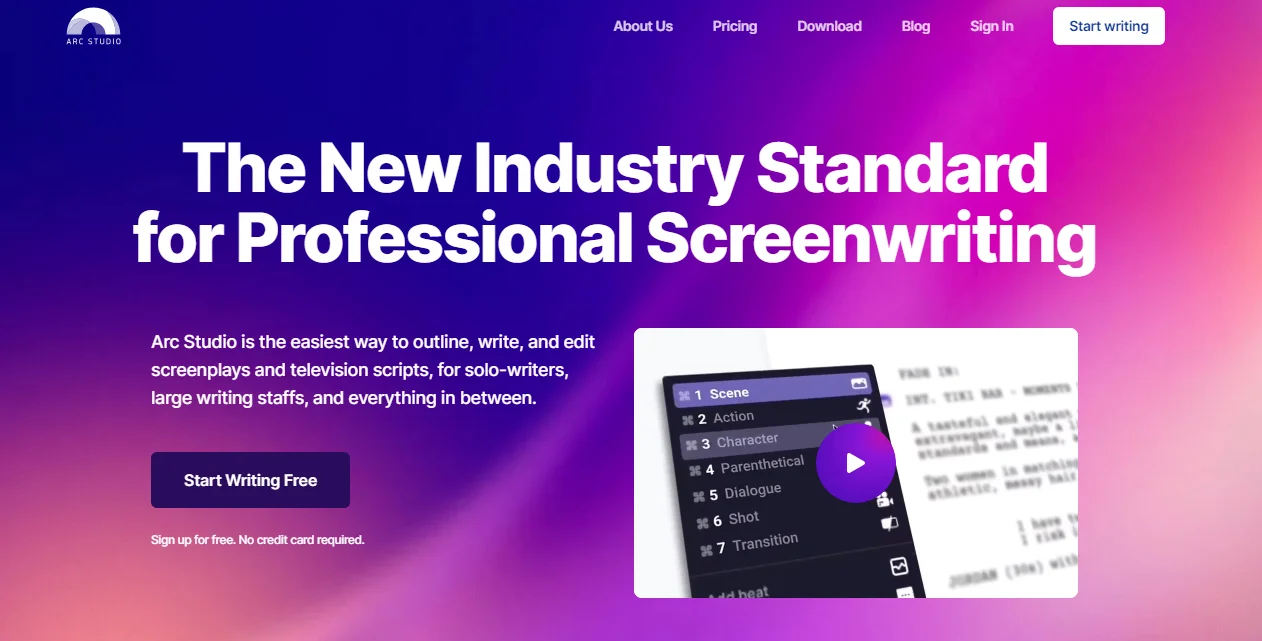
Arc Studio does most of what Final Draft does for a third of the annual cost, and what it misses is production paperwork most writers never touch. The beat board sits beside the page rather than in a separate window, which is the single best structural feature in any app here.
The free tier is a demo, not a plan. Two scripts, watermarked exports, no desktop app. Budget for Essentials at minimum.
Key features
- Beat board and outline pinned next to the script, not buried in a tab
- Live collaboration with comments and feedback links for readers
- Desktop, browser and mobile apps with cloud sync and version history
- Exports to Final Draft .fdx, Fountain and PDF
- Revision management and custom formats on the Pro plan
Pricing: free plan with 2 watermarked scripts. Essentials $69 a year, Pro $99 for the first year then $79. Students get $70 off Pro with a .edu address, and there’s a 7-day Pro trial. Check current Arc Studio pricing.
Best for: writers who outline, work across devices, and don’t need production drafts.
Not ideal for: anyone who wants to pay once and never again.
Final Draft, still what the industry runs on
Final Draft 13 is the default in almost every writers’ room in Los Angeles, and that’s the argument for buying it. Revision colours, production drafts, locked pages, ScriptNotes: the machinery of a show in production is built in and nothing else matches it. The Beat Board and Story Map are genuinely good, if slower than Arc Studio’s.
It’s also expensive, heavy, and the interface carries thirty years of history. If you’re writing a spec at your kitchen table, you’re paying for a workflow you won’t use for years.
Key features
- Revision colours, locked pages and production draft tools nobody else fully copies
- Beat Board and Story Map for structure work
- Real-time collaboration and ScriptNotes for reader feedback
- Speech-to-text and read-aloud with assignable voices
- Templates for features, half-hour, hour, graphic novels and stage plays
Pricing: a one-time licence listed around $249.99 in the US, discounted often and sold cheaper as an upgrade from an older version or with an education licence. Two activations per purchase, no subscription.
Best for: staffed writers and anyone delivering pages into production.
Not ideal for: a first script. Spend the $250 on a writing course instead.
WriterDuet when two people share the page
WriterDuet was built around simultaneous writing and it still does that better than anyone. Two cursors on the same scene, changes attributed by author, chat in the sidebar, and no merge conflicts. Writing partnerships and rooms should start here and stop looking.
Solo, it’s less compelling. The interface is busier than Arc Studio’s and you’re paying monthly for a feature you aren’t using.
Key features
- Best-in-class real-time co-writing with per-author change tracking
- Works offline in the browser and syncs when you reconnect
- Deep version history you can roll back scene by scene
- Desktop, web and mobile apps, plus imports from almost any format
Pricing: free tier with a cap on how many scripts you can keep. Plus around $9.99 a month, Pro $11.99 a month or roughly $89 a year, Premium around $13.99 a month. Lifetime deals surface periodically.
Best for: co-writers, writers’ rooms, anyone giving live notes.
Not ideal for: solo writers on a budget. You’re renting the wrong feature.
Fade In, the cheapest serious option
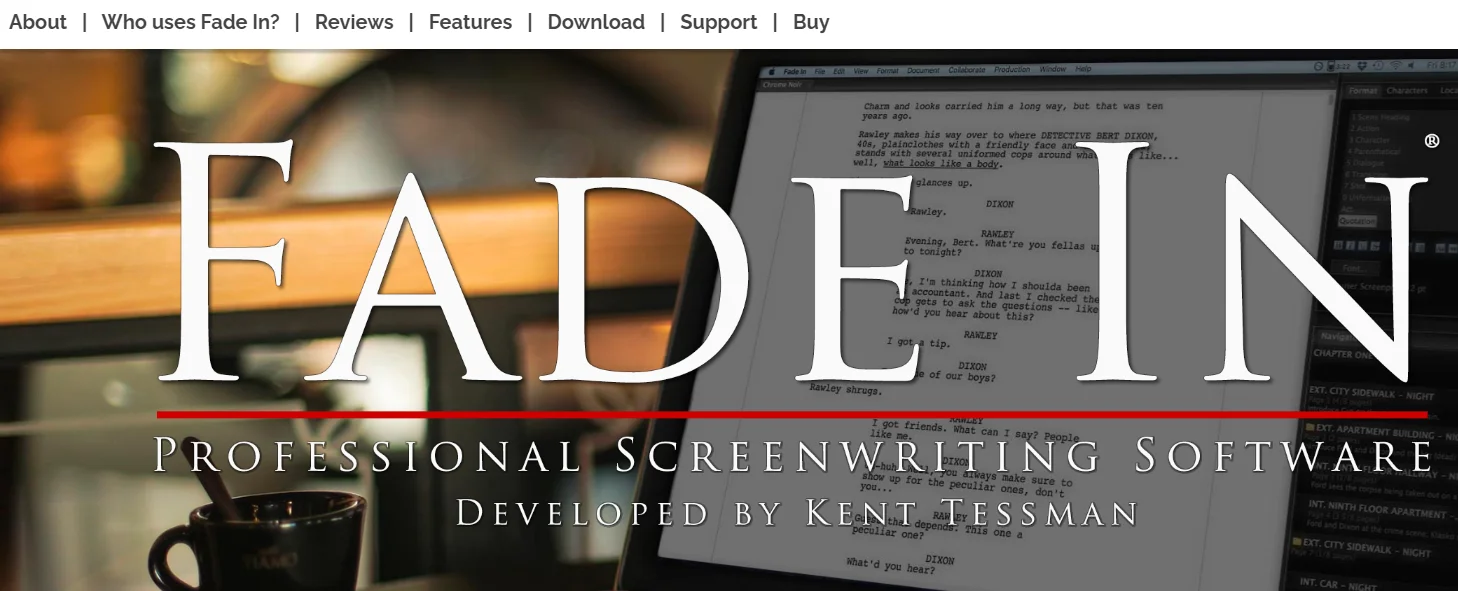
Fade In is the sensible person’s Final Draft. Industry-standard formatting, clean and quiet interface, runs on Windows, macOS and Linux, and you buy it once for $79.95. Over five years that’s the cheapest paid tool on this page by a wide margin.
What you give up is collaboration and mobile. There’s no live co-writing and no phone app, so this is a tool for one person at one desk. For a lot of writers, that’s exactly right.
Key features
- Industry-standard formatting with fast keyboard-driven editing
- Runs natively on Windows, macOS and Linux from one licence
- Revision tracking, dialogue tools and character name management
- Reads and writes .fdx, Fountain, PDF and Celtx files
Pricing: $79.95 one-time, down from $99.95. Education and multi-user licences on request. No free tier, but the demo is unrestricted apart from saving.
Best for: solo writers who want to own their software.
Not ideal for: writing partnerships or anyone who drafts on a phone.
Celtx if the script is only step one
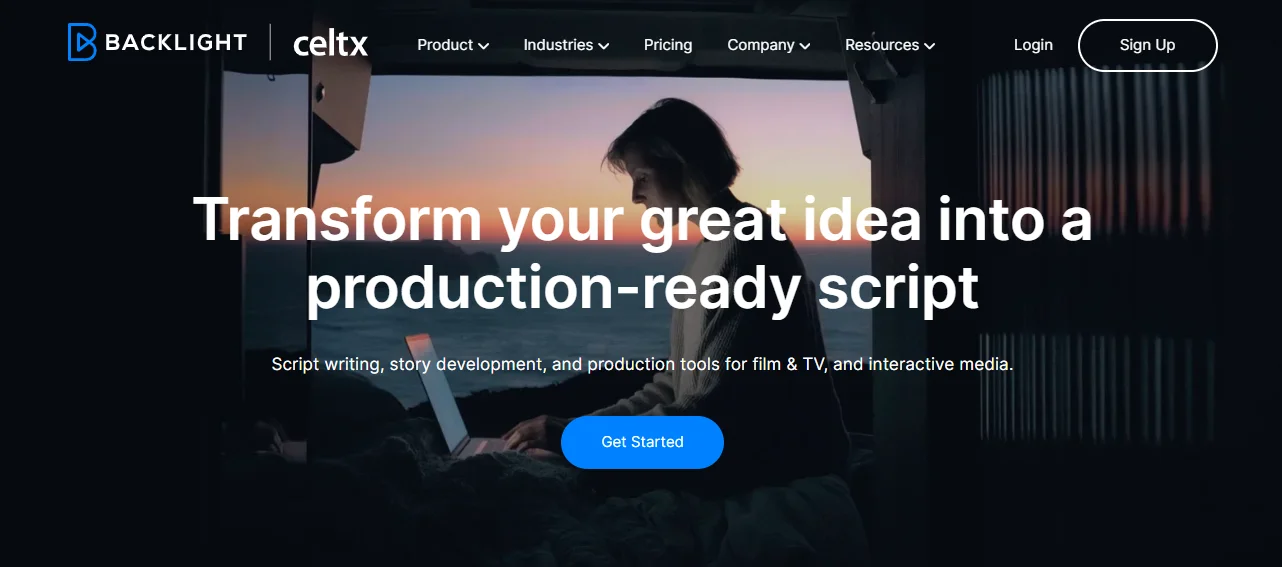
Celtx stopped being a screenwriting app years ago and became a pre-production suite. Script, storyboard, shot list, breakdown, schedule and budget all live in the same project, which is genuinely useful if you’re the one actually shooting the thing. Student filmmakers get most of the value here.
The free plan is one project with read-only script history, which is thin. Celtx also doesn’t publish plain prices on its pricing page any more, so you sign up before you see the number. We don’t love that.
Key features
- Script, storyboard, shot list and schedule in one linked project
- Automatic script breakdown into cast, props and locations
- Formats for film, TV, audio drama, games and comics
- Team plans for 3 to 15 members with production planning tools
Pricing: free plan limited to one project. Writer runs around $11 per month billed yearly and Writer Pro around $19, with Team, Education and Student tiers quoted by sales. Students get over 75% off with a school email. Verify the current figure at signup.
Best for: filmmakers who write, shoot and schedule the same project.
Not ideal for: writers who only write. You’d pay for a production suite you never open.
Trelby, free and genuinely good (on Windows and Linux)
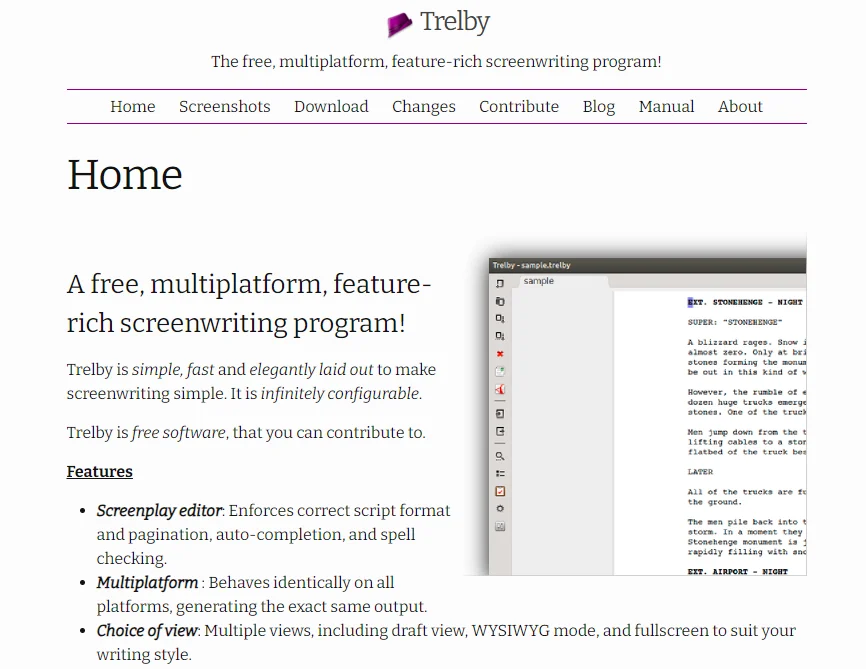
Trelby is open source, free forever, and formats to industry standard without arguing. No account, no cloud, no upsell. For a first script it removes every excuse.
Two honest caveats. There’s no macOS build, which rules it out for a lot of writers. And development is community-driven and slow, with the last stable release landing in September 2024. It works, it just isn’t going anywhere new.
Key features
- Industry-standard formatting in a deliberately plain interface
- Character database, scene management and multiple script versions
- Exports PDF, Fountain, Final Draft and plain text
- Fully offline, no account required, GPL licensed
Pricing: free.
Best for: beginners and budget writers on Windows or Linux.
Not ideal for: Mac users, collaborators, or anyone who wants cloud backup.
Squibler for writers who want AI in the loop
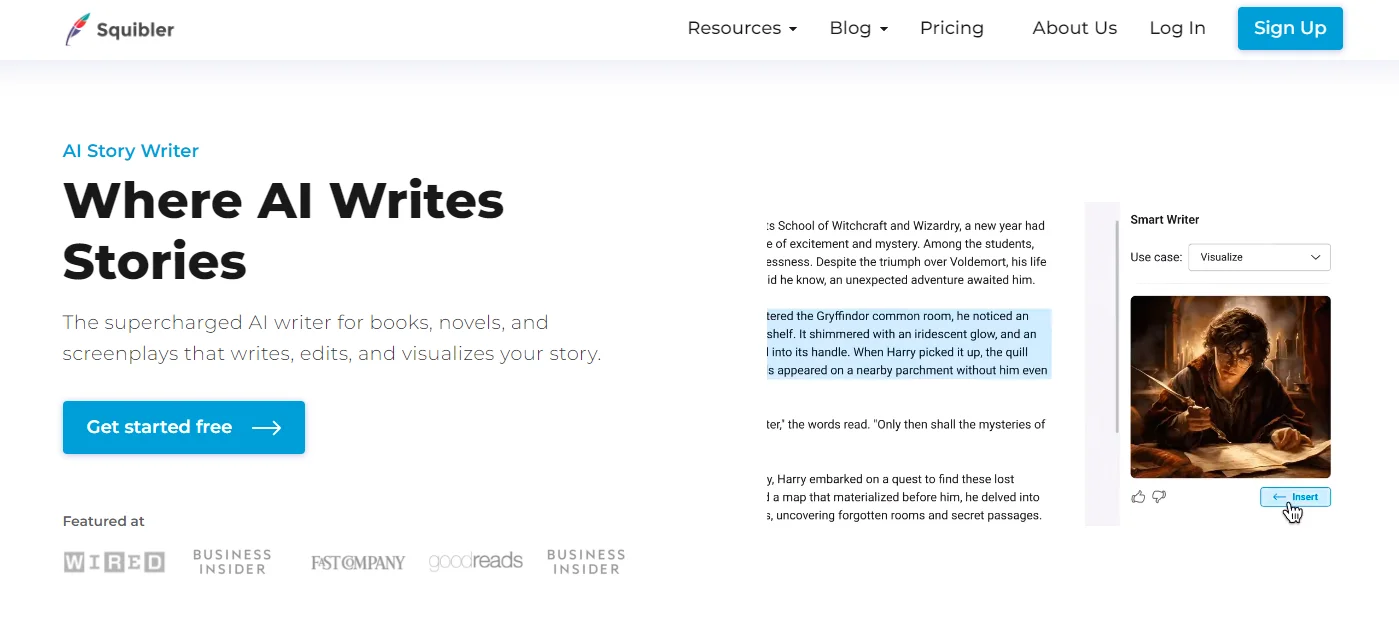
Squibler has moved a long way toward AI since we first covered it. It’ll draft a full screenplay from a premise, generate outlines and characters, and even produce images and short video sequences from your scenes. As a way to break a blank page it works.
As a screenwriting app it’s the weakest formatter here, and generated scenes read like a synopsis wearing a script costume. Use it to think, then write elsewhere. We’ve written before on whether AI writing tools are worth it, and the answer for drama hasn’t changed much.
Key features
- AI drafting for outlines, chapters, scenes and full screenplays
- Drag-and-drop scene reordering with word-count goals and stats
- Image generation tied to your own scenes and characters
- Cloud sync, version history and real-time collaboration
Pricing: limited free tier. Plus around $16 a month billed annually, Pro around $49 a month billed annually, with higher month-to-month rates.
Best for: writers stuck at the outline stage who want a sparring partner.
Not ideal for: anyone who needs bulletproof formatting or plans to send the AI draft out.
DramaQueen for structure obsessives
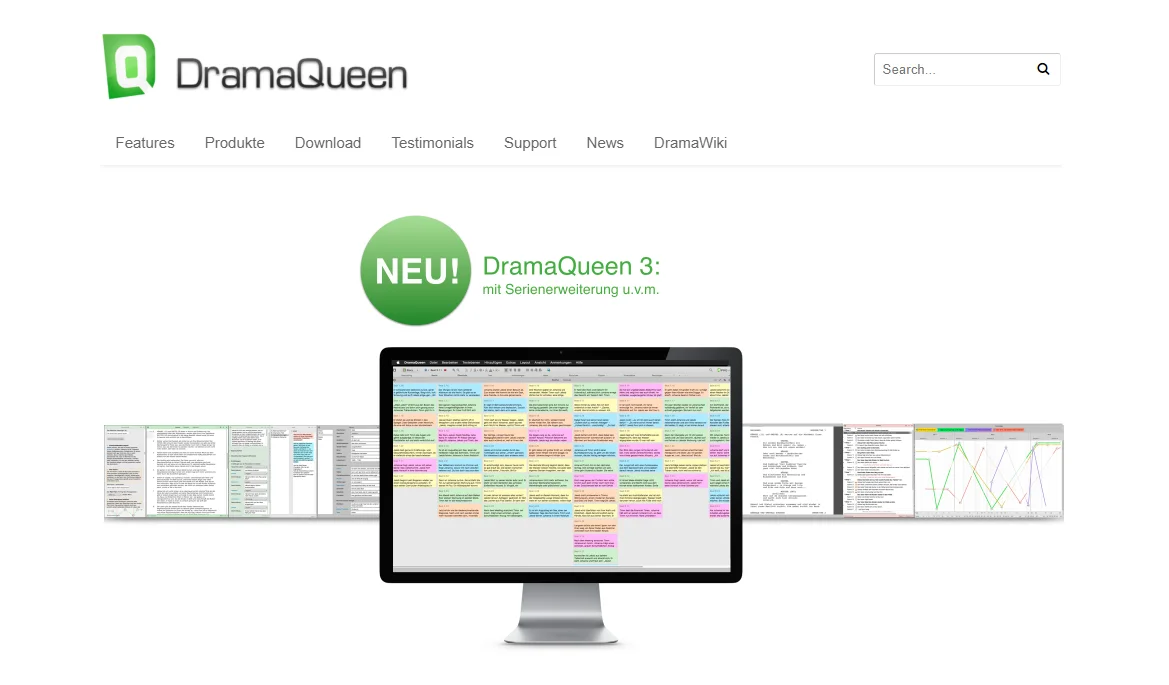
DramaQueen comes out of the German TV industry and it shows in the best way. Story cards, structural maps and dramaturgy tools sit at the centre of the app rather than off to the side. If you think in beats and act breaks, it fits your head better than anything else here.
The trade-off is reach. Documentation and support lean German, the community is small, and it takes longer to learn than Arc Studio or Fade In.
Key features
- Visual story cards and structure maps built into the editor
- Character development and script analysis tools
- Industry-standard formatting with multi-platform support
- Collaboration and mobile access on the paid editions
Pricing: a permanently free edition, plus PLUS and PRO paid editions with a student rate and a rent-to-own option. Prices are listed in euros on the German site, and there’s a 30-day trial spread over three months.
Best for: structure-first writers and anyone working in the German-language market.
Not ideal for: writers who want a big English-speaking support community.
StudioBinder, for after the script is written
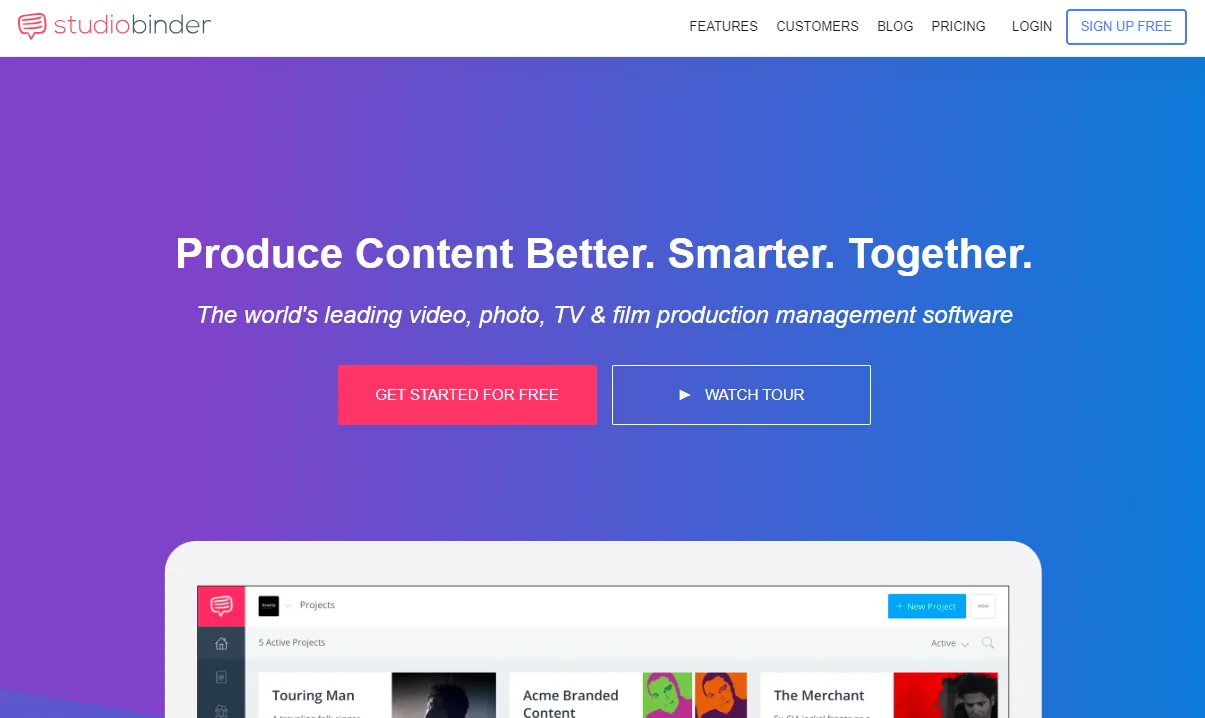
Be clear about what this is. StudioBinder is production management, not screenwriting. Call sheets, shooting schedules, shot lists, contact management and crew comms, all in one place, and it’s very good at that job. There’s a basic script editor attached, but nobody chooses StudioBinder to write.
It’s also the most expensive thing on this list once you’re past the free plan. Treat it the way you’d treat any project management platform, because that’s what it is with film-shaped templates.
Key features
- Automated call sheets with delivery tracking and RSVP
- Script breakdown, shooting schedules and shot lists
- Cast, crew and contact management with document sharing
- Storyboarding and cloud file storage for the whole production
Pricing: free plan with limited features, then paid tiers reported from roughly $42 a month up to several hundred for agency and studio plans. Exact rates sit behind a signup, so check before you commit.
Best for: producers and ADs running an actual shoot.
Not ideal for: writers. You need a screenwriting app, and this isn’t one.
TinkerList is now Cuez, and it isn’t for you
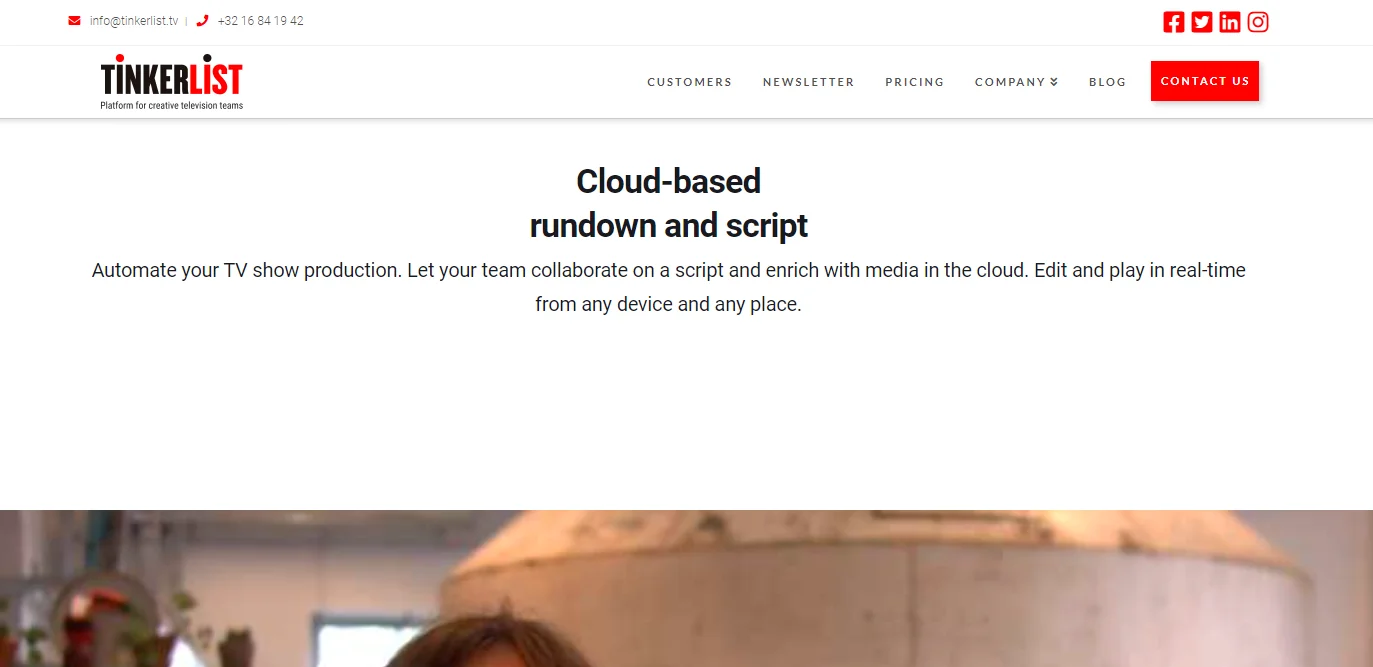
Worth a note because the name still turns up on screenwriting lists, including ours until this update. TinkerList has been rebranded as Cuez and repositioned as a cloud newsroom, rundown and studio-automation platform for live broadcast. Rundowns, MOS connectors, camera and audio automation.
Brilliant if you produce live news or sport. Useless if you’re writing a feature, and pricing now runs through a sales call. If you came here for TinkerList, take Arc Studio or Final Draft instead. The screenshot below is the old TinkerList site.
Frequently asked questions
Do I need Final Draft to sell a screenplay?
No. Nobody buys a script because of the software that produced it. What matters is that the file you send opens cleanly, and every tool here exports either .fdx or PDF. Final Draft only becomes necessary once you are on staff somewhere that runs revision colours and production drafts through it, and at that point the studio usually pays.
What file format should I send to an agent or producer?
A PDF for reading, and .fdx if they ask for an editable file. Fountain is a plain-text format that survives forever and imports everywhere, which makes it a good archive format for your own library. Never send a .docx of a screenplay.
Is there a genuinely free screenwriting app that formats properly?
Trelby, if you are on Windows or Linux. It is open source, formats to industry standard, and costs nothing. There is no macOS build. Arc Studio and WriterDuet both have free tiers that format correctly but cap how many scripts you can keep, and Arc Studio watermarks free exports.
Can two writers work on the same script at the same time?
Yes. WriterDuet was built for exactly this and handles simultaneous typing better than anything else here. Arc Studio, Final Draft and Celtx all support live collaboration too. Fade In and Trelby do not, so a writing partnership on either means emailing files back and forth.
Does any of this run properly on an iPad?
Final Draft, WriterDuet, Arc Studio and Celtx all ship iOS apps that sync with the desktop version. They are fine for writing and revising on the move, weaker for restructuring a whole outline. Fade In and Trelby are desktop-only.
Is AI screenwriting software worth paying for?
For outlining, alternate loglines and getting past a blank page, it saves real time. For generating actual scenes, the output still reads like a script about a script. Squibler leans hardest into AI and is fine as an idea generator. Do not expect to sell what it writes.
What happened to TinkerList?
It was rebranded as Cuez and repositioned as a newsroom, rundown and studio automation platform for live broadcast. It was never really a screenwriting tool, and pricing now runs through a sales conversation. If you landed here looking for TinkerList to write a film script, look at Arc Studio or Final Draft instead.
Our verdict
Buy Arc Studio if you want the best screenwriting software for the money and you outline before you write. Buy Final Draft if pages of yours are going into production, because the revision workflow is the reason it costs what it costs. Writing with a partner, WriterDuet is the only real answer. Want to own your tools outright? Fade In at $79.95 has no equal, and Trelby costs nothing at all on Windows and Linux.
One warning. Check the export formats before you write ninety pages in anything. A script you can’t hand over in .fdx or PDF is a script nobody will read.
Next step: pick two, run the free tier or trial, and write the same scene in both tonight. You’ll know within twenty minutes which one gets out of your way.




