

It is 9 a.m. and you are copying numbers from one app into another, chasing a status update, and re-sending the same follow-up email you sent yesterday. None of it needs your brain. All of it eats your morning.
That busywork is exactly what a good automation tool takes off your plate. Set the rule once, and it runs quietly while you do the work that moves things forward. Below are the tools worth your time this 2026, compared and ranked so you can pick one and start today.
What is workflow automation software?

Workflow automation software connects your apps and handles repetitive steps for you, from sending emails and updating spreadsheets to assigning tasks and moving data between tools, so routine work runs without manual effort and with fewer mistakes.
If you are just getting started, our beginner guide on what AI automation is covers the basics.
What are the examples of workflow automation?

Here are some common examples of workflow automation that can make your work easier:
- Email Follow-Ups: Automatically send follow-up emails after someone fills out a form, makes a purchase, or signs up for a newsletter.
- Employee Onboarding: When a new employee joins, automation can handle tasks like sending welcome emails, setting up accounts, and assigning training materials.
- Invoice Processing: Automatically create and send invoices when a sale is made, then notify you when payments are received.
- Project Management Updates: Update task statuses, send reminders, and notify team members when tasks are completed or deadlines are approaching.
- Customer Support: Automatically assign support tickets to the right team member or send an initial response to customers when they submit a ticket.
Best Workflow Automation Tools in 2026
| Tool | Best For | Pricing | Free Plan | Key Feature |
|---|---|---|---|---|
| Zapier | No-code automation for SMBs | From $19.99/mo | Yes | 6000+ app integrations |
| Make | Visual automation workflows | From $10/mo | Yes | Drag-and-drop scenario builder |
| n8n | Developers & advanced users | Free & paid | Yes (self-hosted) | Open-source, self-hostable |
| Ottokit | AI-driven workflows | From $9/mo | Yes | AI agent for smart process decisions |
| Mazaal | Personal task automation | From $4.99/mo | Yes | User-friendly for daily workflows |
| Pabbly Connect | Budget automation | One-time/$249 | Yes | Lifetime deal available |
| Albato | Multi-step scenarios | From $19/mo | Yes | App marketplace & fast execution |
| Zoho Flow | Zoho ecosystem users | From $10/mo | Yes | Tight Zoho app integration |
| Integrately | One-click workflows | From $19/mo | Yes | 100K+ premade automations |
| IFTTT | Personal productivity | Free/$2.50+ | Yes | Smart home & web apps automation |
| Workato | Enterprises & data-heavy ops | Custom pricing | No | Advanced enterprise-grade automation |
| ClickUp | Project + task automation | From $7/mo | Yes | Built-in automation engine |
| Integrify | Process approval automation | Custom | No | Enterprise workflows & forms |
| Kissflow | Workflow & case management | From $18/mo | Yes | No-code app building |
| Flokzu | BPM & form workflows | From $15/mo | Yes | Business process modeling (BPMN) |
| Jira | Dev teams & IT ops | From $7.75/mo | Yes | Automation rules for projects |
| Wrike | Team project workflows | From $9.80/mo | Yes | Project templates with triggers |
Quick take: Zapier is the safest default for its app coverage, Make gives power users more logic per dollar, n8n is the pick to self-host, and Pabbly Connect wins on lifetime budget pricing. Choose by your existing stack and skill level, not app count alone.
Pricing note: starting prices in this guide were accurate at publication and change often. Confirm current tiers, task limits, and free-plan caps on the provider pricing page before you buy.
1. Zapier
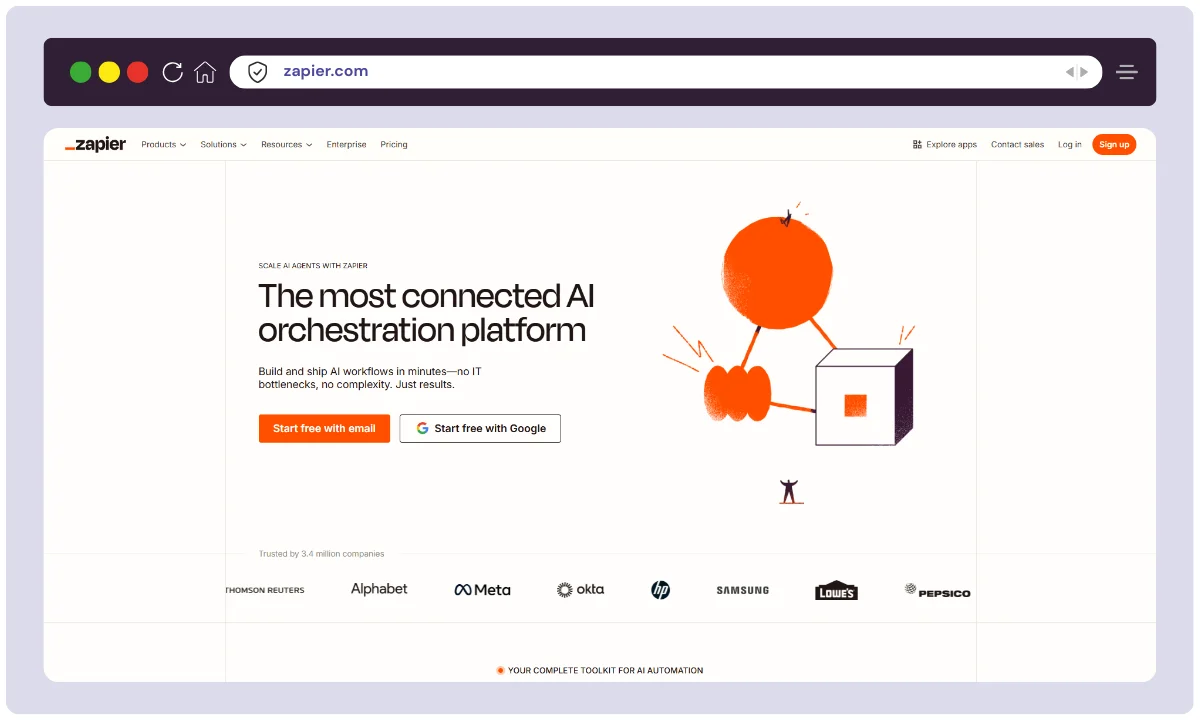
Zapier is a leading no-code automation platform that connects over 6,500 apps like Gmail, Slack, Trello, and more. It enables users to automate repetitive tasks through simple “if this, then that” workflows called Zaps.
With support for multi-step actions, filters, and conditional logic, Zapier is ideal for small businesses, marketers, and solopreneurs seeking to boost productivity without writing code.
Key Features:
- 6,000+ app integrations
- Multi-step workflows (Zaps)
- Filters, delays, and paths
- Webhooks & custom logic
- Easy-to-use interface
Best For: No-code automation for small to medium-sized businesses
Not ideal for: high task volumes on a tight budget
2. Make
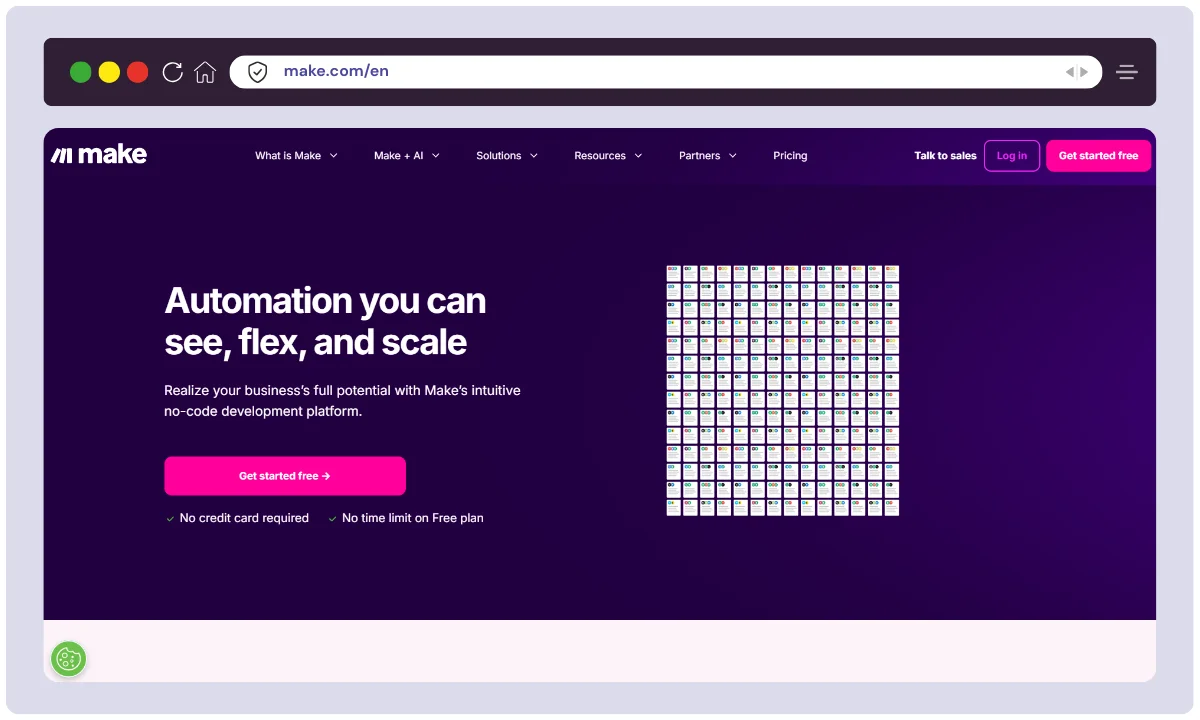
Make is a visual workflow automation tool designed for power users and developers. It allows you to build complex workflows using a drag-and-drop scenario builder that supports branching, variables, and real-time execution logs.
With support for APIs, webhooks, and custom scripting, Make enables sophisticated integrations across apps and systems.
Key Features:
- Drag-and-drop visual builder
- Custom API integrations
- Conditional logic and looping
- Detailed execution logs
- Real-time workflow mapping
Best For: Advanced users and developers needing visual, flexible automation
Not ideal for: beginners who want one-click setup
3. n8n
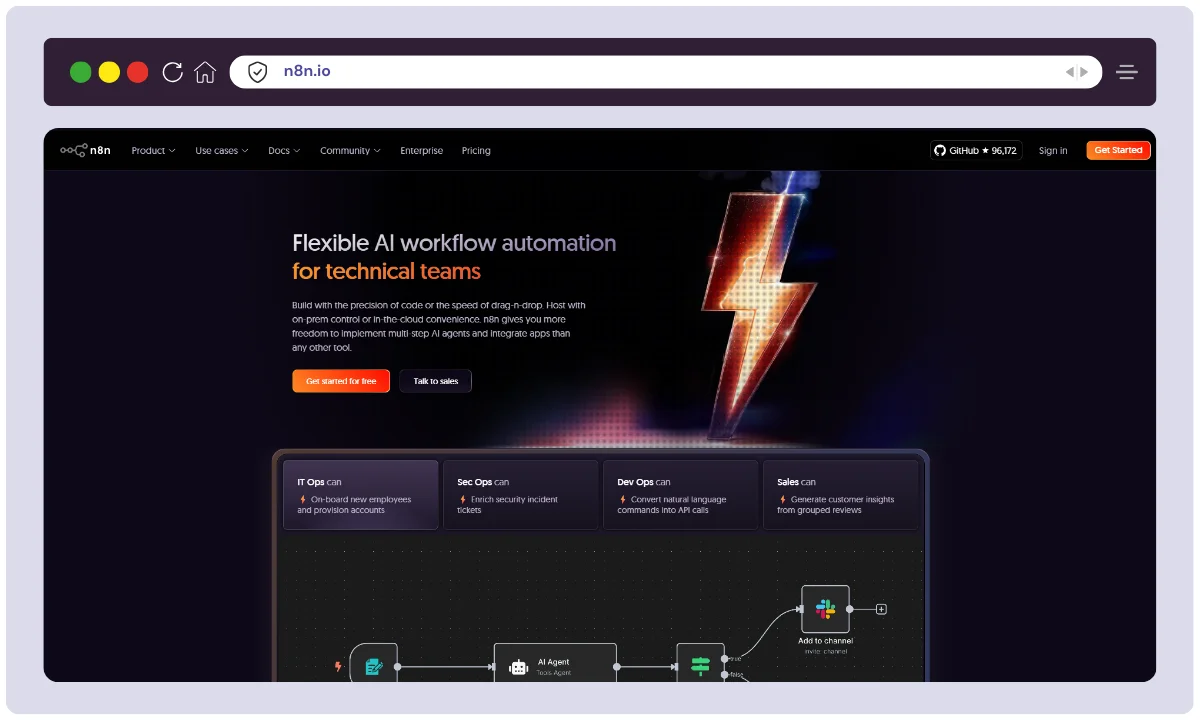
n8n is an open-source workflow automation tool tailored for developers and privacy-conscious users. It lets you build custom workflows with over 350 native integrations, or create your own using JavaScript functions.
You can self-host n8n for complete data ownership or use their cloud option. With support for complex logic, webhooks, and conditionals, n8n is a powerful alternative to Zapier or Make—ideal for technical users seeking full customization and freedom. Our full n8n review breaks down its features, pricing, and pros and cons.
Key Features:
- Open-source and self-hostable
- 400+ integrations and growing
- Custom JavaScript functions
- Conditional logic and branching
- Community-driven development
Best For: Developers and privacy-focused teams wanting self-hosted automation
Not ideal for: non-technical users avoiding self-hosting
4. Ottokit
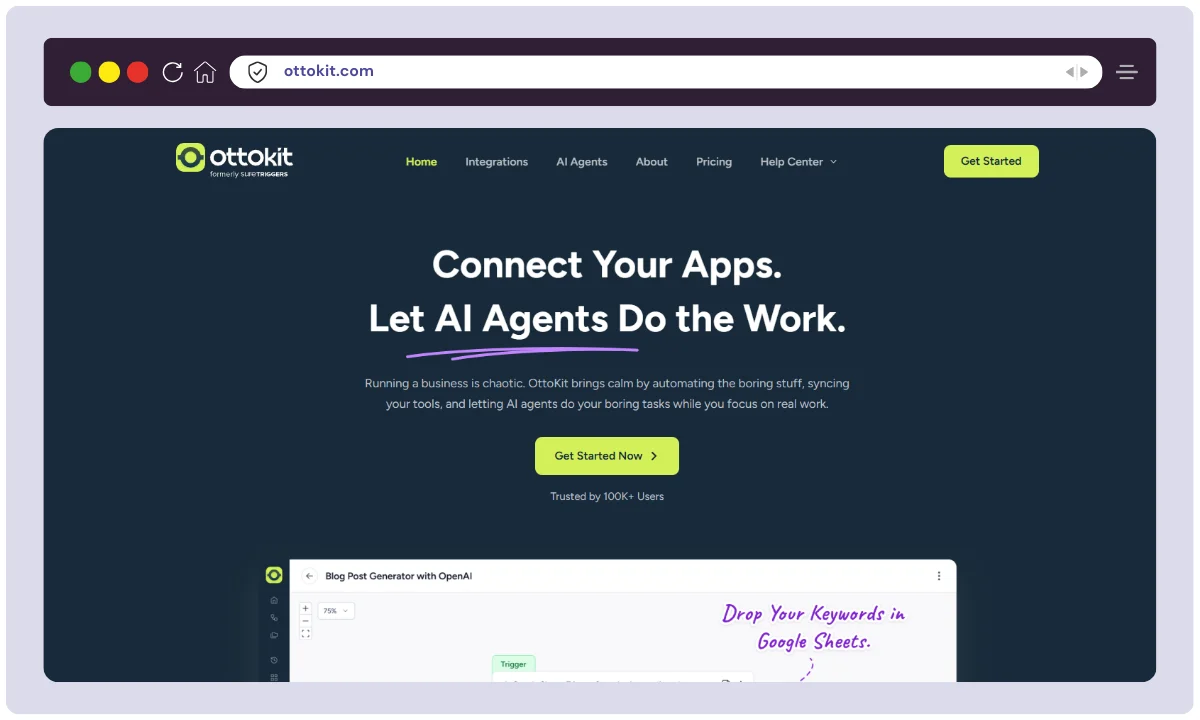
Ottokit is a modern AI-powered workflow automation tool designed to help teams build smart, self-operating systems. It combines standard automation with intelligent agents that make context-based decisions—a shift we unpack in our guide on AI agents vs traditional automation.
It excels at automating repetitive business tasks while learning from your data and interactions. It’s perfect for startups and businesses that want next-gen automation with machine learning baked in—ideal for support, marketing, and operations workflows needing speed and adaptability. For a closer look, read our hands-on Ottokit review.
Key Features:
- Autonomous AI agents
- Smart triggers and conditions
- Dynamic decision trees
- Supports webhooks and APIs
- Contextual automation flows
Best For: AI-powered automation with intelligent decision-making
Not ideal for: teams needing a long, proven track record
5. Mazaal
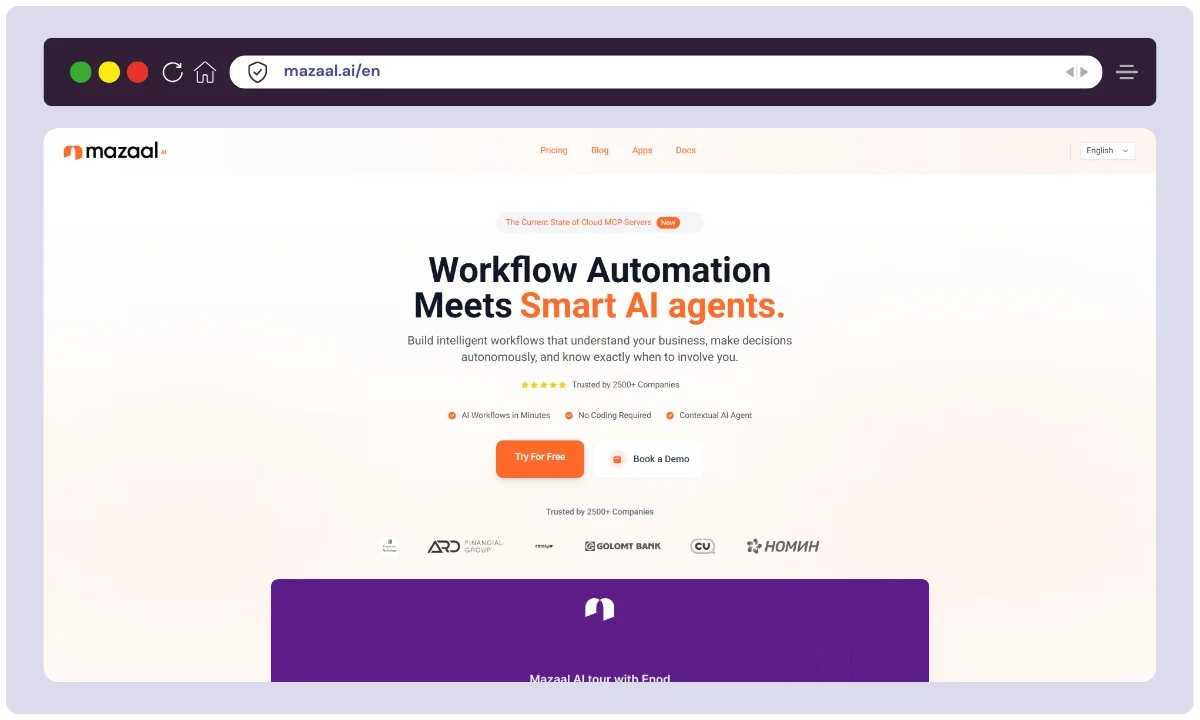
Mazaal is a lightweight automation tool built for individuals and freelancers who want to automate daily personal and work tasks. Its clean and simple interface makes it easy to create rule-based automations for reminders, calendar syncs, file backups, and more.
It stands out for its affordability, ease of use, and focus on everyday productivity. It’s a great choice for non-tech users looking to reduce time spent on routine tasks.
Key Features:
- Simple UI for quick automations
- Time-based reminders and triggers
- Integration with common personal tools
- Prebuilt templates for individuals
- Affordable pricing model
Best For: Personal automation and daily routine optimization
Not ideal for: large teams or complex business workflows
6. Pabbly Connect
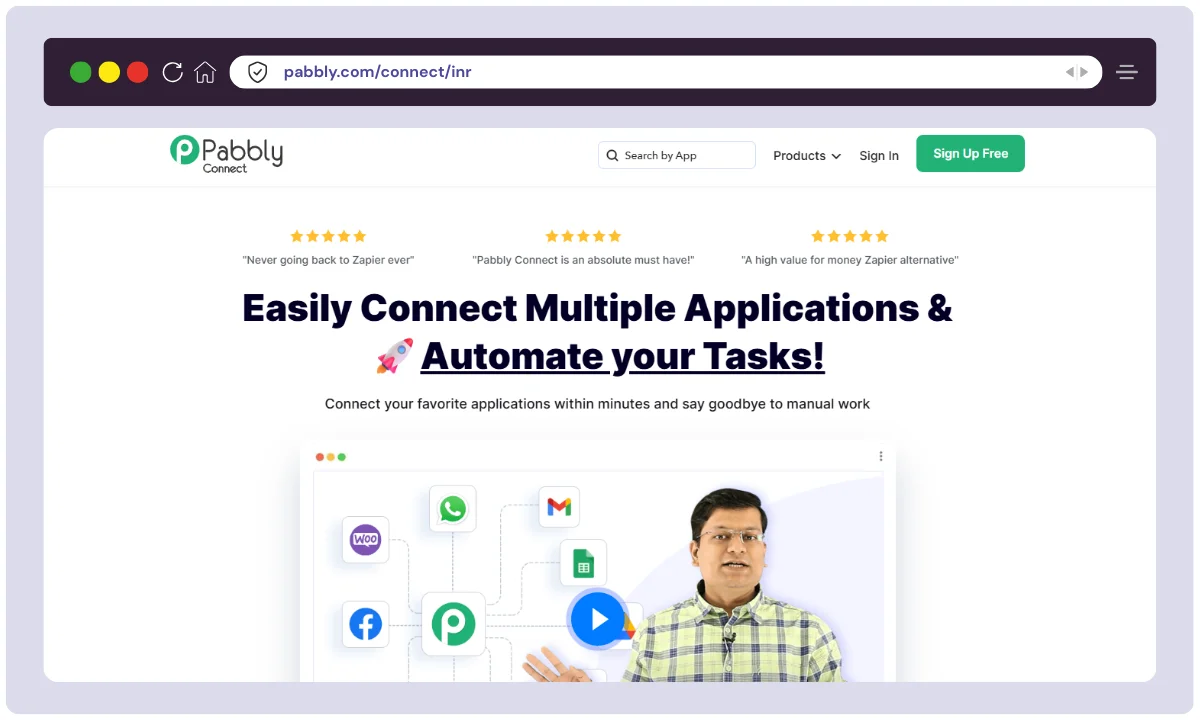
Pabbly Connect is a powerful, budget-friendly automation tool that allows users to create workflows between 1,000+ apps. Unlike many competitors, it offers a lifetime pricing model, making it especially appealing to small businesses and startups.
With support for multi-step automations, filters, routers, and scheduling, Pabbly Connect is both versatile and cost-effective. It’s perfect for users looking for an affordable yet robust alternative to Zapier or Make.
Key Features:
- Lifetime plan available
- Unlimited workflows in paid plans
- Multi-step automation
- App scheduling and filtering
- 1000+ supported applications
Best For: Cost-effective automation with lifetime access
Not ideal for: users who need the widest app catalog
7. Albato
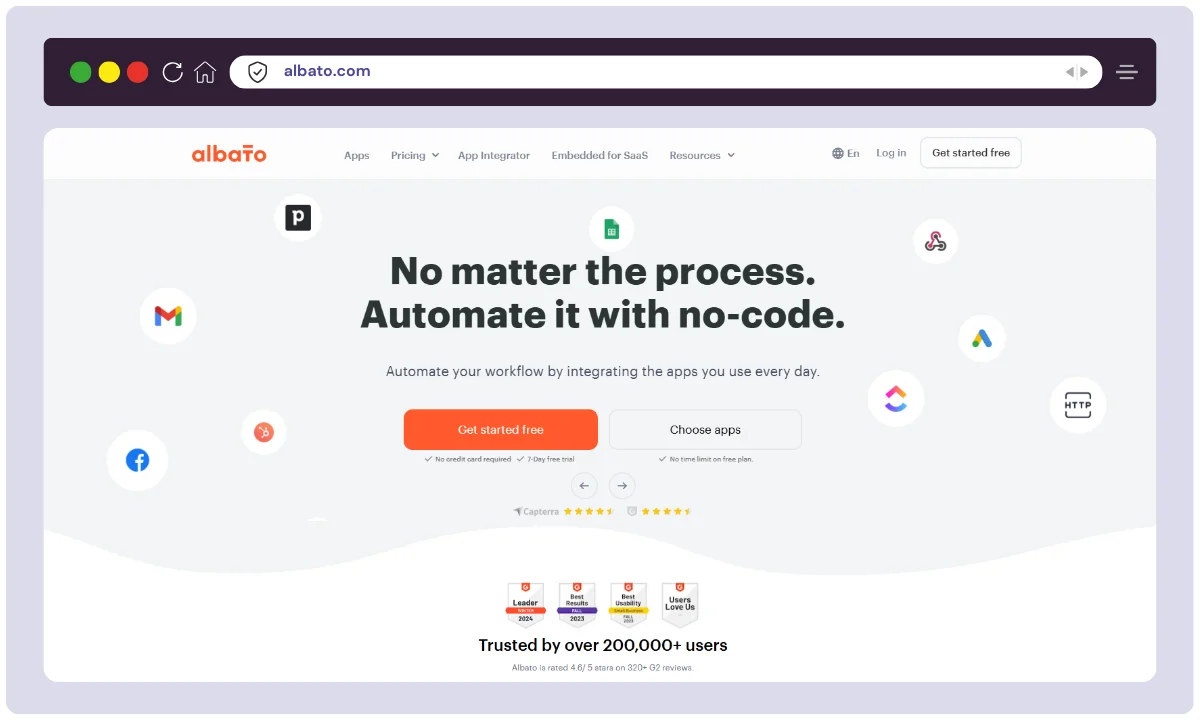
Albato is an emerging workflow automation platform that offers fast, reliable integrations with hundreds of popular apps. It provides a visual builder, reusable automation templates, and a vibrant app marketplace.
With strong support for multi-step workflows and conditional logic, Albato is ideal for marketers, sales teams, and growing businesses. Its user-friendly interface and active development roadmap make it a solid choice for automating tasks across CRM, email, ads, and analytics tools.
Key Features:
- App marketplace for integrations
- High-speed execution
- Visual scenario builder
- Workflow scheduling and logic
- New apps added weekly
Best For: Fast-growing businesses needing rapid deployment
Not ideal for: teams needing a mature, extensive integration library
8. Zoho Flow
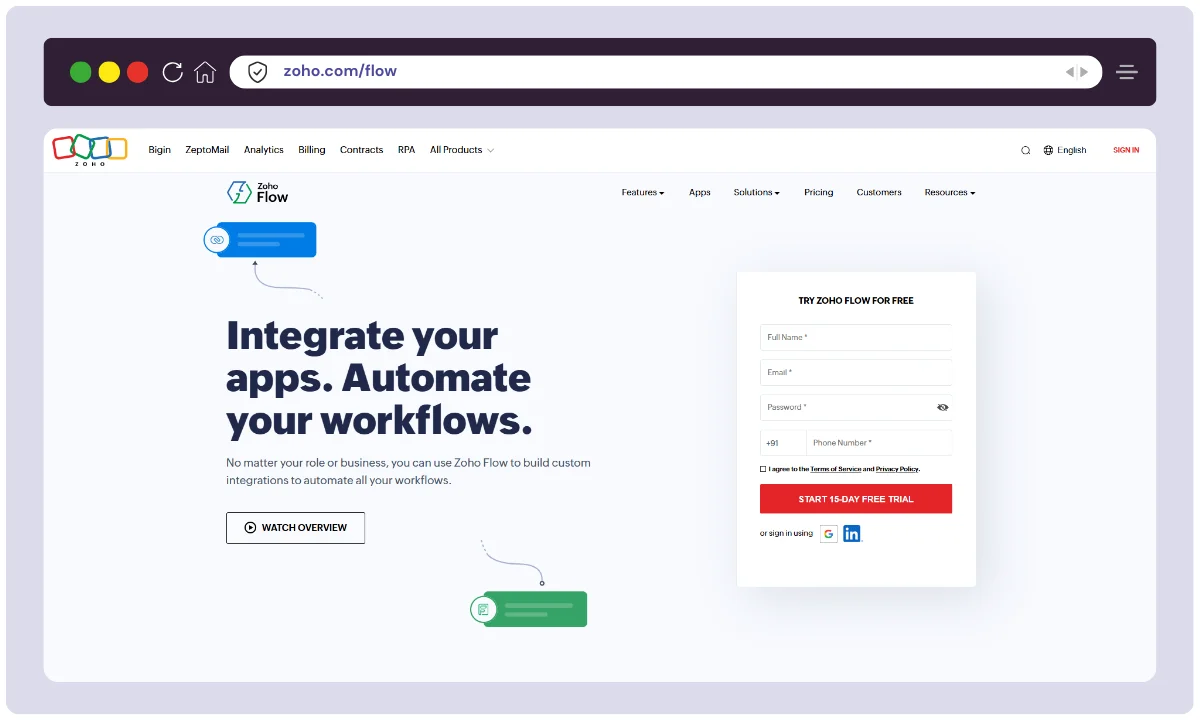
Zoho Flow is a cloud-based automation platform built to integrate tightly with the Zoho ecosystem. It supports automated workflows between Zoho apps and third-party services, with features like logic branching, delays, and data formatting.
It’s especially useful for businesses already using Zoho CRM, Books, Mail, or Projects.
Key Features:
- Deep integration with Zoho apps
- Conditional workflows
- Drag-and-drop flow builder
- Webhooks & third-party app support
- Usage analytics and logs
Best For: Businesses using Zoho’s suite of applications
Not ideal for: teams outside the Zoho ecosystem
9. Integrately
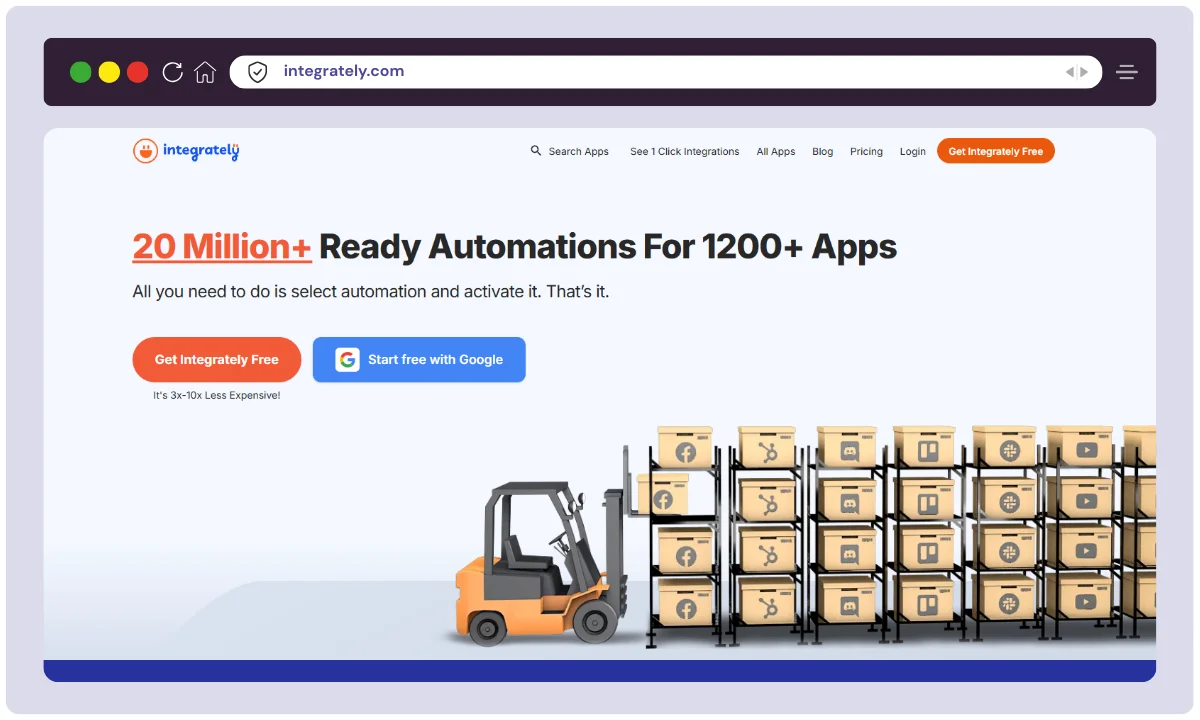
Integrately is an automation tool built for beginners and non-tech users. It offers over 100,000 ready-to-use workflows with one-click setup for popular apps like Google Sheets, Slack, and Shopify. Integrately stands out for its ease of use, affordability, and friendly interface.
Users can also build custom workflows with conditional logic and multi-step actions. It’s best for small businesses or freelancers seeking fast and simple automation without a steep learning curve.
Key Features:
- 100,000+ ready-to-use automations
- One-click workflow setup
- Multi-step actions
- Easy filtering and conditions
- App change history tracking
Best For: Beginners needing 1-click automation setup
Not ideal for: developers wanting deep custom logic
10. IFTTT
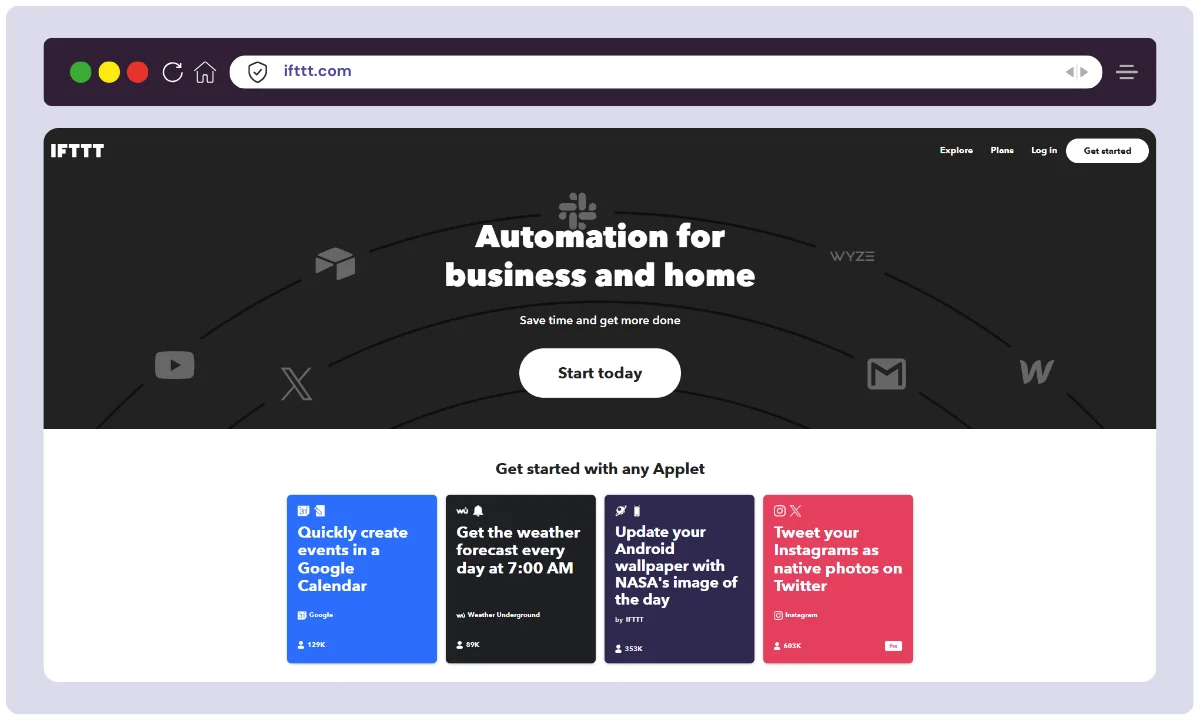
IFTTT (If This Then That) is a simple automation tool for connecting apps, services, and smart devices. It’s ideal for personal productivity, home automation, and small business tasks. IFTTT supports integrations with platforms like Alexa, Google Assistant, Dropbox, Twitter, and more.
Users can build applets that trigger actions based on specific events. Its intuitive interface makes it perfect for beginners looking to automate daily digital routines without technical know-how.
Key Features:
- Simple “if this, then that” flows
- Works with smart home devices
- Applets for personal tasks
- Mobile-friendly automation
- Supports over 700 services
Best For: Personal productivity and smart home automation
Not ideal for: complex, multi-step business automation
11. Workato
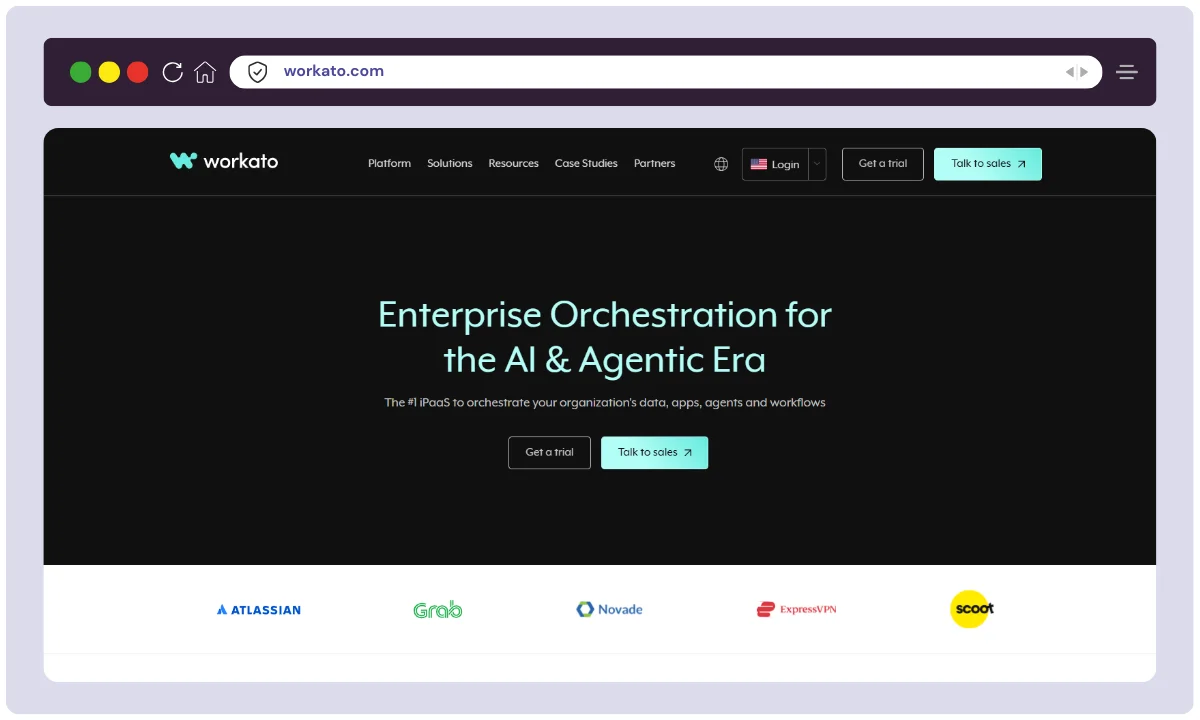
Workato is an enterprise-grade automation platform that integrates apps, APIs, databases, and more. With advanced capabilities like data mapping, custom scripts, and governance features, it’s built for large teams and complex workflows.
It supports low-code/no-code development but also appeals to IT professionals with its developer-friendly tools. It’s ideal for enterprise automation across finance, HR, marketing, and customer success.
Key Features:
- Advanced security and compliance
- AI-powered data processing
- Real-time triggers and complex logic
- Data pipeline and app integration
- Team collaboration features
Best For: Enterprise-grade automation and data integration
Not ideal for: solopreneurs and small budgets
12. ClickUp
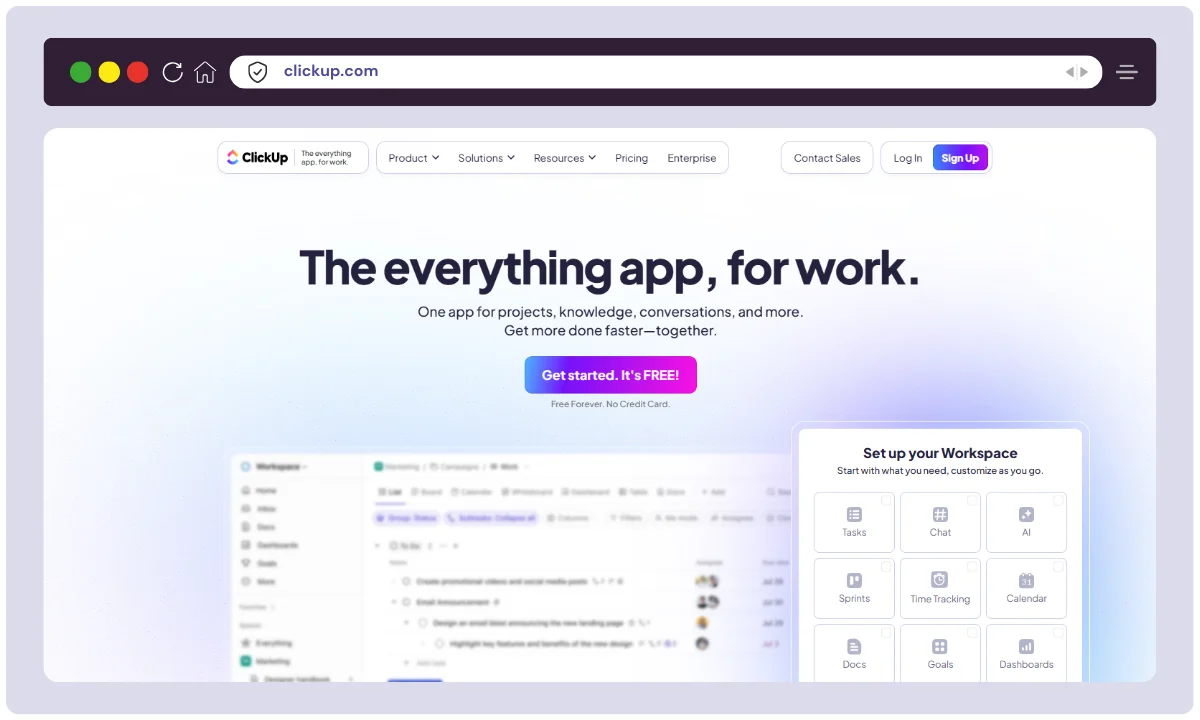
ClickUp is a versatile project management platform with built-in automation capabilities. Users can automate task assignments, status changes, and due dates based on triggers like comments, changes, or deadlines.
While ClickUp isn’t a traditional integration platform, its native automations improve productivity within your workspace. It’s ideal for teams managing complex projects and wanting to streamline workflows without needing third-party tools.
Key Features:
- Native automation inside project management
- Trigger-based task actions
- Status updates, reminders, assignments
- Integration with Slack, GitHub, etc.
- Time-saving templates
Best For: Project and task automation within teams
Not ideal for: automation outside your ClickUp workspace
13. Integrify
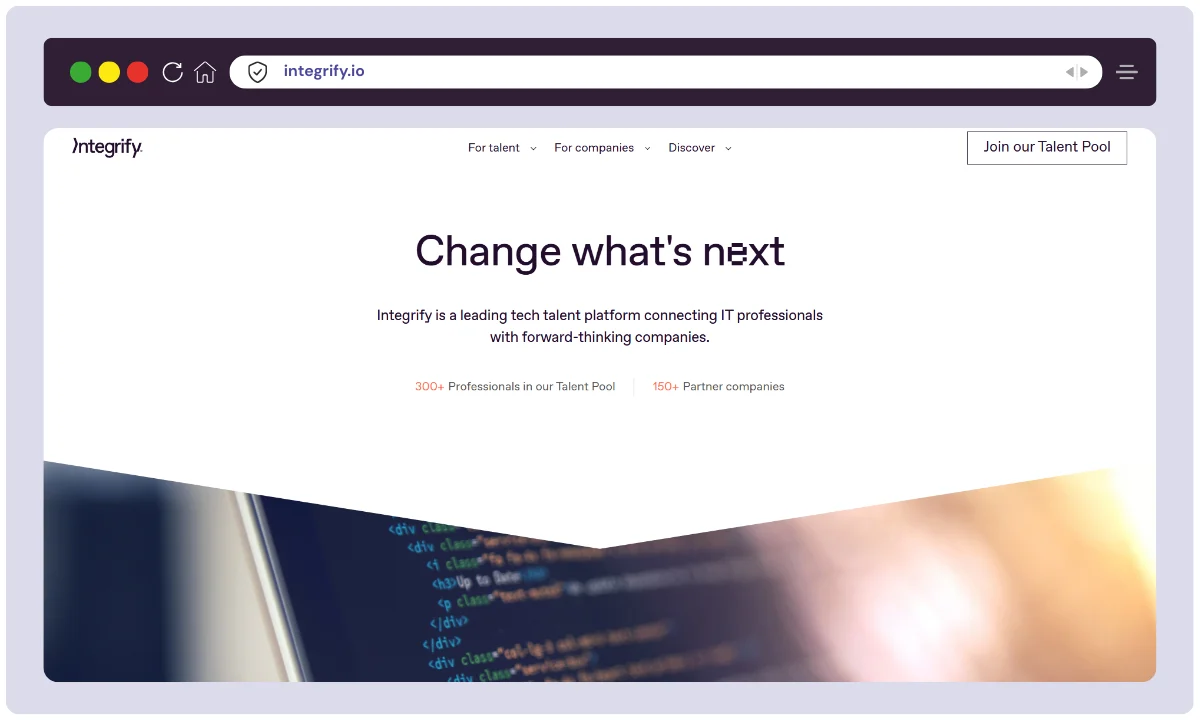
Integrify is an enterprise workflow automation platform focused on process management, approvals, and compliance. It allows organizations to create custom forms, route requests, and track performance with visual process designers and reporting tools.
Integrify is ideal for HR, finance, IT, and operations teams needing structured, repeatable workflows. It supports audits, permissions, and role-based access.
Key Features:
- Custom workflow builder
- Form builder for internal requests
- Task assignments and SLA tracking
- Role-based permissions
- Real-time analytics and audit trail
Best For: Structured business processes and approvals
Not ideal for: small teams wanting cheap, quick setups
14. Kissflow
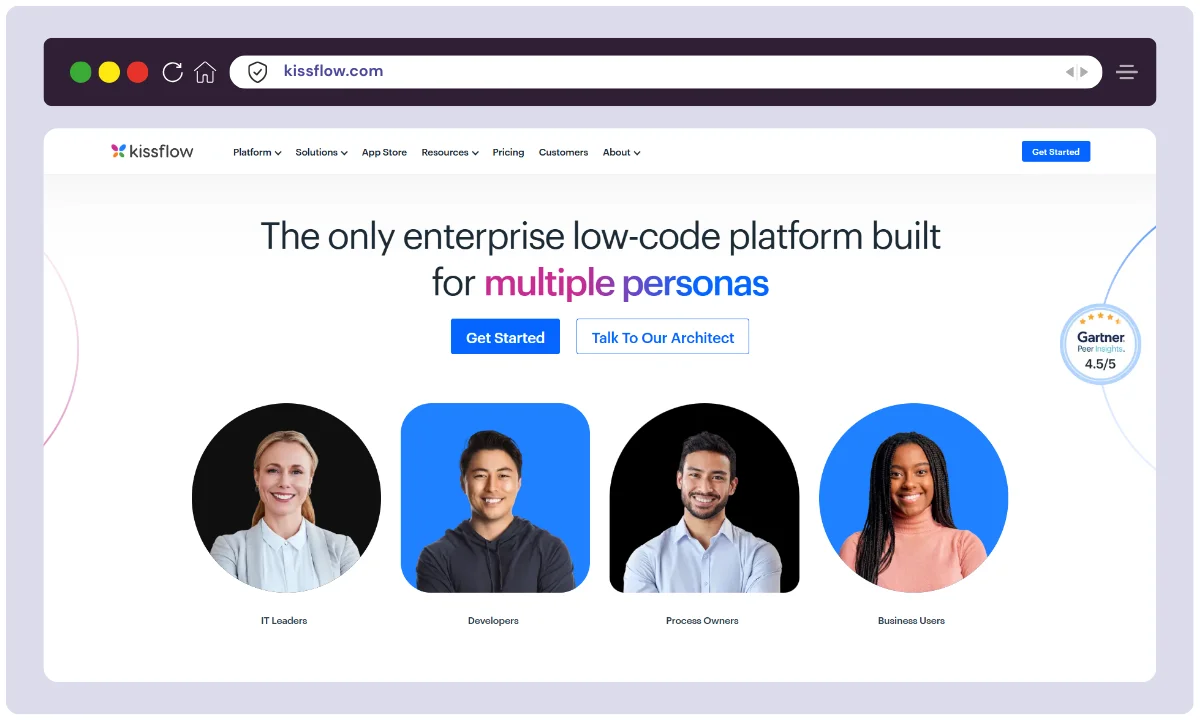
Kissflow is a comprehensive workflow management and low-code development platform. It lets users automate business processes, build custom apps, and manage tasks in one place.
With drag-and-drop builders, role-based access, and real-time analytics, Kissflow is suited for HR, procurement, and finance teams.
It helps digitize paper-based processes and reduce manual errors.
Key Features:
- Visual process designer
- No-code form builder
- Custom app development tools
- Role-based access
- Analytics dashboards
Best For: Workflow + case management and low-code app building
Not ideal for: simple app-to-app connections
15. Flokzu
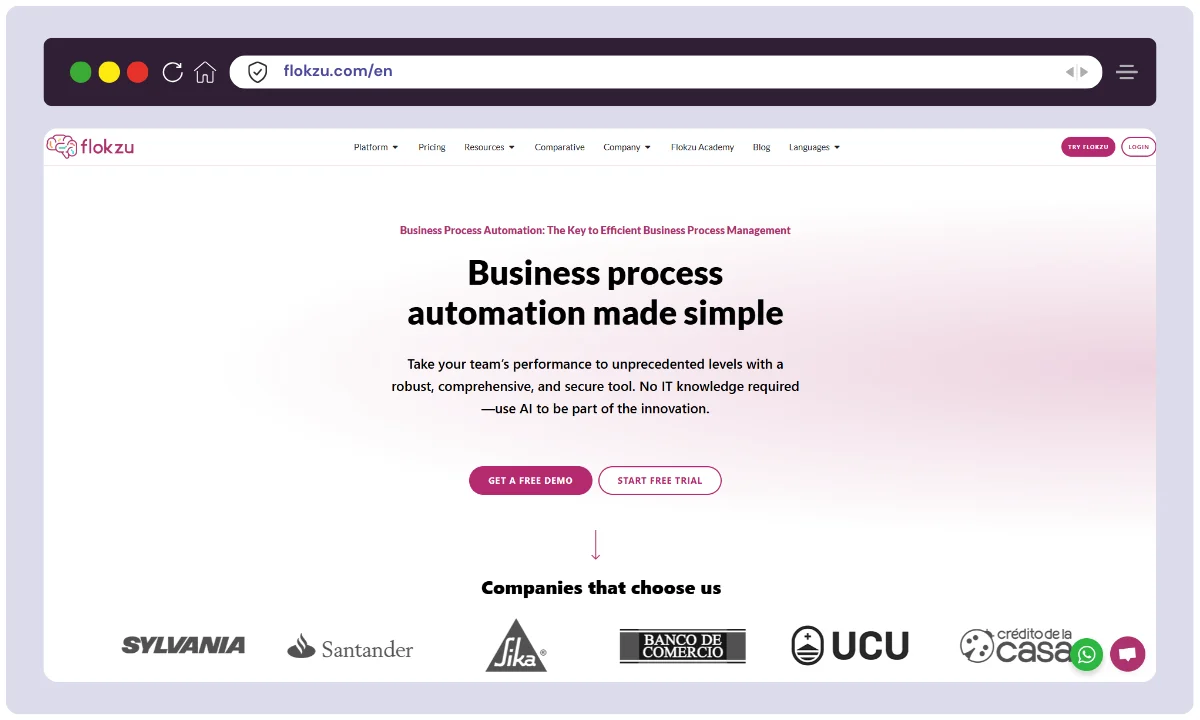
Flokzu is a business process management (BPM) tool that helps teams model, automate, and monitor workflows using BPMN standards. It provides a visual process builder, form designer, and robust analytics to improve operational efficiency.
Ideal for HR, finance, and admin teams, Flokzu supports automated approvals, document management, and task routing.
Key Features:
- BPMN-based workflow builder
- Custom forms and process rules
- Document management
- Deadline and SLA automation
- Cloud-based collaboration
Best For: Business process modeling and approval flows
Not ideal for: teams that do not need formal BPMN
16. Jira
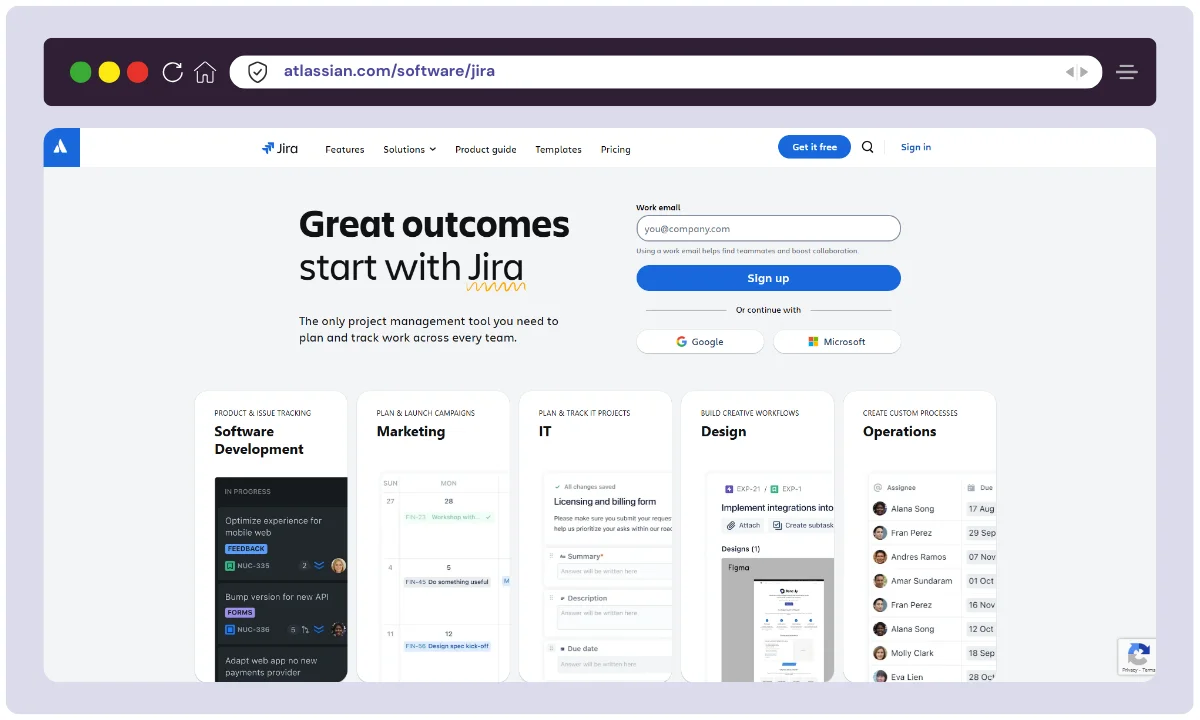
Jira by Atlassian is a popular project and issue tracking tool designed for software development and IT teams. It features built-in automation rules to streamline repetitive actions like assigning tasks, changing statuses, and sending alerts.
Its automation is highly customizable, allowing teams to reduce manual overhead while staying agile. It integrates cleanly with Confluence, Bitbucket, and other DevOps tools, making it essential for managing complex projects and sprints.
Key Features:
- Built-in automation rules
- Trigger-based issue management
- Developer-centric integrations (Bitbucket, GitHub)
- Sprint automation
- Custom rule builder for workflows
Best For: Agile teams and software development workflows
Not ideal for: non-technical teams outside software or IT
17. Wrike
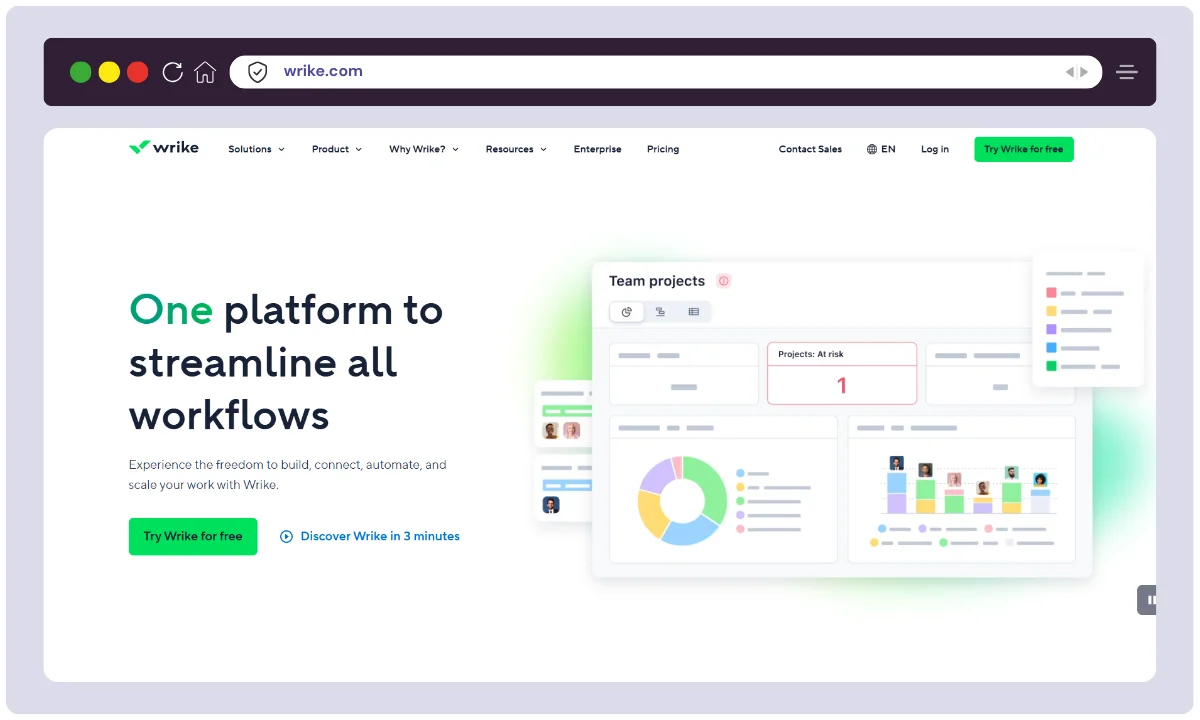
Wrike is a collaborative work management and project planning platform with automation features that help teams improve productivity. Users can set up trigger-based rules for task assignment, notifications, and status updates.
Wrike is ideal for marketing teams, agencies, and enterprises managing large-scale projects.
Key Features:
- Automation within task templates
- Conditional logic for tasks
- Project-level triggers
- Collaborative workspace
- Real-time notifications and tracking
Best For: Team-based project and task automation
Not ideal for: users wanting standalone integration automation
Free Plan Offering of various Workflow Automation Tools
Not sure how far each free plan gets you? The table below breaks down the task limits, trial length, and features included for every tool, so you can test the right fit before paying.
| Tool | Free Trial/Plan | Free Trial Duration | Tasks / Operations Included | Key Inclusions |
|---|---|---|---|---|
| Zapier | Free Plan | No expiry | 100 tasks/month | 5 single-step Zaps, 15-min update time |
| Make | Free Plan | No expiry | 1,000 operations/month | 2 active scenarios, 15-min intervals |
| n8n | Self-hosted Free & Cloud Trial | 30 days (cloud) | 1,000 workflow executions/month (cloud) | Unlimited if self-hosted, full features in cloud trial |
| Ottokit | Free Plan | No expiry | Varies (AI agent action limits apply) | AI-powered workflows, basic builder |
| Mazaal | Free Plan | No expiry | 50 tasks/month | Basic workflows, productivity automation |
| Pabbly Connect | Free Plan | One-time | 100 tasks (one-time quota) | Unlimited workflows, access to core features |
| Albato | Free + Trial | 7 days | 100 steps/month (Free Plan) | 5 automations, access to marketplace |
| Zoho Flow | 15-Day Trial | 15 days | Unlimited tasks during trial | All premium features unlocked |
| Integrately | Free Plan | No expiry | 200 tasks/month | 5 workflows, 15-min intervals |
| IFTTT | Free Plan | No expiry | 2 applets (no fixed task count) | Basic applet creation, smart device and app integration |
| Workato | 30-Day Trial (on request) | 30 days | Custom (based on use case) | Full access to enterprise-grade automation |
| ClickUp | Free Plan | No expiry | 100 automation actions/month | Task management + basic automation |
| Integrify | Custom Trial | On request | Custom (enterprise use case) | Full process automation features, form builder |
| Kissflow | 14-Day Trial | 14 days | Unlimited workflows & users during trial | Access to workflow automation, app builder, reports |
| Flokzu | 14-Day Trial | 14 days | Unlimited tasks during trial | BPMN workflows, cloud deployment, approval routing |
| Jira | Free Plan | No expiry | 100 automation rules/month | Single project automation, DevOps integration |
| Wrike | 14-Day Trial | 14 days | Unlimited tasks during trial | Workflow rules, dashboards, templates |
FAQs
What is workflow automation, and why is it essential for businesses?
Workflow automation involves using technology to automate, streamline, and optimize repetitive business processes. By automating routine tasks, businesses must enhance efficiency, reduce errors, and save time.
How do workflow automation tools benefit my organization?
Workflow automation tools offer numerous benefits, including increased productivity, reduced manual errors, improved collaboration, faster task completion, and better resource allocation. They also provide insights into process efficiency.
Can I integrate workflow automation tools with other applications used in my business?
Yes, most workflow automation tools offer integration capabilities with popular business applications. This allows smooth data flow and collaboration between tools to enhance overall efficiency.
Do I need coding skills to use workflow automation tools?
Not necessarily. Many modern workflow automation tools are designed to be user-friendly with no-code or low-code interfaces, making them accessible to users without extensive coding expertise.
Can workflow automation tools adapt to changing business needs?
Yes, most workflow automation tools are designed to be flexible and customizable. They allow users to adapt workflows to changing business processes, ensuring they remain relevant and practical.
What types of processes can be automated using these tools?
Workflow automation tools can automate many processes, including approval workflows, document management, task assignments, data entry, customer onboarding, and more. The versatility of these tools makes them applicable across various industries.
Conclusion
For the fastest path to a working automation, start with Zapier for its app coverage, or Make if you want more logic per dollar. Pick n8n when you need to self-host and own your data, Pabbly Connect when budget decides it, and Workato or Integrify for large-organization processes. If your team already lives inside Zoho, ClickUp, Jira, or Wrike, use the automation built into those tools before paying for another.
One warning: free tiers and starter prices change fast, and task or operation caps are where the first bill surprises people. Check the current limits for your expected volume before you commit.
Next step: shortlist two tools that fit your stack, run the same real workflow through each free plan for a week, and keep the one that needs the least babysitting.




