

Pick the wrong website builder and you’ll feel it every week: a design you can’t fully control, or a platform so complex it eats your afternoons. Webflow vs Wix is the choice most people agonise over, and the honest answer isn’t “one is better.” It’s “one is better for you.” We’ve built in both, and the split comes down to who’s holding the mouse. Here’s what actually matters before you commit a card. If you’re also eyeing newer tools, see our Webflow vs Framer breakdown.
The short answer
If you want a professional site live this weekend with zero code, choose Wix. Its drag-and-drop editor, AI builder, and built-in business tools (bookings, email marketing, POS) get beginners and small businesses shipping fast. If you’re a designer, developer, or agency who needs pixel-level control, clean code, and top performance, choose Webflow. It has a real learning curve, but nothing else gives a no-code workflow this much power.
- Free plan
- Yes
- Starting price (billed yearly)
- $15/mo
- Ease of use
- Design control
- Clean code and export
- Yes
- Built-in business tools
- Basic
- Technical SEO control
- Full control
- Support
- Email and community
- Best for
- Designers, agencies, devs
- Free plan
- Yes
- Starting price (billed yearly)
- $17/mo
- Ease of use
- Design control
- Clean code and export
- No
- Built-in business tools
- Extensive (bookings, CRM, POS)
- Technical SEO control
- Good, guided
- Support
- 24/7 chat and phone
- Best for
- Beginners, small business
We may earn a commission when you buy through links on this page. This does not affect our reviews.
Who should pick which
The two platforms aren’t really fighting for the same person. Wix sells simplicity and an all-in-one toolkit. Webflow sells control and craft. Match the tool to how you work, not to a feature count.
- Choose Wix if you’re a small business owner, solopreneur, or beginner who wants a site up quickly, with bookings, a store, and marketing baked in.
- Choose Webflow if you’re a designer or agency who needs custom layouts, animations, clean semantic code, and the option to hand a fast, SEO-solid site to a client.
- Consider neither if you want full ownership and a plugin for everything. That’s WordPress territory, and our Elementor alternatives guide is a better starting point.
Webflow and Wix at a glance
Webflow: the designer’s canvas
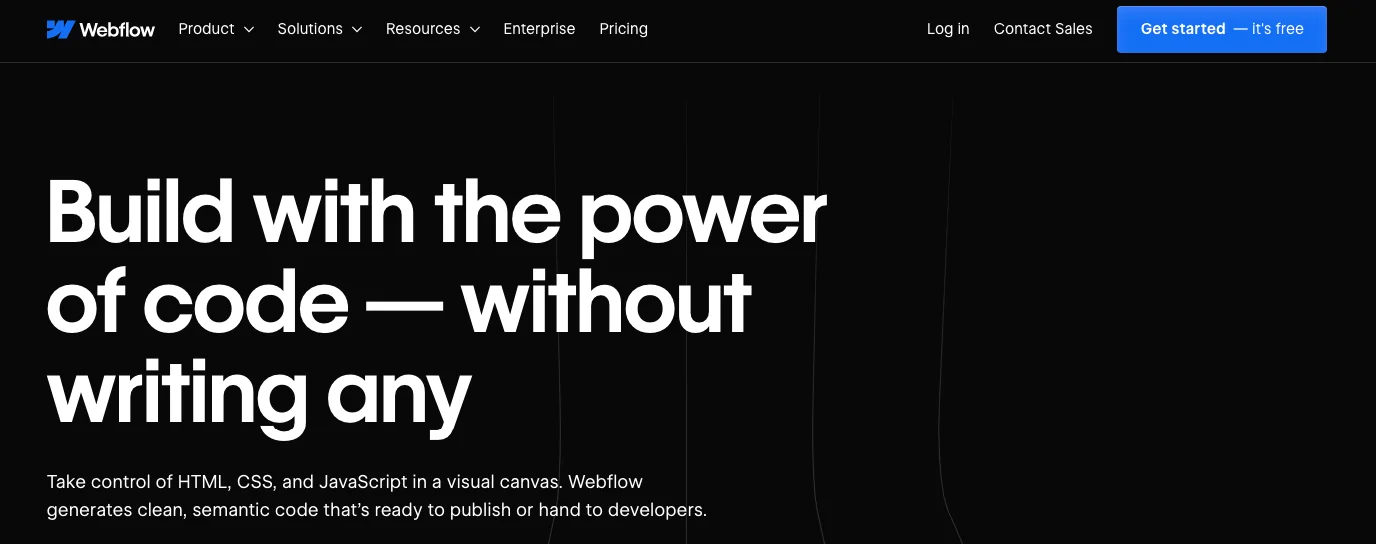
Founded in 2013 and based in San Francisco, Webflow turned visual design into real, exportable HTML, CSS, and JavaScript. It’s grown into a full website platform used by independent designers and large brands alike, with a marketplace of templates and the excellent free Webflow University for learning. The pitch is simple: design visually, ship clean code. That combination is why designers who once hand-coded everything now build in it. We go deeper on that trade-off in Webflow vs traditional HTML/CSS.
Wix: the everything-included builder
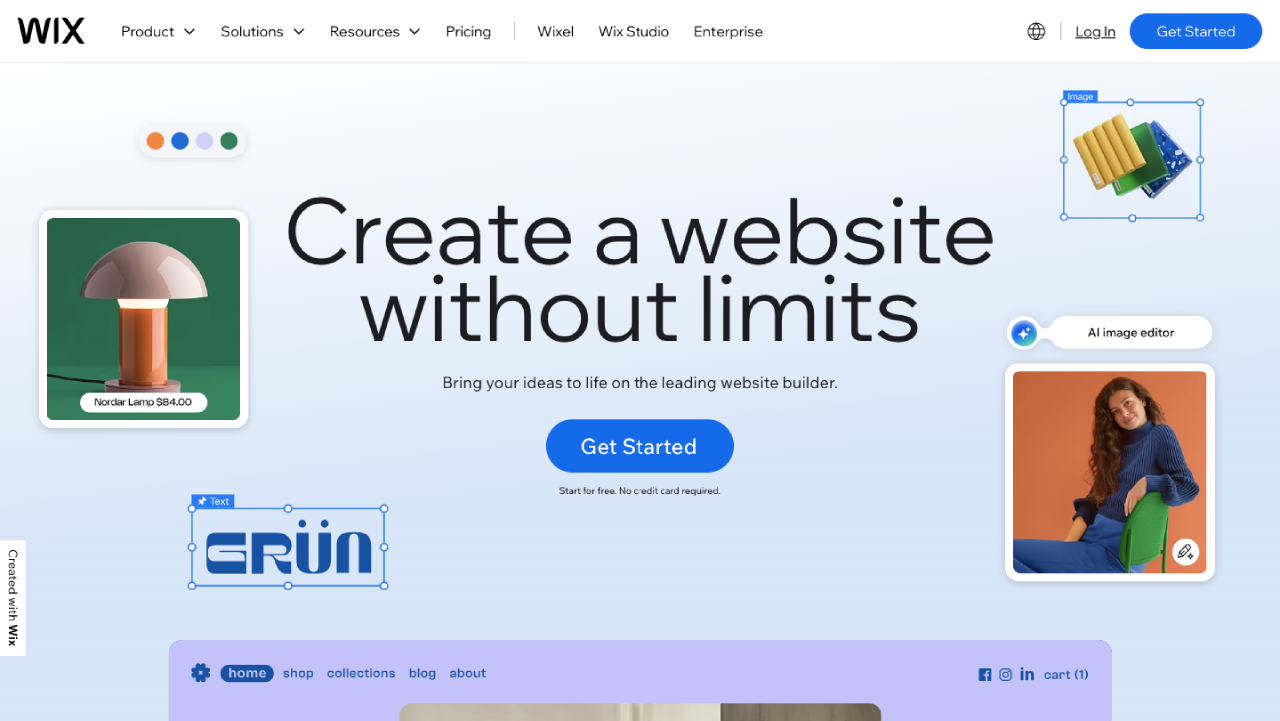
Wix launched in 2006 in Tel Aviv and grew into one of the largest website builders on earth, serving well over 250 million users. It went from a Flash editor to a modern HTML5 platform, and today it bundles hosting, an AI site builder, a template library, and a stack of business apps (bookings, events, restaurants, memberships) into one subscription. For anyone who wants to run a business, not learn a design tool, that all-in-one approach is the whole appeal.
Design and customization
This is the clearest gap between them. Webflow gives you a visual CSS engine: flexbox, grid, transforms, custom breakpoints, scroll animations, and a reusable component system, all without touching code. You can get a layout exactly how you imagined it, then export the code if you ever want to leave.
Wix trades some of that control for speed. Its drag-and-drop editor lets you drop elements anywhere, pick from 900-plus templates, and let the AI builder (ADI) assemble a full site from a few answers. Wix Studio, its pro-tier editor, adds responsive CSS grid and flexbox for freelancers who’ve outgrown the classic editor.
Our take: Webflow wins on design ceiling and code quality. Wix wins on how fast a non-designer can go from blank page to live site.
Content management (CMS)
Webflow’s CMS is genuinely powerful. You can define custom content types with unlimited fields, build multi-reference relationships (posts to authors to categories), and pull content through an API for headless setups. For content-heavy or client sites, it scales cleanly.
Wix’s content manager is simpler and friendlier for clients who just need to update text and images. You can build database collections and dynamic pages, but the structure is more rigid than Webflow’s. For a standard blog or portfolio it’s plenty; for a complex content model it starts to feel boxed in.
Our take: Webflow for anything content-heavy or API-driven. Wix if a non-technical client will maintain the site.
Ecommerce
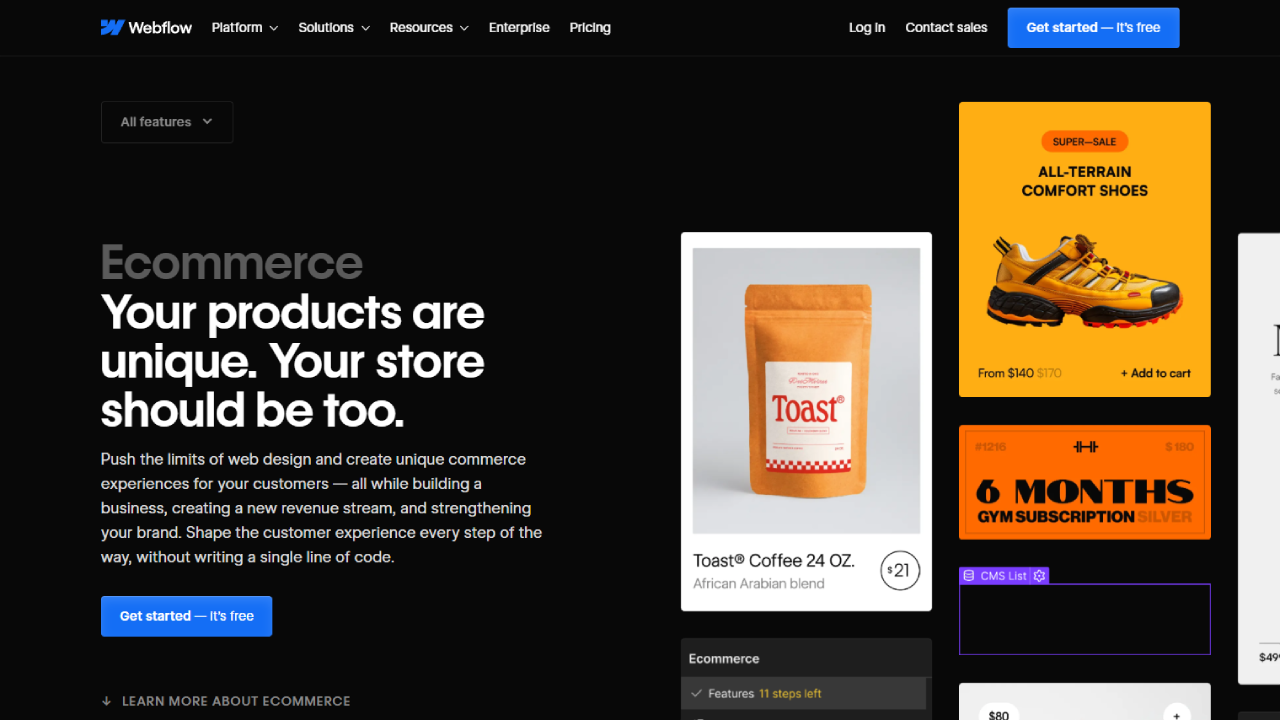
Here the roles flip. Wix ships a more complete out-of-the-box store: multi-channel selling across Instagram, Facebook and marketplaces, Wix Payments, POS for in-person sales, plus native bookings and subscriptions. For a service business or a shop that sells in more than one place, it’s ready on day one. If ecommerce is your whole business, also weigh dedicated options in our best hosting for ecommerce guide.
Webflow gives you total design freedom over product pages and checkout, with Stripe, PayPal and Apple Pay support. The catch is that its store tooling is thinner: no native POS, weaker multi-channel selling, and fewer built-in business features. You’re trading convenience for a store that looks nothing like a template.
Our take: Wix for a functional store fast. Webflow when the store’s look has to be as custom as the brand.
SEO and performance
Webflow’s clean, semantic markup and global CDN give it a real technical-SEO edge. You get full control over meta tags, schema, redirects, and automatic sitemaps, and its pages tend to score high on Core Web Vitals with little tuning. Wix has closed much of the gap with its SEO Wiz, bulk optimisation patterns, and automatic mobile handling, and it ranks perfectly well for most small business sites. It just carries more scripts, so heavy pages can load a little slower.
Our take: For a content site chasing rankings, Webflow’s control and speed matter. For a local business, Wix’s SEO is more than enough.
AI features
Wix leans harder into AI across the whole product: ADI builds a full site from a questionnaire, and there are AI tools for copy, logos, and image enhancement. Webflow’s AI is more focused, an in-Designer assistant for content and layout help plus AI-assisted localisation and optimisation. If you want AI to do most of the heavy lifting at the start, Wix delivers more of it.
Team and code freedom
For agencies, Webflow is built for the job: workspace plans with role-based permissions, staging sites, and client billing. It also lets you inject custom code and export your entire codebase, so you’re never fully locked in. Wix’s collaboration is more limited, and there’s no code export, which means you’re committed to the platform. That lock-in is fine for a single business site and a real consideration for an agency. If control is your priority, compare Webflow with no-code app builders in our Webflow vs Bubble piece.
Webflow vs Wix pricing
Both have a free plan and bill their paid tiers cheapest when paid yearly. Webflow recently simplified its site plans; Wix keeps a four-tier ladder. Prices below were checked in 2026 on each vendor’s official pricing page, and SaaS pricing shifts, so confirm before you buy.
Webflow site plans
- Included: Webflow.io subdomain
- Included: 2 static pages, limited CMS
- Not included: Custom domain
- Included: Custom domain
- Included: 300 static pages
- Not included: Webflow CMS
- Included: Everything in Basic
- Included: Webflow CMS included
- Included: Scalable bandwidth and site search
Prices shown billed yearly. Ecommerce is handled within site plans; Team and Enterprise are quote-based.
We may earn a commission when you buy through links on this page. This does not affect our reviews.
Wix premium plans
- Included: Free domain for 1 year
- Included: 2 GB storage
- Not included: Accept payments
- Included: Basic ecommerce and payments
- Included: 50 GB storage
- Included: Scheduling and services
- Included: Standard ecommerce suite
- Included: 100 GB storage
- Included: 10 site collaborators
- Included: Unlimited storage
- Included: Advanced ecommerce and dev platform
- Included: 100 site collaborators
Prices shown billed yearly, plus a Free plan. 14-day money-back guarantee.
We may earn a commission when you buy through links on this page. This does not affect our reviews.
The headline prices look close, but the real cost depends on add-ons. Wix bundles more into the subscription (email marketing, bookings, a free first-year domain), while heavy Wix stores pay transaction and app fees. Webflow keeps hosting and SSL included, and its higher tiers scale bandwidth rather than piling on per-feature charges. For a simple brochure site the two land within a few dollars a month; for a busy store, run your real numbers.
Better alternatives for some people
If neither fits, a few others are worth a look. Squarespace (from $16/mo) is the middle ground: prettier defaults than Webflow, more polish than Wix. Framer is the design-forward newcomer, fast and modern, and we pit it against Webflow in our Webflow vs Framer comparison. Shopify (from $39/mo) is the pick if selling is the entire point. And WordPress remains the most flexible option of all if you don’t mind managing hosting, which our beginner’s guide to web hosting unpacks.
Webflow pros and cons
- Pros: unmatched design control, clean fast code, powerful CMS with API, advanced animations, code export, no lock-in, strong technical SEO.
- Cons: real learning curve, higher effort for simple sites, thinner native ecommerce, no built-in email, support leans on community for lower tiers.
Wix pros and cons
- Pros: genuinely easy, all-in-one business tools, strong ecommerce and bookings, heavy AI assistance, 24/7 phone and chat support, quick setup, free plan.
- Cons: less design flexibility, no code export (platform lock-in), heavier pages, can’t switch templates without rebuilding, SEO control trails Webflow.
Frequently asked questions
Is Webflow better than Wix for SEO?
For technical SEO, yes. Webflow outputs clean semantic code, loads fast on its CDN, and gives you full control over meta tags, schema, and redirects. Wix has improved a lot and ranks fine for most small business sites, but it carries heavier scripts and offers less granular control. For a content site chasing competitive rankings, Webflow has the edge.
Which is better for beginners, Webflow or Wix?
Wix, without much doubt. Its drag-and-drop editor and AI builder let anyone launch a real site in an afternoon with no coding. Webflow is far more powerful but has a genuine learning curve that can take weeks to feel comfortable with. If speed and simplicity matter most, start with Wix.
How much do Webflow and Wix cost?
Both have free plans. Webflow paid site plans start at $15/mo (Basic) and $25/mo (Premium with CMS), billed yearly. Wix paid plans run $17/mo (Light), $29/mo (Core), $36/mo (Business) and $159/mo (Business Elite), billed yearly. Always confirm on the official pricing pages, since these change.
Can I move my site from Wix to Webflow or back?
Not automatically. Neither platform offers a one-click migration, so you rebuild the design and move content by hand. Wix in particular has no code export, so you cannot take your site with you. Test both on their free plans before you commit, because switching later is real work.
Which is better for an online store?
Wix for most people. It ships multi-channel selling, POS, bookings, and Wix Payments out of the box, so a working store is fast to stand up. Webflow gives you a more custom-looking store but thinner built-in commerce tools. If selling is your entire business, a dedicated platform like Shopify may beat both.
Do Webflow and Wix have free plans?
Yes, both. Webflow’s Starter is free but publishes to a webflow.io subdomain with limited CMS. Wix’s free plan publishes with Wix branding and no custom domain. Both are good for testing the editor before you pay.
Is Wix locked in, and can I export my site?
Wix has no code export, so you cannot take your site’s code elsewhere. That lock-in is usually fine for a single business site but a real drawback for agencies. Webflow lets you export clean HTML, CSS, and JavaScript, so you keep your work if you leave.
Which handles high traffic better?
Webflow tends to hold up better under heavy load thanks to its clean code and CDN-backed hosting. Wix manages moderate traffic well but can slow down on very busy, script-heavy pages. For high-traffic content sites, Webflow is the safer bet.
The verdict
There’s no universal winner in Webflow vs Wix, only the right pick for how you work. Choose Wix if you want an all-in-one platform and a site live fast without touching code; it’s the better call for most beginners, solopreneurs, and small businesses. Choose Webflow if you’re a designer or agency who needs custom design, clean code, and strong performance, and you’ll invest the time to learn it.
One warning: don’t over-buy. Start on the cheapest paid tier (or the free plan) that covers your needs and upgrade when you actually hit a wall, because both platforms make it easy to pay for headroom you won’t use for months. Build a test site on each free plan this week, and let the editor that feels right decide it for you.




