WooCommerce out of the box sells things. That’s about it. No abandoned cart email, no multi-currency, no product feed, no wholesale pricing.
Which is why every serious store ends up hunting for WooCommerce plugins and addons. The risk is obvious: install fifteen and your checkout crawls. Ten below, each earning its slot, with what it costs and where it falls down.
If you’re still choosing a platform, our ecommerce platforms comparison is the better starting point. Already committed to Woo? Read on.
Quick answer
- Best payment addon WooCommerce Stripe Payment Gateway
- Best email and automation Omnisend
- Best for lead capture OptinMonster
- Best value bundle Booster for WooCommerce
Install the official Stripe gateway first, then Omnisend for abandoned carts and email, then stop. Everything else on this page solves a specific problem, and if you do not have that problem you do not need the plugin. Store speed is a feature, and every addon spends some of it.
Best WooCommerce plugins and addons in 2026
These are grouped by the job they do rather than ranked one to ten, because a wholesale plugin and an email tool aren’t competing. Pricing checked July 2026.
WooCommerce Stripe Payment Gateway, install this first

Built and maintained by Woo and Automattic themselves, on 700,000 stores, updated every few weeks. It accepts cards, Apple Pay, Google Pay, Link, iDEAL, Bancontact, SEPA and buy-now-pay-later options, all without the customer leaving your checkout.
The reason it matters more than any conversion plugin: an on-site card form converts better than a redirect to a third-party page, and it handles Strong Customer Authentication properly so European payments don’t silently fail.
Key features
- On-site card payments with no redirect
- Apple Pay, Google Pay and Link express checkout buttons
- Full SCA and 3D Secure handling built in
- Subscriptions, saved cards and refunds from the WooCommerce dashboard
Pricing: the plugin is free. You pay Stripe’s transaction fees, which vary by country and card type.
Best for: every store, in nearly every country Stripe supports.
Not ideal for: regions where Stripe doesn’t operate, or businesses in categories Stripe restricts. Check their prohibited list before building around it.
Omnisend, the abandoned cart fix

Roughly seven in ten carts get abandoned. Omnisend is the plugin that goes after them, with pre-built automation for cart recovery, browse abandonment, welcome series and post-purchase follow-up, across email, SMS and push.
It’s genuinely built for ecommerce rather than adapted to it, so product data, order history and segments come across from WooCommerce without you building the plumbing. About 100,000 installs.
Key features
- Prebuilt cart abandonment and browse abandonment workflows
- Email, SMS and web push from one automation builder
- Segmentation on real WooCommerce order and product data
- Revenue attribution per automation, so you can see what pays
Pricing: free tier with a monthly email cap, then paid plans that scale with contact count. The free tier is enough to prove whether cart recovery works for your store before you commit.
Best for: any store with more than a trickle of traffic and no recovery emails running.
Not ideal for: stores with tiny lists, where the free tier of a simpler tool does the job.
Our take: if you install one marketing plugin this year, make it this. Abandoned cart emails are the closest thing in ecommerce to free money.
OptinMonster, for turning browsers into subscribers
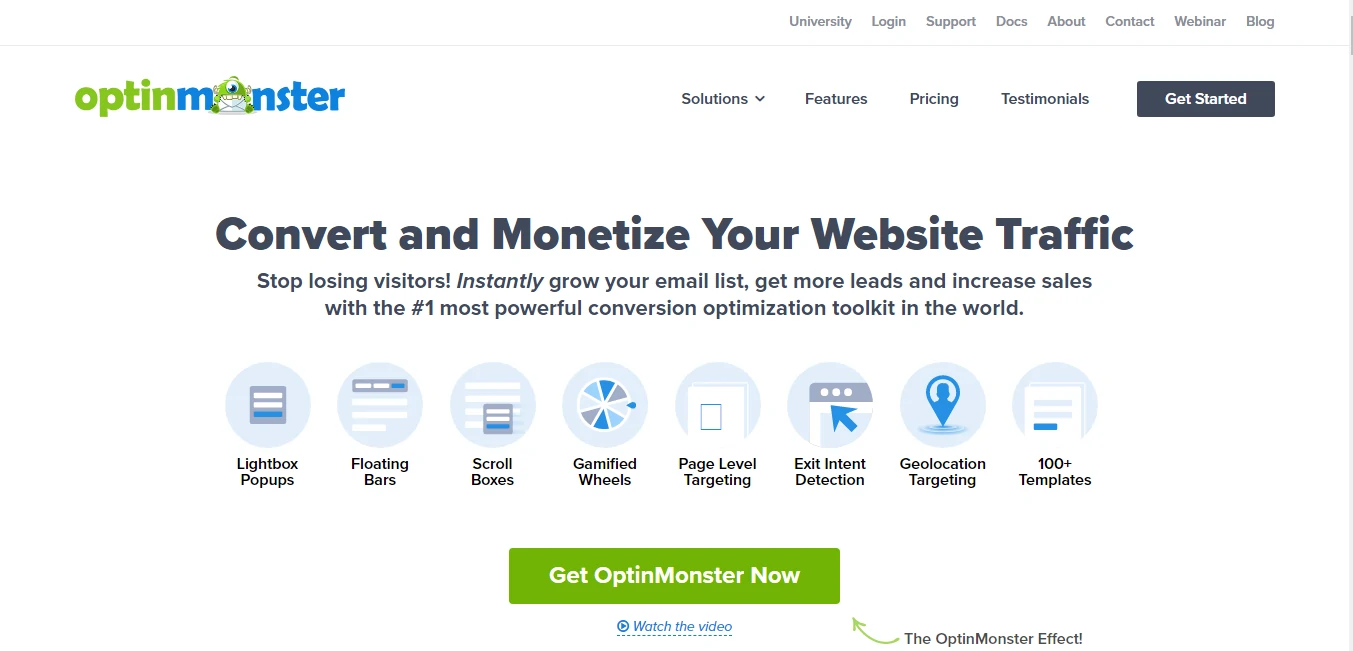
Over a million installs. OptinMonster builds popups, slide-ins, floating bars and inline forms, and its real differentiator is exit-intent targeting plus rules based on cart value, referrer, page and device. Showing a discount only to someone about to leave with a full cart is a measurable win.
Be honest about the cost though. The campaigns are hosted on OptinMonster’s platform, so it’s a subscription forever, and there are cheaper popup maker plugins that cover the basics for free.
Key features
- Exit-intent detection with cart-value targeting
- A/B testing built in rather than sold as an addon
- Spin-to-win, countdown and content-lock campaign types
- Integrations with most email platforms including Omnisend
Pricing: introductory rates of $7/month Basic for one site and 2,500 impressions, $19/month Plus, $29/month Pro and $49/month Growth, all billed annually. Renewals jump substantially, so budget on the full price.
Best for: stores with traffic that aren’t capturing emails.
Not ideal for: low-traffic shops, where impression caps and subscription costs outweigh the returns.
Booster for WooCommerce, 100 features in one plugin

Booster is a Swiss Army knife: PDF invoices, abandoned cart tracking, variation swatches, custom price labels, currency switching, checkout field control and roughly a hundred other modules, each individually switchable.
That modularity is what makes it defensible rather than bloated. You enable three modules and the rest never load. Around 30,000 installs and updated through 2026 with Checkout Blocks and HPOS compatibility, which matters as WooCommerce moves to high-performance order storage.
Key features
- PDF invoices and packing slips without a separate plugin
- Variation swatches and product visibility rules
- Checkout field editing and custom order status
- Per-module on and off switches so unused code never runs
Pricing: free version covers a large chunk of the modules, with a paid tier unlocking the rest.
Best for: stores that need four small features and don’t want four plugins.
Not ideal for: anyone who’ll switch on thirty modules because they can. That’s how stores get slow.
CURCY, formerly WooCommerce Multi Currency
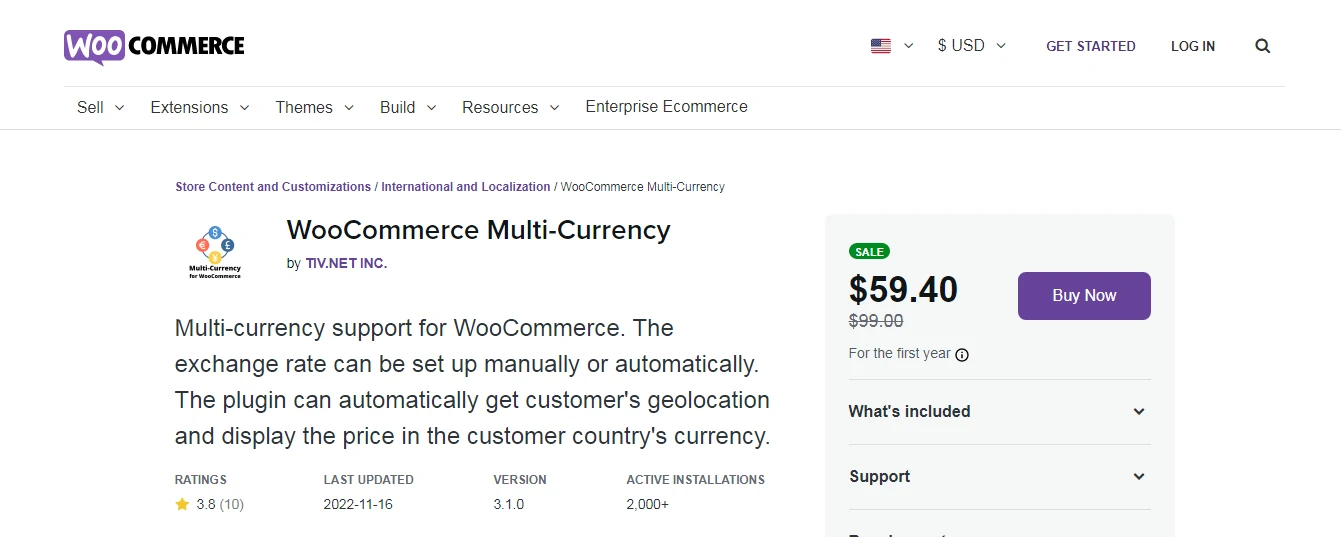
Note the name change: VillaTheme’s multi-currency plugin is now called CURCY. Same plugin, roughly 20,000 installs, updated in 2026 for current WooCommerce releases.
It shows prices in a visitor’s own currency, either auto-detected by country or chosen from a switcher, with exchange rates pulled automatically. Seeing a familiar currency symbol removes a real hesitation at checkout for international shoppers.
Key features
- Automatic currency detection by visitor country
- Auto-updated exchange rates with manual override
- Per-currency price rounding so prices don’t look odd
- Payment gateway restrictions per currency
Pricing: free version on the repository, with a Pro tier adding per-product fixed pricing and more gateway rules.
Best for: stores selling across borders.
Not ideal for: single-country shops, where it adds queries for nothing.
Product feed plugins for Google Shopping

Google Merchant Center rejects feeds for tiny reasons: a missing GTIN, a wrong availability value, a description with HTML in it. A feed plugin builds the XML correctly and refreshes it on a schedule, which is the difference between running Shopping ads and arguing with a disapproval screen.
A quick correction for anyone searching the exact plugin name: there’s no single canonical WooCommerce Google Feed Manager plugin any more. The best-supported option today is Product Feed PRO by AdTribes, at roughly 80,000 installs with updates landing every few weeks and 22 of 23 support issues resolved in the last two months.
Key features
- Feeds for Google Shopping, Meta, TikTok, Bing and marketplaces
- Field mapping and rules so attributes match Google requirements
- Scheduled automatic feed refresh
- Category mapping to Google product taxonomy
Pricing: free version handles Google Shopping feeds. Paid tiers add more channels and advanced rules.
Best for: any store running or planning Google Shopping campaigns.
Not ideal for: stores with a handful of products, where a manual feed is quicker.
Wholesale Suite, for B2B pricing

Now sold as Wholesale Suite with B2B and dynamic pricing built in. It adds a wholesale customer role, separate price tiers, minimum order rules, tax exemption and a dedicated wholesale order form, so trade buyers order in bulk without seeing retail prices.
Around 20,000 installs and a good support record. This is a specialist tool: if you don’t sell to trade, skip it entirely rather than installing it to explore.
Key features
- Wholesale user roles with their own price lists
- Minimum order quantities and values per role
- Fast wholesale order form for bulk purchasing
- Tax exemption and payment gateway control per role
Pricing: free Wholesale Prices plugin on the repository, with paid addons for order forms, lead capture and advanced rules.
Best for: retailers who also sell trade.
Not ideal for: pure consumer stores.
WPML Multilingual and Multicurrency for WooCommerce
Another rename to note: what people still call WooCommerce Multilingual is now WPML Multilingual and Multicurrency for WooCommerce, on 100,000 stores.
Here’s the part the plugin listing buries. The multicurrency half works on its own, free. The translation half requires a paid WPML licence on the Multilingual CMS plan or above. Plenty of store owners install this expecting free translation and hit that wall on day one.
Key features
- Translated products, categories, attributes and checkout
- Multicurrency support that works without WPML
- Per-language emails and order details
Pricing: the plugin is free. Full translation needs a WPML Multilingual CMS licence, bought separately.
Best for: stores genuinely selling in several languages.
Not ideal for: anyone hoping to translate a store for free.
TrustPulse, social proof with a caveat

TrustPulse shows those small “someone in Leeds just bought this” notifications, pulled from real WooCommerce orders rather than invented. Used honestly it nudges hesitant buyers. Used dishonestly it’s the oldest trick on the internet and shoppers can smell it.
The caveat we have to flag: the plugin’s last release was August 2025 and it’s only tested against an older WordPress version. Roughly 10,000 installs. It isn’t closed, but it’s the least actively maintained plugin on this page, so check its status before adding it to a new build.
Key features
- Real-time purchase notifications from actual orders
- On-fire mode showing recent activity counts
- Page and device targeting rules
Pricing: free plugin connecting to a hosted service with paid tiers by monthly sessions.
Best for: stores with steady order volume worth showing off.
Not ideal for: new stores with few orders, and anyone uncomfortable with the aging update history.
AcyMailing, email that stays on your server

AcyMailing keeps your subscriber list in your own WordPress database rather than on a third-party platform, which appeals to anyone with data residency concerns or a list large enough that per-contact SaaS pricing hurts.
It’s a small plugin, around 7,000 installs, and its 2026 releases have included a fix for an SQL injection vulnerability. That’s a maintained team responding properly, but it’s also a reminder to keep it updated. Self-hosted email also means you own deliverability, which is real work.
Key features
- Subscriber lists stored in your own database
- Drag-and-drop newsletter editor with WooCommerce product blocks
- Automation for abandoned carts and follow-ups in the paid version
Pricing: free plugin with paid Essential and Enterprise tiers. Sending costs depend on the SMTP service you connect.
Best for: stores that want to own their list outright.
Not ideal for: anyone who doesn’t want to think about SPF, DKIM and sender reputation. Use Omnisend instead.
Marketing addons compared
| Feature |
Best OverallOmnisendFree tier / scales by contactsBest for: Cart recovery |
OptinMonsterFrom $7 per monthBest for: Lead capture |
TrustPulseFree / hosted tiersBest for: Social proof |
AcyMailingFree / paid tiersBest for: Self-hosted lists |
|---|---|---|---|---|
| Active installs | 100,000+ | 1,000,000+(winner for this row) | 10,000+ | 7,000+ |
| Abandoned cart automation | Yes(winner for this row) | No | No | Yes |
| Email and SMS in one tool | Yes(winner for this row) | No | No | No |
| Usable free tier | Yes | No | Yes | Yes |
| Data stays on your server | No | No | No | Yes(winner for this row) |
| Updated in the last 6 months | Yes | Yes | No | Yes |
| Ease of setup |
We may earn a commission when you buy through links on this page. This does not affect our reviews.
Omnisend does the job that actually recovers revenue. OptinMonster is the better popup engine but doesn’t send the follow-up. TrustPulse is a nudge, not a strategy. AcyMailing wins only if owning the data matters more than convenience.
Mistakes that slow WooCommerce stores down
- Installing plugins to explore them. Every addon adds queries, scripts and update surface. Try new plugins on staging, not on the store taking orders.
- Solving the same problem twice. Two popup tools, two currency switchers, two email plugins. Pick one per job and delete the loser properly, database tables included.
- Blaming plugins for a hosting problem. WooCommerce is database-heavy and shared hosting struggles with it. Proper ecommerce hosting fixes more than any optimisation plugin.
- Ignoring HPOS compatibility. WooCommerce moved to high-performance order storage. An addon that hasn’t been updated for it will break your orders screen sooner or later.
- Running an unbacked-up store. A payment plugin update on a Friday afternoon without a restore point is how weekends get ruined. Use one of the WordPress backup plugins we rate.
How we evaluated these
We checked each plugin’s repository listing for last update, tested-up-to WordPress version, install count and support responsiveness, then read the vendor pricing pages directly. Where a plugin had been renamed, we said so, because searching for the old name is how store owners end up installing an abandoned clone by mistake. If you want more options by category, our WooCommerce store plugins list goes wider.
We’ve run the Stripe gateway, Omnisend and Booster on live WooCommerce builds. Wholesale Suite, CURCY, WPML, AcyMailing, TrustPulse and the feed plugins are assessed on documentation, pricing and public track record. Pricing verified July 2026.
Frequently asked questions
How many WooCommerce plugins is too many?
There is no magic number, but every addon adds database queries and scripts to your checkout. A useful rule: if you cannot explain in one sentence what a plugin earns you, remove it. Twenty focused plugins beat forty installed on a hunch.
Which payment plugin should a WooCommerce store use?
The official WooCommerce Stripe Payment Gateway for most stores. It is free, maintained by Woo and Automattic, keeps card entry on your own checkout, and handles Strong Customer Authentication properly so European card payments do not silently fail.
What is the best free WooCommerce plugin for abandoned carts?
Omnisend. Its free tier includes cart recovery automation with a monthly email cap, which is enough to prove whether the emails pay for themselves before you upgrade. Booster for WooCommerce also tracks abandoned carts if you only want the data.
Is WooCommerce Multilingual free?
Partly. The plugin is free and its multicurrency features work on their own. Translating products, categories and checkout requires a paid WPML Multilingual CMS licence bought separately, which surprises a lot of store owners on day one.
Do I need a plugin for Google Shopping feeds?
If you have more than a handful of products, yes. Merchant Center rejects feeds over small formatting problems, and a feed plugin maps your product data to Google requirements and refreshes it automatically. Product Feed PRO by AdTribes is the best-supported free option.
Will these plugins slow my store down?
Some will, especially anything loading scripts on every page. Enable only the modules you use in multi-feature plugins like Booster, keep marketing scripts off product pages where possible, and measure checkout speed before and after each install.
How do I sell wholesale and retail from one WooCommerce store?
Use a role-based pricing plugin such as Wholesale Suite. It creates a wholesale customer role with its own price list, minimum order rules and tax settings, so trade buyers see trade prices and retail visitors never do.
Our pick for 2026
Start with three. The official WooCommerce Stripe gateway so payments convert, Omnisend so abandoned carts come back, and Booster for WooCommerce so four small features don’t become four plugins.
Add the rest only when the problem is real. Selling abroad, add CURCY. Running Shopping ads, add a product feed plugin. Selling to trade, add Wholesale Suite. Every other WooCommerce addon on this page is a specialist tool and should be treated like one.
One warning before you go shopping: check the last-updated date and HPOS compatibility on anything you install. An abandoned addon on a store handling card data is a liability, not a feature, and the best WooCommerce plugins are the ones still being maintained next year.
Next step: audit what’s already installed, deactivate anything you can’t justify in a sentence, then run a checkout speed test before and after. Most stores find two plugins they’d forgotten they were paying for.