

Most CRMs are filing cabinets. Reps update records, and the actual selling happens in some other tab.
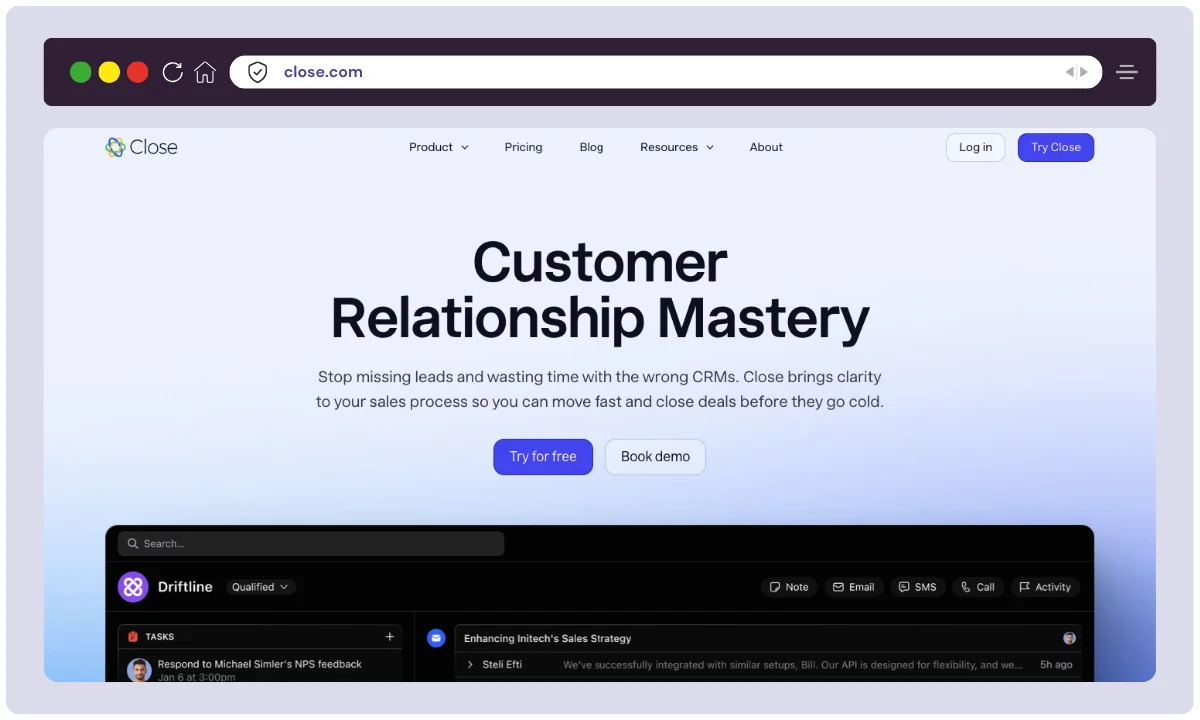
Close CRM flips that round. Built-in calling, SMS and email sit inside the pipeline, so a rep can work a lead list without leaving the screen. That is a genuine advantage for inside sales teams. It is also not cheap.
Here is what it does well, where it frustrates people, and whether it beats the CRM software you already pay for.
Our verdict in 30 seconds
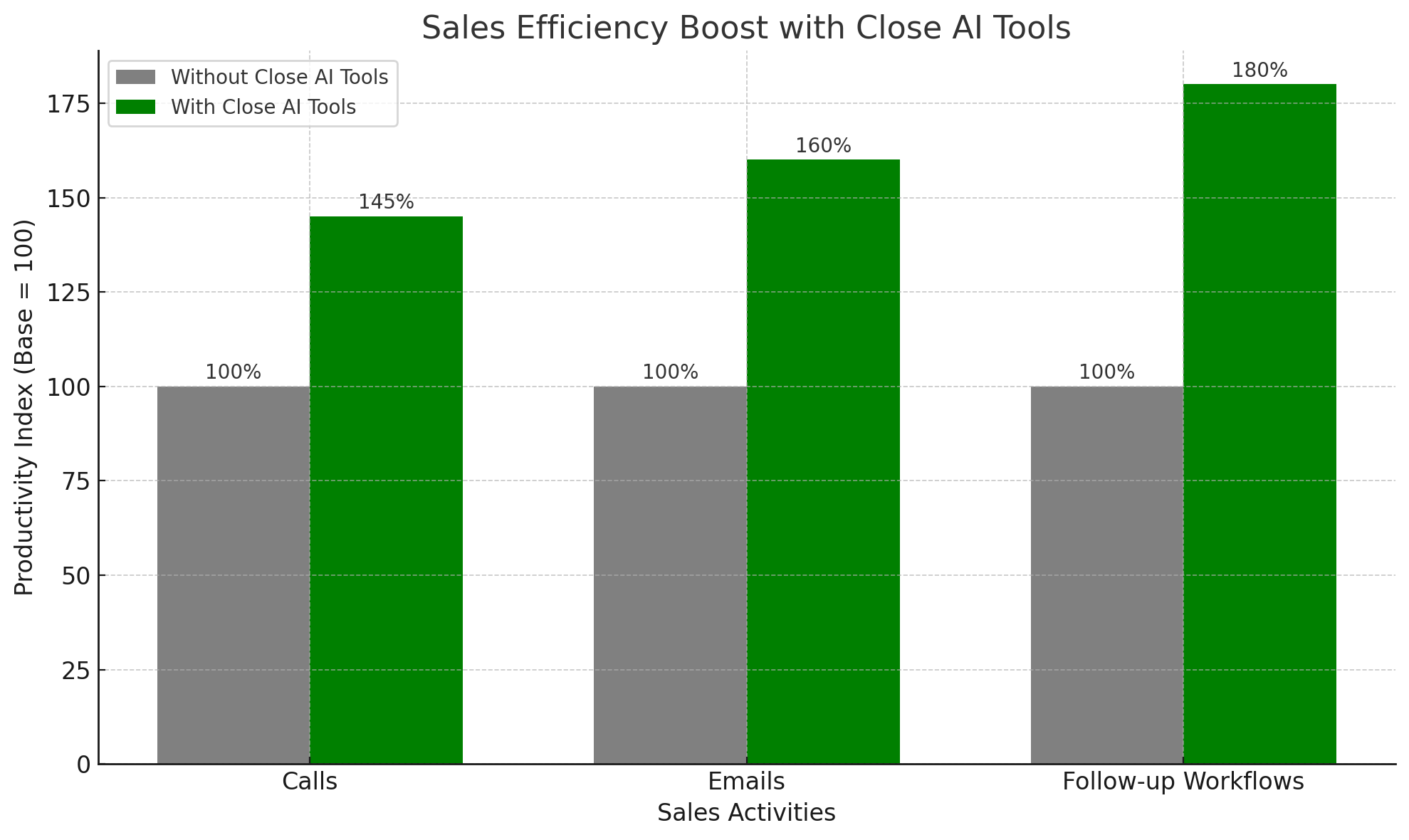
Close is one of the few CRMs where the phone is a first-class citizen instead of a paid add-on. If your team lives on outbound calls and follow-up sequences, the dialer alone can justify the bill.
The catch is what it costs to get the good bits. Unlimited seats start at $35 per user per month on annual billing, but workflow automation and the Power Dialer only appear on the $99 Growth plan. Budget for Growth, not Essentials.
Best for: SDR and BDR pods, SaaS startups running high-volume outbound, and small inside sales teams that want one tool instead of a CRM plus a dialer plus a sequencer.
Not ideal for: solo freelancers on a tight budget, marketing-led teams that need campaigns and landing pages, and enterprises that need deep custom objects or heavy reporting. Full score, pros and cons sit in the review box below.
Close CRM at a glance
- Product
- Close (formerly Close.io)
- Official Website
- close.com
- Category
- Inside sales CRM with built-in calling
- Starting Price
- $9/user/mo (Solo, billed annually) (checked July 2026)
- Free Plan
- No 14-day trial, no credit card
- Users
- 1 on Solo, unlimited from Essentials up
- Platforms
- Web, iOS, Android
- Standout Features
- Native calling and SMS, Power Dialer, Predictive Dialer, Smart Views, workflow automation, AI call summaries
- Integrations
- Gmail, Outlook, Slack, Zoom, Calendly, Zapier, REST API and webhooks
- Best For
- SDR and BDR pods, SaaS startups, SMB inside sales teams
- Support
- Live chat, email, help centre, onboarding sessions
- Alternatives
- HubSpot, Pipedrive, Zoho CRM, Freshsales
We may earn a commission when you buy through links on this page. This does not affect our reviews.
What Close actually gets right
Close launched in 2013 out of a sales consultancy that got tired of the tools it was using. That origin still shows. Almost every feature answers one question: how does a rep have more conversations today?
The phone is built in, not bolted on
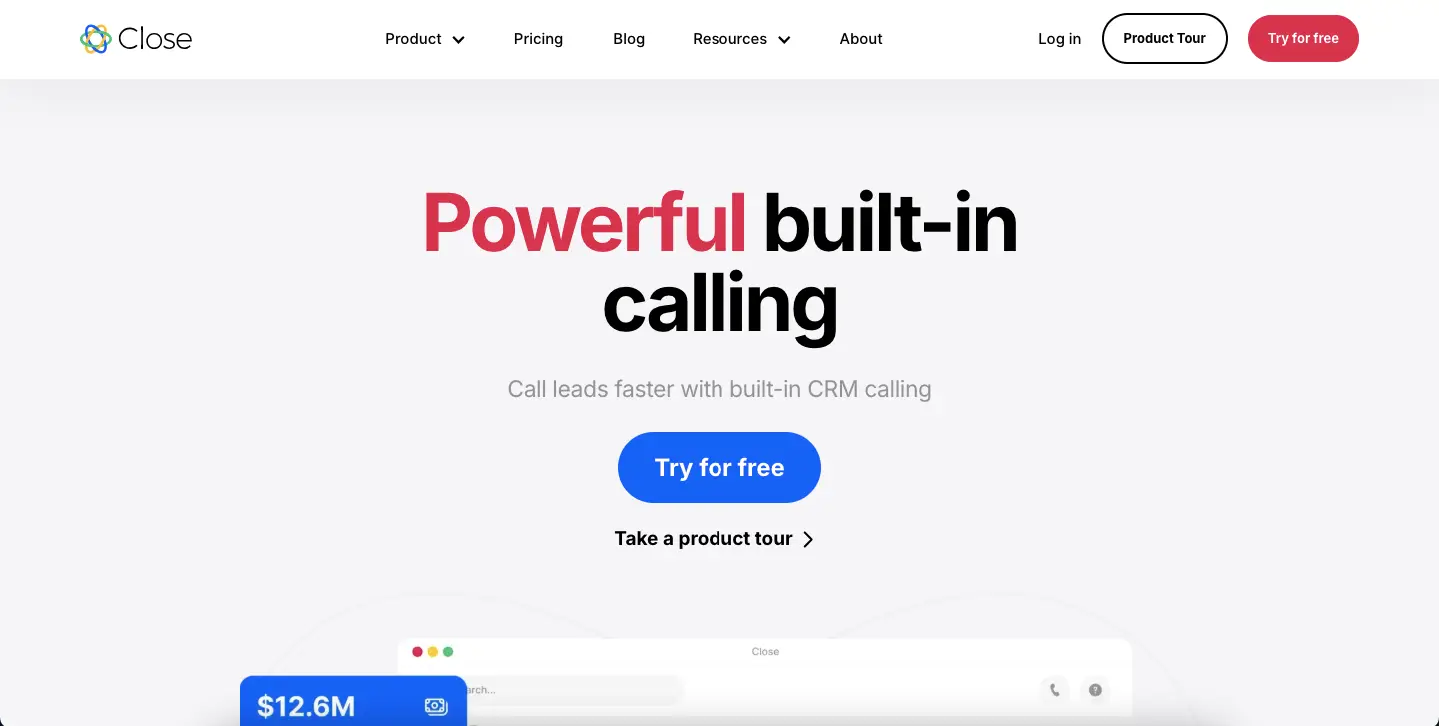
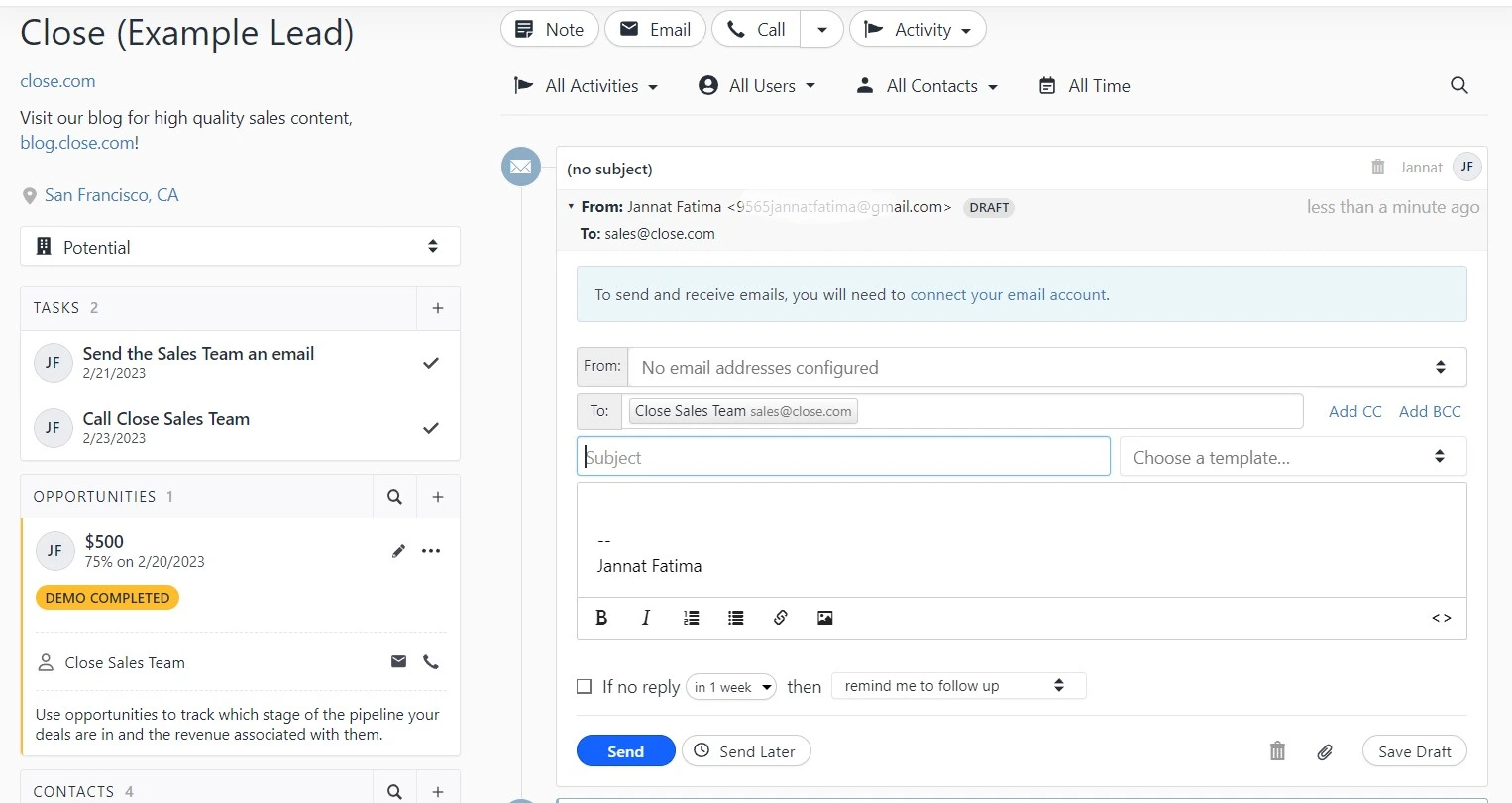
You can dial, text, drop a pre-recorded voicemail and log the whole thing without opening another app. The Power Dialer on Growth queues a Smart View and calls straight down the list. The Predictive Dialer on Scale goes further and only hands the rep live answers.
This is the feature that decides whether Close is worth it for you. Rival CRMs either sell telephony as an add-on or expect you to bring your own dialer, and every one of those setups leaks context between systems. Call quality depends on your connection rather than the CRM, so test it from the network your team actually uses.
Email that behaves like a sequencer
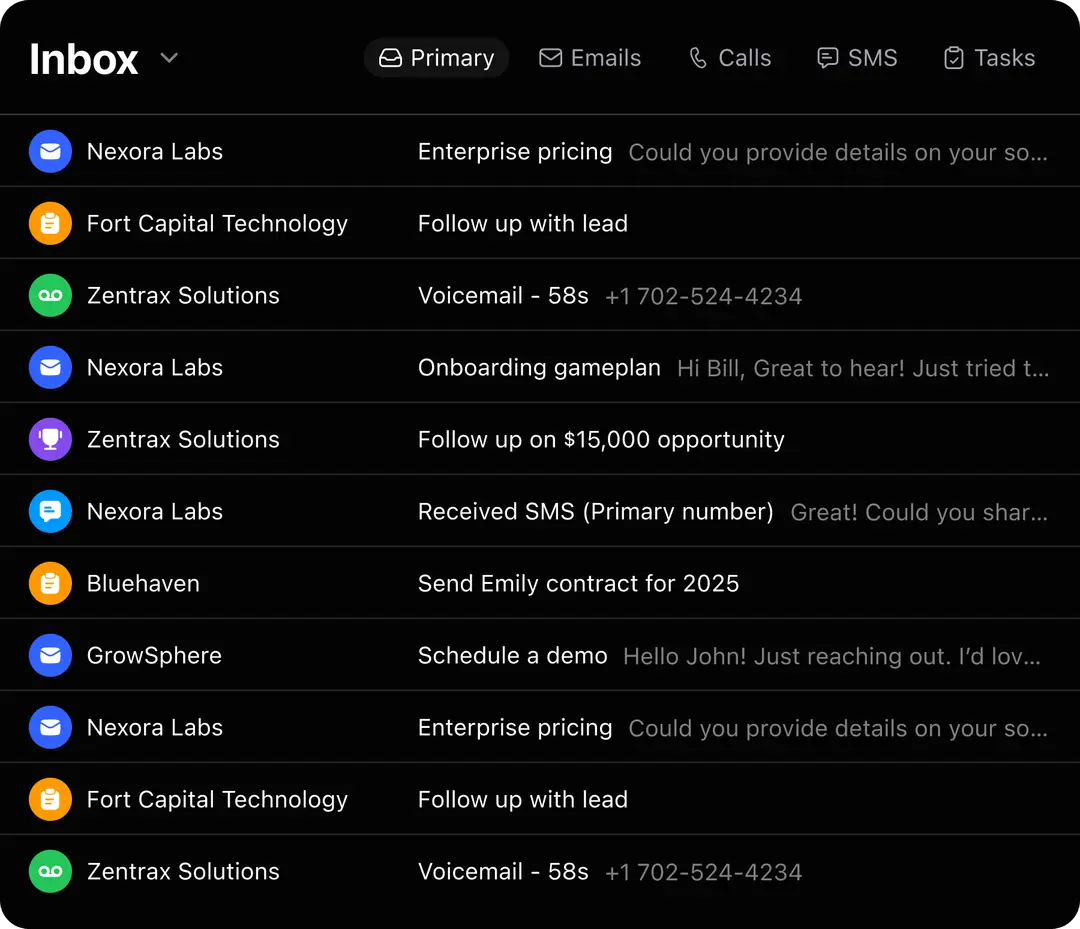
Two-way sync with Gmail and Outlook, templates with merge fields, scheduled sends, open and click tracking, and multi-step sequences that stop the moment a lead replies. It covers what most teams buy a separate outreach tool for.
It stops well short of marketing automation though. There are no landing pages, no forms and no campaign attribution, so if you run demand generation you will still need proper email marketing software alongside it.
Smart Views keep reps on the right leads
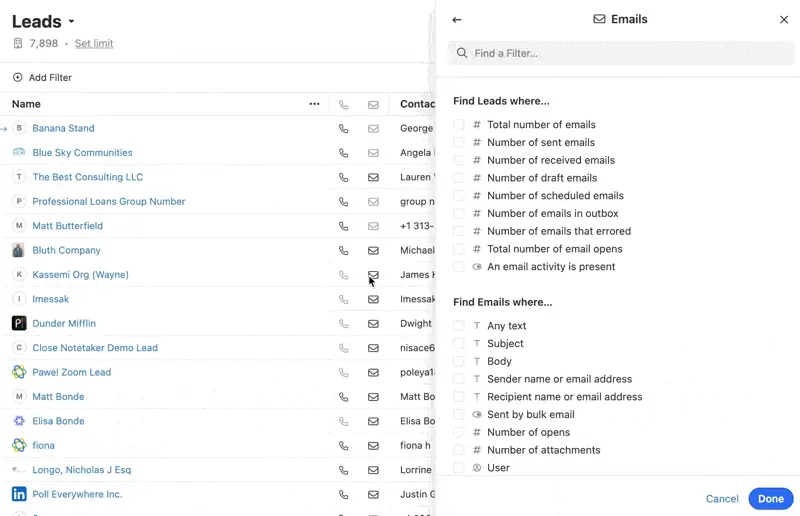
Smart Views are saved, self-updating filters. Build one for open deals over $5k that have gone quiet for three days and it becomes a call list that never needs rebuilding. Share it and the whole team works the same queue.
If you have ever watched a rep spend the first hour of the day deciding who to ring, this is the fix. It is also the feature that makes the dialer useful, because a dialer without a good list just burns through bad numbers faster.
Reporting managers actually read
Activity counts, pipeline value, forecasts and rep leaderboards, all live. It is not Salesforce-grade analytics and you cannot build arbitrary custom reports, but for a team of five to fifty it answers the questions that matter: who is working, where deals stall, what closes.
AI that saves typing, not thinking
Two AI features earn their place. Call Summarizer turns a recording into notes with objections and next steps, which kills the worst part of the job. AI Enrich fills in job titles and company data from public sources. AI Email Rewrite is fine for tidying tone and useless for strategy.
AI usage runs on a monthly credit allowance that scales with your plan, so heavy users on Essentials will hit the ceiling well before month end.
Integrations and a real API
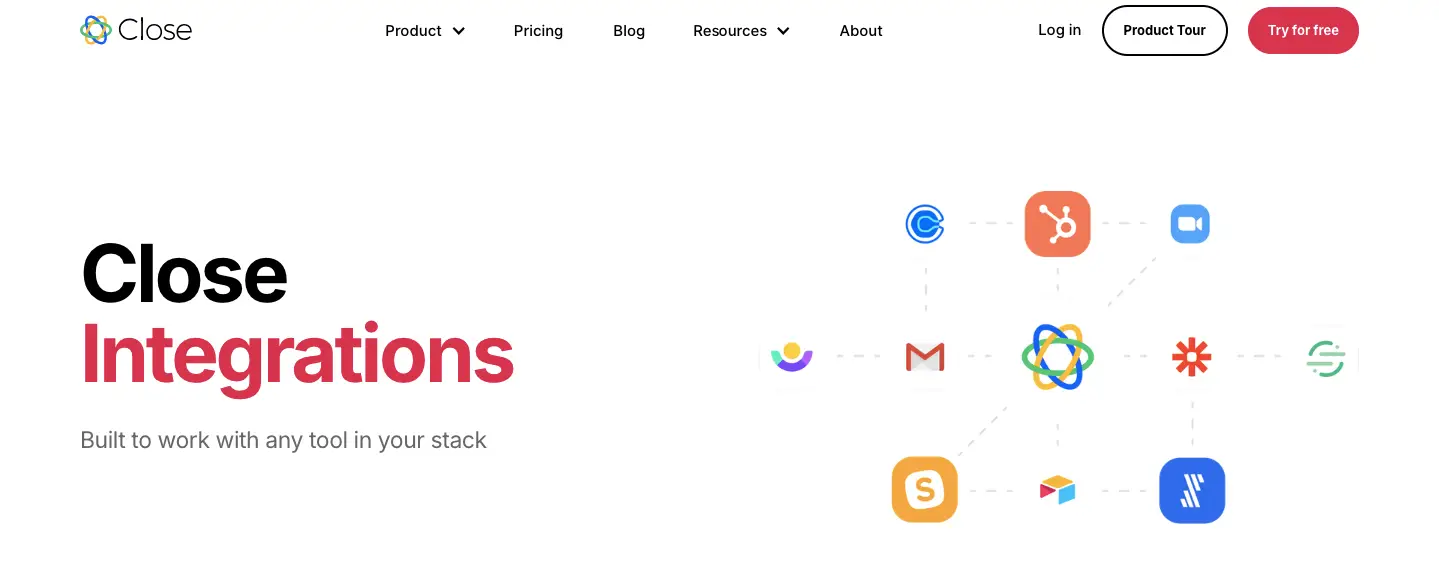
Native hooks into Slack, Zoom, Google Calendar, Outlook and Calendly, thousands more through Zapier, plus a documented REST API and webhooks. If you are wiring Close into a wider stack of sales funnel builders and forms, the API is good enough to build on rather than fight.
Coaching tools for sales managers
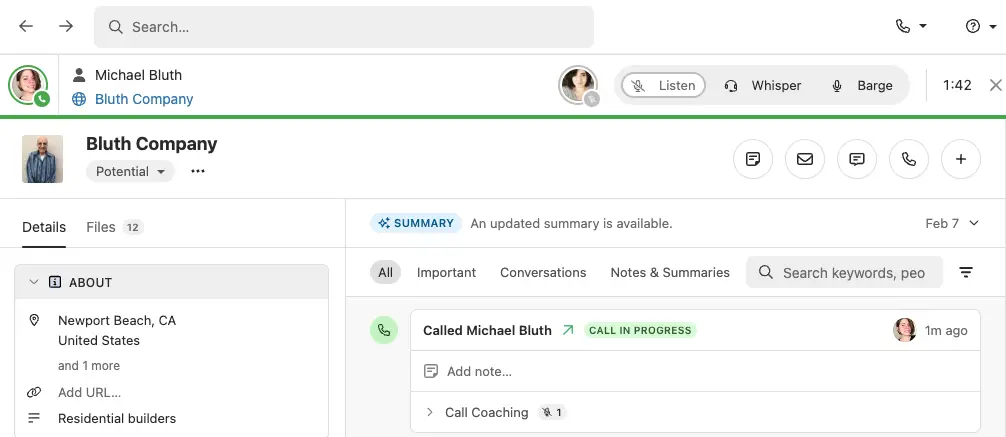
Listen in silently, whisper to the rep mid-call, or barge into the conversation when a deal is about to die. Combined with role-based permissions and recording review, it is the strongest argument for the Scale plan and the reason bigger floors upgrade.
Getting started with Close
-
Step 1 of 6
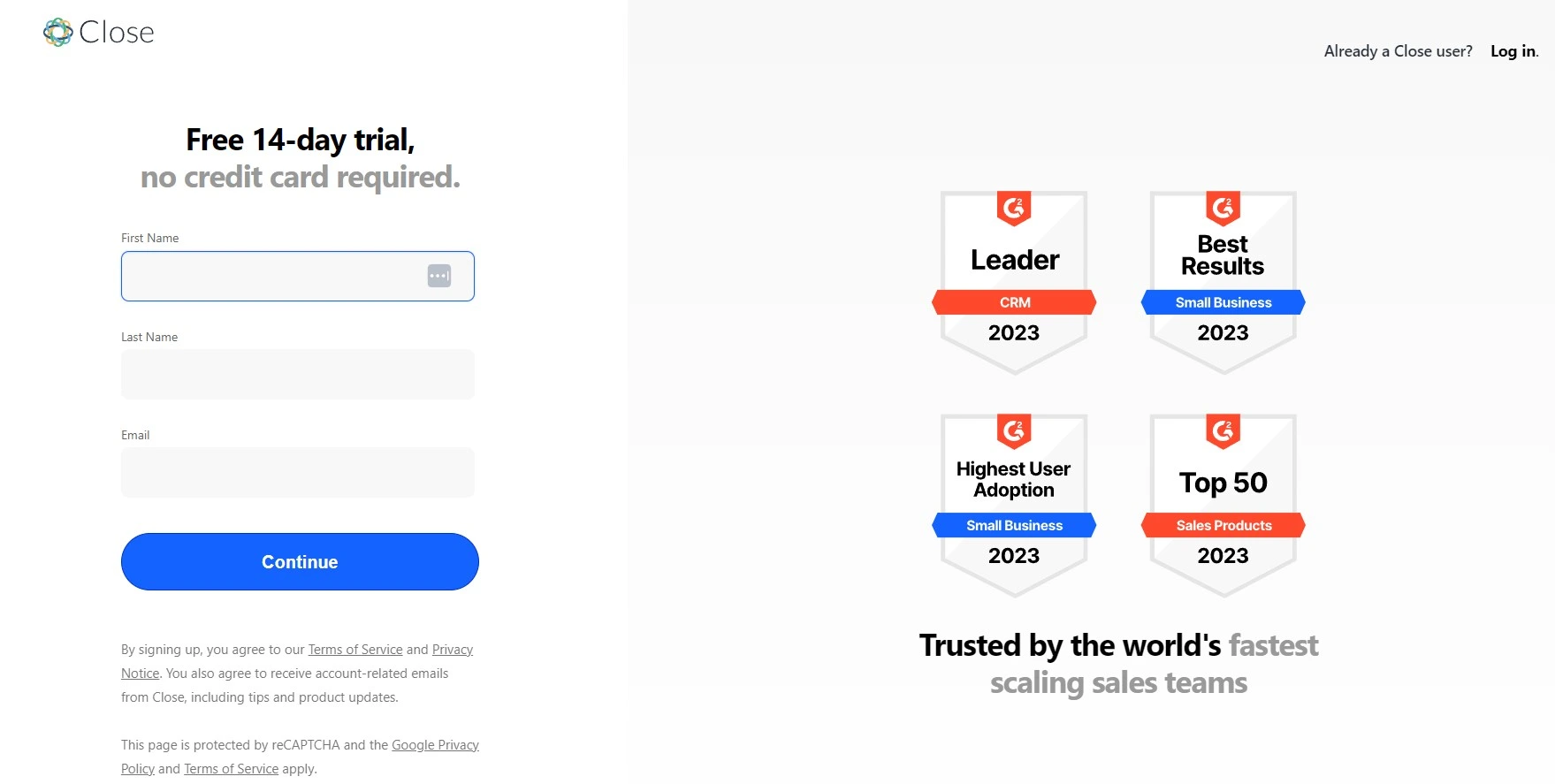
Start the 14-day trial
No card needed. You get calling credits to test with, which matters because the phone is the part you are really evaluating.
-
Step 2 of 6
Import your leads
CSV upload handles most migrations. Zapier and the API cover the messier ones. Close also runs free migration help if you are coming off HubSpot, Pipedrive or Salesforce.
-
Step 3 of 6
Connect email and pick a number
Two-way sync with Gmail or Outlook, then buy or port a number for outbound calling and SMS.
-
Step 4 of 6
Build two or three Smart Views
This is where Close earns its money. Saved filters like leads not contacted in three days become the daily call list, and they update themselves.
-
Step 5 of 6
Write templates, then automate the follow-ups
Save email and SMS templates with merge fields, then wire them into a Workflow so a missed call triggers a text and a task instead of a sticky note.
-
Step 6 of 6
Check the reporting weekly
Activity counts, pipeline value and rep leaderboards live in the Reporting tab. Use it to spot where deals stall, not just to rank people.
What Close costs, and what it really costs
Close publishes four plans and charges per user. The headline number is only half the story, because the features most sales teams buy a CRM for sit two tiers up.
Close CRM pricing
- Included: 1 user only
- Included: 10,000 leads
- Included: Calling, SMS and email
- Not included: Workflow automation
- Included: Unlimited users and leads
- Included: Pipelines and task management
- Included: Two-way email sync
- Not included: Power Dialer
- Included: Workflow automation
- Included: Power Dialer and bulk email
- Included: Larger AI credit allowance
- Not included: Predictive Dialer
- Included: Predictive Dialer
- Included: Call coaching, whisper and barge
- Included: Unlimited recording retention
- Included: Custom roles and permissions
Per user, per month on annual billing. Monthly billing costs more. Prices checked July 2026 on close.com/pricing.
We may earn a commission when you buy through links on this page. This does not affect our reviews.
Read that table with one question in mind: do you need automation? If the answer is yes, your real price is $99 per user per month, not $35. A five-person team lands near $500 a month before calling minutes. That is Salesforce money for a much narrower product, and it is the single biggest reason teams walk away.
Annual billing saves roughly 10 to 50 percent depending on tier, and the gap is widest on Solo. The 14-day trial includes calling credits and needs no card. There is no refund policy beyond it, so use the trial properly and import real data rather than five test leads.
Where Close falls short
Price relative to depth. You pay premium rates for a deliberately narrow product. Close does sales conversations brilliantly and almost nothing else, which is fine right up until finance asks what else it does.
Customisation ceiling. Custom fields and pipelines are fine. Custom objects, complex approval logic and bespoke reporting are not on the menu. Teams that outgrow Close usually outgrow it here rather than on features.
Recording retention. Call recordings are capped on the lower plans and only unlimited on Scale. If you have compliance requirements, check the current window before you commit.
No free tier. Fourteen days is a short window to migrate data and judge a CRM properly. Rivals with a permanent free plan let you take that decision slowly, and if you want a lighter option that lives inside WordPress, our FluentCRM review covers one.
Close vs the alternatives
No CRM wins on every axis, and Close deliberately loses several. Here is how it sits against the three tools people compare it with most.
| Feature |
HubSpotFree tier availableBest for: Marketing-led teams |
Pipedrivefrom ~$14/user/moBest for: Visual pipeline management |
Zoho CRMfrom ~$14/user/moBest for: Budget-conscious customisation |
|
|---|---|---|---|---|
| Free forever plan | No | Yes(winner for this row) | No | Yes |
| Calling included, no add-on | Yes(winner for this row) | No | No | Yes |
| Power or predictive dialer | Yes(winner for this row) | No | No | No |
| Marketing automation | Sales sequences only | Full suite(winner for this row) | Basic | Solid |
| Setup effort | Low, live in a day | Medium | Low | High if you customise |
We may earn a commission when you buy through links on this page. This does not affect our reviews.
Competitor prices are approximate and were checked in July 2026. Verify on each vendor site before you buy, because CRM pricing moves.
Our read: pick Close if outbound calling is the job. Pick HubSpot if marketing and sales share a pipeline and you want a free starting point. Pick Pipedrive if you want a clean visual pipeline and nothing else. Pick Zoho if the budget is tight and you have the patience to configure things.
Who gets the most out of Close
High-volume outbound teams. If reps are expected to make 60 dials a day, the dialer plus Smart Views plus automatic logging is worth more than any feature list. This is the use case Close was built for and nothing else on this page comes close to it.
SDR and BDR pods. Prospecting, qualifying, booking meetings. Everything points at getting to the next conversation faster, and managers can coach live instead of scheduling a call review three days later.
Small SaaS and startup sales teams. You can be live in an afternoon without hiring an admin, and you replace three subscriptions with one. That consolidation is usually what makes the per-seat price bearable on a spreadsheet.
Remote sales floors. Every call, text and email lands in one place, which is the only realistic way to manage a distributed team. Recordings and dashboards do the supervision that walking the office used to.
Everyone else should look elsewhere. Long enterprise cycles with buying committees need a heavier CRM. Field sales teams who mostly meet people get little from a dialer. And if most of your pipeline arrives through content and ads rather than dials, you are paying a premium for a strength you will barely touch.
Frequently Asked Questions
What is Close CRM used for?
Close is a sales CRM for inside sales teams. Calling, SMS and email sit inside the pipeline, so reps can work a lead list, log activity automatically and run follow-up sequences without switching tools.
How much does Close CRM cost?
Close has four plans on annual billing: Solo at 9 dollars per user a month, Essentials at 35, Growth at 99 and Scale at 139. Monthly billing costs more (19, 49, 109 and 149). Prices checked in July 2026 on close.com.
Does Close have a free plan?
No. There is a 14-day free trial with calling credits and no credit card required, but no permanent free tier. If you need free CRM software, HubSpot and Zoho are the realistic options.
Which Close plan do most teams actually need?
Essentials covers unlimited users and leads, but workflow automation, bulk email and the Power Dialer only start on Growth. Outbound teams almost always end up on Growth, so budget for 99 dollars per user rather than 35.
Is Close good for a one-person business?
The Solo plan works at 9 dollars a month with a 10,000 lead cap, but you lose automation and the dialer. A freelancer with light contact management will find it expensive for what it does.
Does Close include built-in calling and SMS?
Yes, and this is the main reason to pick it. You can buy or port numbers, record calls, drop voicemails and text leads natively. Most rival CRMs charge extra or push you to a separate dialer.
How long does Close keep call recordings?
Recording retention is capped on the lower plans and only becomes unlimited on Scale. Teams with compliance or long sales-cycle needs should check the current retention window before committing.
Can Close replace a marketing automation tool?
Not really. Close does sales sequences and bulk sending well, but it has no landing pages, forms or campaign reporting. Pair it with a dedicated email marketing platform if you run demand generation.
Does Close integrate with other tools?
Yes. Native integrations cover Gmail, Outlook, Slack, Zoom and Calendly, plus thousands more through Zapier. There is also a documented REST API and webhooks for custom workflows.
The bottom line
Close CRM is a specialist tool that knows exactly what it is. If your revenue depends on how many conversations your reps have this week, the combination of native calling, Smart Views and sequences will pay for itself. If your revenue depends on nurture campaigns, custom reporting or enterprise governance, it will not.
For most buyers the honest recommendation is Growth, not Essentials, because automation is the whole point. Run the 14-day trial with real leads and a real number, count the calls per rep per day, then compare that against your current stack before you sign. That number is the entire business case for inside sales software like this.
This review is based on Close product documentation, its public pricing page and aggregated user feedback. We have not run Close on a live sales pipeline of our own, so treat the workflow notes as informed analysis rather than a hands-on field test. Some links on this page are affiliate links.
The Review
Close
Close is a sales CRM built around the phone, and that focus is both its strength and its limit. Native calling, dialers and Smart Views make outbound teams noticeably faster, but the automation most teams need sits on the $99 Growth plan and there are no custom objects or marketing tools. Worth it for call-heavy inside sales, hard to justify for anyone else.
PROS
- Native calling, SMS and voicemail drop, no add-on needed
- Power Dialer and Predictive Dialer built into the CRM
- Smart Views turn filters into self-updating call lists
- Fast setup, usable on day one without an admin
- AI call summaries genuinely cut note-taking time
CONS
- Automation and the Power Dialer only start on the $99 Growth plan
- No free plan and only a 14-day trial
- No custom objects or deep custom reporting
- Call recording retention is capped below the Scale plan
- No landing pages, forms or marketing automation




