

You are uploading consistently and the views still flatline. Nine times out of ten the problem is not your editing, it is that you have no idea which keywords your videos actually rank for, so every upload is a guess.
A YouTube rank checker fixes that. It tells you exactly where your video sits for a search term, on which page, in which country. Here are eight tools worth your time, what each one is genuinely good at, and where each one falls down.
Quick verdict: which one should you pick?
- Start free, always: YouTube Analytics. It is your own data, it costs nothing, and no third-party estimate beats it.
- Best all-rounder for creators: VidIQ, because it scores keywords while you are writing the title rather than after the fact.
- Best for a messy back catalogue: TubeBuddy, for its bulk editing tools.
- Best for agencies and client reports: AccuRanker for accuracy, or Semrush if you already pay for it.
- Best free spot-check: YTRank, when you just want one answer in ten seconds.
YouTube rank checking tools compared
| Tool | What it is really for | Free option | Cost bracket | Best for |
|---|---|---|---|---|
| VidIQ | Keyword scores and competitor data inside your browser | Yes | Free to mid-range monthly | Optimising every upload |
| TubeBuddy | Bulk channel management and thumbnail testing | Yes | Free to mid-range monthly | Large back catalogues |
| Semrush | YouTube tracking inside a full SEO suite | Trial only | Premium, three figures monthly | Teams already doing web SEO |
| AccuRanker | Fast, on-demand rank accuracy | Trial only | Premium, scales with keywords | Agencies reporting to clients |
| YTRank | One-off position checks | Yes, fully free | Free | Quick sanity checks |
| Ahrefs | YouTube keyword research and search demand | Limited free tools | Premium | Deciding what to film |
| YouTube Analytics | Your own performance and traffic sources | Yes, built in | Free | Everyone, as a baseline |
| Rank Tracker | Desktop rank tracking across engines | Yes, free version | One-off licence | Avoiding subscriptions |
If you track website positions in Google as well as video positions, our separate roundup of SERP tracking tools covers that side in more depth.
How we evaluated these tools
This is a desk comparison, not a lab test. We worked from each tool official documentation and pricing page, plus the patterns that come up repeatedly in public user reviews and creator forums. We did not run a controlled side-by-side accuracy test, so treat any comment about rank accuracy as reported behaviour rather than a measured result.
One warning on pricing throughout: plan names and prices in this category change several times a year, and most vendors run discounts on annual billing. Every figure below is a bracket, not a quote. Confirm the current number on the vendor own page before you enter a card.
List of Best YouTube Rank-Checking Tools for October 2026
VidIQ: keyword scores while you work
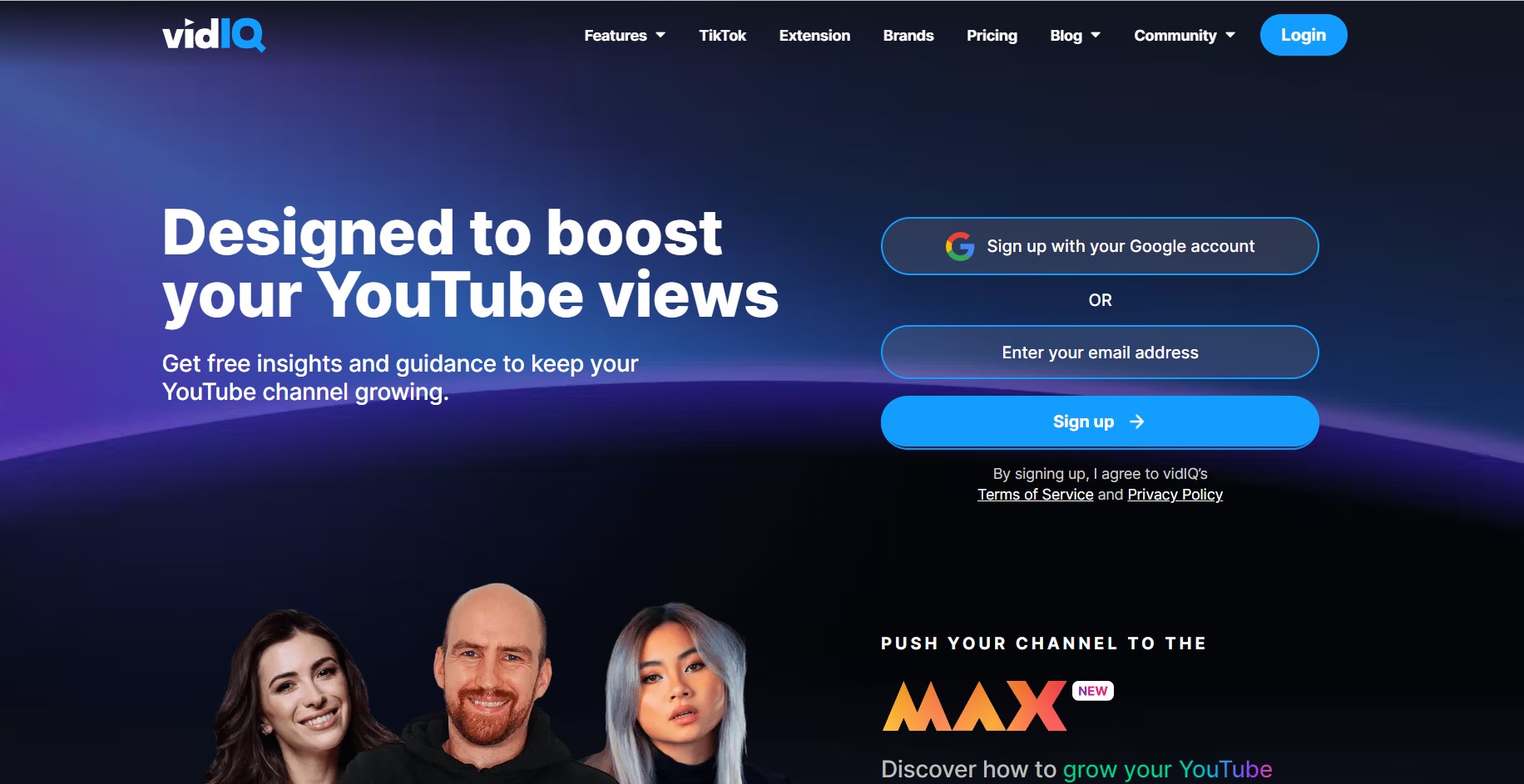
The real value of VidIQ is not the rank report, it is that the extension sits in your browser and scores keywords while you are still writing the title. If you only add one tool to your workflow, this is the one that changes what you do rather than just adding another dashboard to check on Mondays.
Key features
- Keyword scores and search volume estimates shown directly on YouTube search and video pages
- Competitor channel tracking, so you can see which of their uploads are outperforming yours
- Daily trend and topic alerts by email
- Tag suggestions and best-time-to-post guidance based on your own channel history
- A free tier that already covers the core keyword and competitor data
Pricing: free plan plus several paid tiers, starting low per month and climbing steeply at the agency end. Check the VidIQ pricing page for current tiers.
Best for: creators who want SEO guidance at the moment of upload, not a week later.
Not ideal for: anyone who needs precise, auditable rank history. The numbers are estimates and should be treated as directional.
TubeBuddy: bulk tools for channels with history
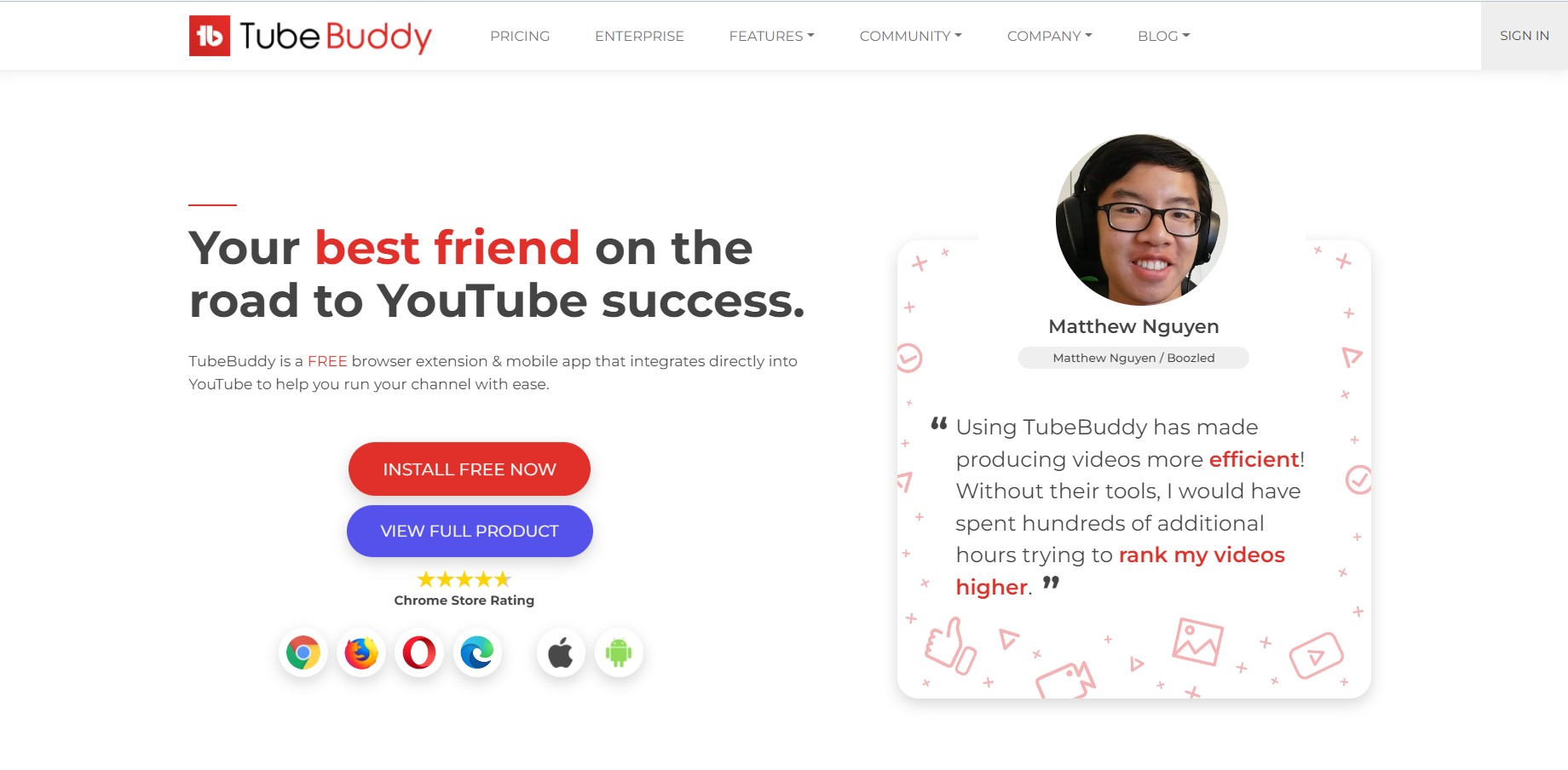
TubeBuddy overlaps heavily with VidIQ on research, so do not pay for both. Where it pulls ahead is the boring maintenance work: updating cards, end screens and descriptions across hundreds of old videos in one pass. If your channel is a few years old and messy, that alone can justify the subscription.
Key features
- Bulk processing for end screens, cards, tags and descriptions across your whole library
- Thumbnail and title split testing on the higher tiers
- Saved comment replies and moderation filters
- Scheduled publishing and scheduled video updates
- Keyword explorer with a difficulty score for each term
Pricing: free tier, then paid plans that scale with channel size, with a discount for annual billing. Confirm the current tiers on the TubeBuddy site.
Best for: established channels with a large back catalogue that needs cleaning up.
Not ideal for: brand new channels. With ten videos, the bulk tools have nothing to work on.
Semrush: only worth it if you already do website SEO

Semrush is a full SEO suite that happens to include YouTube rank tracking, not a YouTube tool. Buying it purely to check video positions is like buying a car for the stereo. If your business already pays for Semrush, though, switch the video tracking on, because it is genuinely capable and you are not spending anything extra.
Key features
- Position tracking that covers YouTube alongside Google results
- Weekly rank change reporting across multiple channels
- Keyword research from a far larger database than YouTube-only tools
- White-label client reports
- Ties into the wider toolkit: backlinks, site audit and content briefs
Pricing: three main subscription tiers, all firmly in three-figure monthly territory, cheaper on annual billing. Video tracking sits on top of a standard subscription. Check the Semrush pricing page.
Best for: agencies and marketing teams that need video and web rankings in one report.
Not ideal for: solo creators. The cost is impossible to justify on YouTube alone.
AccuRanker: the accuracy specialist
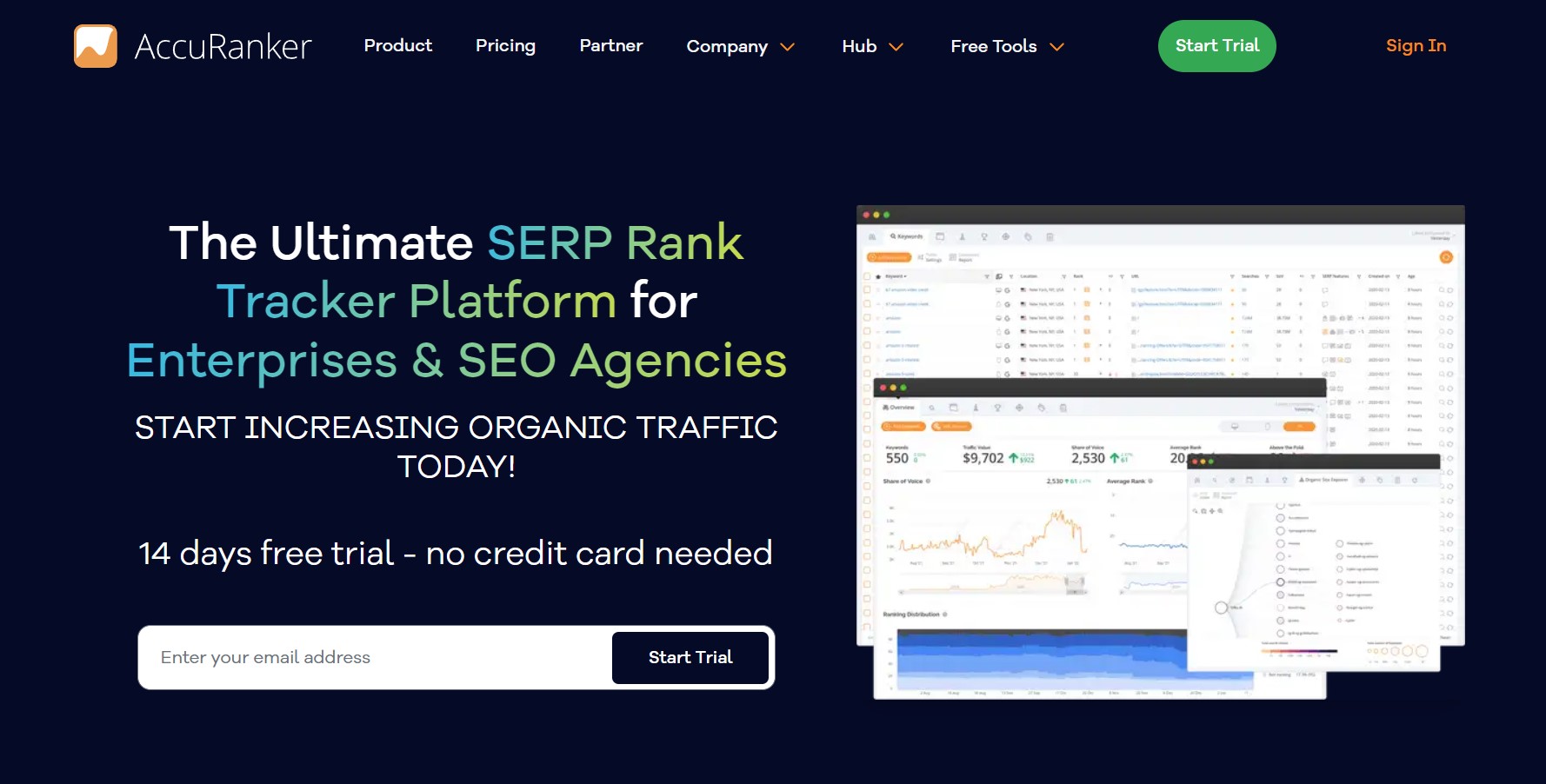
AccuRanker sells on speed and precision rather than breadth. You can refresh rankings on demand instead of waiting for an overnight update, which matters when a client questions a number in a meeting and you need to prove it right now.
Key features
- On-demand rank refreshes rather than a fixed daily update window
- Tracks YouTube, Google and Bing inside one project
- Local, desktop and mobile result views
- No limit on users or domains
- Report builder with scheduled delivery and integrations for Google Analytics, Search Console and Data Studio
Pricing: priced by how many keywords you track, billed monthly or annually, and positioned at the premium end. There is a trial but no permanent free tier. Check the AccuRanker pricing page.
Best for: agencies that bill clients against ranking reports.
Not ideal for: hobby channels. You would be paying for a level of precision you will never act on.
YTRank: the free spot-check
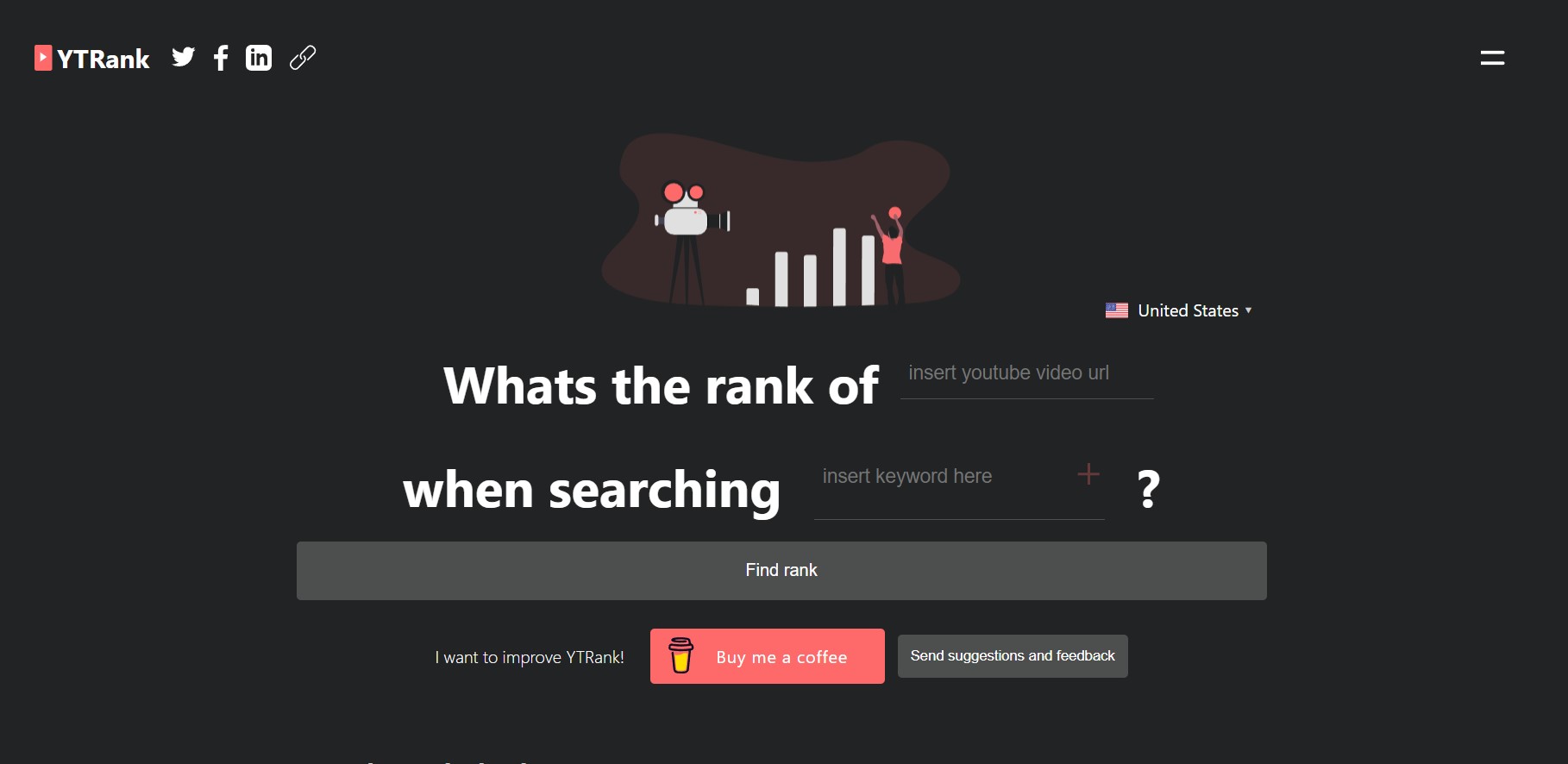
YTRank does exactly one thing. Paste a video URL, add your keywords, pick a country, and it reports the position and the results page the video landed on. No dashboard, no onboarding, no upsell. It is the tool you open when you want an answer rather than a subscription.
Key features
- Checks a video position for a target keyword in seconds
- Country selection, so you can see how results differ by region
- Reports both the position and the page number
- Nothing to install and no browser extension required
- Free to use
Pricing: free.
Best for: one-off checks, and sanity-testing a number a paid tool has given you.
Not ideal for: tracking over time. There is no history, no alerting and nothing to export.
Ahrefs: research what to make, not just where you rank
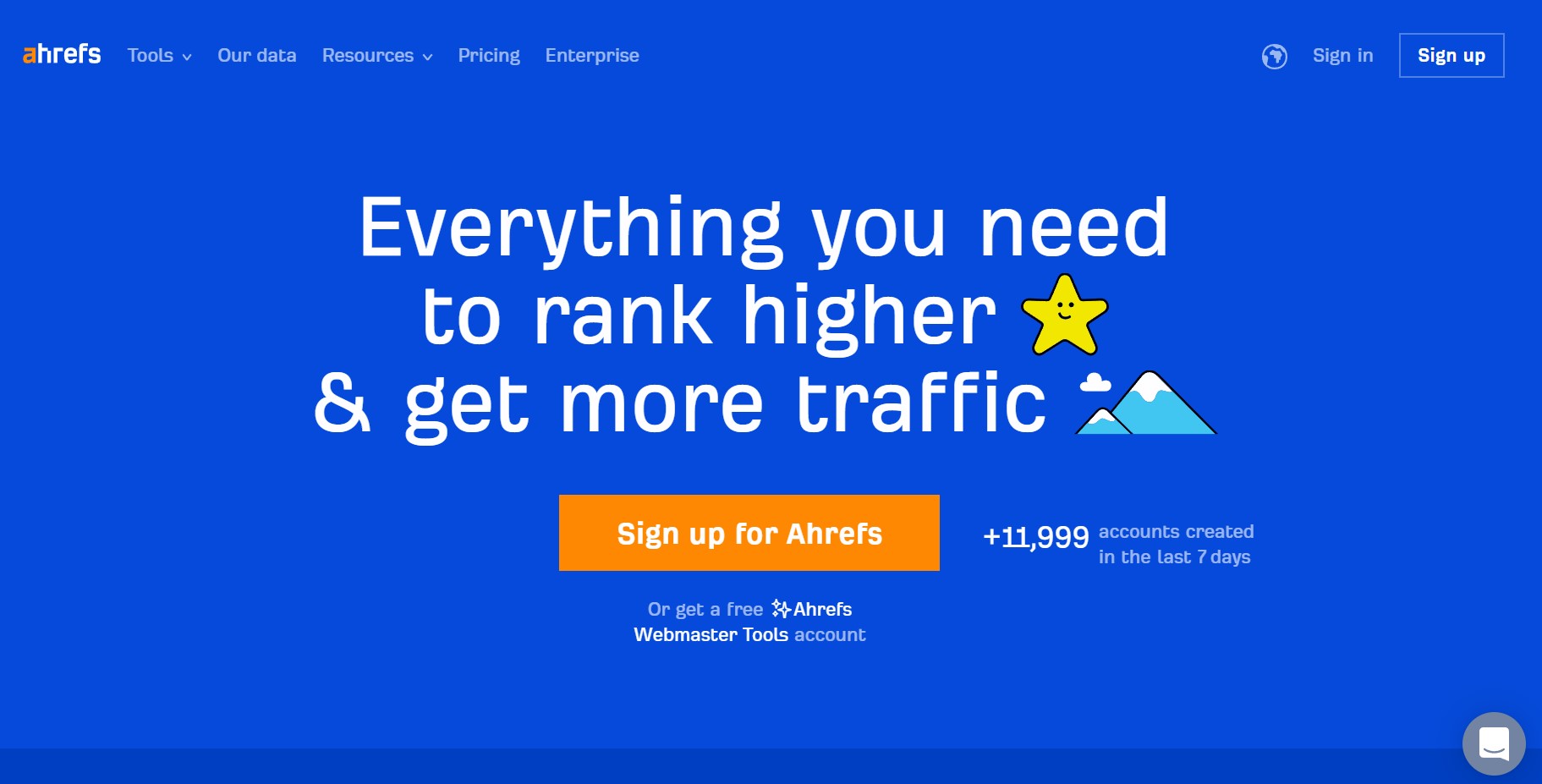
Ahrefs is the strongest tool here for the decision you make before you film anything. Its YouTube keyword data shows what people search for and how many of those searches actually turn into clicks, which is the number that decides whether a video idea is worth the weekend.
Key features
- YouTube keyword research with volume, clicks and clicks-per-search data
- Global and country-level search demand for the same term
- Keyword ideas reports for finding adjacent topics
- SERP history, so you can see how a result set has shifted over time
- Content gap analysis against competing channels
Pricing: subscription tiers from a solo plan up to enterprise, all premium priced, with a handful of limited free tools available without an account. Check the Ahrefs pricing page.
Best for: planning a content calendar around real search demand.
Not ideal for: day-to-day rank monitoring on a single channel. That is not where the money goes.
YouTube Analytics: free, and the only data guaranteed to be true
Every other tool on this list estimates. YouTube Analytics does not, because it is your own data straight from the source. Start here, learn what your traffic actually does, then add a third-party tool for the one thing YouTube will never show you: where you sit against everybody else.
Key features
- Real watch time, impressions, click-through rate and audience retention
- Traffic source breakdown, including how much comes from YouTube search
- The actual search terms bringing viewers to each video
- Audience overlap, showing what else your viewers watch
- Revenue reporting for monetised channels
Pricing: free with any YouTube channel.
Best for: everyone. This is the baseline, not an optional extra.
Not ideal for: competitor research or rank position, because it only ever reports your own numbers.
Rank Tracker: buy it once instead of renting it
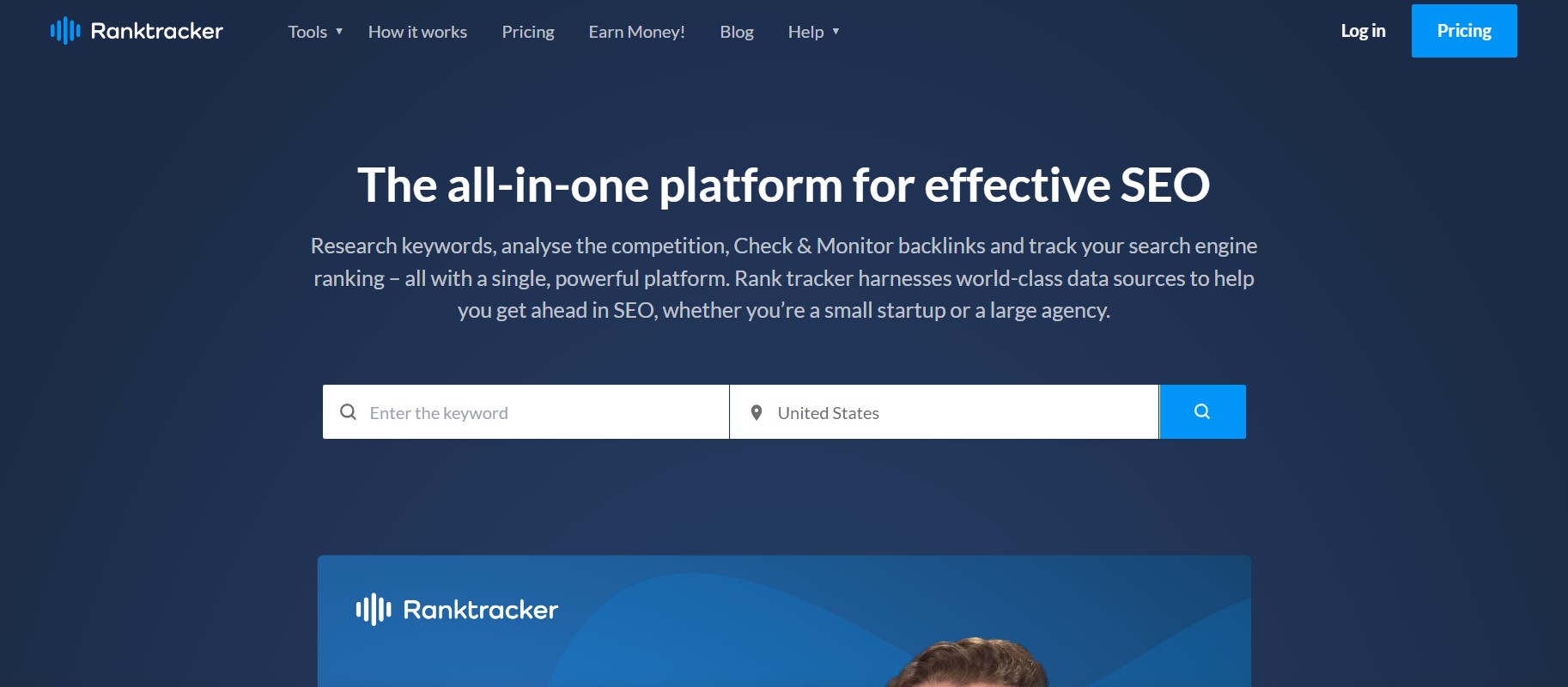
Rank Tracker is part of the SEO PowerSuite bundle and it is desktop software rather than a web app. Your data lives on your own machine and you buy a licence instead of paying every month, which suits creators who resent subscriptions and do not mind leaving a program running while it collects data.
Key features
- Tracks video rankings across Google and YouTube, including local results
- Pulls keyword ideas from YouTube own autocomplete suggestions
- Competition and expected traffic metrics for each keyword
- Visibility progress charts over time
- Customisable, exportable SEO reports
- A free version with generous keyword limits, though it cannot save projects between sessions
Pricing: free version plus paid licences bought per year, which works out unusually cheap next to the subscription tools here. Confirm current licence pricing on the SEO PowerSuite site.
Best for: solo creators who want to own a tool outright rather than rent it forever.
Not ideal for: teams. Desktop software makes sharing and collaboration awkward.
Frequently Asked Questions
Do I need a paid YouTube rank checker, or is the free tier enough?
For most creators under about 10,000 subscribers, free is enough. YouTube Analytics plus the free tier of VidIQ or TubeBuddy covers your own performance data and basic keyword scoring. Paid plans start making sense when you are tracking a lot of keywords over time, managing several channels, or reporting to someone who expects a document.
Which YouTube rank checking tool is best for a beginner?
YouTube Analytics first, because it is free, built in and shows real numbers rather than estimates. Add the free VidIQ extension second, since it puts keyword scores in front of you while you are writing titles and tags. Skip the premium SEO suites entirely until your channel has enough traffic for the data to mean anything.
VidIQ vs TubeBuddy: which one should I pick?
Pick one, not both, because their research features overlap heavily. VidIQ is stronger for day-to-day keyword scoring and competitor watching as you upload. TubeBuddy is stronger if you have a large back catalogue that needs bulk edits to cards, end screens and descriptions. Both have free tiers, so run each for a fortnight before paying.
Why do two tools show different rankings for the same video?
Because there is no single true ranking. YouTube personalises results by watch history, location, language and device, so every viewer sees a slightly different order. Rank checkers report a neutral, logged-out position from a specific country. Different tools query from different places at different times, so small gaps are normal and expected.
Can I cancel these subscriptions at any time?
The monthly plans on these tools are generally cancellable at any point and run to the end of the billing period. Annual plans are the ones to be careful with, since the discount usually comes with a commitment. Refund windows vary by vendor, so read the terms on the checkout page rather than assuming.
Is a YouTube rank checker actually worth paying for?
It is worth paying for when it changes a decision you would otherwise get wrong, such as which topic to film next or which old video to re-optimise. It is not worth paying for if you only ever look at the dashboard and feel good or bad about the number. Be honest about which of those describes you.
How often should I check my YouTube rankings?
Weekly is plenty for most channels, and monthly is fine for slower niches. Rankings move daily for reasons you cannot control, so checking every day mostly produces anxiety rather than insight. The useful pattern is a direction of travel over four to six weeks, not yesterday against today.
Which one should you actually pick?
If you are a solo creator growing a channel, open YouTube Analytics today and add VidIQ on its free tier. That combination costs nothing and covers most of what you need. If your channel already has a few hundred videos, TubeBuddy earns its keep through bulk editing alone. If you are an agency reporting to clients, AccuRanker for accuracy or Semrush if it is already on the invoice. If you simply want to know where one video sits right now, YTRank answers that in under a minute for free.
One warning before you buy anything. No third-party tool sees the ranking that matters, which is the personalised result your actual viewers get. These tools report a neutral, logged-out position that nobody really sees. Use them to spot direction and compare against competitors, not as gospel, and never let a tracked position override what your own retention and click-through data is telling you.
Your next step: pick your five most important keywords, check where your best video currently ranks for each one, and write those numbers down. Without that baseline, no tool on this list can tell you whether anything you do next is working.




