Half the VPN roundups you’ll read are written by companies that own the VPNs they recommend. That’s not a conspiracy theory, it’s public ownership records.
So this list does something different. Every provider gets its ownership, jurisdiction and audit history stated in plain text, because for remote work that matters more than server counts.
Here are the best VPNs for remote work in the USA, ranked by what we’d actually trust with a work laptop.
Why this matters more for remote workers
A VPN on a work laptop is not a privacy toy. It’s the encrypted layer between your company’s data and whatever network you happen to be on, which on a Tuesday might be an airport, a co-working guest SSID or your neighbour’s unsecured router.
It also becomes a single point of failure. Everything you do routes through one company’s servers. If that company logs, leaks or gets acquired by somebody with a bad history, you have made the problem worse, not better. That’s why the ownership section under each pick is the part worth reading twice.
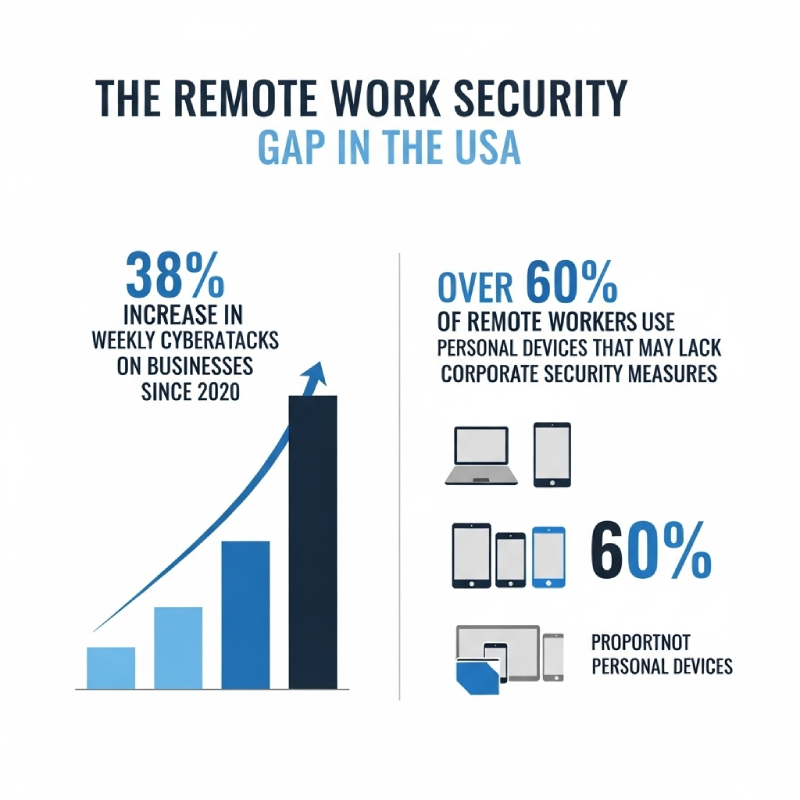
One thing a VPN does not do: replace your company’s own access controls. If your employer runs its own corporate VPN or a zero-trust gateway, use that for work systems and treat a consumer VPN as protection for everything else. Pair it with a proper password manager and MFA, which stop far more real attacks than encryption does.
Quick answer
Our picks at a glance
- Best overall for remote work Proton VPN Swiss jurisdiction, independent ownership, open-source apps, published audits. The one with the least to explain away.
- Best speed and features NordVPN Fastest of the mainstream options in most tests, with the deepest feature set. Disclosed a 2018 server breach, and fixed it.
- Best value for a whole household Surfshark Unlimited devices on one subscription, around $2 a month on a long plan. Same parent company as NordVPN.
- Best for team deployments Private Internet Access Open-source apps, per-setting control, no-logs claim tested in US court. Kape-owned, which you should factor in.
- Skip unless you have a reason PrivateVPN and VyprVPN Small networks and, in VyprVPN’s case, a move from Swiss to US ownership in 2023.
- Ownership and jurisdiction stated for every pick
- Long-plan prices checked July 2026
- No provider is listed purely because it pays the highest commission
- VPN promotional pricing changes weekly, so always verify at checkout
- Renewal rates are far higher than the headline first-term price
If you want one answer and no homework: Proton VPN for trust, NordVPN for speed, Surfshark if you are covering a family as well as a laptop.
What actually matters when you pick one

Most buying guides list fifteen criteria. Five of them decide the outcome.
- Who owns it, and where. A no-logs promise is only as good as the company and the legal system behind it. Check ownership before you check speed.
- Independent audits. Not a self-published whitepaper. A named firm, a dated report, and ideally a repeat engagement rather than a one-off.
- WireGuard support. Every provider worth using now offers WireGuard or a fork of it. On a video call, the protocol matters more than the server count.
- A kill switch that works on your OS. Test it. Disconnect the VPN mid-upload and watch whether traffic keeps flowing. Plenty of apps ship a kill switch that quietly fails on macOS or mobile.
- Renewal pricing. The $2 a month you see is a first-term promotion. Year two is usually two to four times higher. Diarise the renewal date the day you subscribe.
Things that matter far less than the marketing suggests: total server count, number of countries, and any claim involving the phrase military-grade. Everyone uses AES-256 or ChaCha20. It is table stakes, not a feature.
The best VPNs for remote work in the USA 2026
Long-plan prices below were checked in July 2026 and move constantly. Treat them as a band, not a quote.
Proton VPN: the one with the least to explain
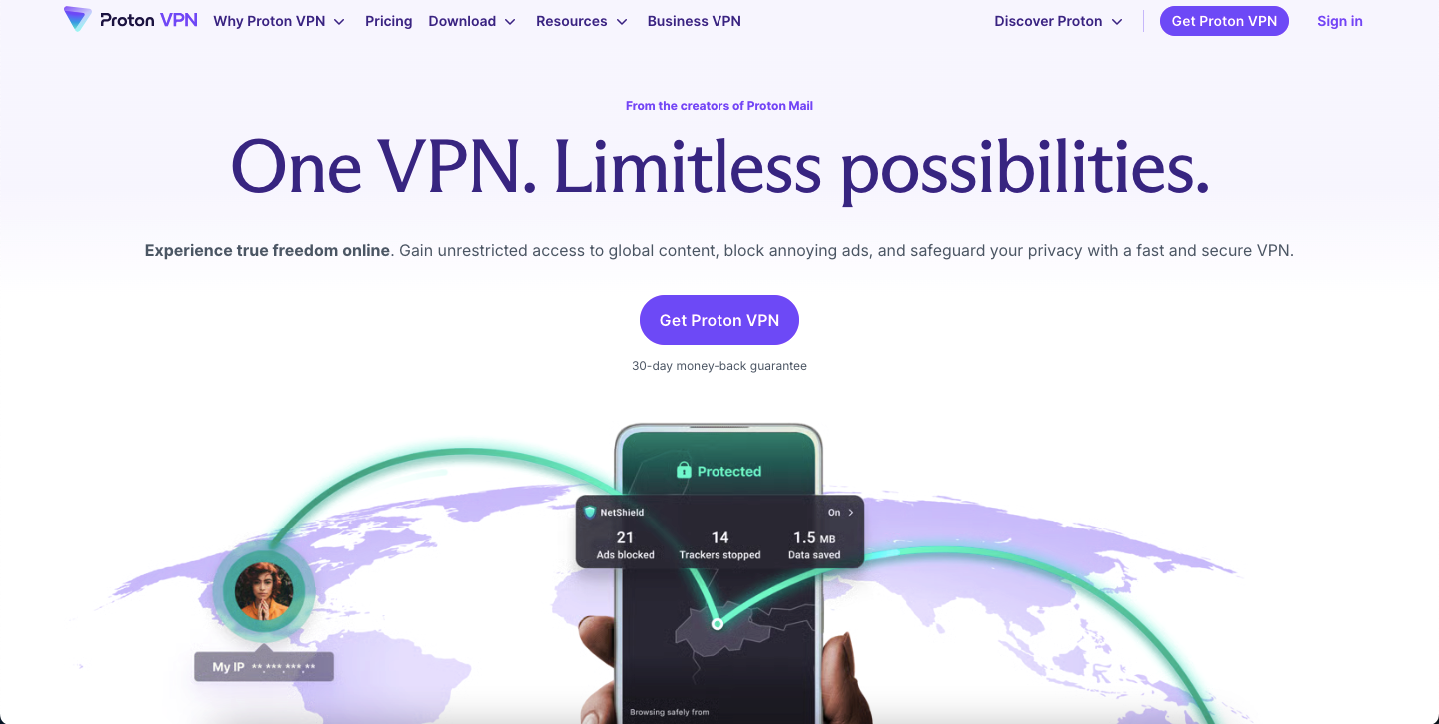
Proton VPN is run by Proton AG in Switzerland, is not owned by a holding company that also owns review sites, and publishes its app source code. For a work device, that combination is the whole argument.
- Why it wins: Swiss jurisdiction outside the Five Eyes, open-source apps on every platform, repeated independent audits, and Secure Core routing that sends your traffic through a Proton-controlled server before it exits.
- Price: around $3 a month on a two-year VPN Plus plan, roughly $10 month to month.
- Free tier: yes, and it is the only genuinely trustworthy free VPN we recommend. One device, a handful of countries, no ads, no data cap.
- Best for: anyone handling client data, journalists, and people who want to stop thinking about this.
- Not ideal for: the absolute cheapest option, and Secure Core costs you real speed when you enable it.
NordVPN: fastest of the big names
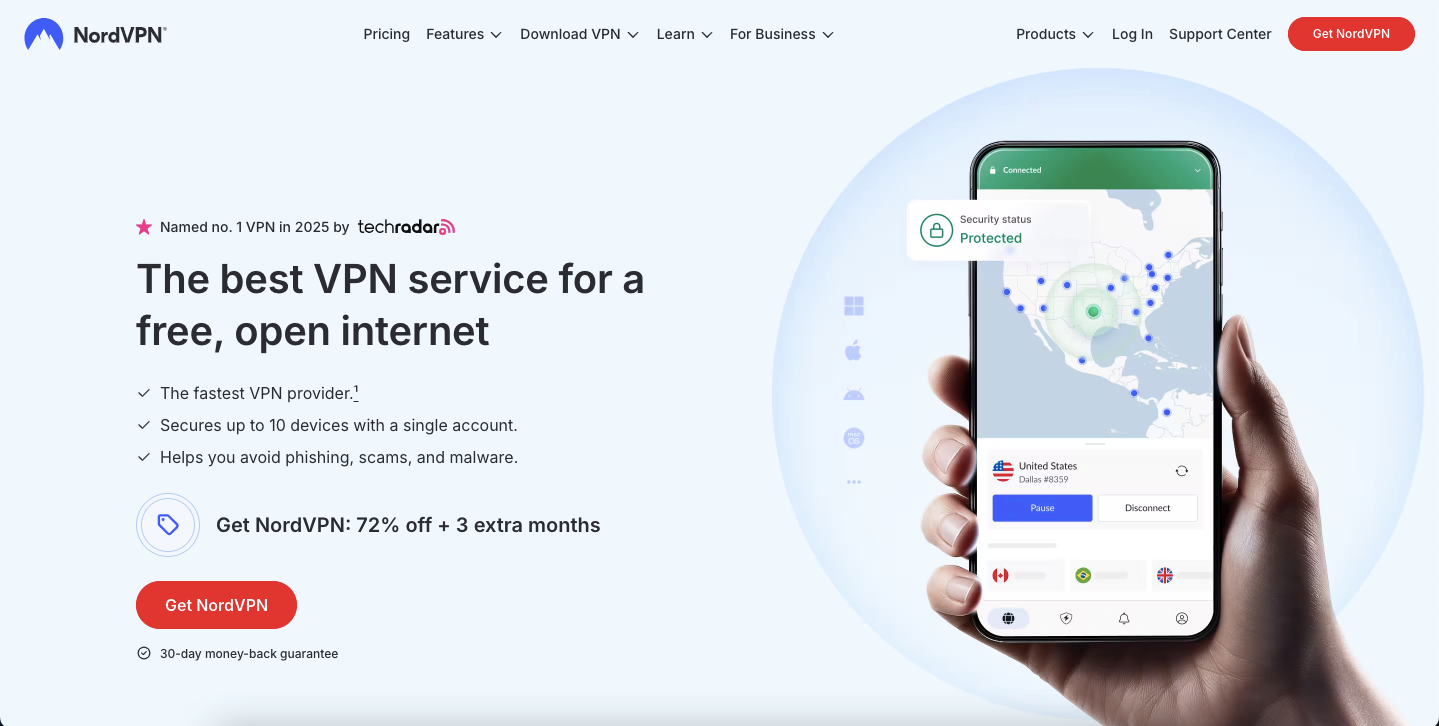
Nord Security is based in Lithuania with a Panamanian holding structure, and NordVPN is consistently at or near the top on speed thanks to NordLynx, its WireGuard implementation. Threat Protection blocks trackers and malicious domains at the DNS layer, which is genuinely useful on a work machine.
The honest caveat: in 2019 NordVPN confirmed that one rented server in Finland had been breached in March 2018 through a datacentre provider’s insecure management tool. No user credentials or activity were exposed, but disclosure took over a year. The response since has been serious, including moving to diskless RAM-only servers and repeated no-logs audits.
- Price: from about $3 a month on a two-year plan, around $13 month to month.
- Best for: video calls, large file transfers, and anyone who wants the fewest speed complaints.
- Not ideal for: people who want a provider with no incident history at all.
- Read our full NordVPN review before you commit to a multi-year plan.
Surfshark: unlimited devices, one bill
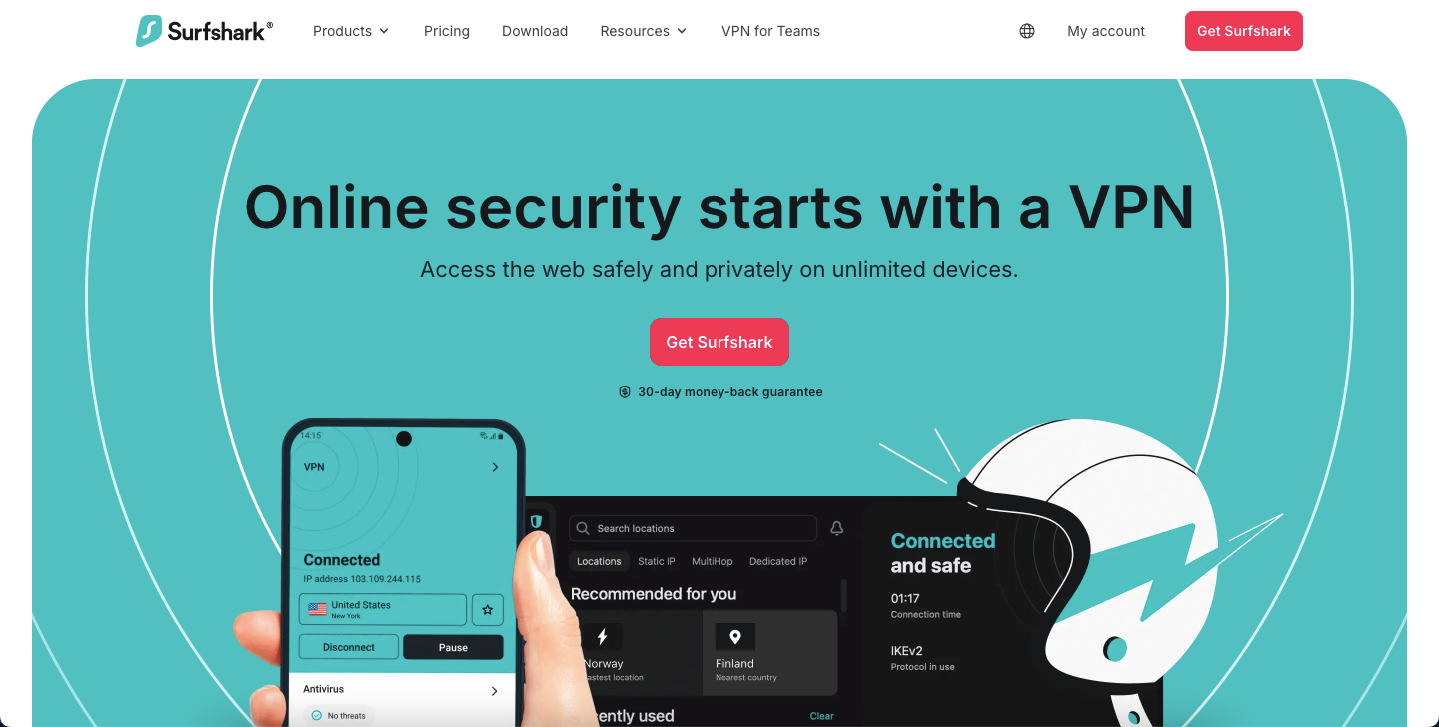
Surfshark’s pitch is simple and hard to beat: unlimited simultaneous connections. One subscription covers your laptop, your phone, your partner’s devices and the family tablet, which is exactly the shape of a real remote-work household.
Worth knowing: Surfshark merged with Nord Security in 2022. The two brands run separately, but if you are diversifying deliberately, they are not independent choices.
- Price: around $2 a month on a long plan, the cheapest credible option here.
- Extras that earn their place: CleanWeb ad and tracker blocking, MultiHop, and rotating IP.
- Best for: covering a whole household or a small team on one bill.
- Not ideal for: anyone who wants their VPN to be corporately unrelated to NordVPN.
- Full breakdown in our Surfshark VPN review.
Private Internet Access: the configurable one
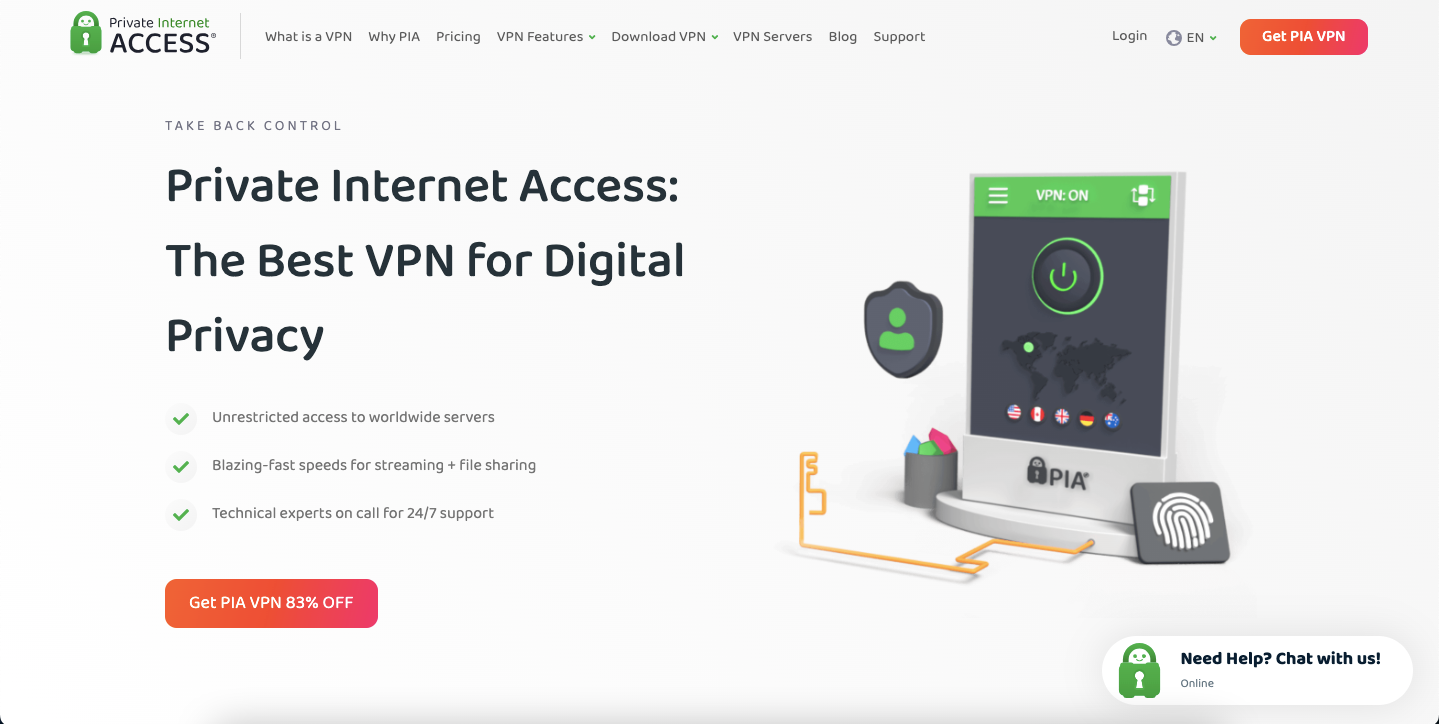
PIA gives you more switches than anyone else: encryption strength, protocol, port, MACE DNS blocking, per-app split tunnelling. It is the pick for people who want to configure rather than trust defaults, and its apps are open source.
Its no-logs claim has been tested the hard way. In US court proceedings, PIA has repeatedly produced no usable user data because it had none to produce. That is stronger evidence than any audit.
The caveat is ownership. PIA was acquired by Kape Technologies in 2019, and Kape also owns ExpressVPN, CyberGhost and ZenMate, plus a set of VPN review websites that rank Kape’s own products highly. Kape’s predecessor, Crossrider, had a history in ad injection. Nothing has been found wrong with PIA’s product since; you are being asked to trust a group with a past.
- Price: around $2 a month on a long plan, near $12 month to month.
- Best for: technical users, and US-based teams that want lots of US exit locations.
- Not ideal for: anyone whose threat model includes distrust of holding companies.
ExpressVPN: polished, and Kape-owned
ExpressVPN has the most forgiving apps of any provider here, works reliably in places other VPNs get blocked, and its TrustedServer architecture runs servers from RAM so nothing persists on disk. Lightway is fast and has been independently audited.
Two things to weigh. It is owned by Kape Technologies, the same group behind PIA and CyberGhost. And in 2021 its then-CIO was named in a US Department of Justice deferred prosecution agreement relating to Project Raven, hacking work carried out for the UAE. ExpressVPN kept him on at the time. Neither fact means the product leaks. Both are things a buyer deserves to know before spending three years’ subscription up front.
- Price: from roughly $2.50 a month on a two-year Basic plan, around $13 month to month.
- Best for: non-technical colleagues who need it to just work, and travel to restrictive countries.
- Not ideal for: the trust-first buyer, or the budget buyer.
- More detail in our ExpressVPN review.
CyberGhost: beginner-friendly, same parent
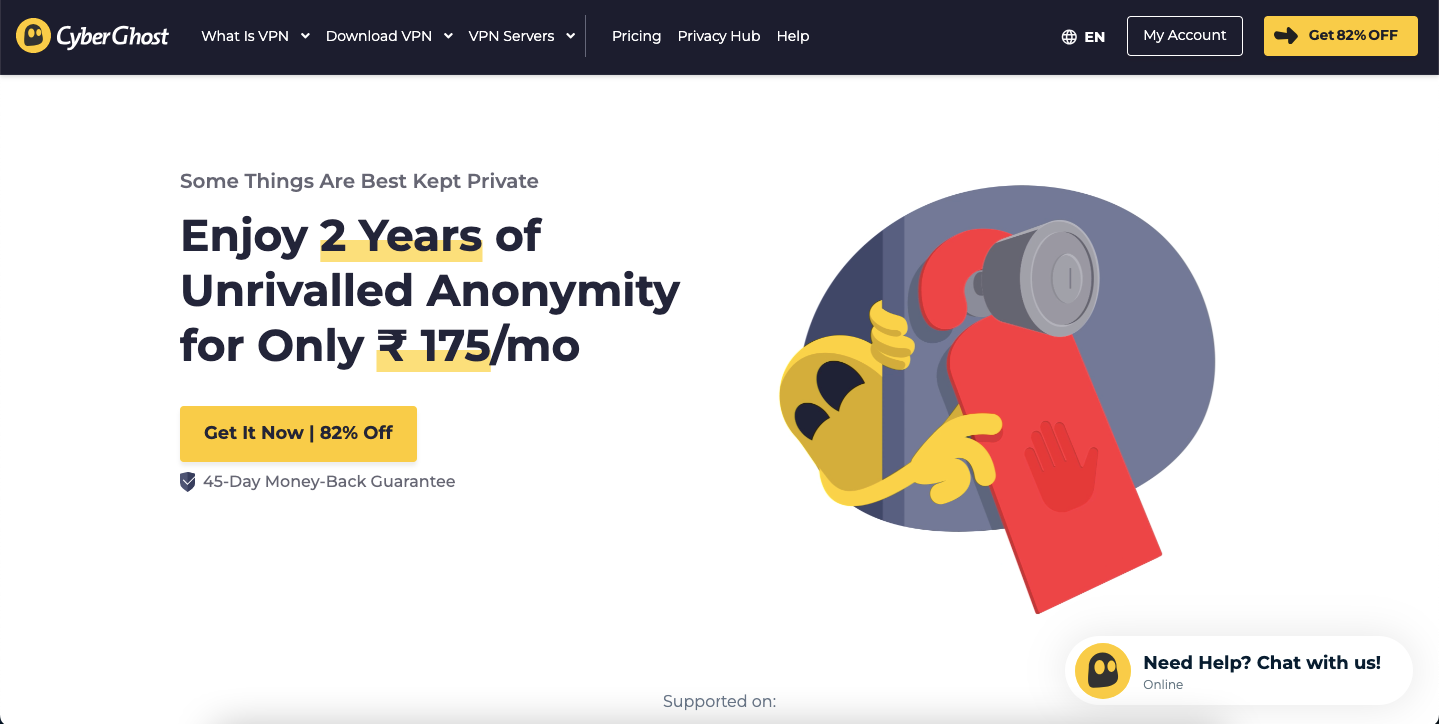
CyberGhost is the easiest of these to hand to somebody who has never used a VPN. Purpose-labelled servers, one-click connect, a built-in ad and malware blocker, and a 45-day money-back window that is the most generous in the industry.
It is also Kape-owned, acquired back in 2017, and it publishes a transparency report. Speeds are decent rather than class-leading, and connection stability is the most common complaint in user reviews.
- Price: around $2 a month on the longest plan, near $13 month to month.
- Best for: first-time VPN users and anyone who wants a long refund window to test properly.
- Not ideal for: heavy video calls where the extra latency shows.
IPVanish: US-based, with history to read first
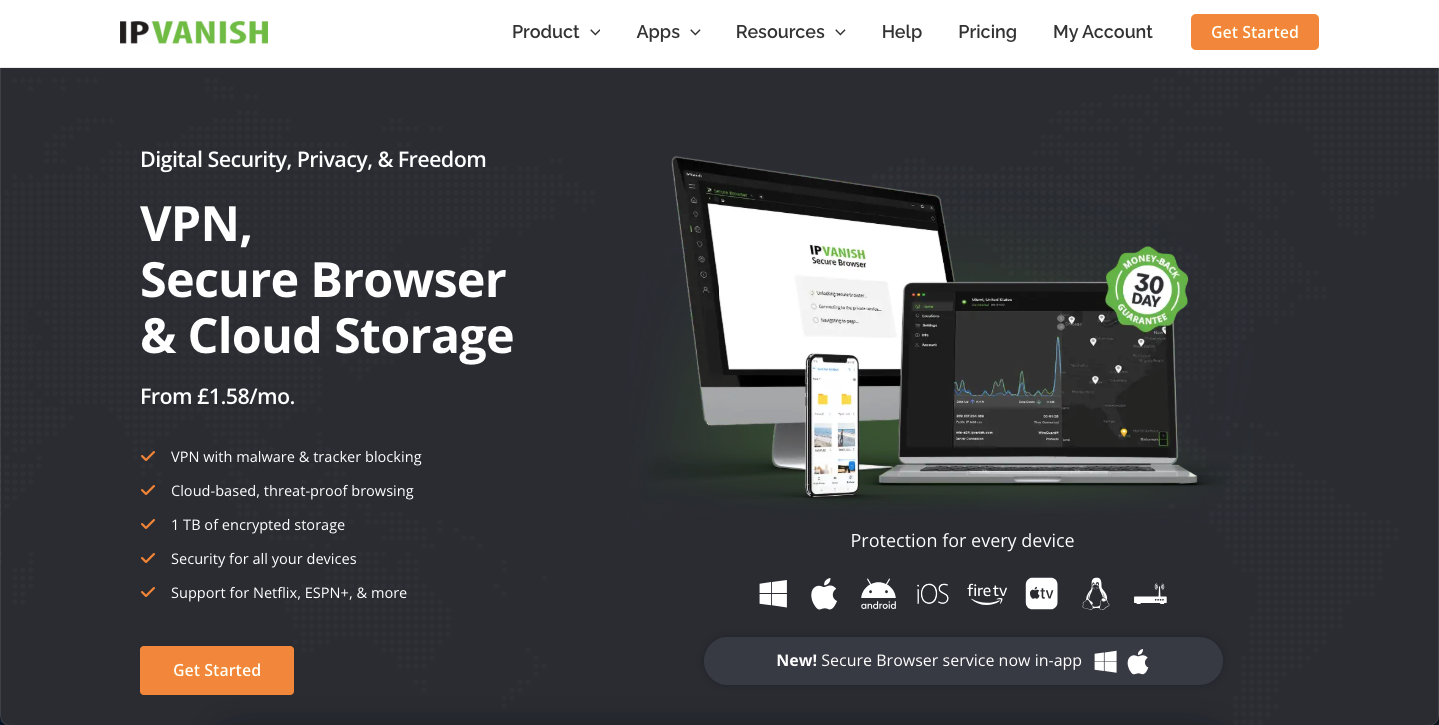
IPVanish offers unlimited simultaneous connections, owns a good chunk of its own network, includes a SOCKS5 proxy, and is now part of Ziff Davis. Performance in the US is strong, which is the point for a US-focused list.
The history matters here. In 2016, under different ownership, IPVanish handed user logs to US authorities despite advertising a no-logs policy. Ownership has changed twice since and the company has published no-logs audits, but that is the single loudest reason a privacy-first buyer skips it. Being US-based means US legal process applies directly, with no Swiss or Panamanian buffer.
- Price: from about $2 a month on a long plan.
- Best for: US remote workers who mainly want speed and device count, not maximum privacy.
- Not ideal for: anyone whose reason for buying a VPN is legal jurisdiction.
Two we would think twice about
Both of these still exist and still work. Neither is our recommendation, and we would rather say why than quietly pad the list.
PrivateVPN
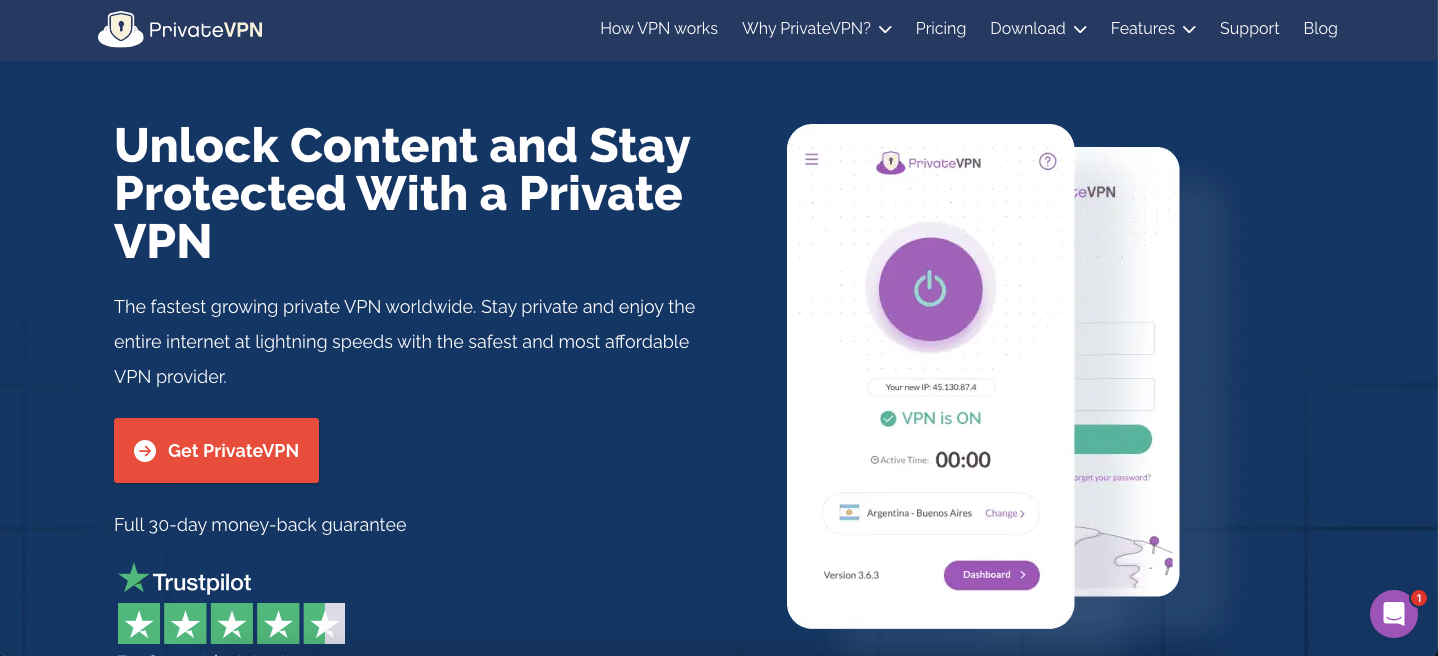
A small Swedish provider with a loyal following, WireGuard and OpenVPN support, and a Stealth mode for restrictive networks. Its network is a fraction of the size of everyone else’s, which shows up as fewer nearby exit points and more variable speeds during peak hours. Support is personal and good. The company simply does not have the scale or the audit cadence of the names above, and for a work device that is a fair reason to pass.
VyprVPN
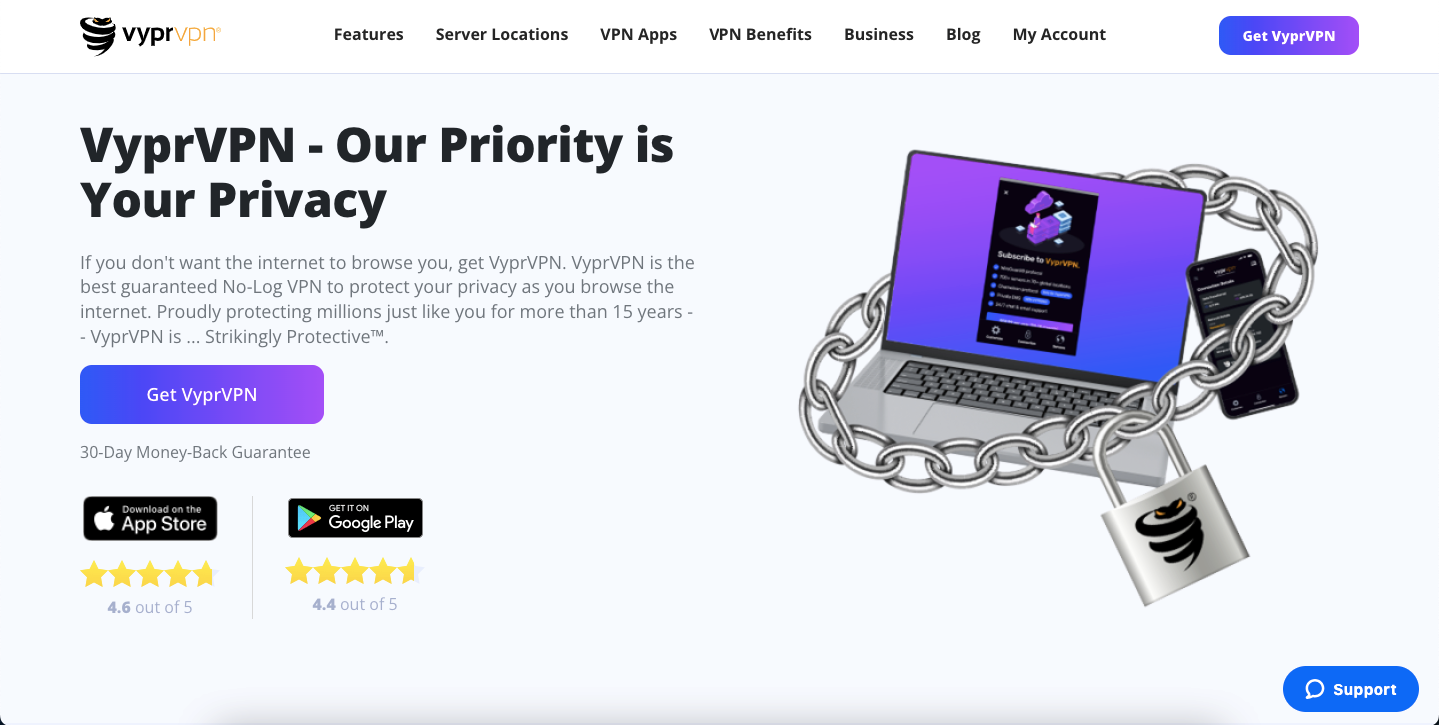
VyprVPN’s Chameleon protocol is still one of the better tools for getting through aggressive network filtering, and the company historically owned its own infrastructure rather than renting. The reason it drops off our recommended list is ownership: in 2023 VyprVPN moved from Golden Frog in Switzerland to Certida in Texas. A Swiss privacy pitch that becomes a US company is a material change, and the product went quiet for a stretch around the handover. If Chameleon solves a specific problem for you, fine. Otherwise there are better options at the price.
Side by side
| Feature |
Best for remote workProton VPNBest for: Trust and jurisdiction |
NordVPNBest for: Speed and features |
SurfsharkBest for: Unlimited devices |
Private Internet AccessBest for: Configurability |
|---|---|---|---|---|
| Long-plan price (approx, July 2026) | ~$3/mo | ~$3/mo | ~$2/mo(winner for this row) | ~$2/mo |
| Jurisdiction | Switzerland(winner for this row) | Lithuania / Panama | Netherlands | United States |
| Independently owned NordVPN and Surfshark share a parent. PIA is owned by Kape Technologies. | Yes(winner for this row) | No | No | No |
| Open-source apps | Yes | No | No | Yes |
| Free tier | Yes(winner for this row) | No | No | No |
| Simultaneous devices | 10 | 10 | Unlimited(winner for this row) | Unlimited |
| Money-back window | 30 days | 30 days | 30 days | 30 days |
| Ad and tracker blocking built in | Yes | Yes | Yes | Yes |
We may earn a commission when you buy through links on this page. This does not affect our reviews.
Prices and promotions change weekly. Verify at checkout, and check what the renewal price is before you agree to anything longer than a year.
How a VPN actually helps you get work done

Skip the marketing framing. There are four honest productivity wins:
- You can use hotel and cafe Wi-Fi without wincing. That is the main one, and on its own it justifies the cost.
- Some corporate tools stop blocking you. Connecting from a US exit node keeps region-locked internal dashboards and licences working while you travel.
- Your ISP stops shaping your traffic. Occasionally this makes large uploads faster rather than slower.
- Fewer trackers and malicious domains if you turn on the provider blocklist, which cuts page weight as a side effect.
And one honest downside: routing through an extra hop always costs some latency. On a WireGuard connection to a nearby server it is small enough to ignore. On a MultiHop or Secure Core route across continents it is not, and your video calls will show it. Use the heavy modes when you need them, not by default. If you are still unsure whether the subscription is worth it at all, we argued both sides in why you need a VPN.
Frequently Asked Questions
Does a consumer VPN replace my company VPN?
No. If your employer runs a corporate VPN or a zero-trust gateway, that is what reaches internal systems, and IT will usually want it to be the only thing that does. A consumer VPN protects the other 80% of your traffic, and running both at once often breaks one of them, so connect to the corporate one last.
Which VPN is genuinely fastest for video calls?
NordVPN is the most consistent performer across independent testing, mostly because NordLynx is a well-tuned WireGuard build. Proton VPN and Surfshark are close enough that you would not notice on a call. Anything routing through MultiHop or Secure Core will add latency you can feel, whichever provider you use.
Is a free VPN safe for work?
Almost never. Free providers monetise somehow, and the usual mechanism is selling traffic data or injecting ads, which is the exact opposite of what you bought it for. The one exception worth naming is Proton VPN’s free tier, which has no data cap, no ads and the same audited infrastructure as the paid plans.
Does using a VPN make my company GDPR or HIPAA compliant?
No, and any provider implying otherwise is overselling. Encryption in transit is one control among dozens. Compliance covers access management, data retention, breach notification, vendor contracts and staff training. A VPN helps with one line of that checklist.
Why is the renewal price so much higher than the price I paid?
Because the headline figure is a first-term promotion, usually on a two or three-year commitment. Renewal typically lands two to four times higher, and it auto-renews. Put the renewal date in your calendar the day you subscribe, and re-shop it then. Loyalty is not rewarded in this market.
Should I care who owns my VPN provider?
Yes, more than you should care about server counts. ExpressVPN, CyberGhost and Private Internet Access are all owned by Kape Technologies, and NordVPN and Surfshark share a parent company. None of that proves misbehaviour, but if you are picking a VPN specifically to avoid trusting one entity with everything, you should know when two options are the same entity.
Has any of these providers actually been caught logging?
IPVanish handed logs to US authorities in 2016 while advertising a no-logs policy, under previous ownership. Private Internet Access has repeatedly been unable to produce user data in US court cases, which is the strongest evidence available that its no-logs claim holds. Audits are useful, but a subpoena is the real test.
Can I use one subscription across my laptop, phone and tablet?
Surfshark and Private Internet Access allow unlimited simultaneous connections, so one subscription genuinely covers a household. Proton VPN and NordVPN cap at ten devices, which is still plenty for one person. Install it on the router only if you understand what that does to devices you did not intend to route.
The bottom line
If you want the safest default for a work laptop, get Proton VPN. Swiss jurisdiction, independent ownership, open code and a free tier you can test today mean there is nothing to explain away.
If speed on calls is your bottleneck, NordVPN is the fastest of the mainstream VPNs for remote work. If you are covering a family as well as yourself, Surfshark at roughly $2 a month with unlimited devices is the value pick.
Whichever you choose, buy the shortest plan you are comfortable with, test the kill switch on your own machine in the first week, and set a calendar reminder for the renewal. That last step will save you more money than picking the cheapest provider ever will.